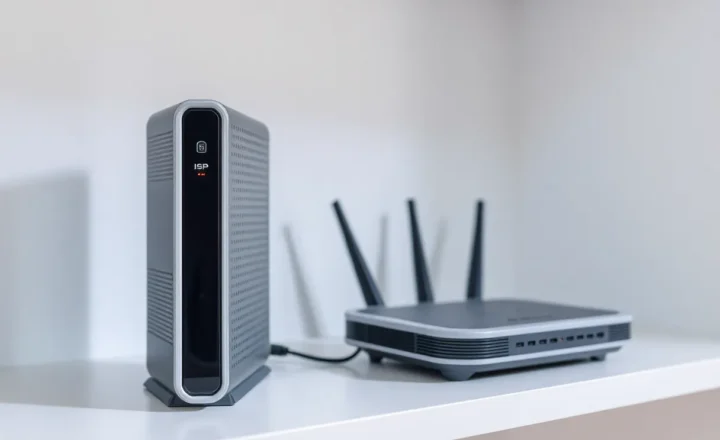
Guest VLAN vs IoT VLAN on One Router: The Isolation That Breaks Chromecast

Grace Lin
September 18, 2026
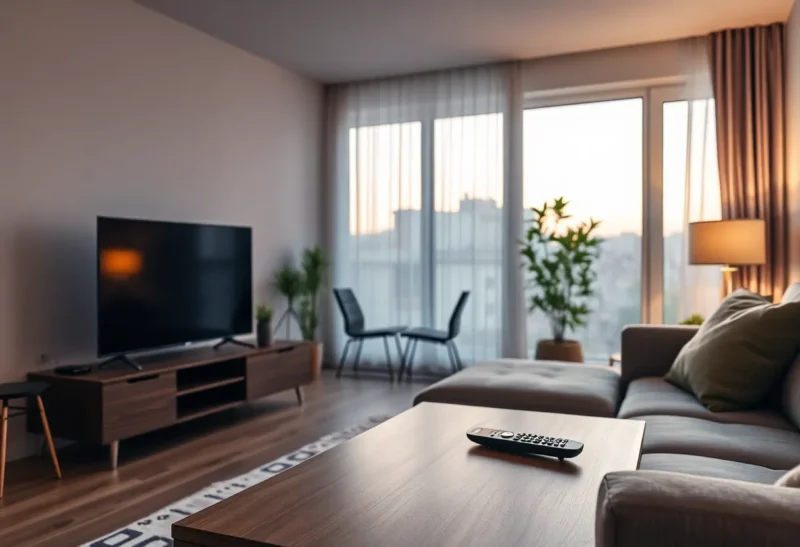
I put the Chromecast on the guest network because a blog said “untrusted devices go on guest.” The phone on the house SSID could not see it. I put the Chromecast on the IoT VLAN because the next blog said guest is for humans. The phone still could not see it. I turned on “mDNS repeater” and “client isolation” in the same hour, which is how you run two experiments and blame Google.
Guest and IoT are not two names for “not LAN.” Guest is a holding pen for people you do not want in your files. IoT is a holding pen for radios you do not want in your files, but that your phone and Home Assistant still have to discover. Chromecast lives in the discovery gap. Isolation that is correct for a visiting laptop is how a TV becomes a brick with a pretty LED.
One router, three intents
On a single OpenWrt box, a UniFi Dream Machine, OPNsense plus an AP, or even an ASUS with “guest” and a VLAN-aware AP, I want three intents, not three vibes:
- LAN: laptops, phones I own, printers I accepted, the NAS.
- Guest: humans with devices I will not touch. Outbound internet. No path to LAN. Client isolation on if I can stand it.
- IoT: plugs, bulbs, a cheap camera I should not have bought, speakers, the Chromecast. No path to the NAS. A path to the internet only if the device is useless without it. A path from LAN to the device, and usually some multicast between LAN and IoT.
The consumer “guest network” toggle often means: isolated from LAN and isolated from other clients on the same SSID. That second clause is why a phone on guest cannot cast to a dongle on guest either. People then move the dongle to LAN and call VLANs a fad.
What Chromecast actually needs
Google Cast discovery is mDNS on 5353, plus the phone talking to the dongle on a real unicast port after it finds the address. If the phone and the Chromecast do not share a broadcast domain, something has to repeat the mDNS. If the AP also drops client-to-client on that SSID, unicast after discovery still dies. I have had “the TV shows up then fails to connect,” which is the reflector working and the isolation still on.
Spotify Connect, AirPlay, and some Rokus are the same family of problem with different ports. I test with the phone on LAN and the dongle on IoT. I do not test with the phone on guest. Guest should not cast to the house TV. If a visitor needs the TV, I hand them the remote or I put a dedicated “cast” SSID that is actually IoT with a password I will rotate, not Guest.
Home Assistant talking to a Cast device has the same multicast need. HA on LAN, Chromecast on IoT, no reflector: HA will say the entity is unavailable after a restart. That is not a mesh dying. That is you succeeding at isolation.
Why guest and IoT get smashed together
One router. Two extra SSIDs is already a lot for a family. The UI offers Guest and maybe IoT. People put TVs on Guest because “guests watch TV.” Then they enable every isolation checkbox because a checklist said so. Then they add an mDNS toggle because a different checklist said so. The checkboxes win in a random order depending on firmware.
On UniFi, guest policies and mDNS are easy to leave in a state where IoT is treated like guest. On OpenWrt, option isolate 1 on the IoT SSID plus a missing Avahi reflector is the same bug with more SSH. On a single ASUS, “guest” may not be a VLAN at all — it may be a software AP with isolation and a firewall rule. Moving that to a real VLAN later is when Chromecast “breaks again” because you finally isolated layer 2 and nobody turned on a repeater.
I keep guest boring: internet, isolation, maybe a bandwidth cap, no mDNS into the house. I keep IoT slightly leaky on purpose: firewall LAN→IoT allowed for the ports I listed, IoT→LAN denied except return traffic and the HA/mqtt exceptions I wrote down, mDNS reflector on, isolate off on the IoT SSID so two speakers can see each other if they must.
The firewall list I actually write
IoT to WAN: allow DNS to the Pi-hole (or intercept it), allow NTP, allow the vendor clouds I failed to get rid of. Deny IoT to LAN RFC1918. Allow established back.
LAN to IoT: allow. I used to make this a port list. I still try. Chromecast and a smart TV will invent a port. If I am tired, LAN→IoT is accept and I live with it. The win is still “the plug cannot open SMB to the NAS.”
Guest to LAN: deny. Guest to IoT: deny. That last one is how a visitor’s phone does not talk to the camera VLAN. It is also how their phone does not talk to the Chromecast. Good.
mDNS: repeat between LAN and IoT only. Not guest. Avahi on OpenWrt, the mDNS service on UniFi, or igmpproxy plus something I will regret. I have used smcroute. I have also rebooted the AP because multicast state is a ghost. When Cast dies after a firmware update, I ping the dongle from the phone’s subnet first. If ICMP works and Cast does not, it is discovery. If ICMP fails, it is the firewall or isolation, and the reflector will not save me.
Chromecast placement I will defend
Dongle on IoT. Phones on LAN. Reflector on. Client isolation off on IoT. Guest is for cousins.
If the TV’s built-in apps are worse than the dongle, the TV’s NIC can sit on IoT too. If the TV has a camera and a vendor account, IoT is not optional. If I cannot get Cast stable after a weekend, I put the dongle on LAN and I write that exception in the same note as the VLAN diagram, so I do not “fix” it back onto guest in six months.
A second router is not required for this. A second SSID is. People buy a mesh node to create isolation and then use the app’s guest toggle, which isolates everything, including the two devices that must kiss. One OpenWrt box with three SSIDs and four firewall rules has been enough in the apartments I have moved through. The dumb-AP story matters when roaming drops the IoT VLAN onto the LAN SSID. That is a different failure — the phone thinks it is on IoT and it is not, or the AP tags the wrong VLAN. On one router with no roam, you do not get that lie. You get the isolation lie instead.
Home Assistant is not a guest
HA needs to reach IoT. IoT should not reach the NAS. If you flatten those two sentences into “VLAN everything untrusted together,” you get guest-shaped IoT and a Cast that never comes back. If you flatten the other way — IoT on LAN because Chromecast — you get a Tuya plug on the same L2 as SMB. I have run both flattenings. The plug-on-LAN week was quieter for movies and louder for my blood pressure.
When isolation breaks Home Assistant more than it breaks a movie, the next question is usually the flat-LAN compromise, not another guest checkbox.
Printers, cameras, and the other “just put it on guest” devices
A printer on guest is how you walk to the USB cable. A printer on IoT with LAN→IoT allowed is how AirPrint joins the same mDNS story as Cast. A camera on guest is how you cannot view it from the couch without joining guest, which trains the family to live on the isolated SSID. Cameras go on IoT, view from LAN, no IoT→NAS. I have put a camera on LAN because the vendor app demanded multicast I never got working. I wrote that down as debt. I did not call it a guest network.
Smart speakers want the same discovery as Cast and they want a vendor cloud. IoT plus a WAN hole is the honest home. Guest plus a speaker is how a visitor triggers your shopping list.
Trade-offs I will not make pretty
Perfect isolation and Cast on one router is a multicast science project. Good-enough isolation is: guest really isolated, IoT blocked from LAN, LAN allowed to IoT, mDNS between those two, Chromecast off guest forever.
Client isolation is a guest feature. It is an IoT footgun. mDNS reflectors are an IoT feature. They are a guest leak if you point them at the visitor SSID.
I still let a visitor use the TV with a remote. I do not let their laptop browse to 192.168.10.3 because they wanted to cast. Those are different hospitality problems. The isolation that breaks Chromecast is usually the one I turned on because it had the word guest in the label. Read the label as a firewall intent, not as a room name. Then put the dongle where discovery can reach it, which is almost never the network you offer a stranger.