GPU Power Supply Transients: What Buyers Miss After Reading TDP

Marcus Feldmann
April 8, 2026
Graphics card shopping still begins with frames per dollar and ends with whether your case fits the cooler. Somewhere in the middle, people read a thermal design power (TDP) number and assume their power supply is “fine.” In practice, modern GPUs do not draw power like a steady light bulb. They spike—sometimes sharply—when shaders wake up, when boost clocks hunt for limits, and when game engines load assets in bursts. Those transients matter more than many 650 W labels admit.
This article explains, without electrical engineering pretension, what power supply transients are, why ATX 3.0 and 12VHPWR entered the conversation, and what you should actually verify before you buy a flagship card and hope for quiet gaming nights.
If you only remember one line: sustained wattage ratings describe averages; gaming is a sequence of spikes. Build for peaks, not for the number printed beside a marketing photo.
Why TDP is an incomplete story
TDP and similar ratings describe sustained expectations under representative workloads—not the worst-case millisecond behavior. GPUs are digital cities: some neighborhoods go dark while others throw a concert. Averages smooth the plot; power supplies must survive the peaks.
Boost algorithms complicate the picture further. Clocks rise until power, temperature, or voltage limits say stop. A cool case with aggressive fan curves can change draw profiles compared with a hot summer afternoon in the same hardware.
What a transient actually is
Think of transients as brief requests for extra current. Capacitors and the PSU’s control loop respond, but if the request is steep enough, voltage can sag until regulation catches up. Minor sag is normal; excessive sag causes instability—driver crashes, black screens, or spontaneous reboots that look like software bugs.
Transient behavior interacts with motherboard power delivery, cable resistance, and connector quality. The GPU is not the only actor; the entire path from wall socket to chip matters.
Why milliseconds matter to a digital machine
Modern GPUs pack millions of gates switching at high frequency. They do not sip energy uniformly; shader waves and memory traffic create micro-bursts. Your power supply and VRM network must deliver energy through inductors and capacitors that store and release charge on those timescales. If the supply side hesitates, the silicon side sees a brownout—sometimes shorter than a human blink, long enough to fault.
CPU spikes matter too
Pairing a hungry GPU with a bursty CPU can stack demands on the same 12V rail depending on platform design. Stress tests that hammer both together reveal issues that GPU-only benchmarks miss. If you stream, encode, and game simultaneously, you are not matching a lab scenario with a single component loaded.
ATX 3.0 and what changed in messaging
ATX 3.0 brought clearer expectations around GPU power excursions—how far and how fast load can swing—and introduced the 16-pin 12VHPWR interface on many new cards and PSUs. The goal is standardized communication and cabling that can handle modern spikes without smoke and mystery.
Adapters from older PSU connectors exist, but they add junctions and length—places where resistance and connector wear show up. If you use adapters, treat them as guilty until proven innocent in your specific case airflow and cable routing.
Seated connectors and “click” culture
High-current connectors reward full insertion. Partially seated plugs increase resistance and heat. When forums show melted connectors, root causes often include bends pulling plugs, inadequate clearance, or manufacturing variance—not necessarily “bad standards.” Route cables so tension does not walk a connector out over weeks of heat cycles.
What you gain from reading PSU reviews with oscilloscope plots
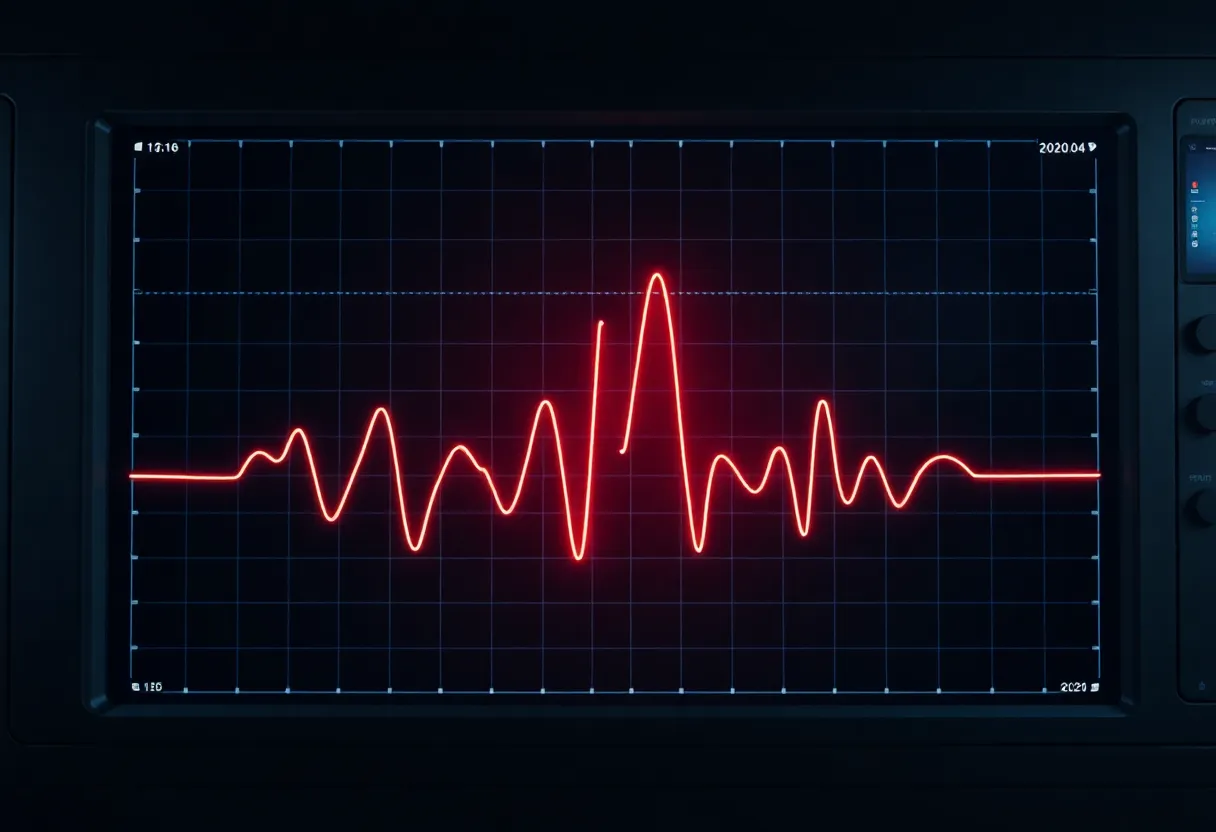
Reviewers with proper load testers and scope captures show voltage regulation under step loads—closer to transient reality than a wattage sticker. Look for overshoot, undershoot, and recovery time. Those plots translate into whether your GPU’s VRM sees friendly neighbors or a sloppy supply.
What to look for in a PSU beyond wattage
Quality over sticker watts. A solid 750 W unit can outperform a flaky 1000 W unit because regulation and protections matter.
PCIe power headroom and connector layout. Count cables and their gauge; long runs with thin wires drop voltage under load.
Transient tolerance ratings where disclosed. Some manufacturers publish excursion support; treat missing data as a reason to read deeper reviews with oscilloscope tests.
Cooling and fan strategy. PSUs derate when hot. Dust filters and carpet-adjacent intakes matter.
Single-rail vs multi-rail considerations
Consumer discussion often debates single 12V rails versus split OCP rails. For most desktop users with one powerful GPU, practical outcomes hinge on whether the PSU’s protection circuitry trips during legitimate transient loads—not on forum slogans. Read reviews that actually trip protections and measure recovery.
Efficiency curves and noise
Gold versus Platinum versus Titanium efficiency matters for heat and electricity cost, but also for where the PSU likes to run on its curve. A system that idles low and spikes high spends time across different efficiency regions. Fan noise follows—tune expectations for your desk, not only peak load numbers.
Symptoms that might be power-related
Random black screens under load, crashes that disappear when you cap frame rates, or issues that vanish when you undervolt can point to power delivery—not always, but enough to investigate. Software troubleshooting still comes first; just keep hardware hypotheses on the list.
Reboot loops that happen when the GPU first spins up heavy shaders can also be power-related: the sudden ramp looks like a step load test. Capture whether crashes correlate with loading screens, ray tracing toggles, or VRAM-heavy textures—context narrows the search.
Practical buying workflow
Read reputable PSU reviews with load testing. Check GPU reviews for peak power measurements, not only averages. Plan cable routing to minimize sharp bends at GPU connectors. If a build is borderline, prefer a higher-tier PSU over gambling with adapters.
Case airflow and GPU partners
Hot GPUs throttle; throttling changes power profiles. A transient-friendly PSU cannot fix a GPU baking in recirculated air. Before you blame watts, verify fan curves and case pressure. Sometimes fixing thermals stabilizes power behavior indirectly by keeping boost clocks steadier and less oscillatory.
BIOS updates and power limits
Manufacturers tune default power limits and fan behavior in VBIOS updates. If instability appears after a driver or firmware change, read release notes. A softer power limit can trade a few frames for stability on marginal PSUs—not ideal, but diagnostic.
Myths to ignore
Myth: “850 W is always enough.” Depends on CPU, transient headroom, and PSU honesty. Myth: “Undervolting is only for enthusiasts.” It can stabilize marginal systems by reducing spikes. Myth: “If it boots, it is fine.” Booting is a light snack; gaming is the meal.
Closing take
GPU power supply transients are the gap between average labels and millisecond reality. Respect the spikes, buy PSUs with evidence-backed performance, and treat cables like signal paths—not afterthoughts. Get that chain right, and you spend less time chasing ghosts in drivers—and more time actually playing.
Power talk will never be as fun as frame rates, but it is the foundation those frame rates stand on. Nail it once, and your upgrades get simpler for years.
Small form factor and prebuilt complications
SFF cases constrain PSU choice and airflow. Power supplies with shorter cables or different form factors may trade voltage drop for convenience. Prebuilt systems sometimes pair adequate average wattage with aggressive cost optimization—fine until you upgrade the GPU. Treat upgrades as a full power path audit, not a single-component swap.
UPS interactions
Uninterruptible supplies add another regulator in the chain. Some consumer UPS units output modified waveforms that interact poorly with active PFC PSUs; others are fine. If you see instability only on UPS power, suspect the interaction before the GPU. Online double-conversion UPS designs behave differently from line-interactive models—another variable weekend warriors rarely test.
When to escalate to professionals
If you measure voltage sag with a multimeter under load and see margins collapsing, or if connectors show discoloration, stop and replace parts before chasing software. Electrical stress leaves physical evidence. Scorch marks are not “cosmetic.”
Long-term maintenance
PSU capacitors age. Dust insulates heat. Connectors loosen from thermal cycling. A five-year-old PSU that was “fine” for a mid-tier GPU may stumble with a new flagship. Budget PSU replacement as part of major GPU upgrades—not because marketing demands yearly purchases, but because chemistry and mechanical wear are real.
Psychological bias: the expensive GPU effect
After spending on a top-tier card, it is tempting to cheap out on the power supply. That is how transient issues become forum threads titled “bad drivers.” Spend the last ten percent of your budget protecting the first ninety percent of your performance.
If you would rather not think about any of this, buy a PSU tier reviewers respect, follow cable installation guides literally, and keep your PC dust-free. Most transient drama visits builds that skipped one of those boring steps.