Authelia vs Authentik for a Homelab: Single Sign-On Without Losing a Weekend

Lars Beckmann
October 14, 2026
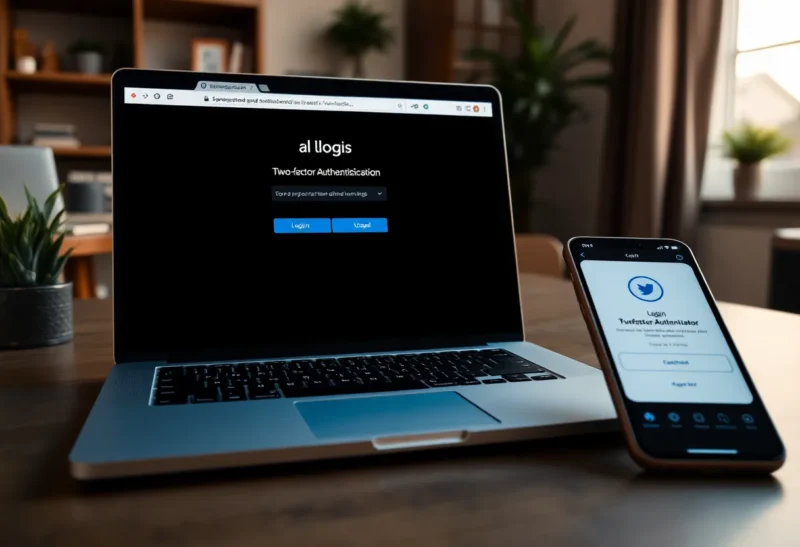
Every homelab reaches the point where the login screens start to annoy you. Grafana has one, the photo server has another, the NAS has a third, and a few dashboards have none at all, protected only by the hope that nobody finds the address. Single sign-on fixes this: one login, with two-factor authentication, in front of everything.
In self-hosting circles, that conversation quickly narrows to two projects. Authelia is a lean authentication server that sits behind your reverse proxy. Authentik is a full identity provider with a web interface, user self-service and support for nearly every login protocol. Both are good. Which one fits depends on how many people use your services and how much you want to manage.
I have run home networks behind both, and the most common way to lose a weekend is not choosing the wrong tool. It is putting either one in front of an app that cannot handle it. That part comes up below, too.
One admin, or a household of users
If it is mainly you, a handful of apps, and you are comfortable editing configuration files, use Authelia. It is light, fast, and does forward authentication and two-factor login very well.
If several people use your services, you want a web interface for managing users and invitations, or you need protocols beyond OpenID Connect, such as LDAP or SAML, use Authentik. It is heavier, but it is a complete identity platform.
Two ways to protect an app
Before comparing the tools, it helps to know the two ways either of them protects your services.
Forward authentication. Your reverse proxy, such as Traefik, Caddy or Nginx, asks the authentication server “is this visitor logged in?” before passing each request through. If not, the visitor is sent to a login page first. This works for any web app, even ones with no login of their own, because the app never has to know about it.
OpenID Connect (OIDC). The app itself supports “log in with” an identity provider, the same way websites offer “log in with Google”. The app sends you to the identity provider, you sign in, and you come back logged in, with your own user account inside the app. Grafana, Nextcloud, Immich, Paperless-ngx, Forgejo and many others support it.
Both Authelia and Authentik do both. They differ in how far beyond that they go.
| Authelia | Authentik | |
|---|---|---|
| What it is | Authentication and authorisation server | Full identity provider |
| Configuration | YAML files | Web admin interface |
| Users stored in | A file, or an LDAP directory | Its own database, with self-service |
| Forward authentication | Yes, its core strength | Yes, through an outpost |
| OpenID Connect provider | Yes | Yes |
| LDAP, SAML, RADIUS providers | No | Yes |
| Two-factor options | TOTP, WebAuthn and passkeys, push | TOTP, WebAuthn and passkeys, and more |
| Invitations, enrolment, password reset | Basic | Built in, customisable |
| Resource use | Very light | Noticeably heavier |
Authelia: small, fast and file-driven
Authelia is a single Go service with a small memory footprint. You configure it in a YAML file: where users come from, which domains need which level of protection, how sessions work, and which two-factor methods are allowed. Users can live in a simple file with hashed passwords, which is perfect for a household, or in an LDAP directory if you already run one.
Its access-control rules are clear and powerful. You can say that the media server needs only a password from the home network, the admin dashboards need two-factor authentication from anywhere, and a particular API path is allowed through without login. For forward authentication behind Traefik, Caddy or Nginx, it is fast and dependable, and well documented for each proxy.
Authelia can also act as an OpenID Connect provider, so apps that support OIDC can use it for proper single sign-on with their own user accounts. That covers most of what a homelab needs.
The trade-off is that everything is configuration files. Adding a user means editing a file, or the directory behind it. There is no friendly admin page for a family member to reset their own password. For one or two technical people, that is a feature. For a household of non-technical users, it becomes a chore that lands on you.
Authentik: a full identity provider
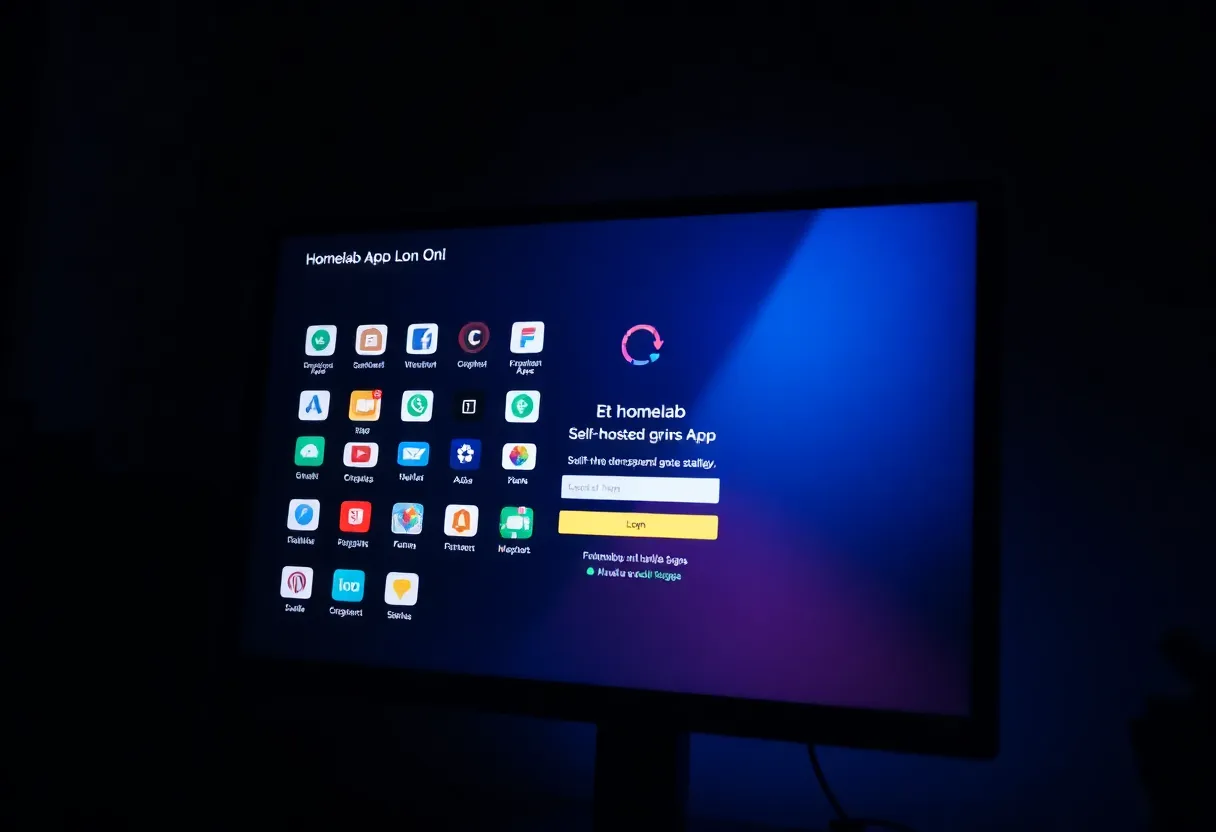
Authentik is a much larger system. It has a full web admin interface where you create users and groups, connect applications, and design login “flows”: the sequence of steps a user goes through, such as entering a username, a password, a second factor, accepting terms, or enrolling a new account. It supports invitation links, self-service password reset, social logins, and user-facing dashboards listing the apps each person can open.
It also speaks more protocols: OIDC, SAML, LDAP, RADIUS, plus a proxy provider for forward authentication. The LDAP provider is quietly very useful. Apps that only understand LDAP, which includes some older self-hosted software and certain NAS features, can authenticate against Authentik as if it were a directory server.
The cost is weight and complexity. Authentik runs a server and a worker plus a PostgreSQL database, and older releases also needed Redis. It uses far more memory than Authelia, and its flexibility means more concepts to learn: providers, applications, outposts, flows and stages. Expect your first setup to take a few evenings, not an hour.
What to put behind single sign-on
This is where most homelab SSO projects go wrong. Forward authentication works perfectly in a browser. It breaks apps that are not browsers.
Mobile apps and desktop clients, for photo backup, media streaming, file sync or password managers, talk to your server’s API directly. They do not know how to handle a redirect to a login page. Put the whole domain behind forward auth, and the web interface works while the phone app stops syncing, often silently. Photo backup apps are a classic example, and if you run a self-hosted photo library, the mobile backup that matters so much in Immich vs PhotoPrism is exactly the kind of traffic that forward auth breaks.
The rules of thumb:
- Apps with their own login and OIDC support: use OIDC, not forward auth. The app keeps working with its mobile clients, and you still get single sign-on in the browser.
- Apps with no login at all, such as dashboards and admin panels: forward auth is ideal.
- API paths used by apps: exclude them from forward auth, and rely on the app’s own tokens or authentication.
- Services only you use on the home network: they may not need SSO at all. Not everything has to sit behind the login page, which is the question explored in whether Authentik should sit in front of every homelab app.
Two-factor authentication and passkeys
Both support time-based one-time codes from an authenticator app, and both support WebAuthn, which covers hardware security keys and passkeys stored in your phone or password manager. For anything reachable from the internet, turn on a second factor; it is the main reason to run SSO at all. Passkeys are the most pleasant option day to day: a fingerprint or face unlock instead of typing a six-digit code.
Authentik offers more ways to combine factors in its flows, for example requiring a second factor only from outside the home network or only for admin groups. Authelia covers the same idea with its access-control policies, configured in YAML rather than a web interface.
The reverse proxy matters too
Forward authentication lives in your reverse proxy’s configuration, so the proxy you run shapes how pleasant either tool is to use. Traefik handles it with a middleware you attach to each service through Docker labels. Caddy uses a forward_auth directive in the Caddyfile, which is short and readable. Nginx and Nginx Proxy Manager need an auth_request block, which works but is fiddlier to get right. Both Authelia and Authentik document all of these.
If you have not settled on a proxy yet, choose the one whose configuration you find easiest to read six months from now, because you will be adding a line for every new app you protect. The trade-offs between the two most popular choices are covered in Caddy vs Traefik.
Don’t lock yourself out
An authentication server in front of everything is also a single point of failure. If it goes down, or you misconfigure it, every app behind it becomes unreachable, including, sometimes, the admin page you need to fix it.
- Keep a way into your server that does not depend on SSO: SSH from the local network, or direct access to the proxy configuration.
- Keep at least one recovery code or backup admin login stored safely offline.
- Back up Authelia’s configuration and database, or Authentik’s database, like any other critical service.
- Roll out gradually: protect one app, test it on every device, then move to the next.
Sizing single sign-on to your household
Authelia is enough when:
- You are the main user, with perhaps one or two others.
- You want forward authentication and two-factor login with minimal resource use.
- You are happy managing users and rules in configuration files.
- OpenID Connect covers the apps you want single sign-on for.
Authentik pays for its weight when:
- Several people, including non-technical family members or friends, use your services.
- You want invitations, self-service password resets and a web admin interface.
- You need LDAP, SAML or RADIUS for apps that cannot do OpenID Connect.
- You are willing to give it more RAM and a few evenings of setup.
Either one, set up carefully, makes a homelab safer and nicer to use. The tool matters less than the plan: OIDC where apps support it, forward auth for apps with no login of their own, API paths left alone, and a way back in when something goes wrong.