Syncthing vs Resilio Sync for Keeping Laptops and a NAS in Step

Rhea Colton
October 25, 2026
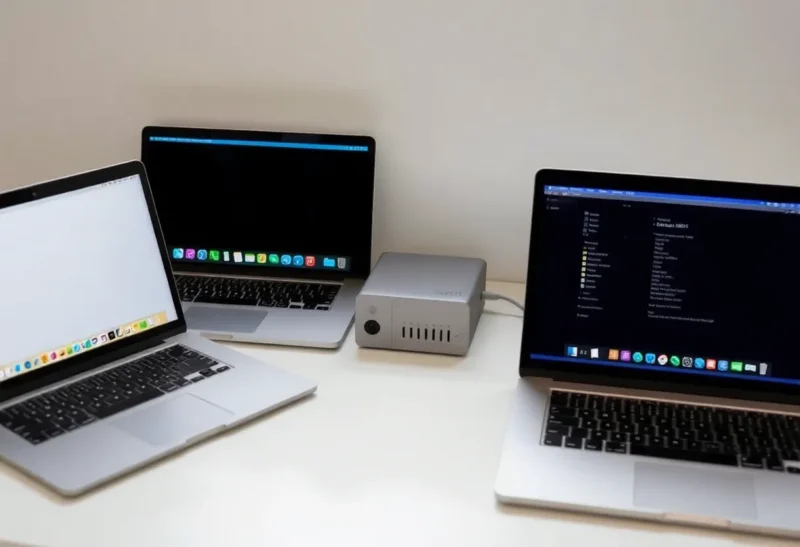
Not every file problem needs a cloud. Often the job is simple: keep a working folder identical on a laptop and a desktop, push phone photos to the NAS, or make sure a NAS folder has a copy on another machine. Peer-to-peer sync tools do exactly that, copying files directly between your own devices with no central server holding your data.
Syncthing and Resilio Sync are the two best-known options. Both sync folders directly between devices over the local network and the internet, both handle large libraries, and both keep working without a subscription service in the middle. They differ in openness, in how they handle phones and files that do not fit on a laptop, and in where their development is heading.
Open protocol or polished product
Syncthing is free, open-source software. Devices pair using device IDs, and each folder is shared with the devices you choose. It finds peers on the local network directly and over the internet through discovery servers, with relays as a fallback when direct connections fail; you can run your own discovery and relay servers if you want nothing public involved. It supports file versioning, ignore patterns, send-only and receive-only folders, and encrypted folders on untrusted devices.
Resilio Sync is commercial software built on a BitTorrent-derived protocol. Its home edition has a free tier and a paid tier, with a one-time licence, that adds selective sync, where files appear as placeholders and download on demand, plus other conveniences. It has official apps for Windows, macOS, Linux, NAS systems, Android and iOS, and shares folders through links or keys, including read-only and encrypted keys for untrusted peers.
| Syncthing | Resilio Sync (home) | |
|---|---|---|
| Licence | Open source, free | Proprietary; free tier and paid licence |
| Phones | Android through community apps; iOS through a paid third-party app | Official Android and iOS apps |
| Files on demand | No; full copies only | Selective sync with placeholders on paid tier |
| Versioning | Several built-in strategies | Archive folder of old versions |
| Untrusted peers | Encrypted folders for untrusted devices | Encrypted keys for untrusted peers |
| Self-hosted relay and discovery | Yes | Tracker and relay options vary by edition |
| Development focus | Active open-source project | Company focus has shifted toward business products |
Setting up a laptop, a desktop and a NAS
Syncthing setup is done in its web interface on each device. Add the other device by its ID, accept on the other side, share a folder, and choose where it lives. Many NAS systems have Syncthing packages or it runs in Docker. Once paired, devices find each other automatically.
Resilio Sync setup is slightly more consumer-like: install, create an identity, add a folder, and share it with a link or key. Its NAS packages and Docker image make the NAS an always-on peer. For non-technical family members, Resilio’s apps feel more like a finished product.
In both cases, an always-on NAS or server is the key peer. Without one, two laptops only sync when both are awake at the same time.
Phones and tablets
This is the biggest practical difference. Resilio Sync has official Android and iOS apps that back up camera photos and give access to synced folders. On iPhones in particular, that makes it one of the easier ways to move files between a phone and a NAS without a cloud.
Syncthing’s official Android app was discontinued, but community-maintained versions continue and work well. There is no official iOS app; a paid third-party app provides Syncthing on iPhones and iPads, limited by iOS’s restrictions on background activity. For iPhone-heavy households, Syncthing is the weaker choice.
Laptops with small drives
Syncthing keeps full copies of every file in a synced folder on every device that shares it. A 2 TB photo archive cannot be synced to a laptop with a 512 GB drive; you would sync only selected subfolders instead.
Resilio’s paid selective sync shows the whole folder on the laptop as placeholders and downloads files when you open them. That is useful for large archives, though on-demand files only work while the NAS or another peer is reachable.
If on-demand access to a large family archive is the main goal, a server-based tool such as Nextcloud or Seafile may fit better than either; the trade-offs are in Syncthing vs Nextcloud for two laptops.
Conflicts, deletions and versions
Two-way sync’s biggest risk is that mistakes sync too: a deleted folder disappears everywhere, and a corrupted file replaces the good copy. Both tools offer protection.
Syncthing has several versioning strategies per folder: keep a trash can of deleted files, keep a simple number of old versions, or keep staggered versions with more history for recent changes. Send-only and receive-only folders prevent a device from pushing changes, which is ideal for a NAS that should only receive. Conflicts are saved as clearly named copies.
Resilio keeps an archive folder of deleted and changed files for a configurable period, and offers read-only shares so a device can receive without being able to change the source.
Neither is a backup. Sync faithfully copies deletions and ransomware damage. Keep a real backup with snapshots of the NAS copy. How sync behaves after a long offline period is explored in Obsidian Sync vs Syncthing after a week offline.

Privacy and trust
Both encrypt traffic between devices, and neither stores your files on a company server. Syncthing is open source and can run with your own discovery and relay servers, so nothing outside your control is involved at all. Resilio’s software is closed source; its connection services help peers find each other, but files go directly between your devices or through encrypted relays.
For syncing to a device you do not fully trust, such as a friend’s NAS used as an off-site copy, both support encrypted folders that the remote device stores without being able to read.
Performance on large libraries
Both handle hundreds of thousands of files. Syncthing’s initial scan of a large folder can take a while and uses CPU and memory on small devices; adjust scan intervals and rely on file system watching for changes. Resilio is known for fast transfers of large files, especially between several peers at once, thanks to its torrent-style protocol.
On a low-power NAS, both run comfortably for typical home folders. Very large photo libraries with many small files are where tuning matters most.
What not to sync
Some files cause trouble in any peer-to-peer sync, and both tools let you exclude them with ignore patterns:
- Application caches and temporary files, such as editor swap files, thumbnail caches and build output. They change constantly and create conflicts.
- Open databases, including app databases and virtual machine disks. Syncing a file that is being written can produce a corrupted copy on the other side. Sync exports or backups of them instead.
- Git repositories in active use on two machines. Syncing the
.gitfolder while both sides commit leads to conflicts that Git itself cannot resolve. Push and pull through a Git remote instead. - Operating system files such as macOS’s
.DS_Storeand Windows’Thumbs.db.
Set ignore patterns before the first sync of a large folder, so unwanted files are never copied in the first place.
Knowing when sync has stopped
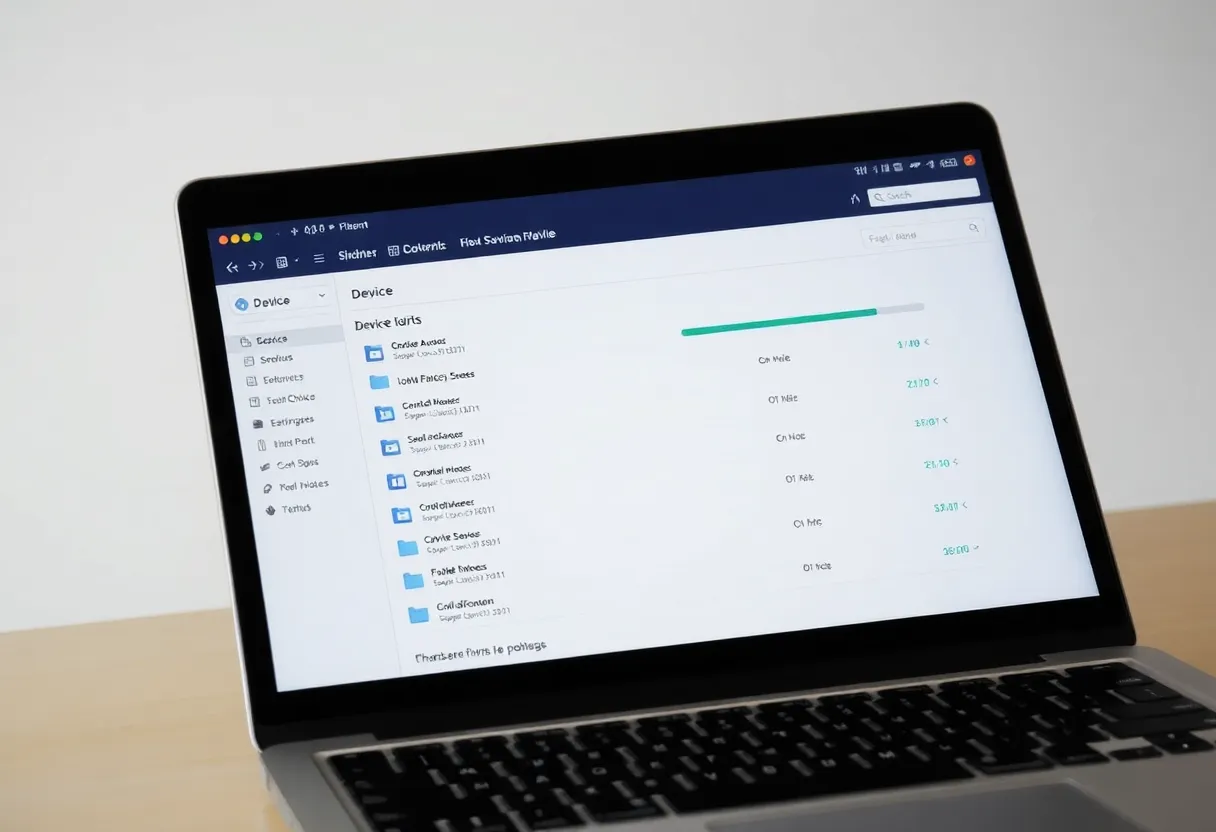
The quiet failure of any sync tool is a device that stopped syncing weeks ago: a laptop that lost its pairing, a NAS container that did not restart after an update, a phone app killed by battery optimisation. Check each tool’s interface occasionally for devices marked as disconnected or folders marked out of sync.
For a homelab, automate it. Syncthing exposes a REST API that a monitoring tool can query for folder status and last-seen times, and simple uptime checks can watch its web interface. For Resilio, watch the NAS peer’s container and check its status page regularly.
Common setups that work
- Laptop and desktop working folder: Syncthing with staggered versioning on both and the NAS as a third peer.
- Phone photos to NAS: Resilio on iPhones, or Syncthing on Android, with the NAS folder receive-only.
- Off-site copy at a relative’s house: either tool with an encrypted folder on the remote device, plus snapshots there.
- Large archive browsed from a laptop: Resilio’s selective sync, or a server-based sync tool.
Which to use
Choose Syncthing if you want free, open-source sync between computers and a NAS, with fine control over versioning and folder direction, and the option to run every piece yourself. It is the default choice for most homelabs, especially with Android phones.
Choose Resilio Sync if official iPhone and iPad apps matter, or you want selective sync with placeholders on laptops with small drives, and you are comfortable with closed-source software from a company whose attention has moved toward business products.
If you are unsure, try Syncthing first on two computers and the NAS for a week. It costs nothing, and its limits, mainly on iPhones and with files on demand, will show quickly if they matter to you. Resilio’s free tier is an easy second test if they do.
Whichever you choose, add an always-on peer, turn on versioning, and back up the synced data separately.