Does an Android e-ink tablet stay usable if you never sign in to the vendor store?

Tomas Reeve
October 7, 2026
Yes. A Boox, a Bigme, or a Meebook stays usable for notes and for files you copy on yourself if you never sign in to the vendor store or to Google Play. Notes, the built-in reader, the pen, and USB transfer do not check an account. What you give up is the vendor’s cloud, one-tap installs from their shop, and any book that only exists inside someone else’s app. The tablet does not become a brick. It becomes a slab you load with a cable.
Setup is where people lose this. The first screens push an Onyx account, a Bigme account, or a Google sign-in as if the pen required it. You can decline. If you already accepted, you can sign out. The test is a reboot with Wi-Fi off and a notebook that still opens. If that works, the store was optional.
What still works with no store account?
On a Boox Go, Note Air, or Tab, the Notes app writes without an Onyx login. NeoReader opens PDFs and EPUBs that are on the device. Handwriting recognition that runs on the device still runs. The file manager shows the folders you copied. A screensaver you set locally stays. None of that phones the store.
Bigme and Meebook are the same shape of Android, with a thinner software team and a store you should trust even less as a requirement. Their note apps and readers open local files. The risk is not that the pen stops. The risk is a setup wizard that will not advance until you create an account, and a firmware build that nags. If a unit will not leave the wizard without a login, that unit fails this test. Send it back or use a build that has a skip. Do not invent a junk account to “get past” a tablet you bought so you would not have an account.
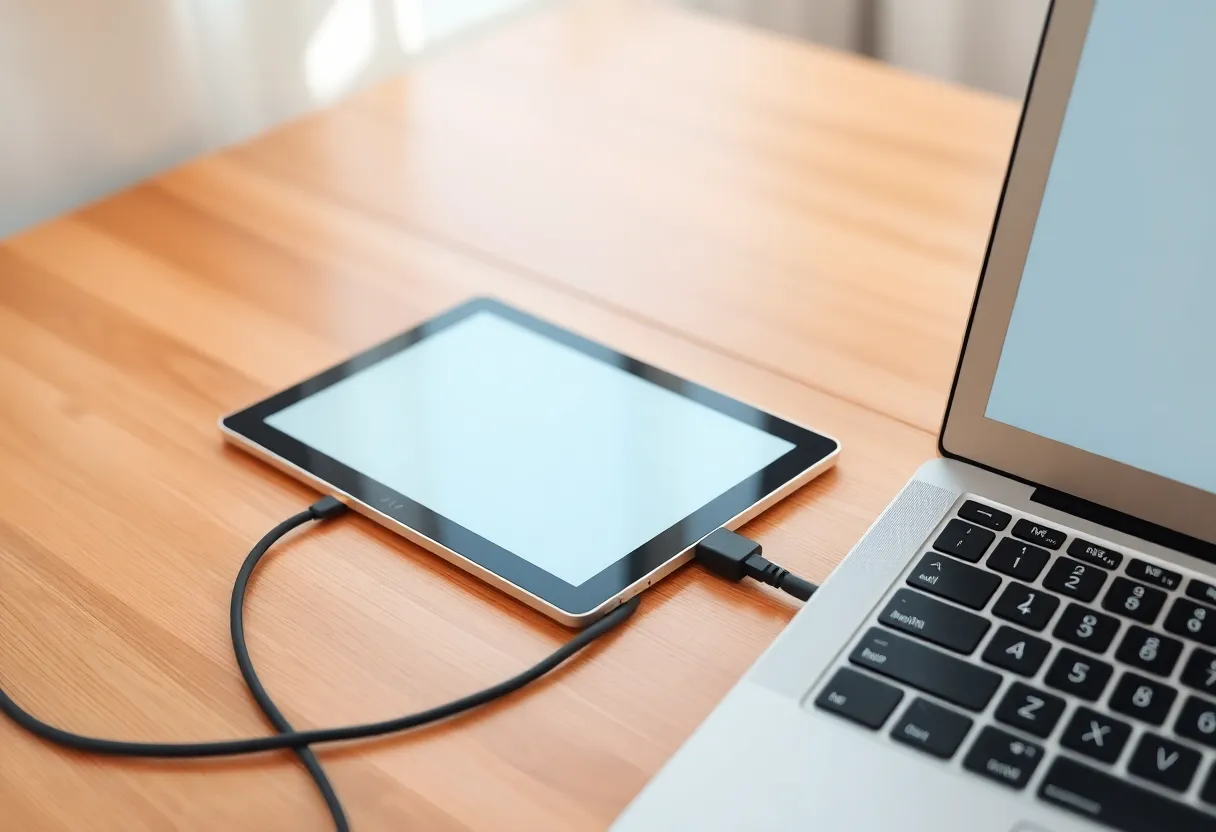
USB is the store you actually need. Plug into a laptop, copy a PDF, eject, read it. That path does not care that you never opened the vendor shop. It is slower than a cloud push. It is also the path that still works when the vendor’s website is down, when you are offline, and when you refuse the login.
What you quietly lose
The vendor cloud and the companion phone app that depends on it. BooxDrop and the equivalents on smaller brands want an account. Without one, you do not get a file to appear on the tablet because you tapped share on your phone across the room. You get a cable. If that is unacceptable, you wanted the account, and this article is the wrong plan.
The Play Store, if you also refuse Google. That is a separate login from the vendor store, and people conflate them. You can skip Onyx and still turn Play on later, which is a Google account, not an Onyx one. If the rule is no store accounts at all, leave Play off too. You will not install Kindle from a shop. You can still sideload an APK you obtained on purpose, and you should assume that APK may demand its own login the first time it runs. Sideload is not anonymity. It is just not the vendor’s store.
Templates, dictionaries, and fonts that download on demand. The ones shipped on the device stay. The ones behind a “get more” button do not. For notes and for your own PDFs, the built-in set is enough. For a language pack you never checked, you will find the hole on a trip. Download what you need once, on a network, without turning that into a permanent sign-in you leave armed. If the download itself requires the account, skip the pack or accept the account for that hour and sign out after the files are on disk. Confirm the files still open while signed out before you travel.
Firmware updates are the real ongoing cost. Many of these tablets will download an update without a store login, over Wi-Fi, from the vendor’s servers. That is not a store account. It is still a vendor. You can refuse updates. You should not refuse a fix you understand, and you should not leave auto-update on as a background hobby. Update at a desk, reboot, confirm Notes still opens without the account, then go back to the cable life.
Which jobs become a bad fit?
Kindle books, library loans, and any subscription reader. Those are stores with a different name. The tablet can run their apps if you install them, and those apps are accounts. If your library is Amazon’s, “no vendor store” does not mean “no Amazon.” It means you either sideload files you are allowed to sideload, or you stop pretending the Boox is account-free while the Kindle app is signed in.
A daily sync from a phone. Obsidian, Drive, and Syncthing are not the vendor store, and they are still accounts or still a network. They can sit alongside a no-Onyx setup. They are not required for the tablet to stay usable. If you need them, add them on purpose and know you have reintroduced a login, just not the e-ink company’s login.
Handwriting that has to land in a cloud doc before you stand up. The tablet can keep the ink with no store. Getting the text onto a laptop with no network means an export over USB at the end of the session. If that rhythm is too slow, you will sign into the cloud within a week. Decide that before you buy, not after the wizard has already won.
How the smaller Android brands differ
Boox is the one I trust for a long no-account life because the note app is mature and the skip-account path is well worn. Bigme and Meebook can do the local job and they change firmware and model names often enough that a skip button moves. Read the wizard on the unit in front of you. A review from last year is not the wizard on this month’s image.
A Viwoods or any newer Android e-ink slab is the same question. Local notes and a cable, or a store. If the company is young, the extra risk of skipping the store is that you also skip the only update channel you might have needed. That is a reason to update deliberately. It is not a reason to live inside their shop.
This does not apply to a reMarkable, a Supernote, or a Kindle. Those are not Android vendor stores. Supernote is usable with no account by design. A Kindle wants a registration at setup even though it is not “Android.” Do not buy a Kindle to satisfy this sentence. Buy an Android e-ink tablet and then actually decline the account.
What breaks two months later, not on day one?
Day one is easy. The pen works, you feel clever, and you put the tablet in a bag. Two months later the failure is a file format you did not test, or a notebook you cannot get off the device because you never learned the cable and the cloud is the only export you remember. Practice the export while the novelty is still on. Copy a notebook to the laptop as a PDF, open it, and confirm the marks are there. If you cannot do that signed out, you do not have a no-account setup. You have a delay.
The other late failure is a system app that starts demanding a login after an update you installed on a Sunday. Read the note app after every update with Wi-Fi off. If an update turned Notes into a sign-in wall, roll back if you can, or treat that firmware as the end of this plan. Do not “just log in once” to dismiss a dialog that will sync the library you were keeping local. Once is how the account starts.
Battery is the third late surprise. No account does not mean no radio. If Wi-Fi stays associated, store nags and update checks still wake the tablet. The no-store life wants the radio off except when you chose an update. Otherwise you did the hard part, declining the login, and left the easy part, the antenna, eating the week.
A setup that proves the store was optional
- During setup, skip the vendor account and skip Google. If there is no skip, stop and do not create a throwaway.
- Turn Wi-Fi off. Reboot. Open Notes and write a page. Open a PDF you copied over USB in the built-in reader.
- Leave it overnight, still signed out, and open the same notebook in the morning. If it asks for a login, the build is not the one this article is about.
- Only then decide whether you want Play or a sync app. Adding one later is allowed. Adding one because the wizard scared you is how the no-account plan dies on day one.
An Android e-ink tablet stays usable without the vendor store because the pen and the files were never the store. The store is the convenience layer. Decline it and you keep a notebook you load with a cable. Accept it and you have a different device, one that is fine, and one you should stop describing as account-free.