How many hours does always-on cost on an Apple Watch Series, not the Ultra?

Grant Webb
October 7, 2026
A handful of hours, not a second day. On an Apple Watch Series, leaving the always-on display on usually costs something like four to eight hours of ordinary wear compared with the same day with the display sleeping. That is often the difference between reaching the bedside charger and tapping out before dinner. It is not the gap between a Series and an Ultra. Apple’s “up to 18 hours” figure for a current Series already assumes normal use with always-on. The “up to 36 hours” figure is Low Power Mode, which turns the always-on display off and also slows background heart-rate and other work. Do not subtract 18 from 36 and call the result the cost of the screen.
I want a number because the toggle is a single switch and the anxiety is specific: will I make it to tonight. The honest number is “several hours in the same day.” Anyone who promises you an exact laboratory hour for every Series 9 and Series 10 is averaging a life you do not live.
Why is 18 versus 36 the wrong subtraction?
Apple rates a recent Series, including the Series 10, at up to 18 hours of typical use. That typical use includes the always-on display, notifications, a workout, and the radios. Low Power Mode is rated up to about 36 hours on those watches, and Low Power Mode disables the always-on face. It also reduces how often the watch measures in the background and how eagerly it wakes. You bought back the screen and you bought back a pile of sensing. If your question is only the display, you cannot spend the whole extra 18 hours on it.
The Ultra’s rating, on the order of a day and a half before its own low-power stretch, is a bigger battery and a different watch. Turning always-on off on a Series does not borrow that battery. People do this comparison because both toggles live in the same settings app. The cells do not.
Where do those hours actually go?
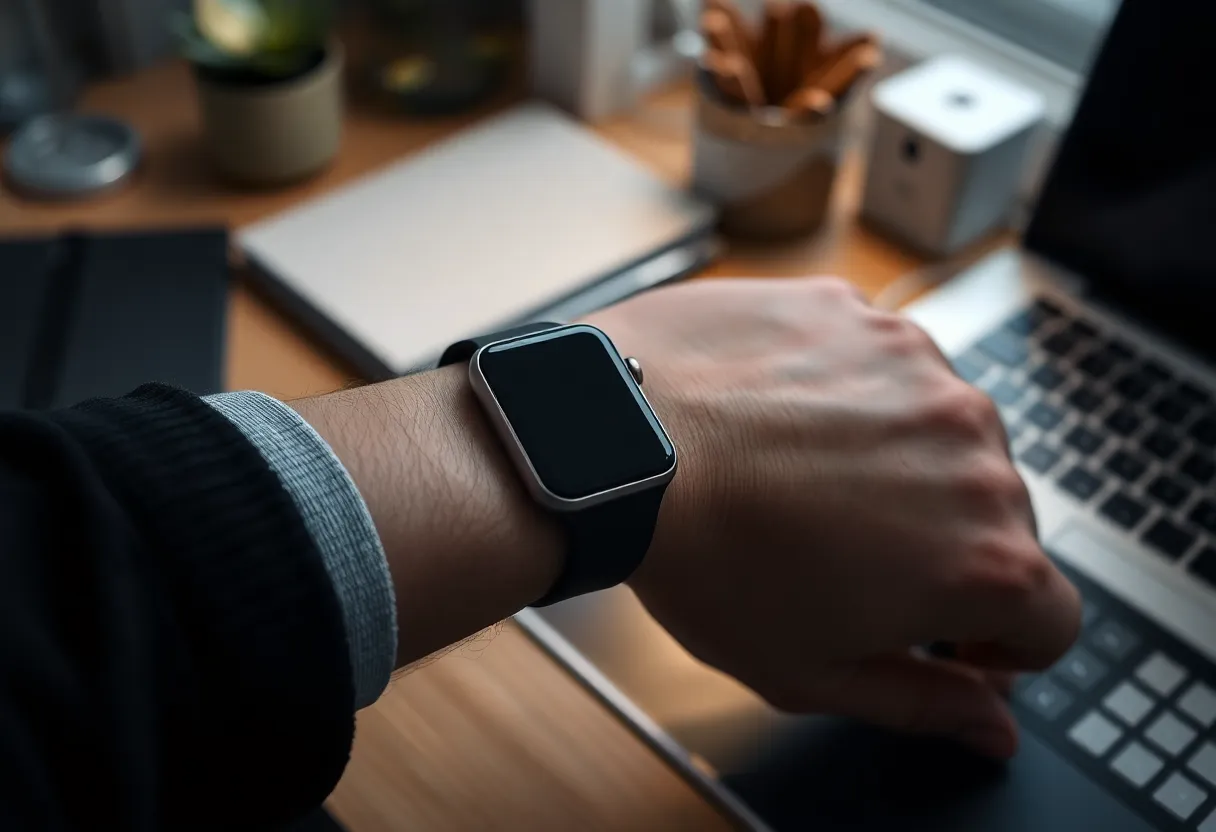
The always-on face is a dim clock, not a second full panel. It costs the most when the watch would otherwise have been asleep for a long stretch: an evening on the couch, a night if you sleep with it, a desk day where your wrist is still and the screen would have dropped. It costs less when you are already raising your wrist all day, because the full face was on anyway.
A workout with the screen forced bright dwarfs the always-on trickle. GPS dwarfs it. A cellular Series that is away from the phone dwarfs it. If you run with GPS for an hour and stream music to AirPods, arguing about always-on is a rounding error next to that hour. If your day is notifications and a walk, always-on is one of the larger optional lines, and turning it off is how you stop borrowing from tomorrow morning.
Brightness and the complication set sit next to the toggle. A busy face that wakes the full display more often, and a brightness you left high, will erase the savings from killing always-on. Turn the display off and leave “wake on wrist raise” eager, and you still pay whenever you move. The hours you get back are the hours the wrist was still.
What should you expect on a Series 9 or Series 10?
Wear it the way you actually wear it for two weekdays with always-on on, charged to full at the same time each morning, and note the percent at bedtime. Then two weekdays with always-on off, same workouts, same phone in pocket. The delta at bedtime is your number. On the Series watches I keep using, that delta is several hours of clock time, clustering in that four-to-eight-hour band when the day includes one workout and a lot of sitting. A travel day with GPS and no phone nearby shrinks the delta, because the radio ate the budget first. A couch weekend makes the delta obvious, because the dim face was the main thing the watch did.
Series 10’s larger display does not change the shape of the answer. It can cost a bit more to keep a bigger dim face lit. It still will not become an Ultra because you flipped one switch. If you are choosing between a Series and an Ultra because you want two days, buy the battery. Do not buy a setting.
Does sleeping with the watch change the bill?
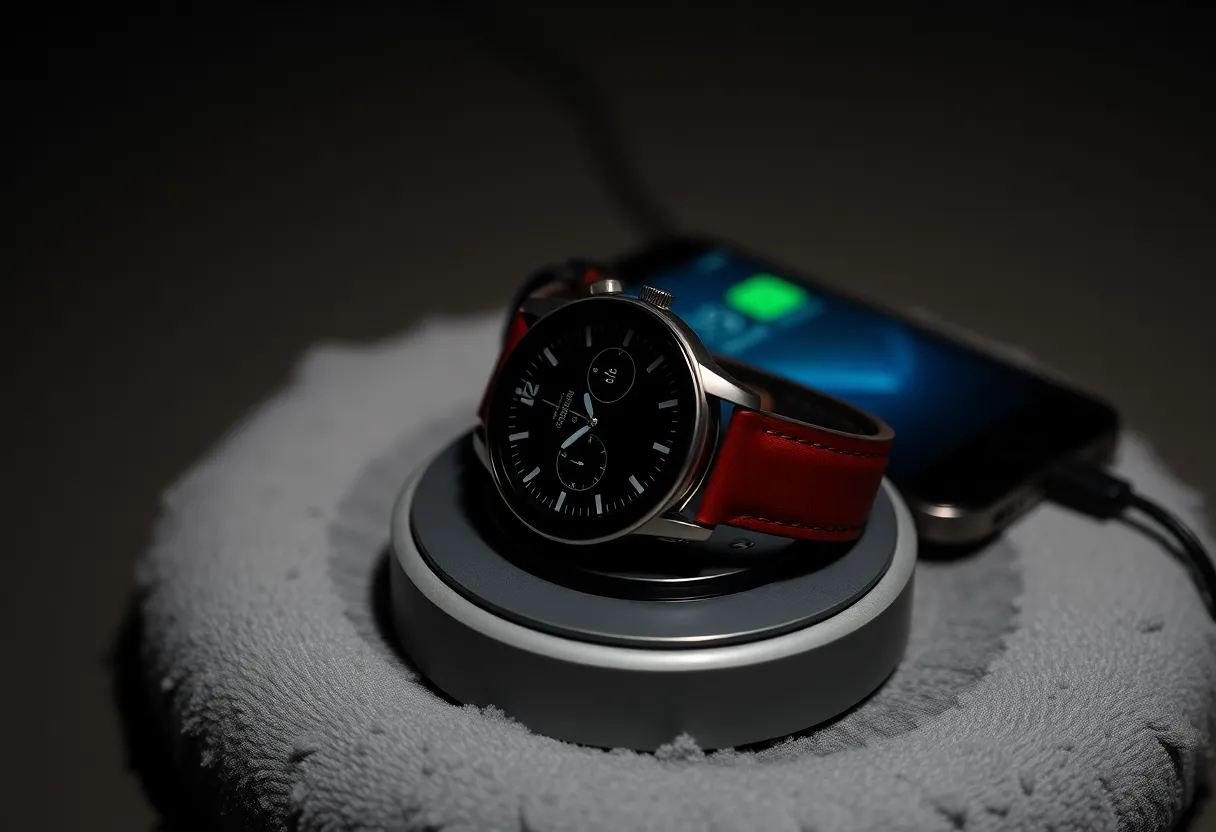
Yes. Eight hours of a dim face, plus overnight sensing, is a real slice. If you wear the watch for sleep stages, you already accepted an overnight cost. Always-on during those hours is the part you can refuse without refusing sleep tracking. The sensors are not the same line item as the pixels. Turn always-on off and keep the watch on the wrist. You still get the night’s data. You do not get a glowing clock on the nightstand that you were not reading anyway.
If you charge at night and wear the watch only by day, the overnight trick does nothing for you. Your hours are the afternoon desk and the commute. That is a smaller save, and it is still the save that decides whether 11 p.m. is 10 percent or a dead wrist. Charge on the nightstand either way if the Series is your only watch. Always-on will not remove that habit. It will decide whether the habit is optional on a light day.
What else people blame on the display?
A mis-seated charger, a cellular plan left on when the phone was in the bag, a face with a seconds hand that keeps the display more awake, and a beta. I have “lost half a day” to always-on and found the watch had been on cellular since morning because the phone was in a locker. Look at Control Center before you eulogize the pixels. The green cellular dot is a bigger story than the dim clock.
Low Power Mode is the right tool when you need the evening and you do not care about a dim glance or frequent background heart rate. It is the wrong tool when you only wanted the screen to sleep. Use the always-on toggle for the screen. Use Low Power Mode when you are trying to stretch into a second morning and you accept the duller watch. Mixing them up is how people say always-on “costs 18 hours” and then feel cheated when turning it off only buys them the bedtime.
Who should leave it on?
Leave it on if you actually read the watch without raising your wrist: a cook, a parent with their hands full, anyone who checks the time in a meeting without the full flash of a face. The hours are the price of that glance. On a Series you will still charge most nights. The glance is worth more than pretending you will remember to raise your wrist.
Turn it off if you raise to wake anyway, if you are missing bedtime by a little, or if the dim face at a movie or in bed annoys you more than it helps. You get several hours back. You do not get an Ultra. If the goal was a weekend without a charger, the Series is the wrong watch with the toggle in either position, and one GPS day will prove it.
What about an older Series that still has the toggle?
Series 5 through Series 8 and the SE are not the same cell, and the SE does not have always-on at all, so the question does not apply to it. On a Series 6 or 7 that still always-on, the shape is the same even if the total day is shorter than a Series 10. You are still buying or refusing a dim face, not a second battery. Older batteries that have already lost capacity make every optional feature look expensive. If the watch dies by late afternoon with always-on off, the display was not the problem. The cell is tired, and a toggle will not restore the day the watch had when it was new.
- Do not quote 36 minus 18 as the cost of always-on. That gap is Low Power Mode.
- Expect on the order of four to eight hours back on a normal Series day, less if GPS or cellular already dominated.
- Measure two days on and two days off at the same bedtime. That delta is yours.
- If you sleep in the watch, turning always-on off keeps the sensors and drops the dim face you were not reading.
- If you need two days, that is a bigger battery, not this switch.
Always-on on an Apple Watch Series costs a few hours of the day you are already in. It is worth it when you use the glance, and it is the first thing to turn off when you are missing the charger by a little. It will not turn the Series into the other watch.