No. After the first firmware setup, a reMarkable 2 or Paper Pro does not need Wi-Fi to take notes, mark up PDFs that are already on the tablet, or move files over the USB page. It needs Wi-Fi for three things only: software updates, handwriting-to-text, and Connect sync to the phone or desktop apps. Leave the radio off the rest of the time. The pen does not check the network.
The setup is the part that lies to people. Out of the box the tablet wants an account, an update, and a pairing. Once that update is installed, the dependency ends for writing. I treat Wi-Fi as a tool I turn on at a desk on purpose, the way I would plug in a cable, not as a utility that has to stay up for the page to exist.
What has to happen on Wi-Fi once, before you can ignore it?
The first boot. A new reMarkable 2, Paper Pro, or Move will push you through a network and an account, and it will want the current firmware before the pen feels finished. Do that at home, on a network you trust, with the charger in. Let the update finish. Open a notebook. Confirm the pen works. Download any PDF you already know you will mark up this month.
If you skip the update and go straight to airplane life, you are not in the “after setup” case. You are in the hotel case, where a captive portal blocks the tablet and the wizard will not get out of the way. That failure is real, and it is a before problem. Solve it on the kitchen table. Do not solve it in a lobby with a login page the tablet cannot click through.
Pair Connect while you are there if you are going to pay for it. Pairing is a Wi-Fi job. Using the notebook the next morning is not. Once the account is on the device and the firmware is current, you can forget the password to the cafe network for weeks.
What keeps working with the radio off?
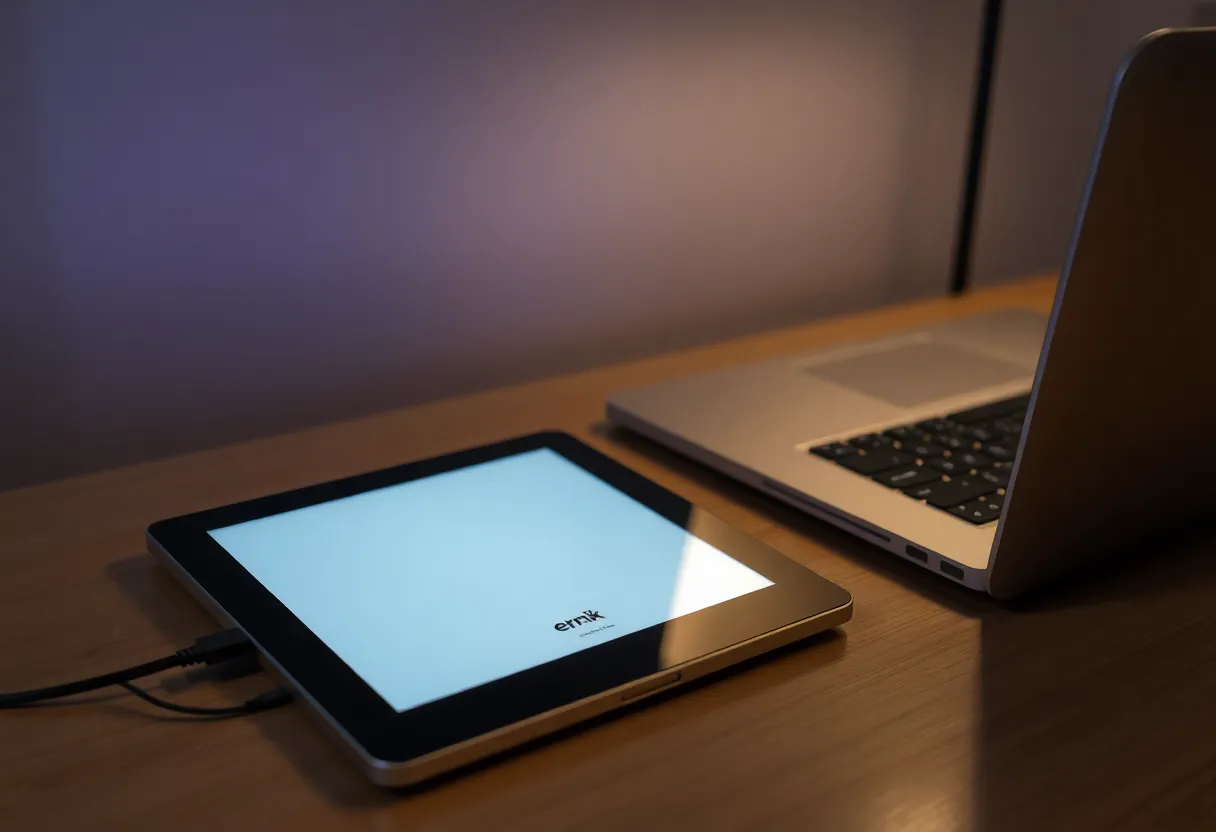
New pages. Old notebooks that are stored on the device. PDF markup for files you already copied on. Folders, tags, and the page overview. Sleep and wake. The pen, including on a Paper Pro with the display it shipped with. None of that places a call.
The USB web page still works, because it is a cable, not a network. Plug the tablet into the laptop, read the address the tablet is serving over that link, and download or upload. You can do this on a plane with the laptop in airplane mode too. Wi-Fi off on both ends is fine. Do not confuse that page with the reMarkable cloud, and do not type a random address you remember from a different brand. Use the one on the glass.
A notebook you have not opened in months might live in the cloud more than on the device. Turn Wi-Fi off and check the ones you care about before a trip. If one is missing, turn Wi-Fi on while you still can, open it so it caches, then turn Wi-Fi off again. The radio is how you fetch. It is not how you write after the fetch.
What quietly stops when Wi-Fi stays off?
Handwriting conversion. reMarkable does that on its servers. With the radio off, the strokes stay strokes. That is not corruption. If you needed text, convert while you are online, or retype later. There is no on-device recognition waiting behind the toggle, the way there is on a Supernote or a Boox.
Connect sync. The phone app, the desktop app, screen share, and the integrations that push a notebook to a drive all want the network and, for the full version of that life, the plan. The pen still works if Connect lapses. It also still works if Connect is paid and the radio is simply off. The inbox does not update until you turn Wi-Fi on and let it catch up. Pages you wrote offline show up then. They are not lost because the cafe had no network.
Updates. You will be behind by a version or three if you never reconnect. That is acceptable for a long stretch, and it is a bad idea forever. Security fixes and pen bugs do ship. Turn Wi-Fi on at a desk once a month, let it update on power, confirm a notebook still opens, turn it off again. An update in a lobby, on a dying battery, is how a setup screen returns and ruins the “I don’t need Wi-Fi” claim.
Why does the tablet keep asking for a network anyway?
Because the software would prefer you lived in the cloud. Prompts to sign in, banners about sync, a share button that wants to send, a conversion item in the menu. Those are offers. Dismiss them. None of them are a lock on the pen. The failure mode is you obeying the prompt on a hostile network, joining a cafe Wi-Fi to silence a banner, and then leaving the radio up for a week. The banner was optional. The joined network is a battery and a sync choice.
Wi-Fi left on “just in case” is also how a reMarkable stops feeling like it has a week of battery. The panel is cheap. A radio that wakes to retry a sync is not. If you want the offline endurance people quote, the radio has to be off, not merely idle on a network it remembers.
Forget networks you do not want it to rejoin. A tablet that auto-connects to the office the moment you walk in will sync, which may be what you want at the office, and it will also sync on every other visit including the one where you meant to stay offline. The toggle is the policy. Auto-join is how the policy leaks.
Who actually needs Wi-Fi every day?
You do, if the phone app is how documents get onto the glass. A PDF emailed to you at noon is not on the tablet until something carries it. That something is Connect over Wi-Fi, or a cable at the end of the day. If your work arrives all afternoon, you will turn Wi-Fi on all afternoon, and the honest description is a connected notebook. Stop planning battery and privacy around an offline device you do not actually use offline.
You do not, if you load the week’s PDFs on Sunday and write in meetings. That is the device the reMarkable is good at. Wi-Fi on Sunday night, off until the next Sunday, USB if something urgent shows up. Conversion in a batch when you are back on the network, not line by line during the meeting.
A Move or a second tablet does not change the rule. Each one needs the first update. After that, each one writes alone. They only need Wi-Fi to become the same notebook. If you expected them to match without a radio, you expected sync, and sync is the thing that needs the network.
What about the screen share and the templates you have not downloaded?
Screen share is a live network feature. It will not show the tablet on a laptop while Wi-Fi is off, and it should not. Hold the tablet up, or export a PDF over the cable before the call. Templates, fonts, and any extra language files the store wants to fetch are also network objects. The templates already on the device keep working. A template you have never opened may sit behind a download. Grab the ones you use during that first setup afternoon. Discovering a missing template in a workshop is not a reason the pen needs a permanent radio. It is a reason the first afternoon was incomplete.
Clock and timezone can be wrong if the tablet never sees a network again and you cross zones. That does not block notes. It makes exported filenames and the on-screen clock look off. Set the time while you are online, or stop using the tablet clock as a record. The page does not care what the corner says.
The habit that matches the answer
- At home, finish the first firmware update and open one notebook so you know the pen is alive.
- Copy on the PDFs you will need. Open older notebooks once so they are on the device, not only in the cloud.
- Turn Wi-Fi off. Restart. Write a page. If that works, you are in the after-setup state.
- Turn Wi-Fi on only to update, to convert handwriting, or to sync. Then turn it off before the tablet goes in the bag.
- Move surprise files with the USB page. Do not join a captive portal to avoid a cable.
A reMarkable needs Wi-Fi to become a current, paired tablet. After that first firmware setup, it needs Wi-Fi only for the cloud features. Notes, the pen, and the cable do not. If the tablet is asking for a network in a meeting, it is asking for sync or for text, not for permission to write.