Which iOS Shortcuts still run when the phone is locked and Low Power Mode is on?

Imani Cole
October 7, 2026
Only the quiet ones. With the iPhone locked and Low Power Mode on, a Shortcut still runs if you tap it yourself on the Lock Screen, or if it is a personal automation set to Run Immediately and every step is local: set a Focus, flip a switch, play audio, tell a Home hub to run a scene. Time-of-day automations often wait until you pick the phone up. Anything that asks you to tap Run, opens an app, or does a fresh Get Contents of URL does not survive that combination.
Low Power Mode is not a Shortcuts off switch. It is a throttle on the work Apple considers optional while the battery is low: background refresh, mail fetch, automatic downloads, and a lot of the scheduling that makes an automation feel punctual. The lock is a second gate. Together they divide your library into shortcuts that are a button and shortcuts that were pretending to be a clock.
What still runs if you tap it on the Lock Screen?
A Shortcut on the Lock Screen, a Control Center control, or a widget you can hit without unlocking will start. The screen is on because you touched it. The phone is still locked. Steps that only change device state usually finish: turning a Focus on, starting a playlist, setting the silent switch behavior your Shortcut is allowed to set, logging a checkbox you already permitted.
Steps that touch a secret stop and ask for Face ID or the passcode. Health samples, passwords in the keychain, a photo picker, a share sheet, and anything that would display private text on a lock screen are in that bucket. The Shortcut did not fail. It refused to do the private half while the phone was locked, which is what you want if someone else is holding it. Build the lock-screen version without those steps, or accept the unlock prompt as part of the tap.
Low Power Mode does not block that tap. You are in the foreground. The throttle is for work the phone was supposed to do alone. A Shortcut you start with your thumb is not background work, even if the battery icon is yellow.
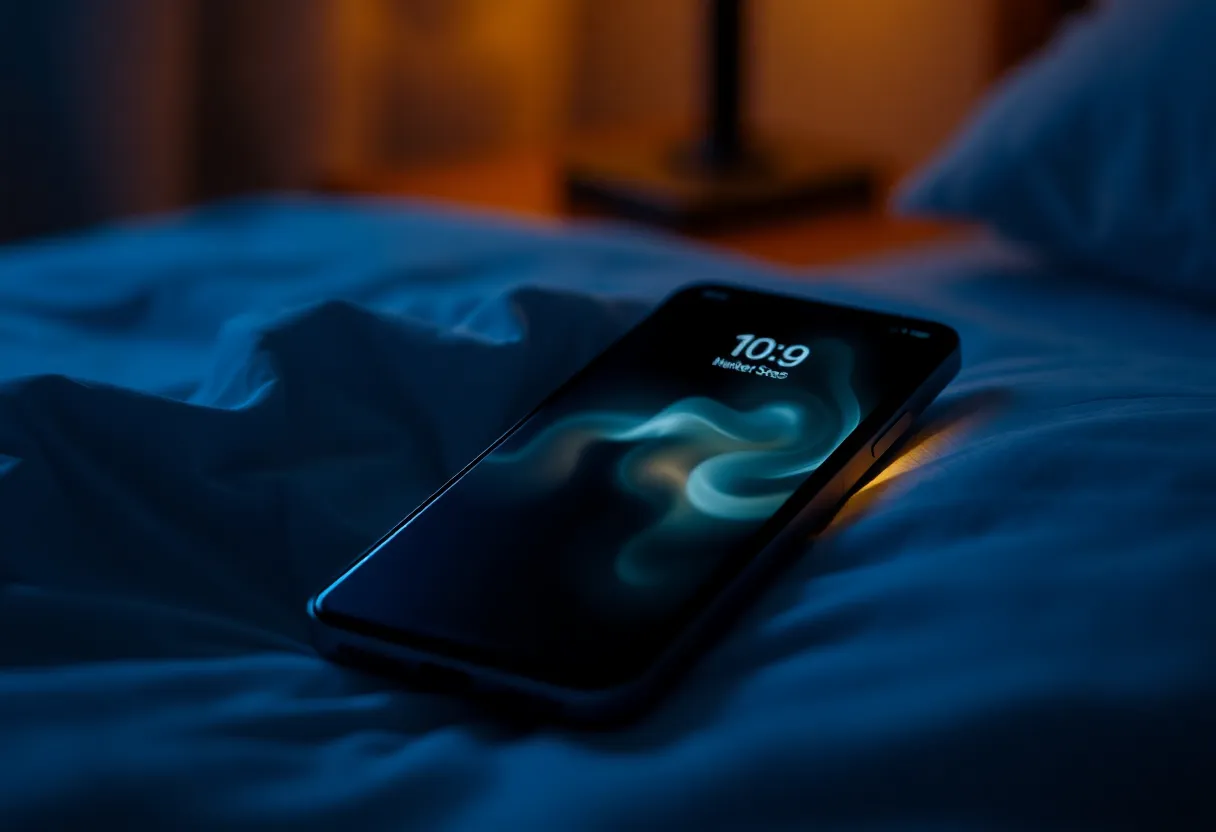
Which automations fire with the screen off?
Personal automations fire with the screen off only when Ask Before Running is off, so they run immediately, and only when none of the steps need you. The triggers that still have a chance under Low Power Mode:
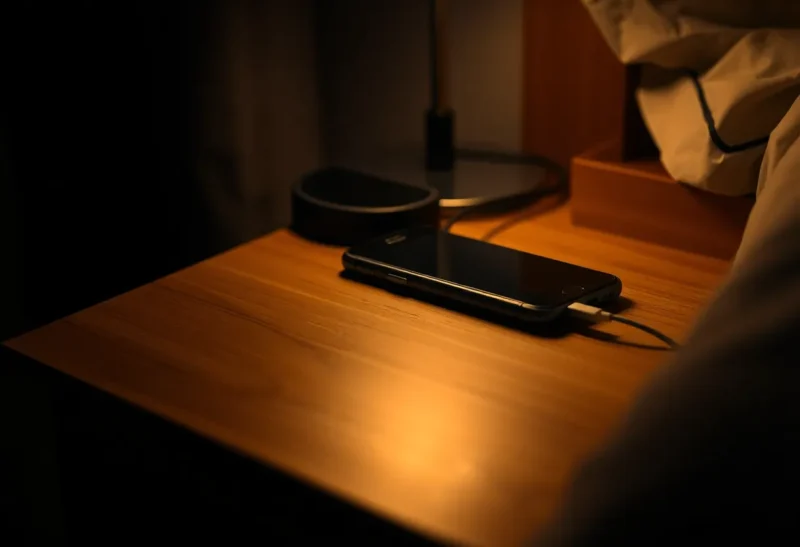
- Charger connected or disconnected. Plugging in at night is a physical event. A Shortcut that sets a sleep Focus and starts a shortcut-friendly audio routine often still runs. It may run a minute late. It usually runs.
- A Focus turning on, if some other part of the system turned the Focus on. The Shortcut that hangs off that Focus can run while locked. If the Shortcut was supposed to be the thing that turned the Focus on at 22:00, you are back to the clock problem below.
- Home scenes, when the Shortcut’s only real job is to tell the home hub. The hub does the lights. The phone only has to wake long enough to send that. Low Power Mode can delay the send. It does not delete the scene.
- NFC and a tap on a tag, because you are there with the phone. That is closer to a button than to a daemon. Run Immediately has to be on, or the phone will light a banner you miss with the screen down.
If Notify When Run is on, you get a banner after. Under Low Power Mode, and under a Focus that hides Shortcuts notifications, you may get the effect and not the banner. Judge the Shortcut by the light or the Focus, not by whether you saw a notification. The notification is optional. The missing banner is how people decide a working automation is dead.
What does Low Power Mode push until morning?
Time-of-day automations are the ones that lie. You set 6:30, Ask Before Running off, a Focus and a spoken line. With the phone locked, charging, and Low Power Mode on, 6:30 is a suggestion. iOS may run it when the next convenient wake happens: you picking the phone up, the charger state changing, or a push that was important enough to ignore the throttle. I have had a “morning” Shortcut fire at 6:31 and the same Shortcut fire at 9:10 the next day because nothing woke the phone. Both were “successes” in the sense that no error appeared. The alarm clock was not impressed.
Location automations get worse. Low Power Mode reduces how hard the phone looks for significant location changes. A “when I arrive” Shortcut that was already flaky indoors becomes a Shortcut that runs when you unlock the phone at the destination, which is no longer an arrival automation. Do not use it for anything that has to happen before you look at the screen.
App-open triggers do not help while the phone is locked, because the app is not opening. Bluetooth connections to a car or a speaker sometimes still fire, and sometimes they wait. I do not put a door lock on that trigger when the battery is yellow.
Which steps fail even if the automation starts?
Ask for Input, Choose from Menu, and Show Alert cannot be answered on a phone that is face down. The automation reaches that step and stalls. If Ask Before Running is still on, it never gets that far. The banner is the stall. Turn the ask off only for Shortcuts that are safe to run unattended. Leave it on for anything that sends a message, and then accept that it will not send while you are asleep.
Open App is a foreground step. The lock screen will not become that app for you at 2 a.m. A Shortcut whose last step is “open the transit app” is a button you meant to tap, filed in the wrong place.
Get Contents of URL, and anything else that needs a fresh request, is the step Low Power Mode is happiest to drop. The Shortcut can be perfect and the fetch can still wait until the phone is awake and willing to spend radio time. If the result has to exist before you touch the phone, that step does not belong on the iPhone. A fetch that must run while the phone sleeps belongs on a machine that is not managing a battery.
Show Result and any step that expects you to read the screen are useless while locked. The work may have happened. You will not see it until you unlock, and under Low Power Mode you may not see a notification either. Write the outcome somewhere you can check later, or make the outcome a physical change, like a light, that does not need the screen.
How do you tell a late run from a dead one?
Shortcuts has no run log you can trust for unattended automations. A green test when you tap the Shortcut in the editor only proves the steps work while the phone is unlocked and awake. That is the opposite of this question.
The test I use is boring. Turn Low Power Mode on. Lock the phone. Do the trigger for real: plug in the charger, or flip the Focus from a watch, or wait for the clock if you are willing to watch a half hour of nothing. Leave the phone alone. Then check the thing the Shortcut was supposed to change, not the notification shade. If the Focus is on, it ran. If the light is on, the hub heard it. If neither changed until you unlocked the phone, it did not run while locked. It ran because you woke it.
Repeat once on a normal battery and once in Low Power Mode. A Shortcut that passes only the first test is a daytime button. People ship those as night automations and then blame the recipe.
Do messages, Health, and the Watch change the answer?
Send Message is the step that should not run unattended, and Low Power Mode is not why. Even with Ask Before Running off, iOS often still demands confirmation before a Shortcut texts someone while the phone is locked. That prompt is the product working. If your night routine “fails” because a goodnight text never left, it did not fail. It waited for a thumb. Move the text to a tap you do while you are still looking at the phone, or stop pretending a locked iPhone is allowed to message people by itself.
Health writes are permission-gated. A Shortcut that logs water or a medication can be allowed to run, and it can also stop at the lock because the sample is private. Grant the permission in the Shortcut while you are unlocked, then test with the screen off. If it only logs after you unlock, it is not a night log. It is a diary you fill in the morning, which is fine if you know that, and useless if a clinician or a streak app thinks the timestamp is when you took the pill.
Apple Watch complications and the watch’s own Shortcuts runner are a different device with a different battery mode. A watch tap can still start a phone Shortcut over the wrist, and that Shortcut then hits the same lock and Low Power Mode rules on the phone. The watch feeling awake does not mean the phone’s background fetch woke up. Test the phone, not the haptic.
What should you stop expecting?
Stop expecting a locked, low-power iPhone to be a scheduler. The Shortcuts that still earn a place are the ones tied to a physical event you already cause, or a tap you already make, with steps that do not open an app and do not fetch a page. Set Sleep Focus when the charger connects. Run a Home scene from a Lock Screen control. Play the playlist you tapped.
Move the 6:30 network check off the phone. Move anything that must happen before you look at the screen onto a clock that is not Low Power Mode, which for a phone means the Clock app’s alarm, not a Shortcut. An alarm still fires. A Shortcut at the same minute is a guest of the scheduler, and the guest gets asked to wait when the battery is yellow.
If a Shortcut is safe and local and still does not run, the usual cause is Ask Before Running left on, a step that shows UI, or a Focus that silenced the only evidence you had. Fix those before you rewrite the actions. The actions were probably fine. The phone was locked, the battery was saving itself, and the Shortcut was waiting for a person who had already gone to sleep.