E-Ink Tablet vs iPad for Handwritten Notes

Naomi Ellison
September 27, 2026
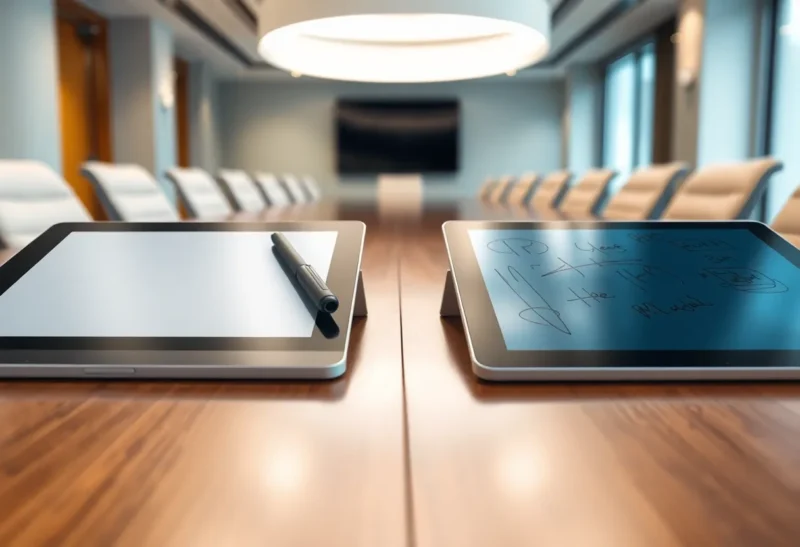
If handwriting is the main thing you’ll do on the device, buy the e-ink tablet. If your notes are mostly a canvas for screenshots, color diagrams, and pasted slides, with handwriting as the glue, buy the iPad. That’s the short answer after three months of taking the same weekly meetings on both, alternating week by week, with a notebook of complaints for each.
The longer answer is that the three things people argue about (latency, palm rejection, and how the surface feels under the pen) don’t all point the same way. The iPad wins on latency. The e-ink tablet wins on feel. Palm rejection is closer than the forums suggest, but for a different reason than you’d expect. And the thing that decided it for me wasn’t on that list at all.
The setup, and why it was fair-ish
On iPad weeks I used an iPad Air with a second-generation Apple Pencil, one popular handwriting app, and a matte paper-texture screen protector, because nobody who takes serious notes on an iPad writes on bare glass for long. On e-ink weeks I used a 10-inch note-taking tablet with a passive EMR pen, the kind that never needs charging. Same meetings, same paper size, same rule: all notes by hand, no typing.
I’ve worn through nibs on most of the pen technologies out there, so I went in with opinions. Some of them survived.
Latency: the iPad is faster, and it matters less than you’d think
Put the two side by side and scribble fast, and the iPad wins before you finish the word. Ink on a modern glass tablet appears essentially under the nib. Apple’s pens and the Pro models’ high-refresh screens are tuned to make the line look attached to the tip, and the software predicts where the stroke is going to fill the gap. Even on the 60 Hz Air I used, the line kept up with my hand.
On e-ink, the line trails. Not by much on a current tablet (the vendors advertise figures in the low tens of milliseconds, and the best of them feel close), but enough that during fast writing you can see ink catching up with the tip. Quick underlines and crossings-out show it most. Erasing large areas and switching tools show it more, because the panel has to do extra work to redraw.
That gap comes from how e-ink physically moves pigment, and it isn’t going away with a firmware update. If you want the why, it’s covered in depth in why e-ink note-taking still feels behind glass tablets. What I can add from three months of meetings is how much it mattered in practice: less than I expected, after the first week.
Meeting notes aren’t sketching. They come in bursts, with gaps while someone talks. In those bursts the e-ink lag was noticeable. Between them it disappeared. By week three I’d stopped seeing it, the way you stop noticing a cheap pen that skips a little. If your notes are fast, continuous, and dense (lecture transcription, speed sketching, cross-hatching), the lag won’t fade into the background like that. For normal meetings, it did.
Palm rejection: closer than the forums say, for different reasons
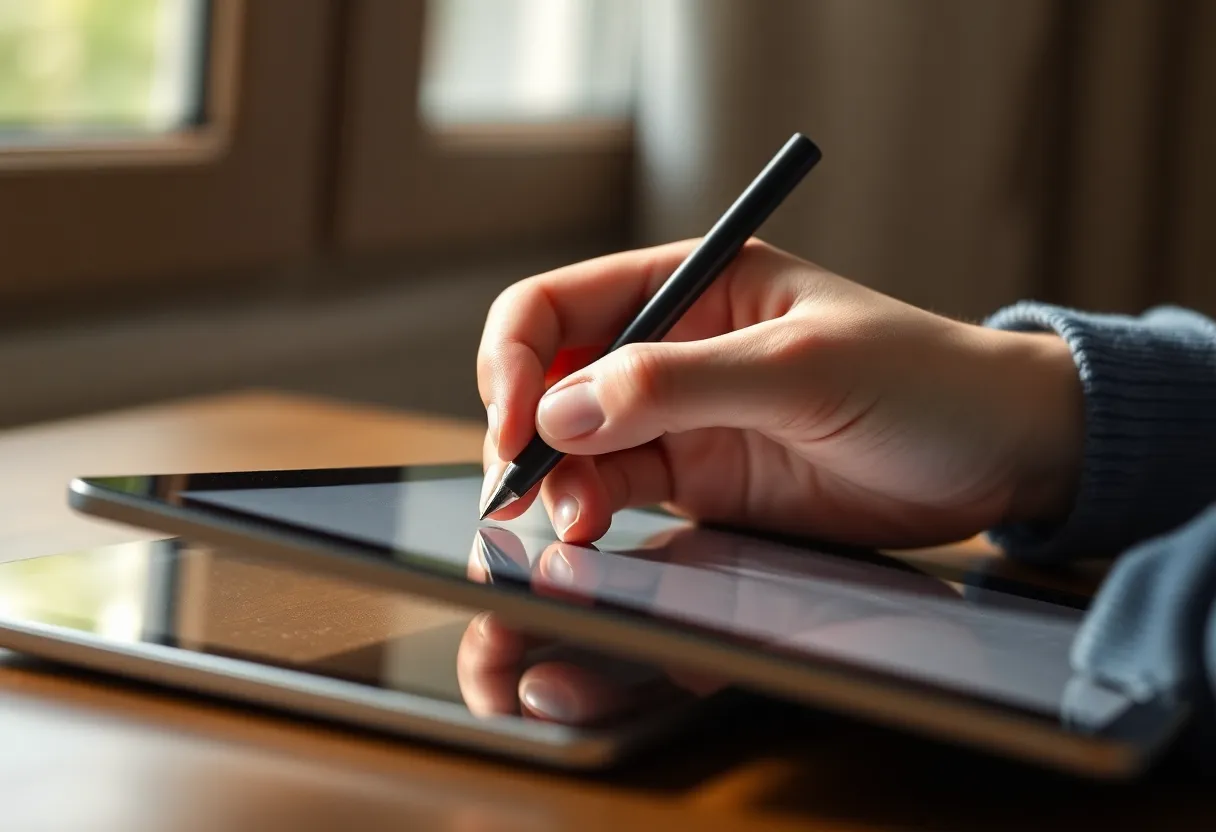
Old complaints about iPad palm rejection are mostly out of date. With the Pencil in range, the iPad ignored my palm well in the app I used. I didn’t get stray marks from the heel of my hand. That part works.
What broke my concentration on the iPad was everything else the glass responds to. The edge of my palm near the top of the screen dragged down a notification panel twice in one meeting. A resting knuckle zoomed the page. Swiping gestures from the bottom edge caught my sleeve. None of that is the pen app getting palm rejection wrong. It’s an operating system built for fingers underneath an app built for a pen, and the two occasionally argue.
The e-ink tablet sidesteps most of that. An EMR digitizer only responds to the pen, and many note-taking tablets let you turn finger touch off entirely while writing, or do it automatically when the pen comes close. With touch off, there is simply nothing for a palm to trigger. The trade-off is that you lose pinch-to-zoom and swipe navigation until you turn touch back on, and a couple of times I tapped a menu with my finger and nothing happened. That’s a lot less disruptive than a notification panel sliding over your notes while someone is presenting.
On palm rejection, then: both handle the palm itself. The e-ink tablet handles everything around the palm better, because it has fewer things listening to your hand.
Paper feel: where the e-ink tablet pulls ahead
This is the category where the difference isn’t subtle. Bare iPad glass is slick. The Pencil tip skates, and your handwriting gets bigger and looser to compensate. A matte paper-texture protector fixes a lot of that, adding friction so the tip bites. It also has costs I hadn’t fully counted:
- It dulls the screen. The same matte layer that gives the pen grip diffuses the display. Text gets slightly soft and colors lose punch. For notes that’s fine. For everything else you do on an iPad, it’s a permanent tax.
- It eats Pencil tips. I went through Pencil tips far faster with the protector than without it. Rough surfaces wear hard tips.
- It still feels like a film on glass. Better than bare glass, clearly not paper. There’s a faint scratchiness and a hollow tap.
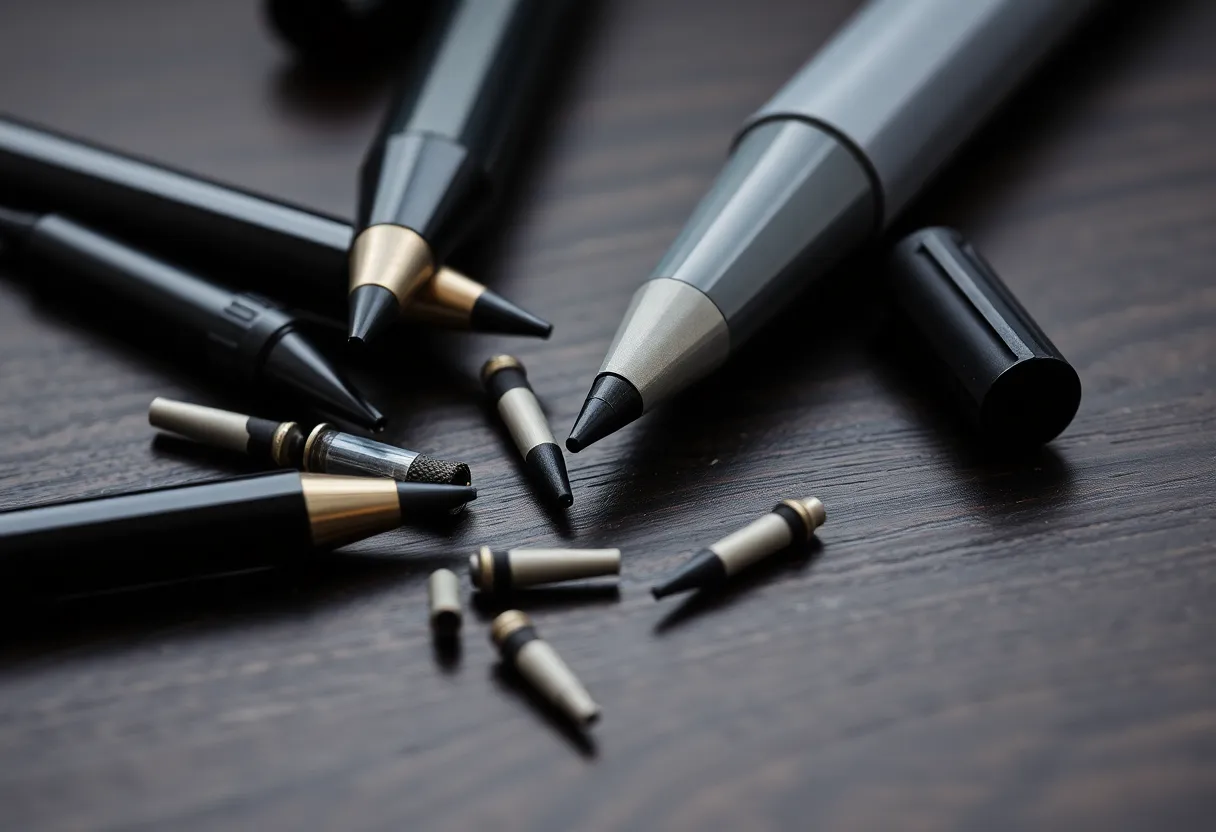
The e-ink tablet’s writing surface is designed for the pen from the start. The surface texture and the nib are matched, so you get consistent drag without a sticker on top. Depending on the device, that feels like a pencil on smooth paper or a felt tip on coated stock. Some nibs wear down quickly on these surfaces too, and replacement nibs are a recurring cost on several devices. But the feel is closer to paper than anything I’ve managed on glass, and my handwriting was smaller and neater on e-ink weeks. I measured that crudely, in lines per page, and it wasn’t close.
The pen itself: charging rituals
I care about this more than most reviewers, so I’ll keep it short. The Apple Pencil is an excellent pen with a battery. The second-generation model charges magnetically on the side of the iPad, which mostly solves the problem as long as you remember to leave it there. I forgot twice, and a dead Pencil in a meeting leaves you with no pen at all.
The passive EMR pen on the e-ink tablet has no battery. It has never needed charging, pairing, or thinking about. Pick it up and it works. For a tool you want to disappear, that counts for more than any spec on the box.
The thing that actually decided it
After three months, the latency and paper-feel results were what I’d predicted. What I hadn’t predicted was how differently I behaved in meetings.
On iPad weeks I took fewer notes. Not because the iPad was worse at notes, but because it was also good at everything else. A message banner would slide in, I’d tap it “just to see,” and I’d come back to a page with a gap where two decisions should have been. Focus modes help, and I used one. But the email app was still one swipe away, and in a slow meeting, one swipe is nothing.
On e-ink weeks there was nothing to swipe to. The tablet does notes and reading. My pages were fuller and my action items were complete. The two weeks where I had to reconstruct what we’d agreed from someone else’s summary were both iPad weeks.
That’s not a hardware result, and I don’t want to pretend it is. Someone with better discipline than me would get the same notes from both. But you’re buying a device for the person you are in meetings, not the person you’d like to be.
Where the iPad was clearly better
It wasn’t one-sided. The iPad won several things outright:
- Mixed media. Dropping a screenshot of a slide into my notes and circling the number that mattered took seconds on the iPad. On e-ink, it’s awkward or impossible depending on the device.
- Color. Color-coding owners, risks, and decisions is useful, and the iPad does it effortlessly. Color e-ink exists, but the colors are muted and slower.
- Handwriting search and conversion. The iPad app searched my scrawl reliably and converted it to text without drama. E-ink tablets vary a lot here; some are good, some push you to a cloud service, and some barely try.
- Sharing. Exporting a page straight into a chat thread during the meeting was trivial on the iPad and took a few more steps on e-ink.
- Everything that isn’t notes. Video, web, email, and apps. If you’ll only own one tablet, the iPad does a lot more.
How I’d choose
Ask yourself what fills most of the page.
If it’s handwriting, meaning meeting notes, journals, lecture notes, drafts, and to-do lists, get the e-ink tablet. It feels better to write on, it gives your palm less to set off, the pen needs no charging, and it keeps you on the page. You’ll notice the latency in the first week and probably stop noticing it by the third.
If it’s a mix of handwriting and other material, meaning annotated slides, color diagrams, screenshots, and notes that get shared seconds after you write them, get the iPad, add a matte protector if you can live with the duller screen, and set up a Focus mode before your first meeting. You’ll get lower latency and a far more capable app ecosystem.
If you’re choosing on latency alone, you’re weighting the one category where the difference fades fastest in real use. Try both for a week each if you can, in real meetings, not in a store. Whatever you still notice in week two is what should decide it.
I ended the three months with the e-ink tablet in my meeting bag and the iPad on the couch. Both do their job well. They just aren’t the same job.