The Best E-Ink Tablets for Developers: Code Review, Design Docs, and Notes That Aren’t a Kindle List

Caleb Whitmore
September 27, 2026

Most “best e-ink tablet” lists are written for readers. They rank front lights, bookstores, and how a novel looks at 300 ppi. None of that tells a programmer whether a tablet will survive a Tuesday of reading someone else’s pull request, marking up a design doc, and sketching the service boundary everybody keeps arguing about in standups.
I have spent the last couple of years using e-ink for exactly those jobs, and the ranking changes completely once you stop asking “which one reads books best” and start asking “which one lets me read 100-column code without squinting, and write a margin note I will actually carry back into the review.” This piece is about that second question. You will not write code on any of these devices. You will read it, argue with it, and draw boxes around it.
The four jobs an e-ink tablet does for a developer
Before any device names, it helps to be specific about the work. In my experience a developer’s e-ink tablet earns its place through four recurring tasks:
- Reading code you did not write. A large diff, an unfamiliar module, a library you are about to depend on. The goal is comprehension, not editing.
- Reviewing prose about code. Design docs, RFCs, ADRs, incident write-ups, vendor API specs. These are long, dense, and usually read once with full attention or not at all.
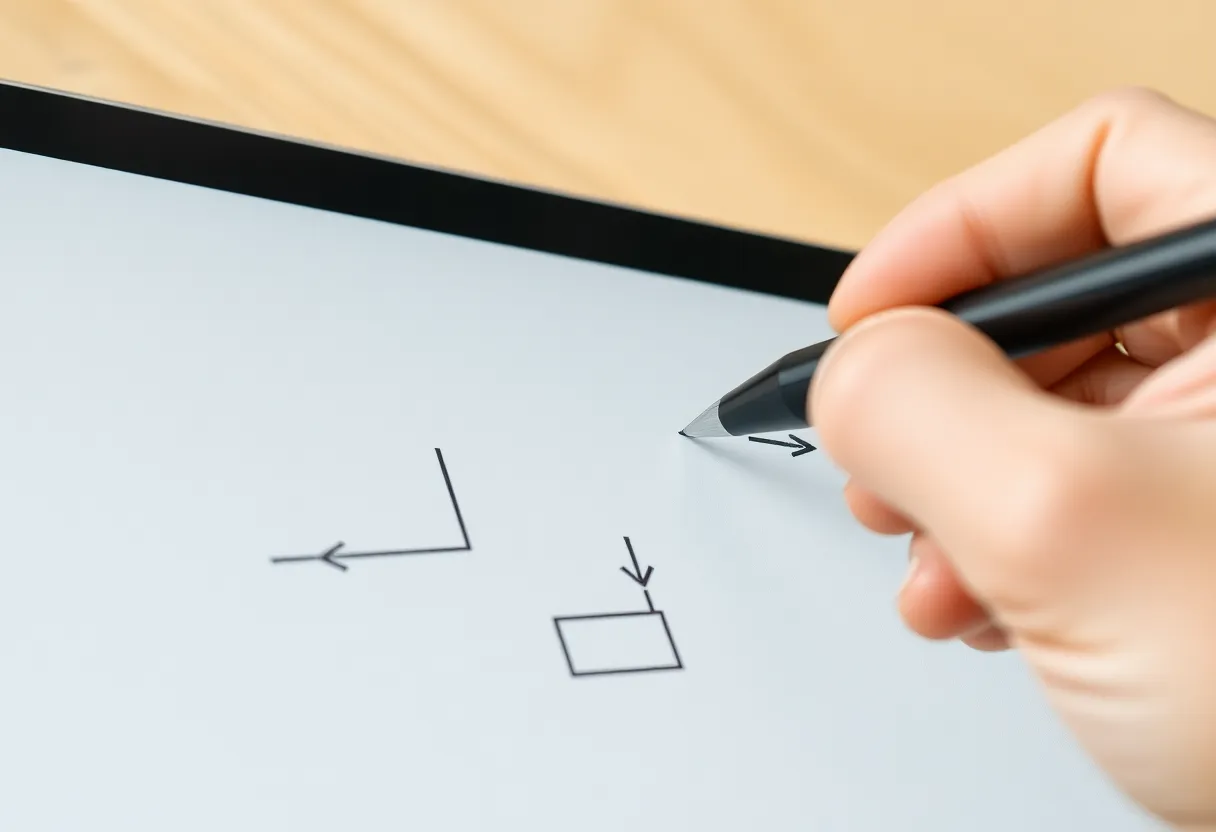
- Sketching systems. Sequence diagrams, data flow, the whiteboard picture of a migration. Hand-drawn is faster than any diagram tool when the shape is still changing.
- Keeping a working notebook. A debugging log during an incident, a list of hypotheses, the three things you promised to check after the meeting.
If none of those appear in your week, you do not need this category. If two or more do, the question becomes which hardware handles them without friction, and that mostly comes down to screen width, pen feel, and whether you want Android.
The test that matters: 100 columns of monospace
Code is the hardest thing you will ask an e-ink screen to show. Prose reflows. Code does not. A line is as wide as its author made it, and indentation carries meaning. So the first number to care about is not resolution but physical width.
Some rough arithmetic. A 10.3-inch panel in the usual 3:4 portrait shape is about 6.2 inches wide. A 13.3-inch panel is about 8 inches wide. A typical monospace font advances roughly 0.6 of its point size per character, so a 100-character line at 10 pt needs a little over 8 inches of width. At 8 pt it needs closer to 6.7 inches.
In practice that means:
- On a 10.3-inch tablet in portrait, a 100-column file lands around 7 pt once you allow for margins and line numbers. Readable on a sharp panel, tiring after an hour.
- On the same tablet in landscape, you get roughly 9 to 10 pt, but only about 40 lines per screen, and you will page constantly through anything long.
- On a 13.3-inch tablet in portrait, 100 columns sit comfortably at 9 pt with room for a narrow margin to write in. This is the size where code review stops feeling like a compromise.
If your codebase enforces an 80-column limit, the smaller tablets become much more pleasant. If it has a 120-column formatter setting and a culture of long generic type signatures, go big or stay on your monitor.
Getting code onto the tablet without making a mess
The single biggest mistake I made early on was printing a GitHub “Files changed” page to PDF. It technically works. It also produces a web page frozen in time, with sticky headers, collapsed hunks, and colour syntax highlighting that turns into grey mud on a monochrome panel.
What works better is generating the PDF yourself, with e-ink in mind:
- Use unified diffs, not side-by-side. Side-by-side halves your column budget. On paper-like screens it is almost always the wrong trade.
- Pick a greyscale-friendly highlighting style. Pygments ships a
bwstyle that uses bold and italics instead of colour. Keywords in bold and comments in italics survive e-ink far better than seven shades of blue. - Keep line numbers. Your margin notes need an address. “Line 214, this retries forever” is a comment you can paste into a review. “Somewhere near the middle” is not.
- Include a few lines of context, not the whole file. Three to ten lines around each hunk is enough. Full-file dumps bury the change.
- Set the page size to the tablet. A PDF laid out for A4 or Letter gets scaled down on a 10.3-inch panel, which is how 9 pt code quietly becomes 7 pt.
Old Unix tools like enscript and a2ps still do a surprisingly good job of turning source files into paginated, line-numbered output. A small script that runs git diff, pipes it through a highlighter, and prints to a tablet-sized PDF is an afternoon of work that pays back every week.
The review round-trip is manual, and that is fine
No e-ink tablet is a code review client. You will not click “Approve” from a Supernote. You will read, mark up, and then sit at your laptop and type your comments into the pull request yourself.
People treat that as a flaw. I have come to see it as the reason the workflow works. Typing comments from a marked-up page forces a second pass. Half of my circled lines turn out to be things I understood by the next page. The comments that survive are the ones worth a reviewer’s time. My reviews got shorter and the ones that mattered got sharper.
For design docs and RFCs the round-trip is even more natural. You read the whole thing with a pen in hand, write your questions in the margin, and bring them to the review meeting or the doc’s comment thread. Nobody needs your annotations as a file. They need your five good questions.
Which tablets fit which developer
Here is where I have landed after living with most of the current hardware. The categories matter more than the specific model year, because the trade-offs are structural.
13.3-inch Android slabs: Boox Note Max and Tab X C
If code review is the main job, the big Boox tablets are the ones to beat. The width solves the 100-column problem outright, and Android means you can open the pull request itself in a browser or the GitHub app for reference while your annotated PDF sits in the other half of the screen. The monochrome Note Max is the better code reader; the colour Tab X C lets you use colour highlighting sparingly, at the cost of a slightly dimmer, lower-contrast panel.
The downsides are the ones you would expect. They are large, they are not cheap, and Android on e-ink is a tinkerer’s environment. You will spend time tuning refresh modes per app. Termux and an SSH client run, and I have used them to check a log file in a pinch, but scrolling terminal output on e-ink is a ghosting festival. Treat it as a reading station with an escape hatch, not a computer.
reMarkable Paper Pro: the best pen for design docs
For reading prose and marking it up, the reMarkable Paper Pro still has the writing feel I reach for when the document is a design doc rather than a diff. The 11.8-inch colour panel is wide enough for 80-column code in portrait and handles most RFC-style PDFs without zooming. Colour highlights are subtle but useful for separating “question” from “objection.”
It is a closed device. There is no browser worth using, no side-by-side with the live pull request, and cloud features depend on reMarkable’s service. For a developer who mostly reviews documents and sketches, that closed focus is a feature. For one who wants to cross-reference a PR while reading, it is a wall.
Supernote Manta (A5 X2): the working notebook
Supernote’s strength is notebooks, not PDFs. Its 10.7-inch Manta reads code PDFs acceptably, especially at 80 columns, but where it shines is the debugging log and the architecture sketchbook. Headings, page links, keywords, and stars give you structure inside a handwritten notebook in a way that suits incident notes and multi-week design work. The pen feel on its textured film is excellent and the battery life is the best of this group in my use.
If you already review code on a big monitor and want a disciplined place to think with a pen, this is the one. If you want a reading station for diffs, it is not.
10.3-inch generalists: Boox Note Air and Tab Ultra, reMarkable 2
The 10.3-inch class is the compromise tier. Everything above applies in miniature: 80-column code is fine, 100-column code is small, design docs are great, sketches are great. These are the devices to buy if you also want a general reader and note-taker, and code review is an occasional job rather than a daily one.
What I would skip for this use
The Kindle Scribe and Kobo Elipsa are good devices for readers who also write. Their PDF engines and document tools are thinner than the others here, and neither does anything special for code. Pocket-size e-ink is simply too narrow for source files. Colour e-ink as a primary code reader is also a trap: the colour filter layer costs contrast, and contrast is exactly what small monospace text needs.

Sketching systems: what the pen tools actually need to do
Architecture sketches look simple and punish weak software. The features that matter are boring:
- Lasso select, move, and resize. You will draw a box too close to another box. Being able to grab a cluster and slide it is the difference between iterating and starting over.
- Layers. A base layer with the current system and a second layer with the proposed change makes a migration diagram readable. Boox and Supernote both support layers; check how your device of choice handles them before relying on it.
- A dot grid template. Lined paper fights diagrams. Dots give alignment without imposing rows.
- Clean export to PNG or PDF. The sketch is only useful once it lands next to the design doc or in the repository’s docs folder. Test that the export is crisp at the size you will view it.
Shape recognition (the feature that straightens your wobbly rectangle) is nice but less important than it looks in demos. For early design work, the wobble is honest. It signals the diagram is a draft.
The incident notebook
The job I underrated most was the debugging log. During an incident, a laptop is covered in dashboards, terminals, and chat. Writing hypotheses by hand on a separate surface does two things. It slows you down just enough to write a hypothesis before acting on it, and it leaves a timestamped trail you can turn into the post-incident timeline afterwards.
A simple page format works: time on the left, what I believe on the right, and a line through it when disproved. Any of these tablets can do that, but a device that wakes instantly and lives on the desk next to the keyboard gets used. One that needs unlocking and an app launch gets forgotten when the pager goes off.
What an e-ink tablet will not do for you
It is worth being blunt about the limits, because the marketing for Android e-ink sometimes implies otherwise.
- Writing code. Even with a Bluetooth keyboard, an editor on e-ink is slow, and the refresh artefacts make cursor movement miserable. Remote editing over SSH is possible and not something I would do for more than a quick fix.
- Live dashboards and logs. Anything that updates continuously fights the display technology. Keep those on the LCD.
- Colour-dependent diffs. If your team relies on red and green to read a review, you will need a greyscale-friendly export or you will lose information.
- Sync magic. Moving annotated PDFs and sketches between the tablet and your machine is a solved problem on every platform, but none of them do it invisibly. Budget a minute per document.
How to choose in one pass
Start with the width question. If you review code with lines longer than 80 characters more than once a week, a 13.3-inch Boox is the only option that does not make you compromise on font size. If most of your reading is prose about code, the reMarkable Paper Pro’s pen and panel are the nicest place to do it. If what you actually want is a better paper notebook for designs and incidents, the Supernote Manta is the calmest tool in the group. And if you want one device that reads books too, a 10.3-inch generalist will cover you with small concessions everywhere.
Then run a real test inside the return window. Generate a PDF of the last big pull request you reviewed, at your tablet’s page size, in a greyscale-friendly style. Read it end to end with a pen. If you catch something you missed on the monitor, or you finish it without the urge to open a browser tab, the device has earned its spot on your desk. If you find yourself zooming and panning every few lines, it has not, and no amount of front-light warmth will fix that.
The best e-ink tablet for a developer is not the one that reads a novel beautifully. It is the one that makes you a slower, more careful reader of code for exactly as long as the code deserves it.