OctoPrint on a Pi vs the printer’s own screen: the job that dies when the Pi drops off the network

Anya Petrov
September 23, 2026
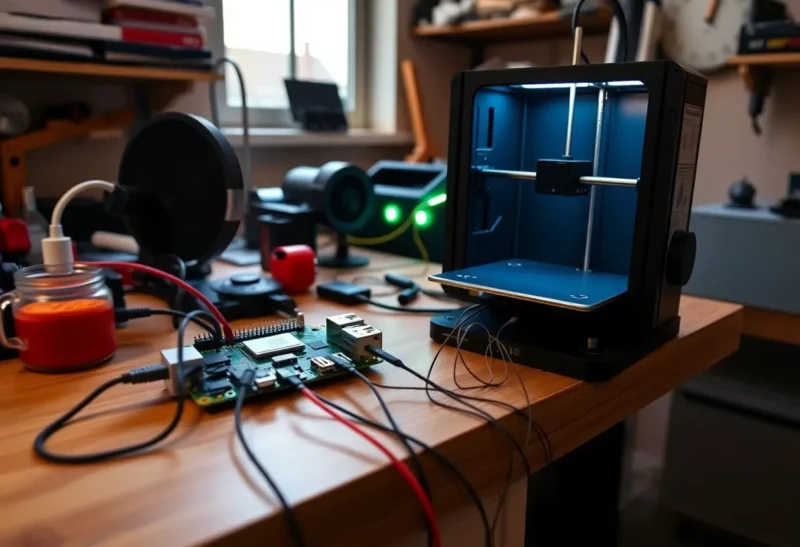
OctoPrint on a Raspberry Pi feels like adulthood for a bed-slinger: remote start, camera angles, plugin graphs, a phone that can babysit a twelve-hour PETG brick. The printer’s own screen feels like the boring option—USB stick, local buttons, no dashboard. Then the Pi loses Wi-Fi at 2 a.m., the host session dies, and you learn which architecture actually owned the job.
This is not an argument against OctoPrint. It is an argument against confusing a network appliance with a motion controller. The screen path and the Pi path fail in different rooms of the house. Pick the failure you can live with.
Who is streaming g-code?
On a typical Marlin-style printer with an SD or USB workflow, the printer’s board reads the file and executes it. Unplug your laptop. Power-cycle the router. The print keeps walking layers because the trajectory lived on the machine. The stock screen is just how you tell that board to start, pause, or abort.
OctoPrint (and similar hosts) often streams g-code over serial. The Pi becomes the source of the next line. That is powerful: you get central file storage, timelapses, power relays, failure detection plugins. It is also a dependency graph. If the Pi locks up, if OctoPrint’s serial path stalls, if a USB cable gets twitchy, the printer can stop mid-air with a hot nozzle and a half-finished part. Some setups mitigate this with board-side SD printing triggered remotely. Many hobby installs do not. They stream, because streaming is what the tutorials showed first.
So the title’s nightmare—the job that dies when the Pi drops off the network—is really about two different failure modes people mash together. Network drop alone does not always kill a print if the host already buffered and the serial link stays up. A Pi that freezes, reboots for an unattended OS update, or corrupts its SD card will. Treat “Pi offline in the router list” as a symptom cluster, not a single root cause.
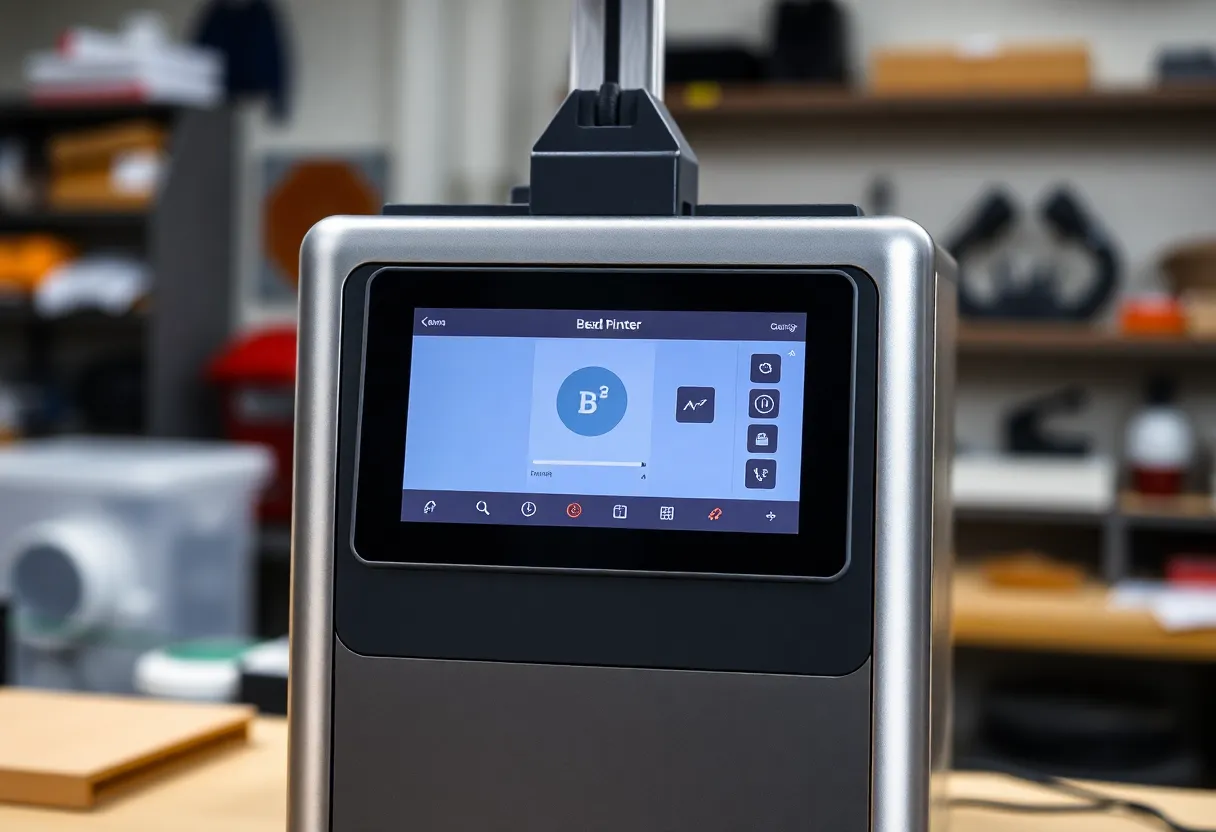
What the stock screen is good at
The printer’s screen is local truth. You can see temperatures without opening a laptop. You can abort without hoping a browser tab still has auth. You can start a file that already lives on the machine’s media. For a first printer in a noisy RF apartment, that simplicity is underrated. Fewer computers means fewer ways for a weekend print to become a forensic exercise.
Limits are obvious. Remote start from work is awkward or impossible. Timelapse culture wants a host. Multi-printer fleets want a dashboard. Plugin ecosystems do not live in a 128×64 LCD. If your workflow is “slice, walk to the machine, press print,” the screen is not a compromise—it is the correct UI.
Also: stock screens vary wildly. A crisp color UI with good file browsers is a different product than a knob menu from 2017. Judge the actual panel on your SKU, not the category.
What OctoPrint on a Pi is good at
Remote monitoring changes behavior. You check a camera instead of hovering. You catch a spaghetti failure early with a plugin instead of smelling burnt plastic later. You keep profiles and g-code in one place. For people who print long functional parts while at work, that is real utility—not gadget theater.
The Pi cost is operational. SD cards wear. USB cables matter more than they should. Wi-Fi power saving on cheap dongles creates mystery stalls. Plugin piles turn a stable host into a science fair. Power loss recovery stories get more complicated when two computers share responsibility for the job.
If you go Pi, wire Ethernet when you can. Pin the OS against surprise reboots. Prefer workflows where the printer’s board holds the file when reliability matters more than live streaming features. Use the camera and UI as observation, not as the only brain.
The failure matrix (read this before you buy a Pi case)
- Router blip, serial still up: streamed jobs may survive; browser UI vanishes; panic is optional until you confirm motion stopped.
- Pi lockup / OctoPrint crash: streamed jobs often die; board-SD jobs may continue if they were never dependent on the host mid-print.
- USB disconnect: classic kill shot for serial streaming; reseating cables is maintenance, not bad luck.
- Printer board reset: both philosophies lose the job unless you have deliberate recovery features and a plan.
- Human abort needed now: physical screen or hardware kill switch beats hunting for a phone on the wrong VLAN.
Design for the row you fear most. Apartment makers who fear fire more than inconvenience should optimize for local abort and safe heater timeouts. Remote-work makers who fear twelve hours wasted should optimize for monitoring—without pretending monitoring equals control-plane immortality.
Hybrid setups: the grown-up middle
You do not have to pick a religion. Many stable shops use OctoPrint (or a vendor cloud, or a Klipper host UI) for files and cameras, while still starting critical prints from board storage. Others keep the Pi for daylight jobs and use the screen plus SD for overnight bricks. The hybrid sounds indecisive. It is usually experience.
Vendor enclosed ecosystems complicate the comparison further: their screens and apps are the product, and a random Pi is optional or unsupported. This article is aimed at the classic open printer where OctoPrint is a community default. If your machine’s brain already includes a capable touch UI and reliable onboard storage, adding a Pi is an enrichment layer—not a requirement to be taken seriously.
Plugins, power, and the illusion of safety
OctoPrint’s plugin culture can detect spaghetti, watch load cells, and cut relays. Those tools help. They are not a substitute for understanding who owns motion. A relay that kills wall power on a detected failure is useful; a host that disappears and leaves heaters on because the failure path assumed the Pi was healthy is the opposite of safety engineering.
Prefer printers and firmwares with thermal runaway protection enabled regardless of host. Prefer geometry that fails safe if serial goes quiet. Test your abort paths on a five-minute print before you trust them on a two-day run.
Cameras, clouds, and separate concerns
A common muddle is tying video, file transfer, and motion control to one fragile board. You can put an ESP32 camera or a dumb USB webcam on its own glanceable stream without letting that box own g-code. You can copy files with a sneakernet stick and still watch a lens from the couch. Decoupling observation from control is how you keep OctoPrint’s best idea—eyes on the bed—without inheriting every host outage as a print outage.
Vendor clouds add another layer: account logins, remote start from a phone, and a company server in the path. Convenience is real; so is an outage that is not even in your apartment. For critical overnight jobs, local board media plus a local screen abort still beats a polished app that returns a spinner.
If you love OctoPrint’s UI, keep it. Just stop treating serial streaming as the only respectable way to use it. Upload, disconnect, print from the printer’s storage, and leave the Pi as a camera and catalog. That pattern survives a surprising number of “my Pi fell off the network” evenings with the part still growing. The goal is not to exile OctoPrint. The goal is to stop letting a $35 computer hold a veto over a nozzle sitting at 250°C.
When I recommend the screen-first path
Choose the printer’s own screen as the primary control plane when you are still learning, when your Wi-Fi is entertainment-grade, when overnight reliability matters more than remote start, or when you do not want another Linux SD card in your life. Load files locally. Use a cheap camera on a separate app if you only need a glance. Add OctoPrint later with eyes open.
When I recommend the Pi path
Choose OctoPrint on a Pi when remote visibility changes whether you print at all, when you manage multiple machines, when timelapse and job history are part of how you improve settings, and when you will invest in Ethernet, backups, and a lean plugin list. Then decide deliberately whether jobs stream or run from board media.
If your Pi has already murdered a long print, do not only buy a prettier case. Change the ownership model. The network should not be a single point of failure for molten plastic sitting one fault away from a scarred bed.
A plain closing rule
The screen is control that lives with the heaters. The Pi is a powerful satellite. Satellites are great until people mistake them for the planet. Run monitoring on the Pi if you want. Keep the job on the printer when the cost of a drop is a brick of PETG and a ruined evening. That single distinction prevents most of the war stories that make OctoPrint sound cursed and stock screens sound virtuous. Neither is cursed. Misplaced responsibility is. Once you assign responsibility on purpose, both tools get quieter—and the long prints get boring in the best way.