A printer webcam with failure detection vs watching the first layer: what the camera still misses

Anya Petrov
September 23, 2026
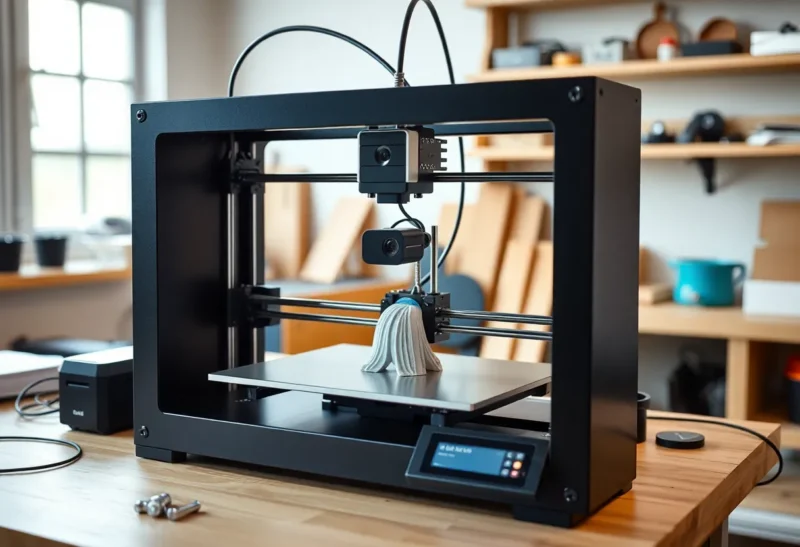
The pitch for a printer webcam with failure detection is simple: clip a camera to the frame, point it at the bed, and stop babysitting. The software will catch spaghetti, peel, and nozzle crashes while you sleep. Watching the first layer, by contrast, feels old-fashioned — ten minutes of squinting at extrusion lines before you walk away.
Both habits can save a print. They save it for different reasons. The camera is excellent at noticing that the job already failed. Your eyes are better at noticing that the job was never going to succeed. That difference is why a lot of rooms end up with a glowing LED camera and a still-failed overnight part.
This is not an argument against cameras. It is an argument about what each method can actually see.
What “watching the first layer” really means
First-layer watching is not romantic craftsmanship. It is a short, disciplined check of adhesion, gap, and flow before the print climbs into a shape the camera can later misread.
You are looking for a few concrete things. Does the first skirt or brim stick without lifting at the corners? Are the lines slightly flattened into the bed, or are they round beads sitting on top of plastic? Is the nozzle dragging and scarring the surface, or floating so high that the filament barely touches? Does the purge line look consistent, or does it start thin and then recover after a few seconds of pressure build-up?
Those cues show up in the first one to three layers. After that, the print may still fail for other reasons — but if the foundation is wrong, everything above it is theater. A warped corner that looks “almost stuck” at layer one becomes a peeling raft at layer forty, and by then failure detection is mostly documenting the mess.
The other value of being there is mechanical. You hear the first wrong scrape. You smell the first hint of burning plastic when a nozzle is too close on a textured PEI sheet. You notice that the filament path is hanging up on the drybox outlet. Cameras do not hear or smell. They infer from pixels.
What failure-detection cameras are actually good at
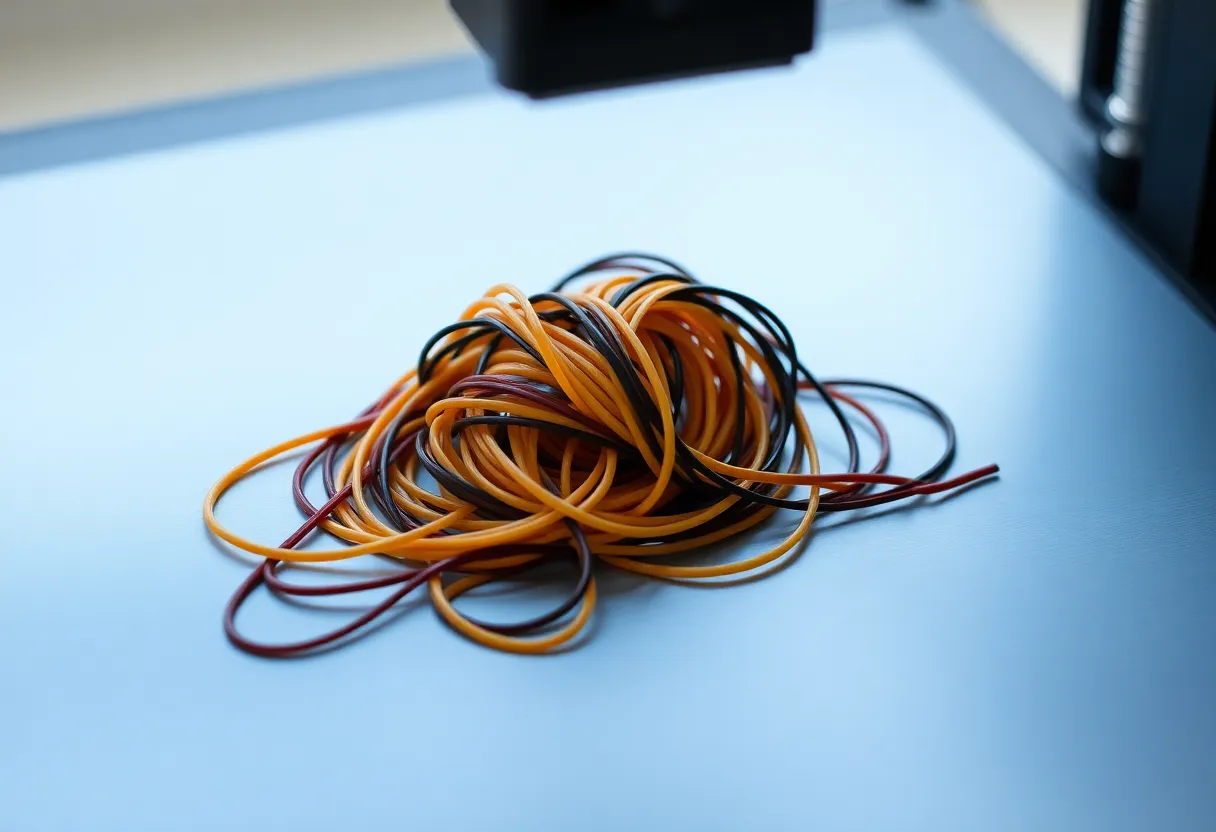
Modern printer cams and companion stacks (OctoPrint plugins, proprietary printer apps, ML “spaghetti detectors”) earn their keep on mid-print disasters. Once a nozzle is printing into air, the visual signature is loud: loops, nests, blobs climbing the hotend. Software that looks for chaotic motion or unexpected silhouette changes can pause or cancel before a heater block turns into a plastic sculpture.
They are also useful when you print large, long jobs and cannot stay in the room. A twelve-hour enclosure print does not need a human staring at layer three hundred. It needs a stop condition when the part detaches and the toolpath becomes spaghetti. In that sense the camera is a fuse, not a quality inspector.
Live view alone — without ML — still helps. Remote glanceability means you can confirm the printer is still moving when a phone notification says “progress 67%.” Progress percentages lie when the job is printing air. A camera feed is harder to lie about, even if you still have to interpret it.
Where the camera shines:
- Mid-print detachment that turns into a nest of filament
- Obvious nozzle crashes into a warped corner
- Confirming the machine is still actuating when you are upstairs
- Reviewing a failure after the fact so you know when it went wrong
Those are real wins. They are not first-layer wins.
What the camera still misses on the first layers
Failure detectors are trained, tuned, or thresholded around dramatic change. Early failure is often subtle.
A first layer that is 0.05 mm too high looks almost right in a compressed webcam stream. The lines are there. The skirt is continuous. The model silhouette matches the expected outline closely enough that many detectors stay quiet. Hours later the part pops free because adhesion was never enough — and only then does the camera “catch” the failure, after the damage is done.
Under-extrusion on the first layer is another blind spot. A slightly starved line can still look like a filled rectangle from a cheap wide-angle lens mounted high on the frame. Your eye, from a better angle and with depth, sees gaps between paths. The algorithm sees “still looks like a rectangle.”
Lighting wrecks accuracy. Glossy PEI reflects the enclosure LED into a bright smear. Dark filament on a dark bed collapses contrast. A camera that worked for white PLA on textured PEI becomes unreliable for black PETG on a smooth sheet. People blame the model; the sensor never had the signal.
Occlusion is worse than people admit. Toolheads, part-cooling ducts, and cable chains block the view of the exact corner that is peeling. Many failure systems sample a region of interest. If the peel starts outside that crop, or under the gantry for half the layer time, the detector is guessing.
And then there are failures that are not visual yet: a clog that still extrudes a thin string; a heat creep that will fail in twenty minutes; a filament tangle in the drybox that has not reached the extruder. Watching the first layer does not catch all of those either — but standing next to the printer for the start gives you a chance to notice the click of a grinding extruder gear before the camera has anything dramatic to show.
False confidence: the camera that makes you leave too early
The dangerous pattern is not “camera bad.” It is “camera installed, therefore first layer is optional.”
You start a print from the slicer, glance once at the live feed on your phone, see plastic going down, and walk away. The feed is low resolution. The angle is from above. The first corner looks attached enough. You trust the detector to catch the rest. At 2 a.m. you get a cancel notification — or worse, you get nothing because the print “succeeded” as a warped, unusable brick that never triggered spaghetti logic.
Silent success of a bad part is its own class of failure. Detectors stop prints that look catastrophic. They do not stop prints that look mostly like the STL and will not fit the mating bracket. Dimensional drift, elephant’s foot from a crushed first layer, and layer shifts that stay within silhouette tolerance can all pass visual ML while failing the part’s job.
Watching the first layer is still the cheapest dimensional sanity check most hobbyists will do. If the brim is mashed into a translucent sheet, you know Z-offset is too aggressive before you waste half a spool. A camera rarely tells you that with the same confidence.
When the camera is the better tool
There are setups where first-layer watching is impractical, and the camera is not a luxury.
Multi-day prints on a reliable machine with a known profile: you already tuned the first-layer ritual on smaller tests. The overnight risk is mid-print failure, not surprise adhesion. Here the camera’s job is abort-and-save-filament, not replace process control.
Printers in a garage or basement you will not visit for hours: remote visibility beats none. Pair it with a thermal runaway-capable board and a sane enclosure, and the camera is part of a monitoring stack rather than a substitute for bed leveling.
Farms and multi-printer benches: you cannot watch every first layer of every job. Spot-check new materials and new plates; let cameras cover the fleet for spaghetti. Process control shifts earlier — to maintenance, filament drying, and qualified profiles — because per-job babysitting does not scale.
In those contexts, failure detection is doing real work. Just do not confuse fleet monitoring with first-article inspection.
When your eyes still win
New filament. New nozzle. New bed surface. First print after a firmware or slicer profile change. First tall part after months of short functional prints. Those are first-layer days.
Also: any material that hates drafts and cold beds. PETG that looks fine for two minutes and then lifts at the corners. ASA or ABS that needs a closed chamber and a careful skirt. Flexible filaments that grind if the path friction is wrong. The first minutes tell you whether the process window is open.
If you only have ten minutes, spend them on the start, not on installing a better ML model. A correctly smashed first layer plus a dumb camera for spaghetti later beats a sophisticated detector staring at a doomed raft.
A practical split that works
Treat the two methods as sequential, not competing.
- Qualify the start in person whenever something changed: filament, plate, nozzle, profile, or ambient temperature. Watch until the first solid layers look right, then leave.
- Hand off to the camera for the long middle. Failure detection is for detachment, spaghetti, and obvious crashes — the failures that announce themselves visually.
- Do not trust a cancel notification as quality control. A finished print that never triggered the detector can still be warped, undersized, or weakly bonded between layers. Measure the critical dimensions before you call it done.
- Fix the camera’s blind spots mechanically if you rely on it: better lighting, a second angle if needed, dark filament on a lighter bed when possible, and a mount that does not spend half the layer time behind the toolhead.
If you want one rule of thumb: the camera answers “is the print still a print?” Your eyes answer “should this print have started?”
Why the marketing story skips this
Camera kits sell peace of mind. Peace of mind photographs well as a phone notification and a green checkmark. First-layer discipline does not photograph well. It looks like standing in a workshop doing nothing for eight minutes.
Detection demos also prefer spectacular failures — the spaghetti nest, the blob of death — because those are unambiguous training examples and unambiguous marketing frames. Quiet adhesion failure is less viral. It is also the failure mode that burns the most filament for people who “set and forget” after a remote glance.
None of that makes the product fake. It makes the product incomplete if you treat it as a full replacement for the start-of-print ritual.
Bottom line
A printer webcam with failure detection is a strong mid-print fuse. Watching the first layer is still the better inspection for adhesion, gap, and flow. Use the eyes to decide whether the job deserves to continue; use the camera to decide whether the job is still happening.
If you only install one habit this month, keep the first-layer watch for anything new, and let the camera earn its keep on the hours you will not be in the room. That split is less exciting than “fully automatic print monitoring,” and it fails fewer brackets.