Overclocking used to be a rite of passage. Crank the multiplier, bump the voltage, push your CPU past the factory rating and hope it didn’t blue-screen. Today, the picture is different. Modern CPUs already boost to the edge of what cooling and silicon can handle. So what does overclocking actually buy you in 2026—and is it still worth the hassle?
The Short Answer
For most people: not much. Desktop CPUs from Intel and AMD now run at high clock speeds out of the box. Turbo and Precision Boost (or the Intel equivalent) push cores to 5 GHz and beyond when thermal headroom allows. The gap between “stock” and “a stable manual overclock” has narrowed to a few percent in the best case, and sometimes you can’t beat stock at all. So the days of squeezing 20% more performance from a chip are largely over. What you get today is usually single-digit gains—or just the satisfaction of tuning.
Where Overclocking Still Helps
If you’re chasing every last frame in a CPU-bound game or running workloads that scale with clock speed (compilation, rendering, some scientific code), a careful overclock can still yield 5–10% gains. That might mean the difference between 58 and 62 fps in a heavy simulation, or shaving a few minutes off a long build. It’s not nothing—but it’s not the 30% lift that was possible a decade ago.
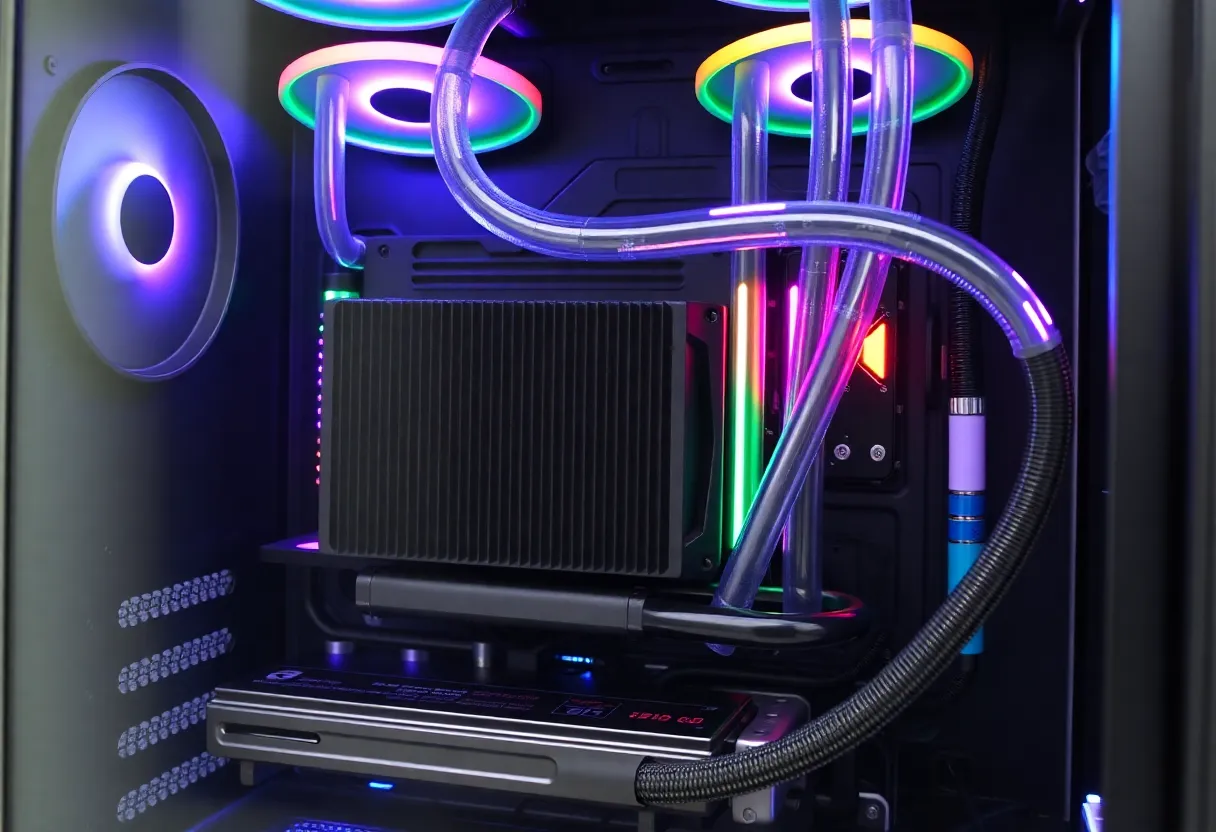
Overclocking also makes more sense when you have headroom. A chip that runs cool under load has room to push clocks or lock in higher all-core speeds. If you’re already thermal-throttling at stock, overclocking will only make things worse unless you upgrade cooling first. So the equation is: good cooling + a chip that doesn’t already max out = some gain. Bad cooling or a chip that’s already at its limit = little or no gain, and possibly instability.
Risks and Trade-offs
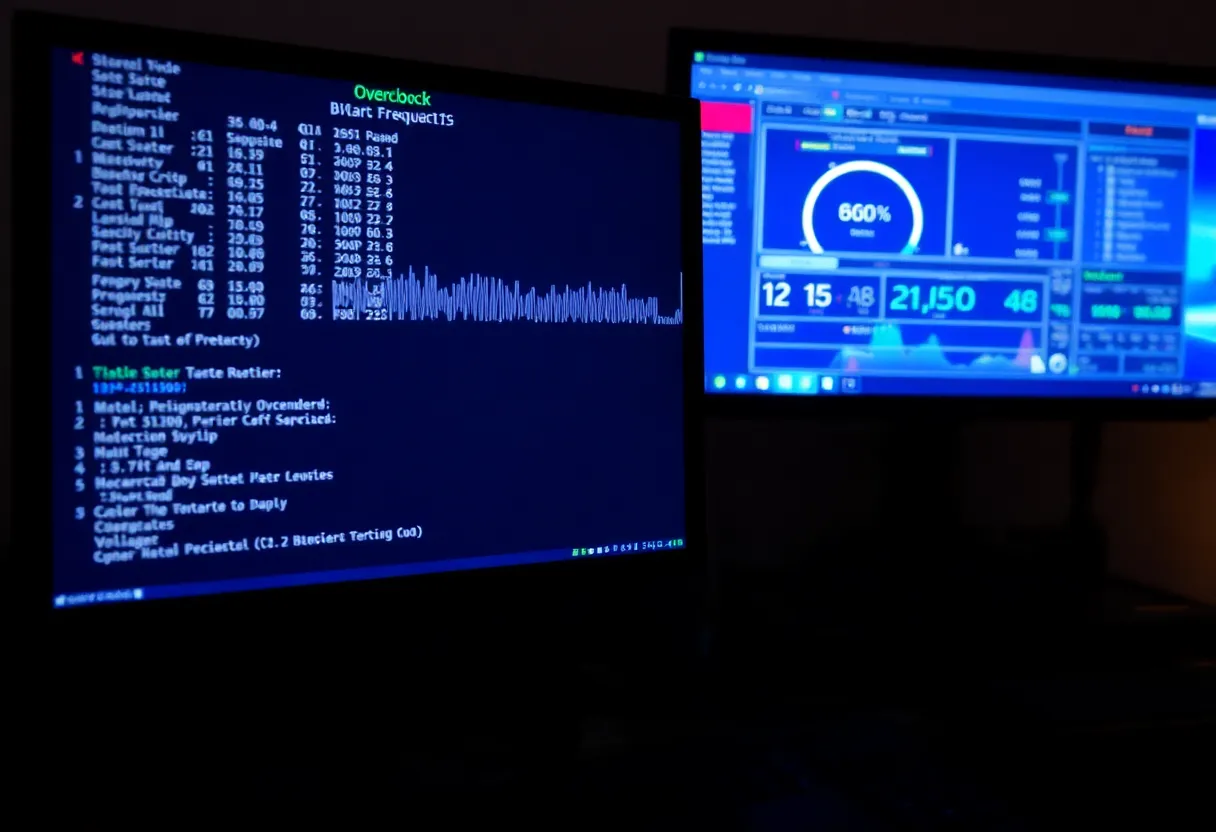
Pushing voltage and frequency shortens the life of the silicon. How much depends on how far you go and how good your cooling is. Modern motherboards and CPUs have safeguards—they’ll throttle or shut down before they cook—but running at the edge for years can still degrade the chip. For a system you plan to replace in three to five years, it’s usually acceptable. For a “run it until it dies” build, you might want to stay closer to stock.
There’s also the time cost. Finding a stable overclock means stress-testing, adjusting, and repeating. That can take hours or days. If your goal is “slightly faster machine” and you don’t enjoy the process, the payoff may not be worth it. A better cooler or a faster stock CPU might give you more for less effort.
When to Bother
Overclock if you like tinkering, you have good cooling, and you’re chasing small gains in CPU-bound tasks. Skip it if you’re on a prebuilt or a laptop (where OC is usually locked or limited), or if you’d rather spend the time elsewhere. For most users, the CPU is already fast enough; the bottleneck is elsewhere—GPU, storage, or the software itself. In those cases, overclocking the CPU buys you almost nothing you’d notice in daily use.
The Bottom Line
Overclocking in 2026 is a niche hobby and a small performance lever, not a must-do. Modern CPUs are already pushed close to their limits. You can still gain a few percent with time and cooling—but for the majority of people, the answer to “what does overclocking buy you?” is “a bit of extra speed if you care, and not much else.”