Local LLM Inference on Apple Silicon: Why Unified Memory Is the Real Constraint

Theo Lang
August 25, 2026

Apple will sell you a Neural Engine and a slide about tokens per second. The number that decides whether a local model is a tool or a screensaver is still the memory you bought on day one. Unified memory is the pool the display, the browser, the IDE, and the weights all drink from. There is no discrete GPU to sneak a 24 GB card into later. There is no “I will add RAM at lunch.” There is a soldered ceiling and a model file that does not care about your marketing tab.
I have loaded the same 8B Q4 on a 16 GB MacBook and a 64 GB Studio. The first is a conversation you close Chrome for. The second is a conversation you leave running while you compile. That gap is not cores. It is how much of the working set still lives in RAM after macOS has taken its cut.
The budget that is not in the SKU name
A 7B–8B model in 4-bit is often quoted around 4–5 GB for weights. People buy 8 GB machines and do arithmetic. Then they open Slack, a browser with fifteen docs, Xcode or VS Code, and a video call. The OS wants several gigabytes on a good day. The KV cache wants more as the context grows. The “4 GB model” becomes a 10 GB resident set and the machine starts swapping. Tokens per second fall off a cliff that looks like a bad build of llama.cpp. It is not. It is paging.
Sixteen gigabytes is the first SKU I will call a local-LLM machine for 8B-class work, and only if you treat the rest of the desktop as hostile. Twenty-four and thirty-two are where 8B plus a long context, or a 14B Q4, stops feeling like a stunt. Sixty-four is where “I will try a 70B Q3/Q4” is a sentence you can finish without closing the IDE. One hundred twenty-eight is a Studio conversation, not a laptop you carry to a cafe with a full Chrome session.
Those numbers move with quantization and with how greedy the runtime is. They do not move because a keynote said the Neural Engine is 2x. If the weights plus cache plus OS do not fit, the Neural Engine is a spectator.
Quantization is how people lie to themselves with kindness. Q8 looks “almost full quality” on a chart and can double the resident size versus Q4. Q3 can look like a miracle on a 16 GB machine until you read a page of code it invented. I treat Q4 as the default for anything I will actually keep loaded, Q5 as a luxury when pressure stays green, and Q8 as a research setting on a Studio. If a download page only shows “8B” and not the quant, you do not know whether it fits. The filename is the spec.
Context is a second model
The silent killer is context. A short chat is cheap. A “read this repo” prompt is a KV cache that grows with every token of history. People buy enough RAM for the GGUF and then paste a 32k window. The machine does not argue. It swaps. Latency becomes seconds per token and you blame the framework.
Budget memory for the window you actually use. If your workflow is “summarize this PDF and three emails,” you do not need a 128k party trick on a 16 GB Air. If your workflow is “here is a 400-file module,” you need more RAM or a smaller window or a remote API. Local does not mean infinite context. Local means the cache sits in the same pool as Mail.app.
Speculative decoding, draft models, and batch size are all memory too. A clever runtime that loads a draft 1B beside an 8B is two residents. On 16 GB that can be the difference between smooth and swap. Turn the clever off until the simple load is comfortable.
mlx, llama.cpp, Ollama: pick the RAM behavior, not the logo
Ollama is how most people start. It is fine. It also makes it easy to pull a model that does not fit and then watch Activity Monitor go yellow. The convenience is the hazard. Read the size before you pull. Quit the other models. Ollama will keep a model resident if you let it. Resident is the feature until you have two of them.
llama.cpp and the metal backend are the control freak option. You can see the numbers. You can set context. You can notice when you asked for a context that is a second model.
mlx is the Apple-native path that keeps getting better for people who want Python and less CUDA-shaped thinking. It still spends unified memory. It does not invent a second heap. If a blog post promises mlx will “unlock” a 70B on 32 GB, look at the quantization and the context they hid in a footnote.
I use whatever loads the file I already have and lets me cap context. I do not keep three runtimes installed so I can lose track of which one still has weights mapped.

What still belongs in an API
Latest models, tool-using agents with huge traces, and anything that must be correct for money still go to a hosted endpoint for me. Local is for drafts, classification, rewrite, and code suggestions that I will read. The memory ceiling is one reason. The other is that a 70B Q4 on a Studio is not the same model as whatever shipped on a frontier API last Tuesday. People collapse those into “I run AI at home.” They are different products.
If your Mac is a 16 GB travel machine, local 8B is a privacy win and a plane win. It is not a replacement for a 200k-context coding session. Pretending it is how you buy a Studio you use as a space heater.
Privacy is the honest local win. Notes, a diary, a client email you should not paste into a website, a refactor of a private module. Those jobs rarely need a 70B. They need a model that never leaves the metal. If your actual job is “search the entire monorepo and propose a patch,” you are in API-and-index territory, or you are in Studio-and-patience territory. Mixing those sentences in a forum post is how 16 GB buyers feel cheated.
The purchase decision, said without romance
Buy RAM for the model class you will run beside a working desktop, not for the model class that fits in a table on a clean boot.
8 GB: do not. You will demo a 3B and be angry. 16 GB: 8B Q4, short context, close the browser. 24–32 GB: daily 8B with room, or 14B if you are strict. 48–64 GB: 70B quantized becomes a weekend project that can stay loaded. More than that: you know why you are here.
A used 32 GB M-series box beats a new 16 GB box for this job. The generation gap in tokens/s is real and still smaller than the gap between “fits” and “swaps.” I would rather have last year’s chips and this year’s memory than the reverse.
Do not count on external enclosures. Thunderbolt GPUs are not the path. eGPU culture does not apply. The constraint is the SKU.
Operating habits that buy you gigabytes
One model loaded. Quit the playground you were comparing. Browsers with hardware-accelerated everything are not free. Xcode simulators are not free. Docker Desktop on a Mac is a memory celebrity. If you also self-host a stack in Docker on the same laptop, you do not have a local LLM machine. You have a fight.
Watch memory pressure, not only GPU time in a HUD. When pressure is yellow, your tokens/s number is a fiction. Swap to a smaller quant before you buy a new Mac. Q5 on a model that barely fits is slower than Q4 that sits fully resident. Quality is not monotonic with bits if the alternative is paging.
Cap context in the UI you actually use. Default 32k in a friendly app is a footgun on 16 GB. Set 4k or 8k until you have a reason. The reason should be a task, not a spec sheet.
Fans and heat are a memory symptom too. A fitting model on metal is warm. A swapping model is a machine that sounds like a takeoff and still prints two tokens a second. If the laptop is loud and Activity Monitor shows compressed memory climbing, unload the model before you look for a “faster backend.” The faster backend will swap just as hard.
I keep a note on the desktop: model name, quant, context cap, and whether Chrome was allowed. When something feels slower than last week, I compare the note before I compare GitHub issues. Nine times out of ten I had left a second model loaded or I had raised context for one experiment and never put it back.
The close
Local inference on Apple silicon is a unified-memory product. Cores and Neural Engine marketing decide how fast a fitting model runs. Memory decides whether it fits while you still have a computer. Buy the soldered ceiling for the working set you want, including OS and context. Run one model. Cap the window. Send the jobs that need last week’s frontier model to an API without guilt.
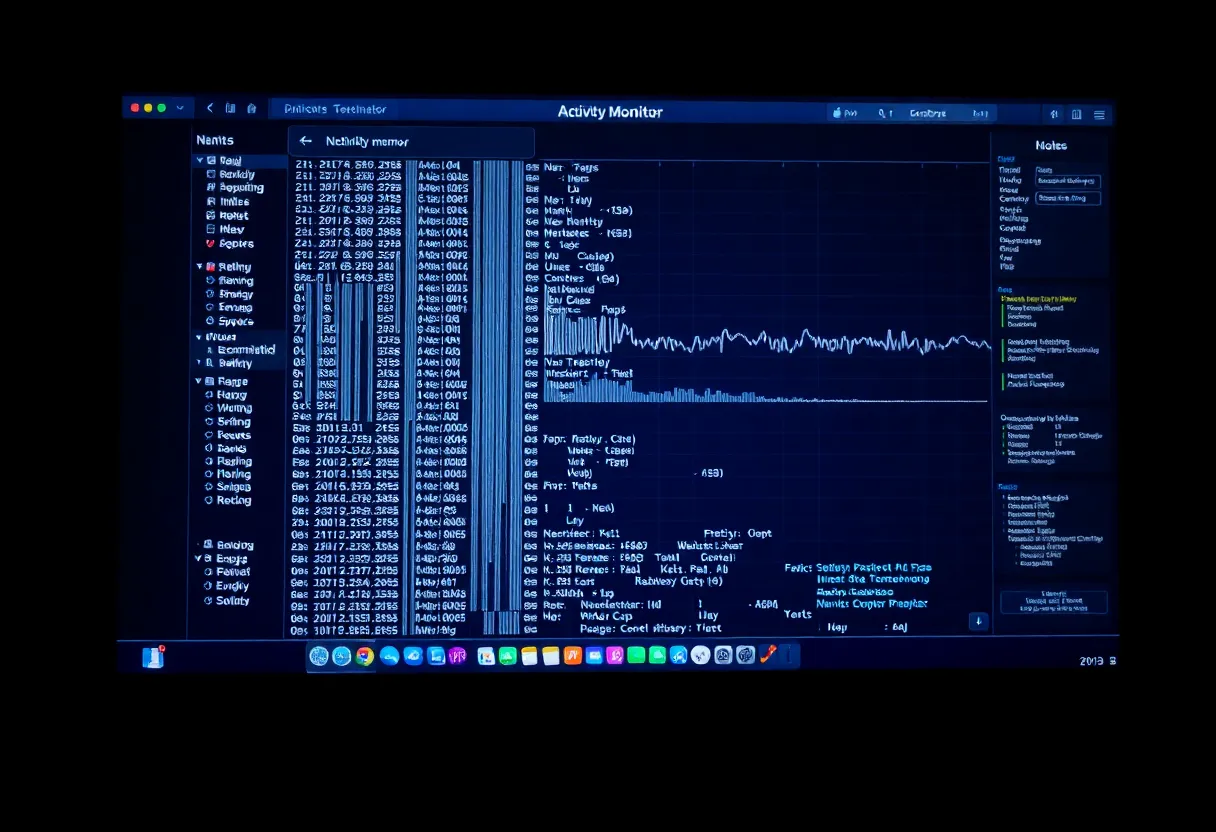
If a demo only works after a clean reboot, you did not buy a local LLM workstation. You bought a demo. The Activity Monitor pressure graph will tell you which one you have long before a benchmark chart will.