Viwoods AIPaper vs reMarkable: When an Android E-Ink Tablet Beats a Closed Notebook

Tomas Reeve
August 25, 2026
reMarkable sold a generation of people on the idea that the best notebook is the one that refuses to be a computer. Then Android e-ink caught up enough that “closed” started looking less like focus and more like a feature cut. Viwoods AIPaper is one of the first devices that made me ask the rude question out loud: if the writing feel is close, why am I paying rent to a cloud and giving up a file manager? The older open-versus-closed fight in this category is reMarkable versus Boox.
This is not a claim that AIPaper is a better object than a Paper Pro. It is not, as a piece of industrial design. It is a claim that for a lot of working notes, a slightly open Android tablet beats a beautiful closed notebook, and that reMarkable’s remaining advantage is taste plus a software culture, not an unbridgeable writing technology.
I used a reMarkable as a daily driver long enough to memorize the gestures. I used an AIPaper long enough to get angry at Android chrome and then, worse, used to it. The comparison that matters is not PPI. It is what happens on Tuesday when you need last month’s PDF and a notebook in the same bag.
What Viwoods is actually selling
AIPaper is an e-ink notebook that runs Android and tries to look like it does not. The pitch is paper-like writing, a front light, and enough of a real OS that you can open a file you already have. The “AI” in the name is marketing gravity. You can ignore most of it and still have a useful tablet. You can also turn the device into a slow chatbot accessory and ruin the point.
The hardware sits in the same size conversation as a reMarkable: a desk-and-bag slab, not a phone, not a 13-inch drafting table. Build quality is fine. It is not the reMarkable unboxing, which still feels like someone in Norway designed a religion. Viwoods feels like a competent factory that hired a good product manager. That is enough if you care about Tuesday.
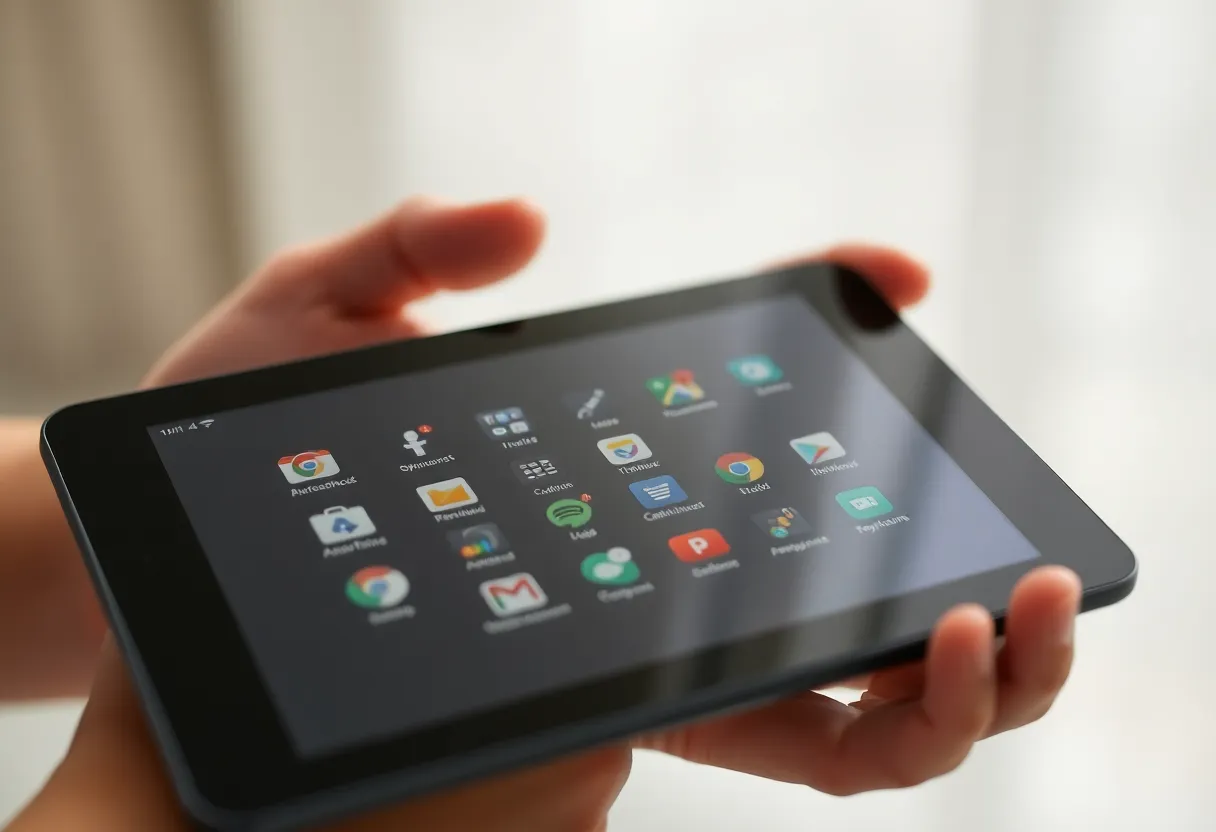
Where it differs immediately is the home screen. reMarkable greets you with paper. AIPaper greets you with a device. You can tame that. You cannot make it disappear completely. If a status bar breaks your concentration, you already know which company to fund.
reMarkable’s closed notebook is still a better ritual
I will not pretend the Paper Pro lost the writing argument. The film, the Marker, the software that assumes you are there to make marks: it is still the calmest e-ink writing I use. Layers and notebooks behave like a product someone finished. The device almost never asks you to think about Android storage permissions.
Connect remains the tax. I have written about that tax before and I will not re-litigate the invoice. The closed system is nicer because it is smaller. Fewer apps means fewer ways to break the spell. If your notes are mostly born on the tablet, and you are willing to export PDFs on a schedule, reMarkable is still the luxury appliance.
The closed system fails when your notes are not born on the tablet. Work arrives as email attachments, shared drives, and slide decks. reMarkable can ingest those. It does not want to live in them. Import is a feature. It is not a habitat.
When Android stops being a distraction and starts being the job
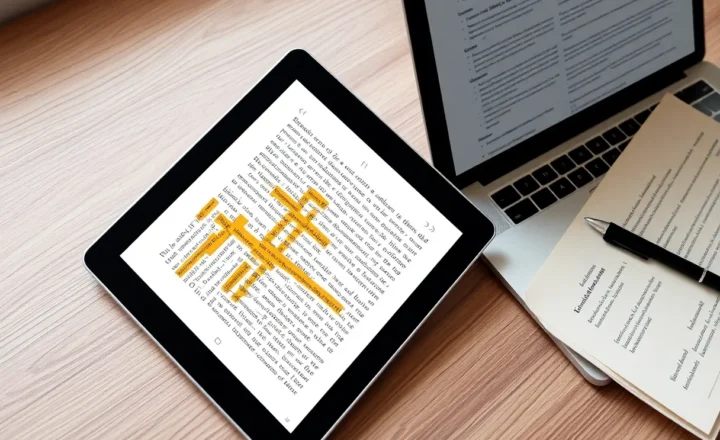
AIPaper wins the week I have a folder. A real folder, with PDFs I did not buy from a store, with names I chose, with a sync client that already exists on a laptop. I can put that folder on the tablet without asking a Scandinavian cloud for a staging area. I can open a second app if NeoReader-class reading is not enough. I can be ugly and effective.
That is the adult version of “open.” It is not installing social media on e-ink, which is a joke that stops being funny after one evening. It is installing the one file tool you already trust. On a closed notebook, that tool is a USB cable and hope. On Android, it is the same messy sync you already run everywhere else.
I keep the AIPaper almost monastic: notes app, reader, file manager, one sync client. No mail client. No browser bookmarks. The moment you add a browser, you have bought a bad iPad. The device can beat reMarkable only if you refuse to use half of Android. That discipline is the price of openness. reMarkable enforces it. Viwoods asks you to enforce it yourself.
Most people will fail that test. I say that without contempt. App stores are designed to be failed. If you know you will install six tools “just in case,” buy the closed notebook. The AIPaper will become a guilt object.
Writing feel, latency, and the honest gap
On lined notes, the gap is smaller than brand forums claim. I can take meeting minutes on either and not feel punished. On sketching and diagramming, reMarkable still feels like the surface was designed around the pen. AIPaper feels like a very good e-ink Android that hired a decent digitizer. That sentence is praise. It is also a ranking.
Palm rejection has been good enough on both that I stopped making it a deciding factor. Nibs wear on both. Spare pens are easier in the EMR world reMarkable lives in. Confirm the AIPaper’s digitizer family before you buy a drawer of third-party sticks. Do not assume every thin e-ink notebook is a Wacom commune.
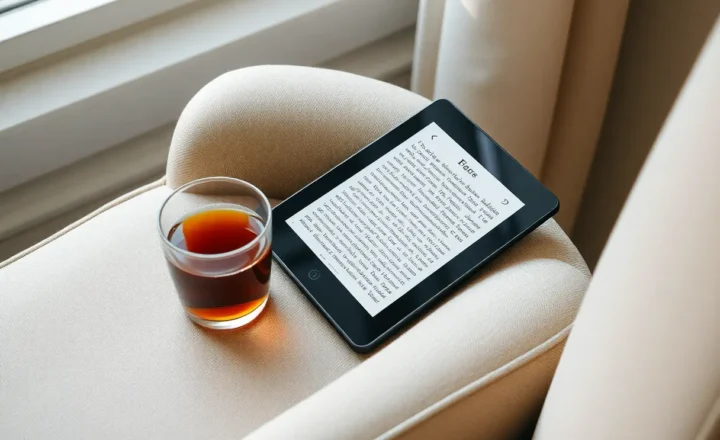
Front light is table stakes in 2026. Using a reMarkable 2 in a dim kitchen was a personality test. Paper Pro and AIPaper both pass. If you write in bed, you will care. If you only write in offices, you will forget you paid for LEDs.
Software longevity is the hidden bet
reMarkable is a company whose only job is this product line. That is comforting until they push a feature you hate, or a subscription you resent. The software will still be “a notebook” in five years. I would bet on that.
Viwoods is a smaller bet. Android e-ink vendors have a pattern: strong year one, quieter year three, a forum thread about whether the next update will brick a gesture. Boox trained everyone to expect perpetual firmware adventures. Viwoods could be more focused, or it could be a moment. When you buy open, you also buy the risk that the nice notes app becomes an unmaintained APK.
Mitigation is the same as on any Android e-ink slab. Keep exports. Do not let the vendor cloud be the only copy. Prefer files over proprietary notebooks when the app allows it. If the notes format is a black box, you have bought a closed system with extra settings.
I treat AIPaper notebooks as working memory and PDFs as the archive. That is the same rule I use on reMarkable. The difference is that the Android device makes it easier to put the archive on the same slab I write on. Convenience is how archives stay current. USB-only archives go stale.
AI features: use one, then stop
Vendors want on-device or cloud AI to summarize notes and clean handwriting. I have used the party tricks. They are fine for turning a messy page into a paragraph I will still edit. They are not a second brain. They also pull you back toward accounts, permissions, and network calls, which is the opposite of why you bought e-ink.
If AIPaper’s AI stays optional and local-ish, ignore the name and keep the tablet. If it becomes the home screen, the device loses the only fight it can win against reMarkable. A closed notebook that stays quiet will beat an open notebook that nags.
reMarkable has flirted with conversion and typed output for years. It is useful. It is not why you buy the tablet. Same rule here. Handwriting that is pleasant is the product. Everything else is a demo.
Who should buy which, said without a matrix
Buy reMarkable if you want a finished ritual, you will pay Connect or you truly accept USB, and your notes are mostly created on the device. Buy it if a status bar makes you itchy. Buy it if you already tried Boox and felt like you were system-administering a hobby.
Buy AIPaper if you already live in a documents folder, you can lock yourself out of the app store, and you want one slab for writing plus the PDFs that showed up this week. Buy it if reMarkable’s closed import path has already wasted an afternoon. Buy it if you want a spare Android that cannot successfully tempt you into Slack, which means you will not install Slack.
Do not buy AIPaper to save money and then spend the savings on accessories and a second cloud. Do not buy reMarkable because a YouTuber whispered “paper.” Sit with both for twenty minutes if you can. Write a ugly page. Open a dense PDF. Time how long it takes to get that PDF off the device and onto a laptop. The faster honest path wins. Taste is what you use to break a tie.
The setup I ended up keeping
I kept the reMarkable for the notebook I do not want to contaminate: personal thinking, drafts that should not live next to work PDFs, pages I export rarely. I used the AIPaper as the work slab for a month: annotated decks, research PDFs, meeting notes that need to stand next to those files.
That split is luxurious and slightly stupid. If I could keep one for work, it would be the Android notebook, because work is files. If I could keep one for a life that is mostly thinking, it would be the reMarkable, because thinking is paper. Viwoods beats reMarkable when the job is files. reMarkable beats Viwoods when the job is refusing files.
Most buyers are told they are buying focus. They are actually buying a relationship to files. Closed is focus if the files are few. Open is focus if the files are the work. AIPaper is the first of the newer Android notebooks that made that sentence feel true instead of like a Boox apology. It still requires you to be the adult in the room. reMarkable will be the adult for you, and send a bill.