Pi-hole vs AdGuard Home vs Router DNS: Which Filter Stack Actually Stays Up

Rosa Delgado
August 25, 2026
The first week of a Pi-hole feels like a moral victory. Query graphs go up. Ads go down on the TV that never accepted a browser extension. You send a screenshot to a friend. Then you reboot the Pi to move a cable, forget that DHCP hands out a single resolver, and the house reports that “the internet is down.” It is not. DNS is down. To everyone who does not live in your head, those are the same sentence.
Pi-hole versus AdGuard Home versus the DNS already in the router is usually framed as a features fight. Encrypted inbound. Per-client rules. Pretty dashboards. The fight that matters in a household is which stack still answers at 8 a.m. on a Monday after a power blip, an SD card corruption, a Docker host that also runs the cameras, and a phone that quietly enabled Private DNS.
I have run all three as the only resolver. I now run a pair of filters and treat the router as the last resort, not the plan. The rest of this is why.
Router DNS: the stack that stays up because it has to
Your router already answers DHCP. It already has a default route. If it dies, you do not have a DNS problem. You have no network. That is why “just use the ISP resolver on the router” is the most available design. It is also why people underestimate it. Availability is a feature. Filtering is not the only feature.
What you get is whatever the firmware forwards to. Often that is the ISP’s recursive resolvers, with logging you did not negotiate and a cache that has been fine for twenty years of browsing. Some consumer routers add a parental toggle that blocks a vendor category list. It will miss the domains your kid actually uses and it will not explain itself.
What you do not get is a query log you can read, a allowlist you can edit at 11 p.m. when a bank app breaks, or any story about encrypted DNS on the LAN. Clients that speak DoH to Cloudflare will ignore you. IPv6 router advertisements can hand out a resolver you did not set in the IPv4 DHCP form, which is how a “locked down” house still talks to the ISP on AAAA.
Router DNS wins when you want zero extra boxes and you accept ads on the smart TV. It also wins as a secondary if you understand the trap: a secondary of 1.1.1.1 or 8.8.8.8 is an unfiltered escape hatch. Devices that fail over will look like your filter “missed” an ad. It did not miss. It was never asked.

Pi-hole: the classic, and the classic outage
Pi-hole is still the name people mean. Gravity lists, a light web UI, FTL as the engine, an easy path to Unbound if you want recursion in the house. It is a known quantity. Tutorials are everywhere, including the ones that tell you to put it on a Pi 3 with a cheap card and call it a day.
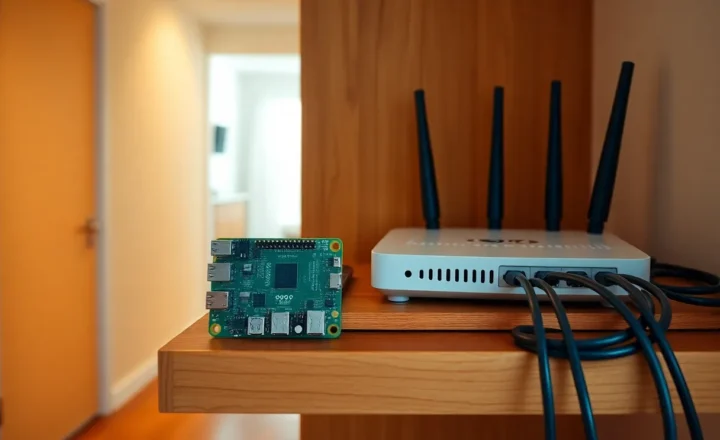
That last sentence is the uptime problem. Pi-hole is not fragile software. The popular hardware story is fragile. SD cards wear. USB power supplies sag. A Pi that also runs Home Assistant, MQTT, and a random compose stack will share fate with every experiment you had on a Thursday. When the card remounts read-only, FTL stops writing and then stops being useful. Uptime Kuma still pings the HTTP port for a while. The house does not care about your HTTP port. It cares about UDP 53.
Pi-hole’s other household failure is operational, not hardware. You point DHCP at one address. You do not build a second instance. You upgrade by muscle memory. A blocklist update removes a CDN your streaming app needs, and you are not home. There is no “partner UI” that says “disable blocking for 15 minutes” unless you set it up and taught it. The official interface can do timed disable. Teaching a human to find it is the product work people skip.
Where Pi-hole stays up is when you treat it like DNS infrastructure. Two instances, different physical boxes, both in DHCP. Identical lists via some sync you have actually tested. A disk that is not an SD card, or an SD card you clone. Unbound beside it if you do not want an upstream outage to look like your filter died. Monitoring on port 53, not only on the web UI. A documented disable path.
Do that, and Pi-hole is boring in the good way. Skip it, and Pi-hole is a weekend project that pages the whole apartment.
AdGuard Home: more protocol surface, same physics
AdGuard Home is the all-in-one people graduate into when they want DoH, DoT, or QUIC inbound from their own devices, plus per-client rules that do not feel bolted on. You can run it in a container and hand laptops an encrypted stub that still lands in your living room. That is a real upgrade over Pi-hole if your threat is “the cafe should not see my query names” and you already have Tailscale or a travel profile.
It does not escape physics. It is still a process on a disk on a host with a power supply. The binary is heavier. The UI does more. Updates change more surface. Per-client rules are power and a way to create a maze you will not remember in six months. I have blocked a work VPN domain on “the TV profile” that accidentally matched a laptop because I used a client identifier that DHCP reused.
AdGuard Home stays up under the same conditions as Pi-hole: two copies, separate hosts, lists you can explain, a secondary that is also a filter or a conscious unfiltered last resort. Encrypted inbound can make debugging harder. A phone on DoH to your AGH looks healthy in the phone UI and dead in the house if the certificate expired. Pi-hole-on-53 failures feel like “internet down.” AGH-on-443 failures feel like “this one phone is cursed.” Budget time for certs if you expose encrypted DNS, even on the LAN.
If you want one box to speak every modern DNS transport, AGH is the less awkward of the two. If you want the smallest thing that applies a list and logs queries, Pi-hole plus Unbound is still plenty. Neither one stays up because the README is longer.
The leaks that make any filter look “down”
Household DNS fights are often not the resolver.
Hardcoded stubs. Smart TVs, Roku-class boxes, and some Android builds skip DHCP DNS when they feel like it. Your Pi-hole graphs look quiet. Ads look loud. Firewalling outbound 53/853 to anything but your resolvers is the adult version of this project. It is also how you break a guest who needed the cafe pattern. Guest VLAN with different rules is the compromise.
Private DNS and browser DoH. Android’s Private DNS set to dns.google will never see your gravity list. Firefox can do the same. You can fight this with canary domains and firewalls, or you can accept that work laptops are not your children. I accept the laptop and fight the TV.
IPv6. If you set DHCPv4 to Pi-hole and leave the ISP’s recursive resolver in RDNSS, dual-stack clients will pick a winner you did not intend. Either advertise your filter on v6 too or be honest that half the house is unfiltered.
The helpful secondary. Every ISP tech and half the homelab posts say “put 1.1.1.1 as backup so the internet never dies.” That sentence trades availability of names for availability of policy. Decide which one you meant. My house uses two filters as primary and secondary. If both die, I would rather know the internet is “down” than silently lose the list during a failure. Some families would rather stream. That is a value judgment. Write it down so you do not debug a ghost.
Which one actually stays up
Ranked by “the house still resolves names after a messy weekend,” the order is not the one Reddit uses.
First: router DNS, if the router is stable and you do not need filtering. One moving part. No SD card. No compose file. You are exposed to the ISP and to ads. You are not exposed to your own hobby.
Second: two copies of either Pi-hole or AdGuard Home on two different machines, DHCP pointing at both, lists synced, port 53 monitored, outbound DNS restricted for the devices you actually care about. This stays up through a single host death. It does not stay up through you breaking a blocklist on both sides at once. Sync is a footgun. I update lists on one, watch a day, then sync. Dual gravity updates at 3 a.m. is how you take out iCloud on a work morning.
Third: one Pi-hole or one AGH on a Pi with an SD card. This is the default tutorial. It will work for months and then it will not. When it does not, it takes the house with it if it was the only resolver.
Last: one filter plus 8.8.8.8 as secondary. This “stays up” in the availability sense and fails in the policy sense. I do not call that a filter stack. I call it a hobby with an escape hatch.
Between Pi-hole and AdGuard Home, uptime is a wash if the hosting is equal. Pick Pi-hole if you want the smaller daemon and a Unbound pairing that a lot of people have already written down. Pick AdGuard Home if you need encrypted inbound and per-client policy without assembling it from parts. Do not pick both on the same DHCP scope unless you enjoy split-brain logs.
A setup I will leave running when I travel
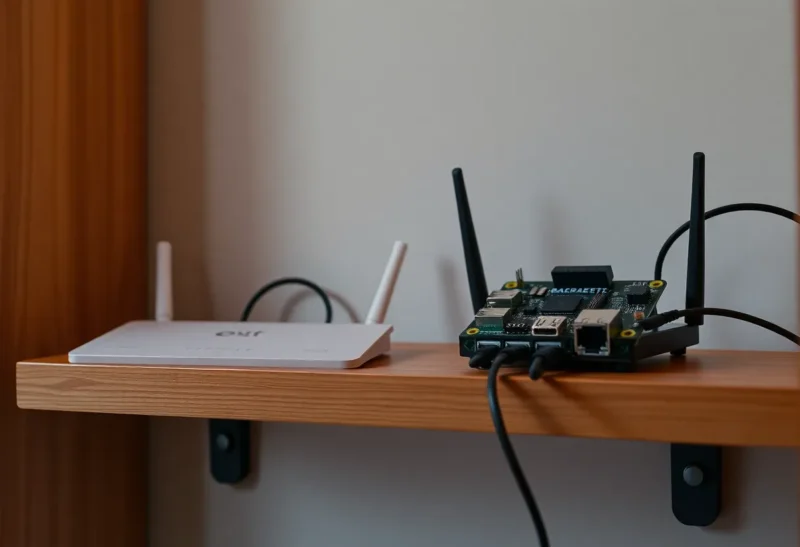
Two small x86 boxes, not Pis, because I ran out of patience with cards. One runs Pi-hole and Unbound. One runs AdGuard Home with the same list sources, not because I need both products, but because I wanted diverse binaries after a bad FTL update year. That is optional. Two Pi-holes is fine. Two AGHs is fine.
The router’s DHCP hands out those two addresses only. The router’s own resolver is not in the list. IPv6 RDNSS matches. Guest VLAN gets the router DNS on purpose so I am not the helpdesk for a visitor’s banking app.
Work laptops may ignore me. I do not fight them. TVs cannot speak DoH through the firewall. Phones on the family SSID get a profile or they get the same 53 path as everything else; Private DNS is a conversation, not a surprise.
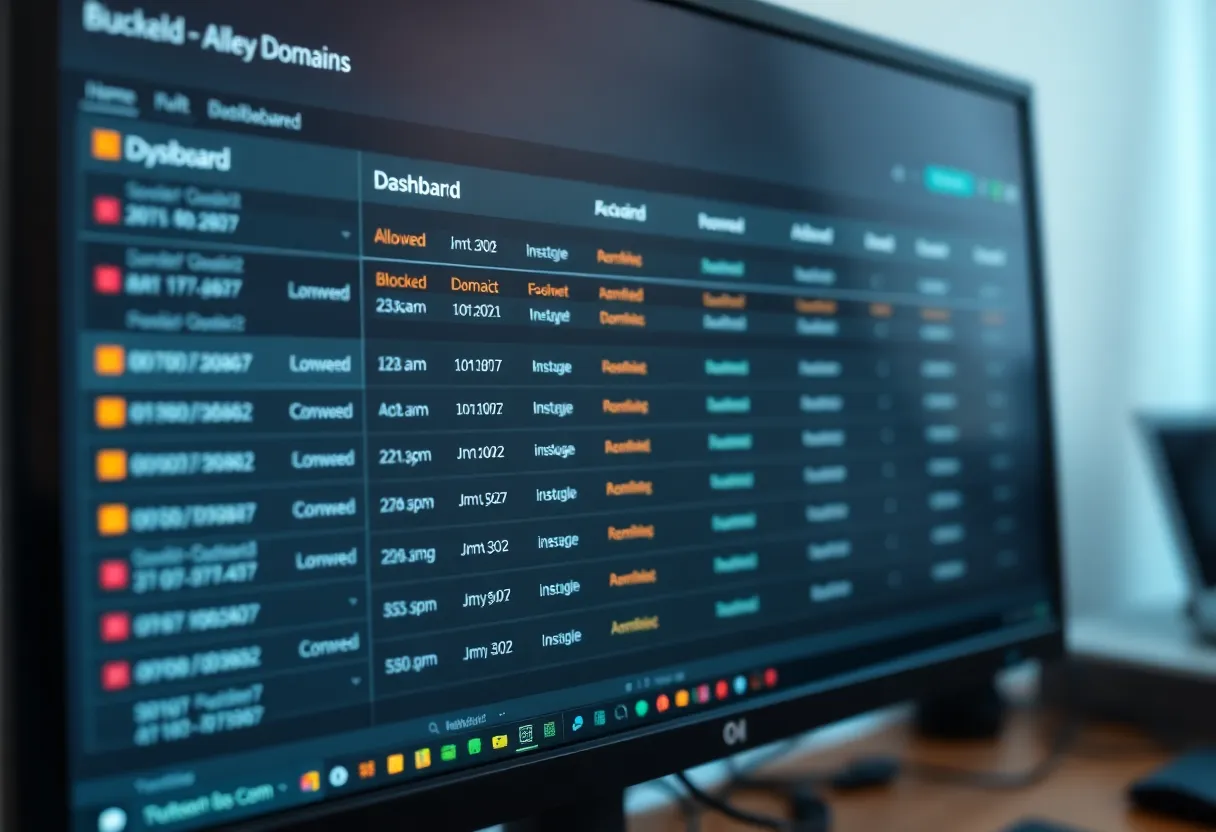
Uptime checks query a name that should resolve and a name that should be blocked. A green ping on the admin UI has lied to me. A synthetic DNS check has not.
Disable-for-five-minutes is bookmarked on the household tablet. That bookmark has saved more relationships than any blocklist.
The honest close
Router DNS stays up because it is already in the path. It does not filter. Pi-hole and AdGuard Home filter, and they stay up only if you give them the same respect you would give a second resolver at a job: two instances, boring disks, monitored port 53, and a failover that does not throw away the policy.
If you want ads gone on a TV and you will not build a pair, install one filter and put the router back as secondary, then accept that some ads will return when the Pi blinks. If you want the graph and the moral victory, that is enough. If you want a stack that still answers after you have left town, build the pair or do not bother leaving the router.
The product is not the blocklist. The product is names that resolve, with a policy you can still explain when the house is awake.