EMR vs USI vs Battery Styli on E-Ink: Why the Pen Protocol Decides Your Workflow

Naomi Ellison
August 25, 2026
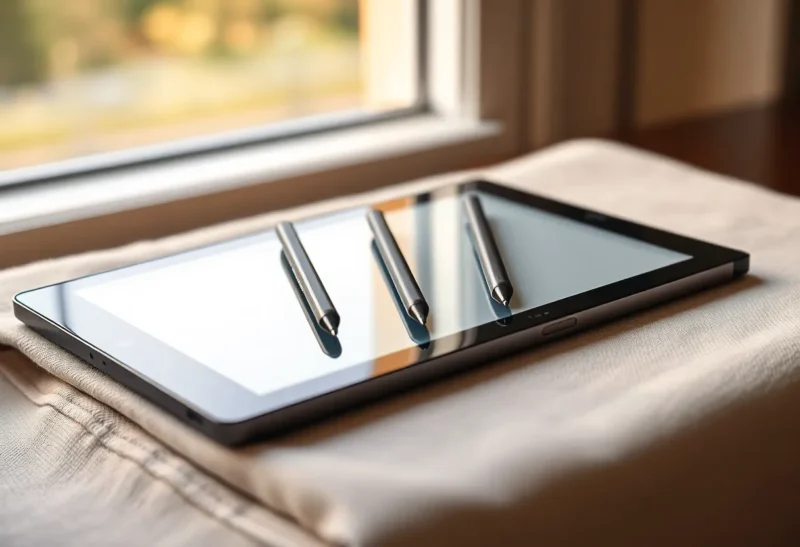
People shop e-ink tablets by screen size and brand religion. They should shop by pen protocol. The digitizer under the glass decides whether you can grab any spare stylus in a meeting, whether a dead battery bricks your notes, and whether a $30 third-party pen will feel like a pencil or like a wet chopstick.
Three families show up on devices people actually buy in 2026. Wacom EMR, the battery-free standard behind reMarkable, Supernote, and a pile of Boox panels. USI, the USB-adjacent standard that shows up when a manufacturer wants a cheaper or more phone-like stack. And active Bluetooth or AES-style battery pens, the ones that pair, charge, and eventually die at the worst possible time, including Kindle’s Marker ecosystem and a lot of Android experiments.
I have lost more writing sessions to a protocol mismatch than to “the screen was too small.” That is not a metaphor. It is a drawer of pens that look interchangeable and are not.
What a protocol is, without the datasheet voice
A stylus is not just a stick. The tablet has a digitizer that listens for a specific kind of signal. EMR tablets broadcast a field and the pen answers without its own battery. USI pens talk a different handshake, often with a tiny battery or harvested power depending on the generation. Bluetooth and AES pens are little computers. They pair. They update. They have firmware opinions.
If the handshake does not match, you get a dead stick, a cursor that jumps, or pressure that feels like an on/off switch. Marketing pages say “stylus included.” They do not say “this stylus is a proprietary employee of this slab.”
That is why buying a beautiful aftermarket pen from a photo is how you waste money. The photo does not include the digitizer.
EMR: the boring winner for daily writing
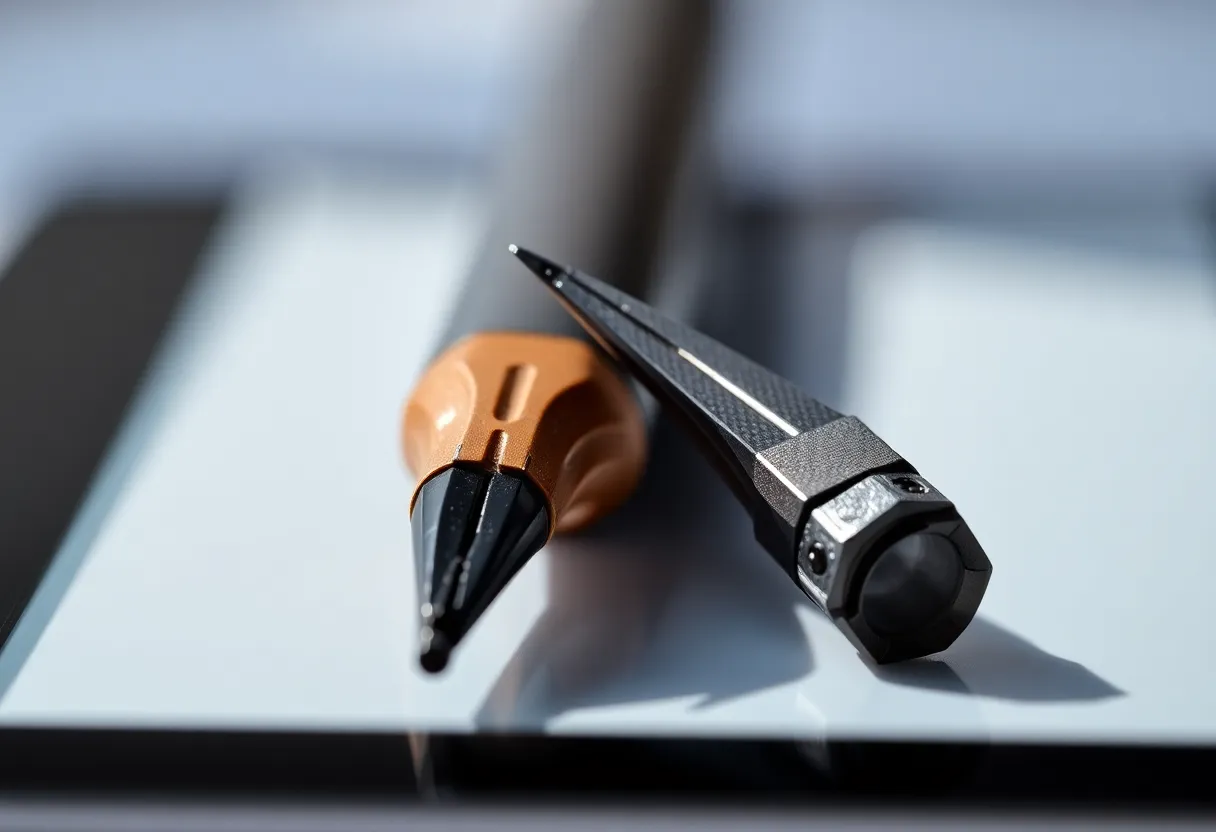
Wacom’s EMR is the reason reMarkable could sell a pen that never charges. The tablet powers the conversation. You can leave the Marker Plus in a bag for six months and it still writes, because there is nothing to discharge except the optional eraser electronics in some models. Even those usually fail gracefully: the tip still works, the button does not.
Supernote’s Heart of Metal and ceramic nibs live in this world. Boox ships EMR on most of the note-taking line. A cheap Wacom-compatible pen from a company you have never heard of will often work well enough that you stop caring about the official accessory tax.
The workflow implication is huge. I keep a spare EMR pen in a laptop sleeve, one in a bag, one at the desk. They are interchangeable the way ballpoints are interchangeable. If a guest wants to mark a PDF, I hand them a stick. I do not hand them a pairing dialog.
EMR is not magic. Hover distance, tilt, and pressure curves vary by panel and driver. A pen that feels perfect on a reMarkable can feel floaty on a Boox, or scratchy on a Supernote glass with a different film. “EMR compatible” is a category, not a promise of identical feel. It is still a better category than “this Bluetooth pen, this account, this charge.”
Nibs are the consumable. EMR tips wear. Soft tips feel nicer and die faster. Hard tips last and sound like you are writing on a window. Budget for nibs the way fountain-pen people budget for ink, not the way phone people budget for a screen protector they apply once.
USI: the standard that keeps almost landing
USI exists because the industry got tired of every stylus being a private religion. On LCD Chromebooks and some Android tablets it has been a real interoperability story. On e-ink, USI is a maybe that depends on the exact controller and the exact pen generation.
When USI works, you get a pen that can move between a Chromebook and a tablet without being a Wacom exclusive. That sounds like the future. In practice I have met USI pens that needed a charge, USI pens that lost pressure after a firmware moment, and USI-labeled accessories that did not talk to the e-ink panel I owned because “USI” on a box is not the same as “USI 2.0 on this digitizer.”
The workflow implication is caution. Do not buy a USI e-ink device because you want a drawer of spare pens unless you have tested the specific pens. Do buy one if the device you already use for notes is USI and you want one stick. Cross-device convenience is USI’s only good argument. E-ink writing feel is not, yet, a reason to prefer it over EMR.
I have also seen people assume a USI pen will work on a reMarkable because both are “standard styli.” They will not. Standards are not a group hug. They are separate rooms with similar furniture.
Battery pens: features you pay for every Sunday
Kindle Scribe’s Marker, many AES pens, and Bluetooth styli add buttons, erasers, and sometimes haptic tricks. They also add a charge cycle. A battery pen is a second device you now own. If it dies during a meeting, you are holding a decorative rod.
Amazon has made charging less annoying than the first Scribe year. “Less annoying” is not “gone.” Travel is where it hurts. EMR pens do not need a cable in a hotel room. A Scribe Marker does, or it needs you to have noticed the battery icon before you left. I am the kind of person who notices e-ink battery and forgets accessory battery. That is a personality flaw the protocol punishes.
The upside is real. Shortcut buttons are useful if you actually bind them and remember the bindings. An eraser end that works without a UI toggle is useful. Pressure can feel more “digital art tablet” on some active pens. If you draw, not just write, a charged pen with a good driver can beat a cheap EMR stick. If you write words, the extra features are how companies justify a price and a pairing ritual.
Pairing is the other tax. Bluetooth styli drop. They connect to the wrong device in a house with two tablets. They need a battery in the pen and a brain in the OS. E-ink Android makes this worse because Bluetooth stacks on those firmwares are not the iPad’s Bluetooth stack. I have watched a Boox forget a pen after an update. I have not watched a reMarkable forget EMR. There is nothing to forget.

Buttons, erasers, and the myth of the extra feature
Review units always demo the button. Daily life does not. I use an eraser end when it is physical and obvious. I do not use a side button that requires me to remember which of three modes I assigned last month. On e-ink, a mistaken button press that opens a menu is more expensive than on LCD, because the refresh makes the mistake linger.
EMR pens with a single barrel button are the sweet spot if you must have a button: eraser or highlighter, one job. Battery pens with three custom actions are a settings page you will visit twice.
Palm rejection is not a pen protocol feature, but protocols interact with it. A hovering EMR pen that the digitizer sees from a centimeter away can confuse palm rejection if the software is sloppy. A battery pen that is “off” until it touches can feel safer and also more dead. Software quality still wins. Protocol only sets the constraints.
Third-party pens: the money you can save, and the money you cannot
On EMR, third-party is a working market. Lamy, Staedtler, and a long tail of no-name Wacom-compatible pens exist because the protocol is old and widely licensed. Buy from a seller with returns. Test immediately. If pressure is binary, send it back. If it feels good, keep two.
On USI, third-party is a rumor you should verify against your exact device. On Kindle, third-party is a narrower, more annoying market because Amazon’s Marker is a product, not a commons. You can find alternatives. You should not assume they will match tilt and pressure, and you should not assume they will still work after a Scribe software update. Proprietary active pens age like printer ink: they work until the vendor’s incentives change.
The expensive official pen is sometimes worth it for the eraser and the warranty. It is rarely worth it as your only pen if the protocol is EMR. Redundancy is the point of EMR. Spend the official-pen money on a second compatible stick and a tin of nibs.
Device lock-in you do not notice at the store
reMarkable and Supernote lock you into EMR and then, mostly, leave you alone. That is the good kind of lock-in. Kindle locks you into a Marker culture and a charging cable. Boox is a mixed bag by model: many note tablets are EMR, some experiments are not, and the listing will bury the word “digitizer” under a paragraph about speakers.
If you own more than one e-ink device, protocol is how you avoid a pencil case of orphans. Two EMR tablets can share a pen drawer. An EMR tablet and a Scribe cannot. I learned this after gifting a “nice spare pen” that was useless on the device the recipient owned. It looked like a pen. It was a protocol.
Travel kits should be protocol kits. I pack two EMR pens and a tiny nib tin for the reMarkable and the Supernote. I pack the Scribe Marker in the Scribe folio, clipped, because if it stays on the desk it will be at 4 percent in the airport. That is not a moral failing of Amazon. It is physics plus a battery.
What I would buy, given a workflow instead of a brand
If your job is daily notes and you hate charging extra objects, buy EMR and do not look back. reMarkable, Supernote, and most Boox note machines are in this camp. Get two pens on day one.
If your job is Kindle reading with occasional markup, accept the Marker as a companion device. Charge it with the tablet. Do not build a fantasy of a house full of interchangeable Scribe pens unless you have already found ones that work.
If a vendor is selling you USI as the reason to pick their e-ink slab, ask which pens they tested last month, not which logo is on the box. Interoperability that you cannot verify is a brochure.
If you draw, test pressure and tilt in the store or during return windows with the pen you will actually carry. Protocol families overlap in quality. A good EMR pen on a good film can beat a fancy battery pen on cheap glass. The reverse is also true for illustration. Words are more forgiving than ink wash.
The failure mode I now design around
The failure is not latency. Latency is a review-video topic. The failure is a meeting where the only pen is dead, unpaired, or built for a different digitizer. EMR makes that failure rare. Battery pens make it scheduled. USI makes it a research project.
I still own a Scribe. I still charge the Marker on Sundays with the rest of the small electronics. I do not pretend that ritual is the same as dropping a metal EMR pen into a bag and forgetting it. When I recommend a first e-ink notebook to someone who writes for a living, I start with the pen protocol and work backward to the brand. The brand is the case. The protocol is the job.