What Actually Happens During a Console Firmware Recovery Mode Flash

Futurion Editorial
July 9, 2026
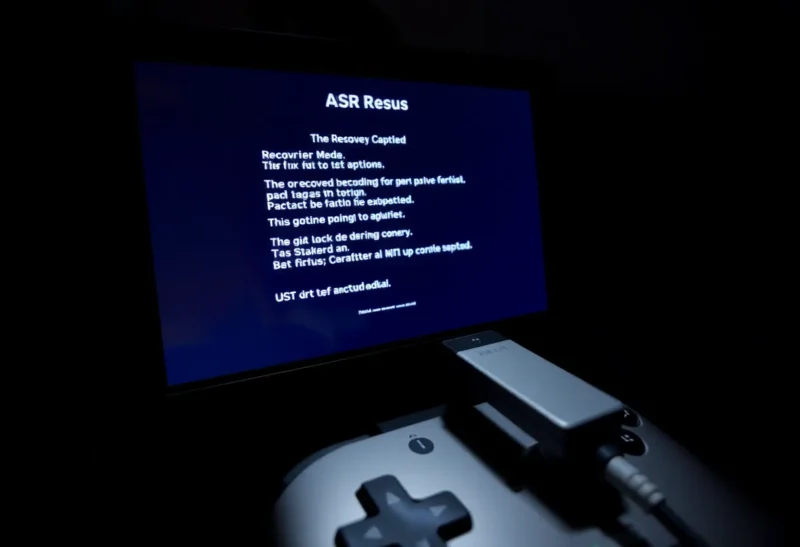
Every modern game console — PlayStation, Xbox, Switch — has a hidden failure-recovery mode that most owners will never see and, if the console is working normally, never need to. It exists specifically for the scenario where a firmware update fails partway through, or system storage corruption leaves the console unable to boot its normal operating environment at all. Understanding what recovery mode actually does reveals something that applies well beyond game consoles: almost every piece of consumer electronics with updatable firmware needs some version of this same fallback mechanism, and the engineering behind it is considerably more involved than most users assume.
Why a Firmware Update Can Fail Catastrophically in the First Place
Updating a device’s firmware is fundamentally different from installing an application update on a general-purpose computer, because firmware often includes the low-level code responsible for the most basic hardware initialization and boot process itself — the software that has to run correctly before the device can do anything else at all, including running an operating system in any conventional sense. If an update to this foundational layer is interrupted partway through — because of a power loss, a storage write error, or a software bug in the update process itself — the device can be left with an incomplete, corrupted version of the exact code it needs to start up, creating a scenario often called “bricking” in enthusiast terminology, where the device appears completely dead and unresponsive to normal use.
Console manufacturers have known about this risk since well before current-generation hardware — game console firmware updates have always carried some risk of failure, whether from a power outage during the update, a corrupted download, or, in the earlier days of console updates over slower or less reliable internet connections, incomplete downloads that still attempted to install. The consistent engineering response across virtually every major consumer electronics manufacturer has been to build in a completely separate, minimal, and deliberately much simpler recovery environment that exists specifically to survive scenarios where the main operating system firmware has been damaged.
The Architecture That Makes Recovery Actually Possible
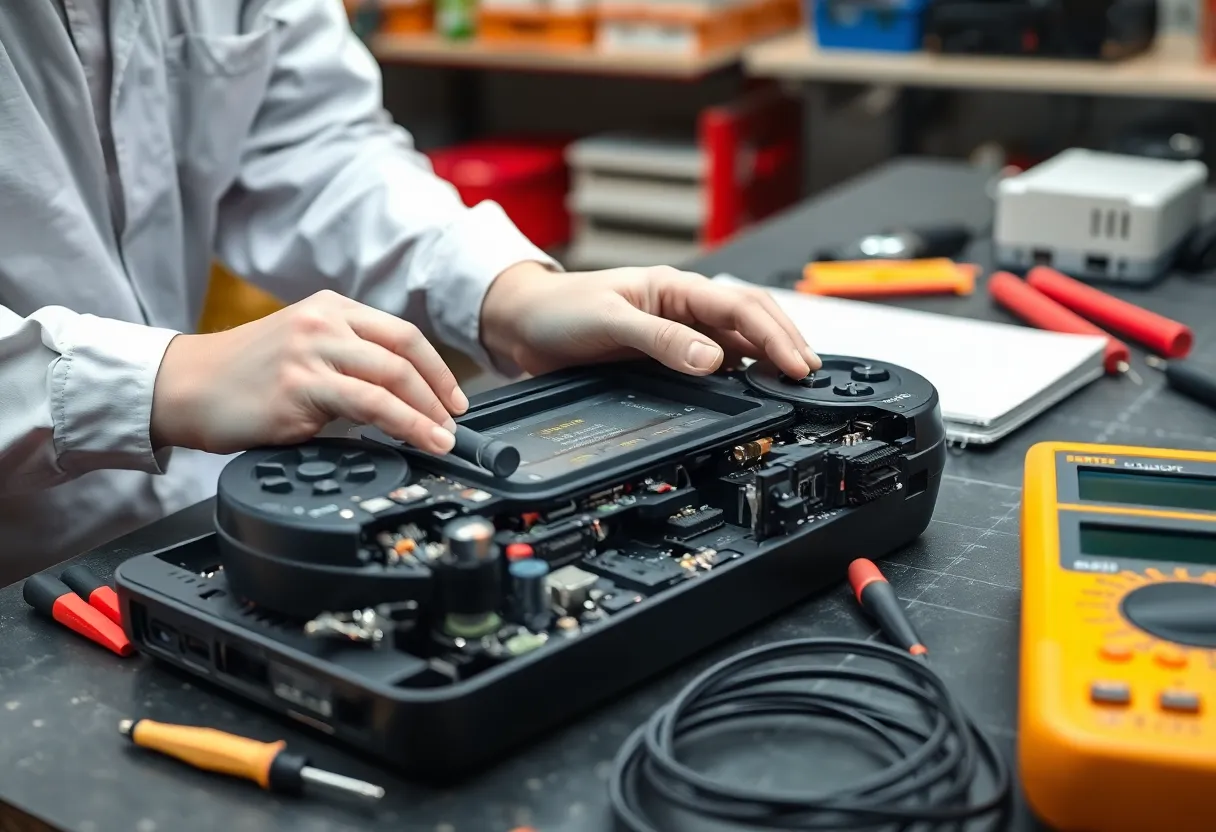
The core engineering principle behind recovery mode is redundancy at the lowest possible level of the device’s software stack. Modern consoles typically store at least two distinct things in separate, protected sections of their internal storage: a minimal, extremely simple bootloader — often stored in a form of memory that’s more resistant to corruption and, in some designs, physically difficult to overwrite through normal software update channels at all — and the main operating system firmware, which is what actually gets updated regularly and is therefore the part most exposed to update failure risk.
This minimal bootloader’s entire job is narrow and deliberately unambitious: check whether the main firmware appears valid and bootable, and if not, fall back into a special recovery mode that can accept a fresh firmware installation through an alternate path, typically via a USB storage device containing an official firmware recovery file downloaded separately from the manufacturer, rather than depending on whatever network or storage subsystem the main, now-corrupted firmware would normally use. Because this bootloader layer is intentionally kept simple and is protected from routine software updates, it has a much lower chance of being corrupted by the same failure that damaged the main firmware, which is exactly the property that makes recovery from an otherwise catastrophic-seeming failure possible at all.
Why This Recovery Path Has to Be Deliberately Primitive
A genuinely important design principle across virtually every recovery mode implementation, whether in game consoles, smartphones, routers, or other embedded devices, is that the recovery environment has to avoid depending on any of the same complex subsystems that might have caused or been affected by the original failure. This is why recovery mode interfaces are almost universally extremely minimal — often just a simple text or icon-based menu, sometimes with severely limited or no network functionality, requiring a directly connected USB drive with a specifically formatted firmware file rather than an automatic download — because every additional piece of complexity included in the recovery path is another potential point of failure that could prevent the one function that actually matters: getting a working firmware image back onto the device through the most basic, minimally dependent means possible.
This same design logic is why console manufacturers require the recovery firmware file to be downloaded from a computer and placed on a USB drive in a very specific format and folder structure, rather than allowing the console to fetch it directly over its own network connection during recovery — the console’s normal network stack and its firmware update mechanism are part of the system that may have just failed, so recovery mode deliberately routes around them entirely, using the most basic possible hardware interface, a USB port and a simple file-reading routine, that has the fewest possible dependencies on anything else that might be broken.
What Happens to User Data During This Process
A meaningful part of what makes recovery mode design genuinely difficult is balancing the need to fix the firmware without unnecessarily destroying a user’s saved games, downloaded content, and account data, which are typically stored in entirely separate storage partitions from the system firmware itself, specifically so a firmware-level failure and recovery doesn’t automatically imply data loss. Most console recovery processes are explicitly designed as two distinct options at the point of recovery: a firmware-only reinstall that preserves user data partitions untouched, and a more drastic full factory reset that wipes everything, reserved for cases where the firmware corruption or underlying storage problem is severe enough that a targeted firmware-only fix genuinely isn’t sufficient to restore normal function.
This partition separation is why console manufacturers can generally offer real assurance that a routine firmware recovery, even from a failed update, won’t wipe a user’s game library and save data, provided the underlying storage hardware itself isn’t physically failing — a distinction that matters because a genuine hardware storage failure, as opposed to a software-level firmware corruption, is a fundamentally different problem that a firmware recovery process alone cannot fix, no matter how well-designed the recovery mechanism is.
Why This Matters Beyond Game Consoles
This same fundamental architecture — a minimal, deliberately isolated recovery bootloader protected from the more complex, more frequently updated main firmware — appears across an enormous range of modern consumer and enterprise electronics, from smartphones and Wi-Fi routers to smart TVs and even automotive infotainment systems, essentially anywhere a manufacturer needs to push regular firmware updates to a device in the field while accepting the reality that some meaningful percentage of those updates will, despite best efforts, fail partway through due to factors genuinely outside the manufacturer’s control, like a consumer’s home power reliability or network connection quality at the moment of update.
Understanding recovery mode’s actual purpose and design also explains why manufacturers are often so insistent about specific, sometimes seemingly overly rigid instructions during the recovery process itself — using an exact file name, a specific USB drive formatting standard, a particular folder structure — because the deliberately minimal recovery environment genuinely cannot handle the kind of flexible, forgiving file detection that a full operating system could, and deviating from the documented process is one of the more common reasons a recovery attempt fails even when the underlying hardware and recovery mechanism are both functioning exactly as designed.