How Wi-Fi Router Placement Affects Speed More Than the Hardware Does

Avery Kapoor
July 7, 2026
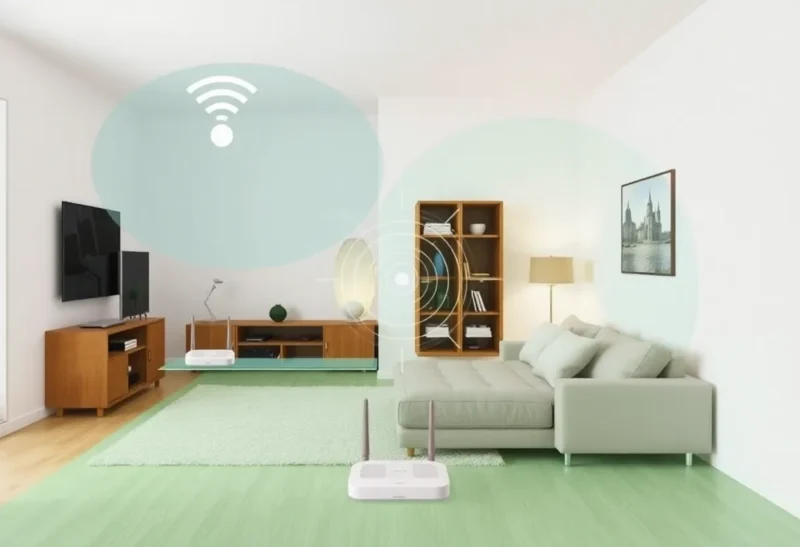
The most common Wi-Fi complaint — “my internet is slow in the bedroom / garage / back of the house” — is almost always a placement problem, not a hardware problem. Upgrading to a newer Wi-Fi router when an existing one sits tucked in a corner, hidden in a cabinet, or in a single corner of a multi-story house produces marginal improvement at best. Moving the existing router to a better position often produces dramatically better results at zero cost. Understanding the physics of Wi-Fi signal propagation explains why placement matters so much and what “better position” actually means.
How Wi-Fi Signals Propagate: The Physical Reality
Wi-Fi is radio frequency (RF) communication at 2.4 GHz and 5 GHz (and 6 GHz for Wi-Fi 6E). Like all radio waves, Wi-Fi signals propagate outward in all directions from the antenna and decrease in power with the square of the distance — double the distance, quarter the power. Every material the signal passes through attenuates it further, with the attenuation varying by frequency and material composition.
2.4 GHz Wi-Fi penetrates walls and floors better than 5 GHz because longer wavelengths are absorbed less by building materials. This is why 2.4 GHz provides better range but lower peak throughput, and 5 GHz provides higher peak throughput at shorter distances with less penetration. Modern routers broadcast both bands simultaneously; devices select the band based on signal strength and supported standards.
The specific attenuation of different materials is significant and worth understanding: drywall attenuates 2.4 GHz signals by approximately 3–5 dB per wall; concrete or brick by 10–15 dB; metal (appliances, metal wall panels, reinforced concrete) by 20–40 dB or more; water (fish tanks, water pipes within walls) is also highly attenuating. A concrete floor between router and device creates a loss of 10–15 dB in signal strength compared to no floor — approximately equivalent to tripling the distance. A signal that connects well in line-of-sight at 15 meters may struggle at 5 meters through two concrete walls. These losses are cumulative: a router in a corner apartment sending signals through two walls to reach a device against the opposite corner’s outer wall may traverse four or five wall interfaces and a potentially higher-attenuation corner construction, reducing effective signal strength dramatically.
Optimal Placement Principles
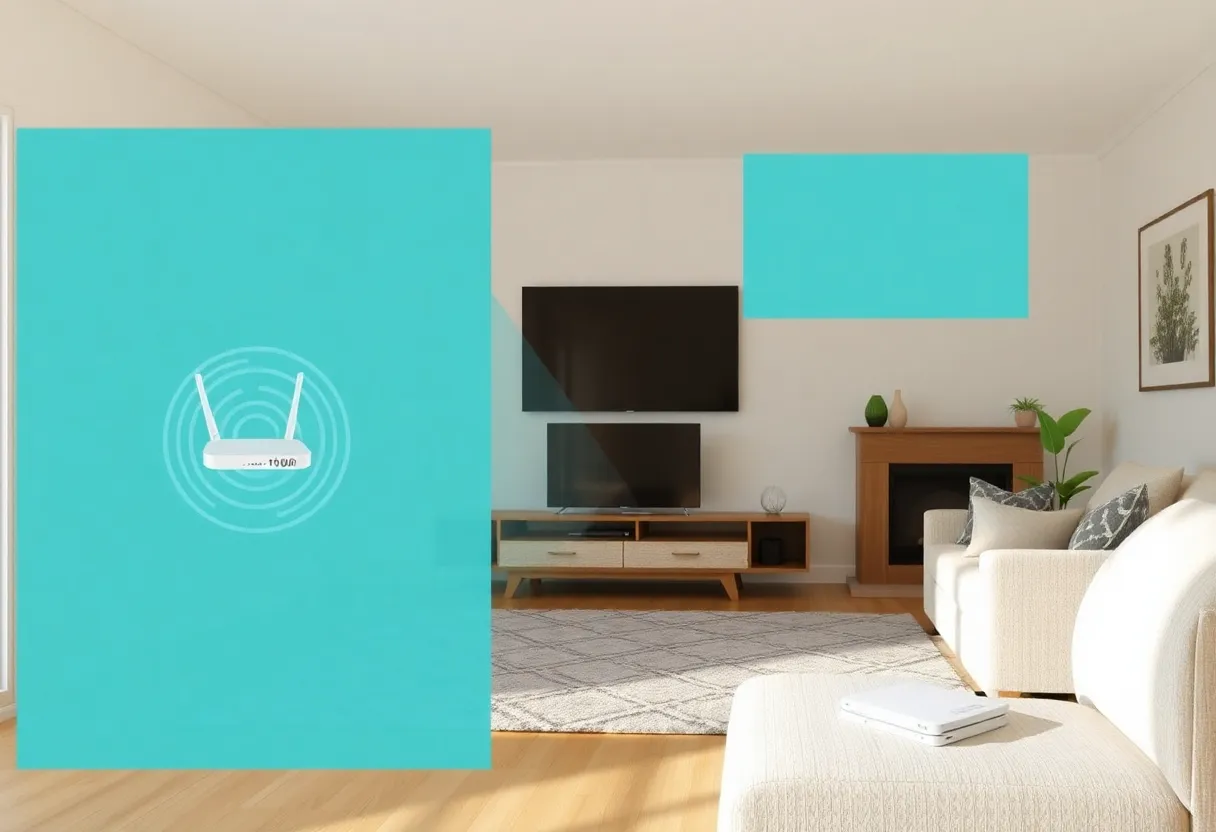
Central placement is the single most important router positioning principle. A router placed at the geometric center of the coverage area minimizes the maximum distance to any point in the space. A router in one corner of a house maximizes the distance to the opposite corner and forces signals to travel the maximum possible path through the building. If a router is currently in a corner (typically where the ISP installed it, determined by where the cable or phone line enters the building), moving it toward the center of the house — even partway — will measurably improve coverage at the far end.
Elevation matters because Wi-Fi signals propagate in a toroidal (donut-shaped) radiation pattern around the antenna axis. For a typical router with vertical antennas, the signal radiates strongest horizontally and weakest directly above and below. Placing the router on a desk or shelf rather than on the floor improves coverage horizontally throughout the space and reduces signal wasted going downward into the floor or upward into the ceiling. For multi-story coverage, placing the router on the upper floor of a two-story house with the router toward the middle (vertically) positions the toroidal pattern optimally: strong horizontal coverage on the upper floor, strong horizontal coverage on the lower floor through the ceiling/floor interface, rather than mostly above-floor coverage from a ground floor router.
Distance from obstructions matters. Placing a router inside a closed cabinet, behind a TV, next to a microwave (which operates at 2.4 GHz and creates interference), or adjacent to metal appliances degrades performance. Open shelf placement, away from major metal objects and interference sources, produces better performance from the same hardware than cabinet placement.
The Mesh System Case
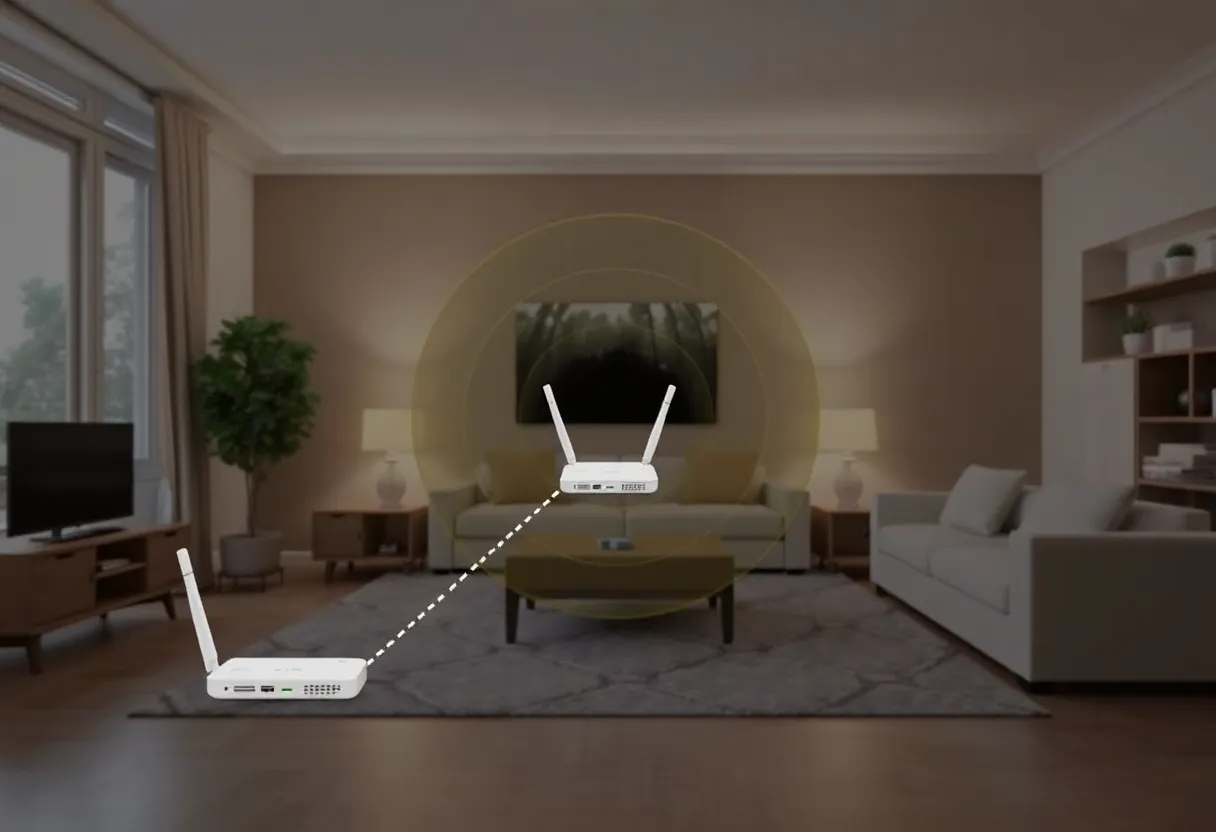
For homes where no single placement position provides adequate coverage — large homes, homes with heavy concrete construction, homes with multiple floors at opposite ends — a mesh Wi-Fi system (Eero, Google Nest WiFi, TP-Link Deco, Netgear Orbi) is the appropriate solution rather than a more powerful single router. Mesh systems use multiple access points that wirelessly coordinate to provide seamless coverage throughout a space, with devices roaming automatically between nodes as signal strength varies.
The placement principles for mesh nodes are the same as for routers — central placement, elevated, away from obstructions — but applied to each node. The backhaul channel (the wireless link between nodes) requires adequate signal strength between nodes, which means node placement at a position midway between the main router and the coverage area works better than placing the satellite node at the coverage area’s boundary with weak backhaul. Most mesh systems have apps that show node connection quality during setup, enabling optimization of placement based on measured signal strength.
Channel Selection and Interference
In dense residential environments — apartment buildings, urban neighborhoods — multiple Wi-Fi networks operating on the same channel create co-channel interference that degrades performance for all networks on that channel. 2.4 GHz has only three non-overlapping channels (1, 6, and 11 in the US), meaning that in a building with many networks, competition for these channels is significant. 5 GHz has more non-overlapping channels and less cross-network interference due to lower penetration (neighbors’ 5 GHz networks are more attenuated by walls).
Most routers default to automatic channel selection, which varies in quality. Scanning the wireless environment with a Wi-Fi analyzer app (available on Android; more limited on iOS) shows which channels are being used by neighboring networks and how congested each channel is. Setting the router to a less-congested channel manually — particularly for 2.4 GHz — can improve performance in dense environments. This optimization produces the most benefit in environments where the automatic channel selection has landed on the most congested option.
The Hardware Upgrade Threshold
After optimizing placement and channel selection, if coverage or performance is still inadequate, then hardware is the variable to address. Wi-Fi 6 and Wi-Fi 6E routers provide real improvements over older Wi-Fi 5 hardware: better aggregate throughput in high-device-count environments (OFDMA allows simultaneous service to multiple clients), better range in congested environments (BSS coloring reduces interference between neighboring networks), and 6 GHz access for Wi-Fi 6E devices. These improvements are meaningful but don’t overcome physics — a Wi-Fi 6 router in a corner still provides worse coverage to the far end of the house than a Wi-Fi 5 router in the center. Placement first, hardware second.