The Case for a Homelab in 2026: What You Can Learn That Cloud Can’t Teach

Jesse Cole
July 7, 2026
The argument against a homelab in 2026 is straightforward: cloud providers offer on-demand compute that scales from a few cents per hour, managed Kubernetes, managed databases, managed networking, managed everything. Why own and operate physical hardware when AWS, Google Cloud, or Azure will sell you the capability without the hardware cost, power draw, or time investment of running your own infrastructure?
It’s a reasonable argument. And it’s also, for specific learning goals, missing the point.
A homelab isn’t primarily a cost-efficient way to run compute—it’s a learning environment. The things you learn from running physical hardware in a home environment are specifically the things that cloud abstractions deliberately hide from you, and some of those hidden things turn out to be important for understanding infrastructure at depth.
What a Homelab Actually Is
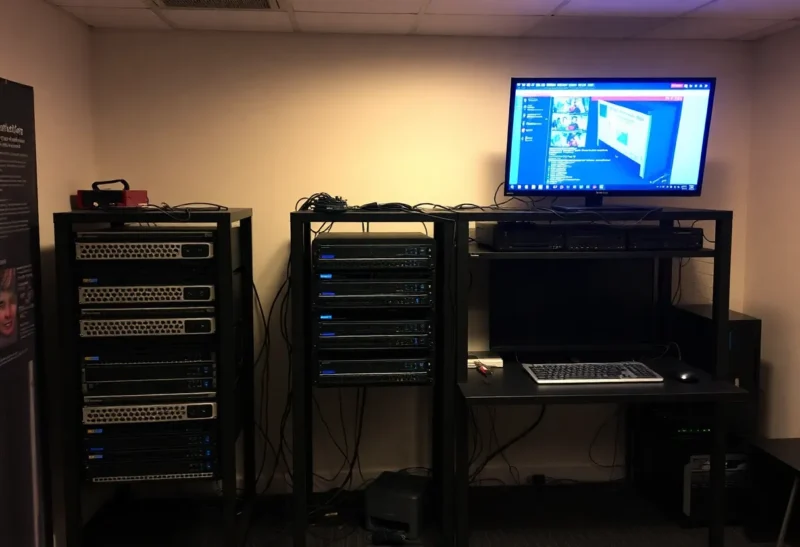
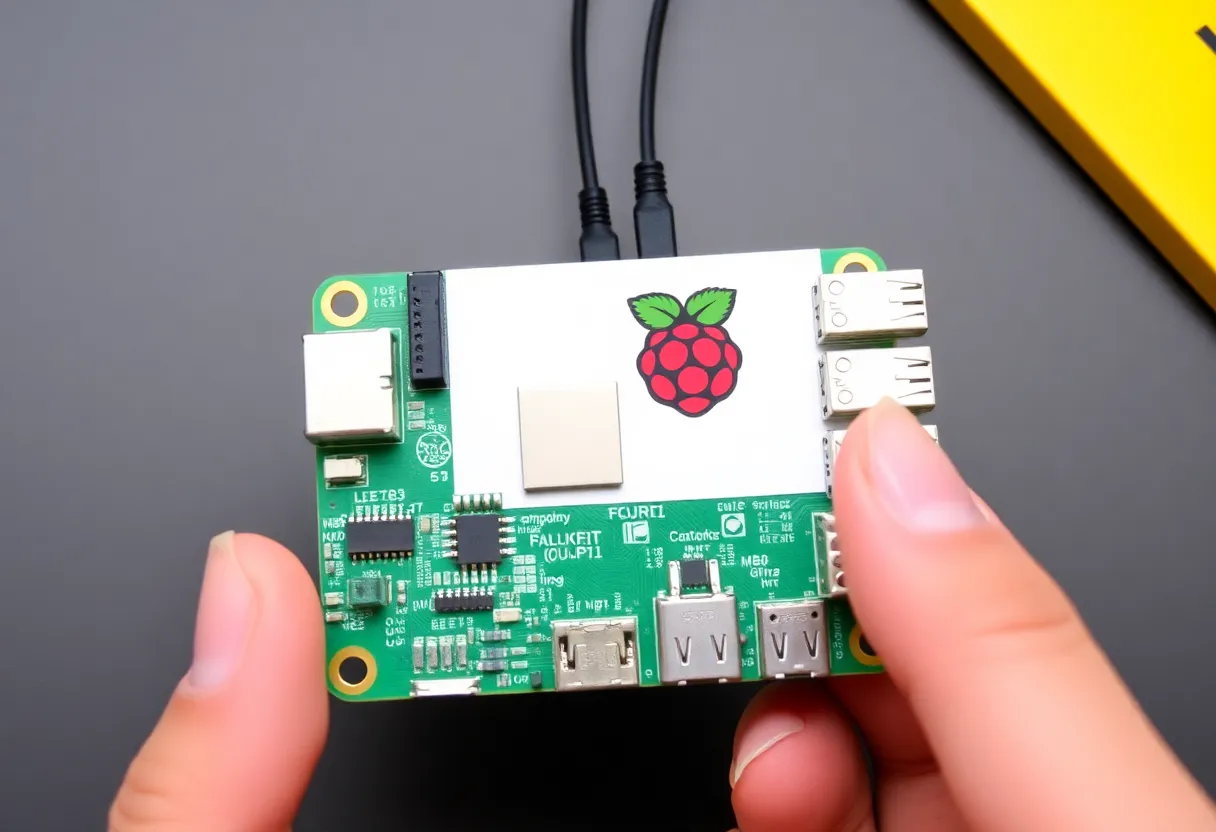
A homelab is a personal infrastructure setup run at home for learning, experimentation, and self-hosting. The range of what counts is wide: a single Raspberry Pi running Pi-hole and a personal VPN is a homelab. A rack-mounted server with 64 GB of RAM running Proxmox with a dozen virtual machines is a homelab. A cluster of refurbished enterprise servers running Kubernetes is a homelab. The defining characteristic is that it’s yours, physical, under your control, and primarily for learning rather than production.
The typical starting point in 2026 is either a used enterprise server (Dell PowerEdge or HP ProLiant units from 3–5 years ago are available refurbished for a few hundred dollars with substantial compute and memory) or a mini PC (Intel NUC successor, Beelink, Minisforum units running modern Intel or AMD processors with 32–64 GB RAM at a surprisingly small footprint). The software stack most commonly runs Proxmox (a hypervisor for running virtual machines and containers) or TrueNAS for storage-focused setups, with containerised workloads on Docker or Kubernetes above that layer.
What You Learn That Cloud Abstracts Away
The cloud deliberately abstracts infrastructure complexity so users can focus on application development. That abstraction is genuinely valuable for production work—you don’t want to be debugging network card driver issues when you’re trying to ship a product. But the abstraction means you don’t encounter, and don’t learn, what’s underneath.
Physical networking: Cloud networking is virtual—VPCs, subnets, security groups, load balancers all exist as software-defined constructs you configure in a console. Home networking involves actual switches, VLAN configuration, understanding how physical and virtual networking interact, dealing with ARP, managing DHCP in an environment you control end to end. Running a VLAN-segmented home network (separating IoT devices, a guest network, and servers) teaches networking at a layer that cloud console clicking doesn’t.
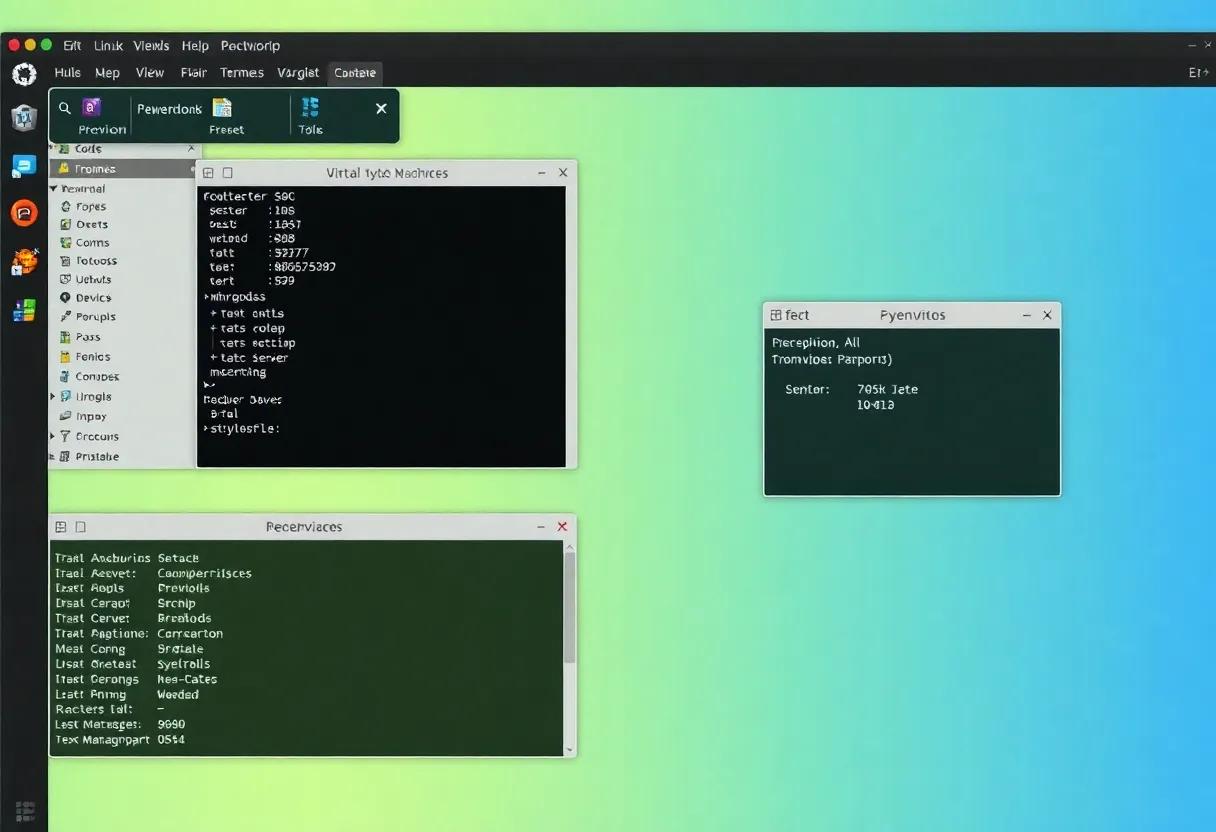
Storage: Cloud object storage (S3) and block storage (EBS) are persistent services you consume via API. Running your own NAS teaches ZFS, RAID concepts, how filesystems actually handle redundancy, what happens when a drive fails (and how to respond), and the real cost and management overhead of reliable storage. Running TrueNAS at home is a materially different learning experience from reading about storage—you will eventually have a drive fail, and handling it without data loss builds knowledge that documentation doesn’t.
Hypervisors and virtualisation: Proxmox VE provides a full-featured hypervisor for home use. Operating it teaches how virtual machines are actually implemented—CPU and memory allocation, disk image management, snapshot handling, live migration. AWS EC2 instances run on hypervisors, but you interact with them at a level that doesn’t expose the hypervisor mechanics. Running Proxmox, you’re on the other side of that abstraction.
Hardware failure and reliability: Cloud infrastructure is designed to tolerate hardware failures invisibly. In your homelab, when a NIC fails, when a hard drive develops bad sectors, when a power supply dies, you encounter the failure mode directly and have to diagnose and recover. The skills built from hardware failure—diagnosing symptoms, identifying root causes, restoring services—don’t come from cloud environments where the failure is handled before it reaches you.
DNS and certificate management: Running internal services at home with proper TLS certificates, internal DNS, and split-horizon DNS is a learning exercise that builds real understanding of how DNS and PKI work. Using Let’s Encrypt with a DNS challenge to issue certificates for internal services requires understanding DNS TTLs, ACME protocol mechanics, and certificate chain validation in a way that clicking through a cloud console doesn’t.
The Self-Hosting Dimension
Beyond skills development, homelab hardware enables self-hosting services that many people use from cloud providers: media servers (Jellyfin, Plex), personal cloud storage (Nextcloud), password managers (Vaultwarden), home automation (Home Assistant), VPN (WireGuard via Tailscale), RSS readers, personal wikis, and many others.
The self-hosting case is partly about privacy and data ownership—your Nextcloud data is on your hardware, not in a third-party cloud. It’s partly about cost at scale: running Plex for a large media collection on a dedicated home server is effectively free once hardware is amortised, while streaming services charge monthly indefinitely. And it’s partly about the satisfaction of running services you control and can modify.
The Real Costs and the Honest Assessment
A homelab has real costs that deserve honest accounting.
Power: A single server drawing 50–100 watts runs approximately $50–100 per year in electricity depending on local rates. Enterprise-grade gear designed for data centres can draw 200+ watts. The energy cost is real and ongoing.
Noise and heat: Enterprise servers with high-speed fans can be loud—unsuitable for a living room, requiring a dedicated space. Mini PC-based homelabs are quieter and more practical for home environments.
Time: Things break. Updates introduce regressions. Services need maintenance. Homelabs consume time that cloud services don’t. This is simultaneously the point—that time is where the learning happens—and a genuine cost that scales with setup complexity.
Reliability: A homelab is not production infrastructure. Power outages happen, hardware fails, updates break things. Self-hosted services should be treated as best-effort rather than SLA-backed.
The honest pitch for a homelab in 2026: if you work in or are interested in infrastructure, networking, or systems administration, the hands-on experience of building and operating your own infrastructure teaches things that are difficult to learn any other way. The cloud has made homelab skills less necessary for shipping applications—but not less valuable for understanding the stack those applications run on.