Why Wi-Fi 7 Matters Even If You Don’t Need the Speed Yet

Lars Bergman
July 7, 2026
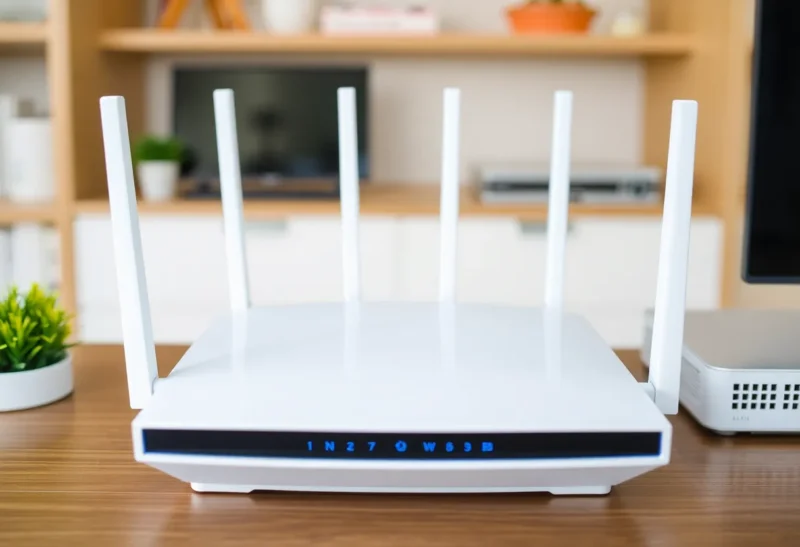
Wi-Fi 7 (802.11be) theoretical speeds reach 46 Gbps — a number that’s almost entirely irrelevant to home users in 2026, because no home internet connection delivers anywhere near that throughput, and no consumer device can fully saturate even Wi-Fi 6 at its theoretical maximum. The “speeds you’ll never need” problem has followed every Wi-Fi generation and makes it easy to dismiss Wi-Fi 7 as another marketing-driven upgrade cycle.
The more compelling Wi-Fi 7 case isn’t speed — it’s latency, reliability under congestion, and the specific technical capabilities that matter in households with large numbers of concurrent devices. These benefits are real and relevant to more households than the theoretical peak speed numbers suggest, and they’re the reason Wi-Fi 7 is worth understanding even if you’re not planning an immediate upgrade.
Multi-Link Operation: The Technical Shift That Actually Matters
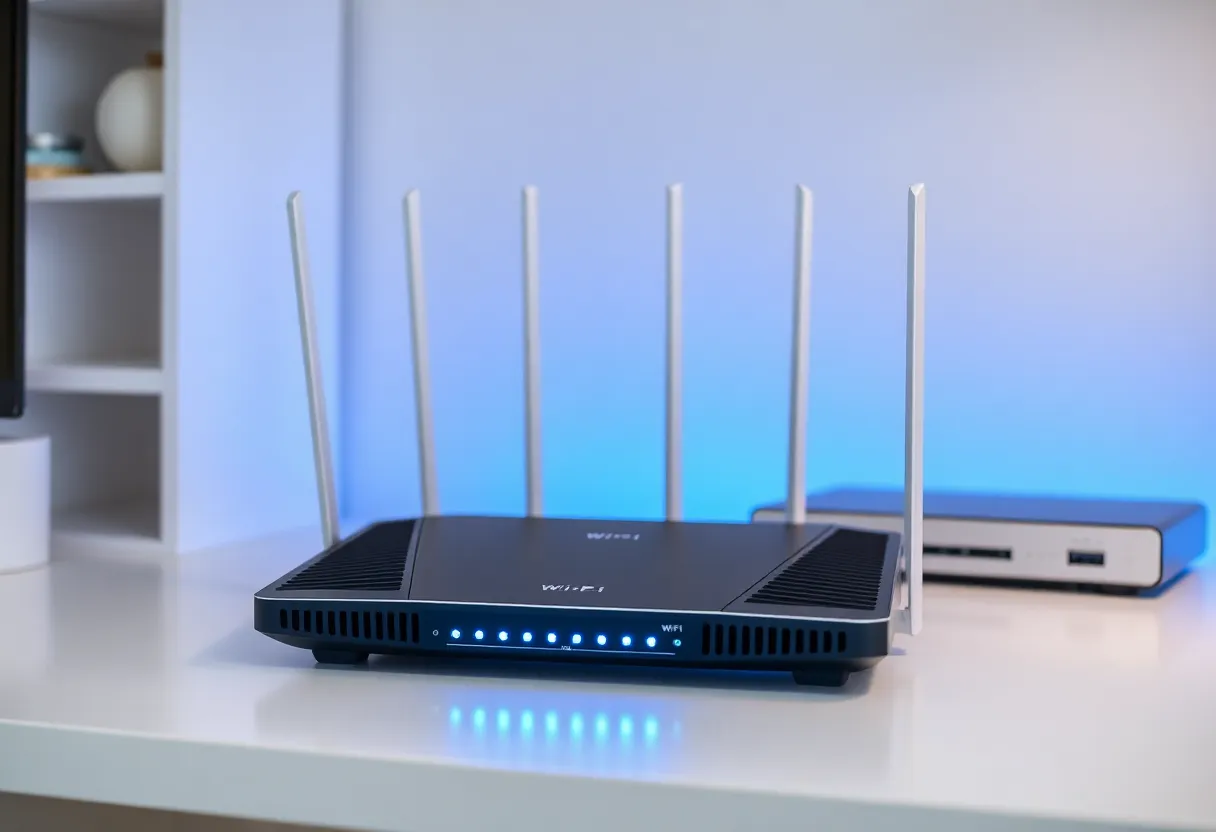
Previous Wi-Fi generations could operate on multiple bands (2.4 GHz, 5 GHz, 6 GHz), but a device could only use one band at a time. Switching between bands happened at the access point level for load balancing, but any individual device connection was single-band. Wi-Fi 7 introduces Multi-Link Operation (MLO), which allows a single device to simultaneously communicate with the access point across multiple bands.
MLO matters for two things: reliability and latency. On reliability: if a device is connected on both 5 GHz and 6 GHz simultaneously, interference or congestion on one band doesn’t disrupt the connection because traffic can continue on the other band. The connection is inherently more robust against the kind of transient interference that causes Wi-Fi hiccups — a microwave, a neighboring network activity burst, a device momentarily saturating a channel. For video calls, real-time gaming, or anything sensitive to brief interruptions, this redundancy has practical value.
On latency: MLO allows the access point to split traffic optimally across bands, sending each packet on whichever band has the best current path. This reduces the queuing latency that accumulates when all traffic is competing for time on a single band. Measured latency improvement in Wi-Fi 7 versus Wi-Fi 6E in congested environments is real — not the microsecond differences that appear in lab tests, but the tens-of-milliseconds improvements in real-world environments that translate to smoother gaming, better video call quality, and more responsive remote desktop sessions.
320 MHz Channel Width and 4K-QAM
Wi-Fi 7 supports 320 MHz channel width in the 6 GHz band (versus 160 MHz maximum in Wi-Fi 6E) and 4096-QAM modulation (versus 1024-QAM in Wi-Fi 6). Both of these increase the amount of data that can be transmitted per unit of time, contributing to the theoretical peak speed increases.
In practice, 320 MHz channels in the 6 GHz band are useful primarily in less congested RF environments — not the dense apartment building with 40 visible networks, but the suburban home with fewer competing devices. The 6 GHz band is relatively uncrowded compared to 2.4 GHz and 5 GHz because it’s newer and requires Wi-Fi 6E or Wi-Fi 7 devices to use it. In environments where 6 GHz is actually available and uncongested, the 320 MHz channel provides a substantial throughput increase for high-bandwidth use cases: 8K video streaming (where it exists), large file transfers between devices on the same network, or NAS access from multiple clients simultaneously.
4K-QAM increases data density per transmission but requires excellent signal quality to work — the modulation encodes more bits per symbol, which means signal noise tolerance is lower. At close range with good signal, 4K-QAM provides throughput improvements; at medium or long range, the radio will fall back to lower modulation orders, and the practical gain over 1024-QAM diminishes.
The Congestion Argument for Dense Households
The Wi-Fi argument that resonates most with typical households is not about peak speed but about what happens in a house with 40, 60, or 80 connected devices — which is becoming common in households with smart home deployments. Thermostats, bulbs, switches, cameras, TVs, streaming sticks, laptops, phones, tablets, gaming consoles, smart speakers: modern homes have a lot of radio clients.
Wi-Fi 6 introduced OFDMA (Orthogonal Frequency Division Multiple Access), which allows the access point to serve multiple clients simultaneously within a channel by assigning different subcarriers to different devices. This is a fundamental improvement over Wi-Fi 5’s approach of serving clients sequentially. Wi-Fi 7 expands on this with larger channels and MLO, further improving the access point’s ability to efficiently serve many devices concurrently.
The practical consequence: in a home where 30 devices are simultaneously active (pulling weather data, checking for updates, streaming, gaming), a Wi-Fi 7 access point handles the coordination overhead more efficiently than Wi-Fi 5 or Wi-Fi 6 hardware. The individual device that is gaming or on a video call gets more consistent service because the access point is managing competing demands from other devices more efficiently. This is the use case where the technical improvements translate most directly to perceptible day-to-day improvement.
The Upgrade Timeline
Wi-Fi 7 routers and mesh systems entered the consumer market in 2024 and are now broadly available from TP-Link, Asus, Netgear, Eero, and others. The premium over Wi-Fi 6E hardware is significant for current flagship products but has been declining. More importantly, Wi-Fi 7 client devices — phones, laptops, and eventually IoT hardware — are increasingly shipping with Wi-Fi 7 support.
The case for upgrading to Wi-Fi 7 now makes most sense for: households with many concurrent devices and noticeable congestion-related Wi-Fi performance issues, users who are sensitive to latency for gaming or real-time work, and anyone replacing aging Wi-Fi 5 or earlier hardware where the upgrade is justified regardless of generation.
The case for waiting is also reasonable: if your current Wi-Fi 6 or 6E setup is handling your household’s load without issues, the marginal improvement from Wi-Fi 7 today is real but incremental. The larger MLO benefits are also only available between Wi-Fi 7 clients and a Wi-Fi 7 access point — phones and laptops from the last two or three years typically don’t support MLO, meaning the full benefit isn’t realized until your client devices refresh. Waiting for Wi-Fi 7 to be the standard hardware choice rather than the premium choice, which is likely 18–24 months away, is a defensible strategy.
The key insight is that Wi-Fi 7’s relevance isn’t primarily about the headline speed number. It’s about the architectural changes — MLO, larger channels in an uncrowded band, improved scheduling for many concurrent clients — that provide real improvements in environments where the previous generation was showing its limits. That’s a smaller but still meaningful portion of the Wi-Fi market, and it’s the right frame for evaluating whether the upgrade makes sense for your household.