The Hidden Complexity of Making a Great Mobile Camera App

Priya Sharma
July 7, 2026
A camera app looks simple from the outside: a viewfinder, a shutter button, some settings. The gap between that UI surface and the engineering complexity underneath it is one of the larger hidden chasms in consumer software. Third-party camera apps like Halide, Moment, ProCamera, and Lightroom Camera are built by small teams and compete against the native camera apps of iOS and Android—which are themselves among the most technically demanding software projects on their respective platforms, with engineers working on them numbering in the hundreds.
Understanding what makes a camera app hard to build reveals a lot about how smartphone photography actually works—and why the “just use the API” assumption that seems reasonable for other categories of app breaks down for camera.
The Camera Stack: Layers of Abstraction
Mobile camera systems have a layered architecture that app developers interact with at different levels depending on how much control they need:
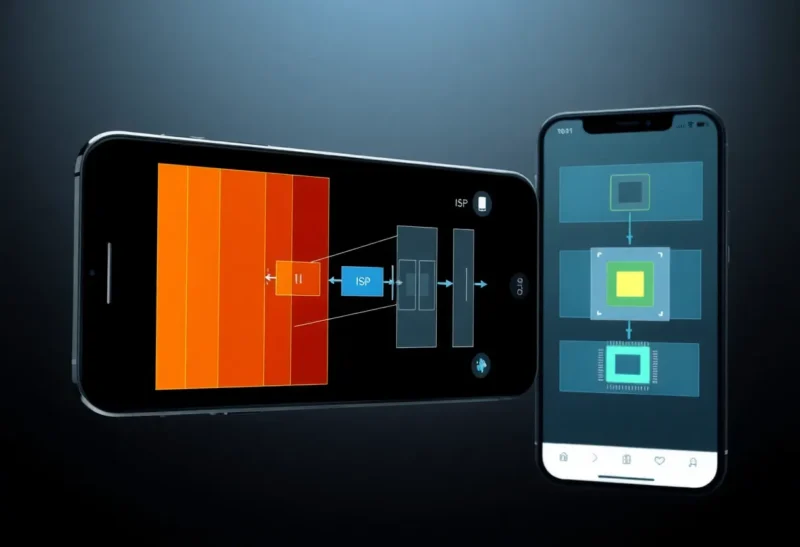
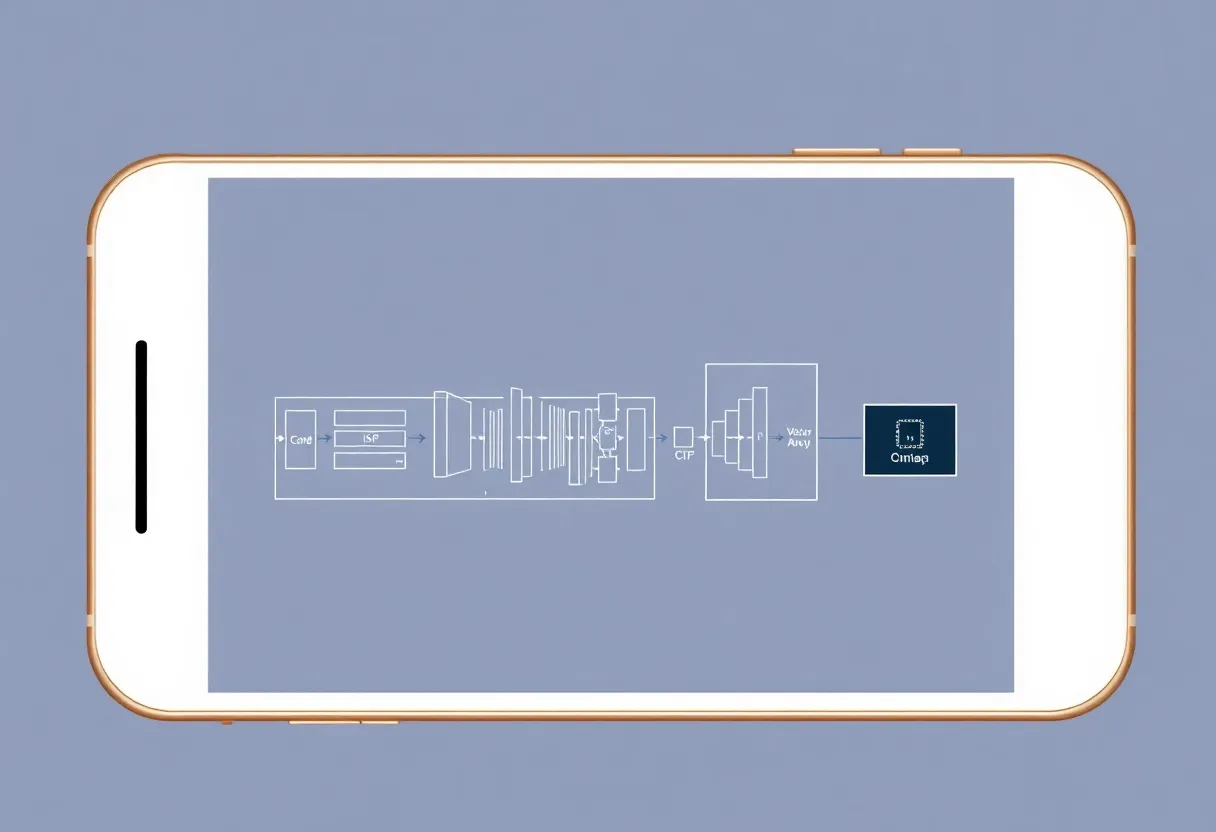
At the lowest level is the image signal processor (ISP)—dedicated hardware on the mobile SoC that takes the raw sensor data and applies a processing pipeline: demosaicing (converting the Bayer-pattern sensor data to RGB), noise reduction, sharpening, tone mapping, and colour correction. This happens at speeds that general-purpose processors couldn’t achieve, often processing multiple frames per second in preview and burst modes. The ISP is a black box to app developers—you don’t program it directly.
Above the ISP is the camera framework (AVFoundation on iOS, Camera2/CameraX on Android), which provides APIs for configuring the camera sensor, controlling focus, exposure, and white balance, and receiving image buffers. This is where most app development starts, but even here, the API surface is enormous: AVFoundation’s camera capabilities span dozens of classes and hundreds of methods, with interactions that are deeply platform-specific and hardware-dependent.
Above the framework are higher-level capture APIs and ML libraries that provide processed outputs: ARKit’s camera feeds with depth data and motion, CoreML vision pipelines for scene classification and subject detection, the Vision framework’s face tracking and pose estimation. These are composited on top of the lower-level capture in ways that require careful pipeline management to avoid performance cliffs.
A camera app that wants to provide “manual controls”—raw capture, custom white balance, precise focus control—is working against the grain of the consumer-oriented default pipeline. The platform wants to apply its ISP pipeline, its computational photography stack, and its auto-exposure algorithms. Getting access to the data before or after specific stages requires platform APIs that are available but not always comprehensive, documented with gaps, and subject to hardware variation that documentation doesn’t fully capture.
The Real-Time Preview Problem
The camera viewfinder needs to show live video at 30–60 frames per second with minimal latency. Simultaneously, the app may need to apply rendering effects (exposure simulation before capture, custom colour science previews, focus peaking, zebra pattern overexposure warnings, histogram computation), detect scene conditions for adaptive settings, and maintain focus/exposure tracking.
All of this needs to happen in the render loop without dropping frames. A frame drop causes a stuttery viewfinder, which feels broken even if the actual captured image is fine. The computation budget per frame at 60fps is approximately 16.7 ms—a constraint that shapes every design decision in the preview pipeline.
Metal shaders (iOS) and Vulkan/OpenGL compute shaders (Android) are used for GPU-accelerated frame processing, because the GPU has the parallelism required to apply per-pixel operations across a 12MP or 48MP preview frame within that budget. Writing performant GPU shaders for camera preview processing requires understanding of GPU architecture—texture sampling, memory access patterns, shader occupancy—that is significantly removed from typical application development.
Focus peaking—an overlay that highlights edges of in-focus elements—requires an edge detection filter applied per-frame at GPU speed. Histogram computation at 60fps requires computing the distribution of pixel values across the full frame fast enough to update a display element without introducing latency. These features that appear as simple visual overlays require careful GPU programming to implement without the viewfinder performance cliff that makes the app feel broken.
Raw Capture: The Format That Isn’t Standardised
ProRAW (Apple’s computational RAW format) and DNG (Adobe’s Digital Negative format, used on Android) both present themselves as “RAW” formats—unprocessed sensor data that gives photographers maximum control in post-processing. The reality is more nuanced and causes confusion for both users and developers.
DNG from Android cameras contains varying amounts of ISP processing depending on manufacturer implementation. Samsung, Google, and OnePlus all implement Android camera APIs differently, meaning the “raw” data from a DNG on one device has different characteristics from the same format on another. True RAW (the Bayer-pattern data before any ISP processing) is accessible on some devices through specific APIs and not others; most “RAW” output from third-party Android apps is technically processed DNG rather than pure sensor data.
Apple’s ProRAW is more consistent but is explicitly a computational format—it incorporates the output of Apple’s semantic segmentation and multi-frame processing (which influences exposure, HDR, and noise characteristics) while preserving more of the underlying data than a JPEG. It’s not traditional RAW in the photographic sense; it’s a format specifically designed for Apple’s processing pipeline that provides more editing headroom than JPEG without the full complexity of unprocessed sensor data.
For third-party apps building on these capture modes, the inconsistency across devices means significant testing and format-specific handling. What parses correctly on one device may fail or produce unexpected output on another. The Halide team (which makes one of the most respected iOS camera apps) has published detailed technical writing about the edge cases in Apple’s camera APIs that illustrate how much of camera app development is working around underdocumented platform behaviour.
Multi-Camera Coordination
Modern flagship phones have three or four camera modules—a main wide lens, an ultrawide, one or two telephoto options, and sometimes a dedicated front camera with its own array. The native camera app switches between these seamlessly as zoom level changes; the viewfinder zooms from 0.5x (ultrawide) to 5x (periscope telephoto) appearing continuous to the user.
What’s actually happening: the app is switching between different camera hardware at specific zoom thresholds, applying digital zoom between the switch points to give the impression of smoothness, and potentially blending frames from multiple cameras at the switch boundaries to reduce the flash of transition. Coordinating the exposure, white balance, and colour science across cameras with genuinely different physical characteristics—different apertures, different focal lengths, different sensor generations—so that images at different zoom levels look like they came from the same camera is a significant algorithmic challenge.
Third-party apps have historically had limited access to multi-camera coordination APIs. iOS and Android have added multi-camera APIs over time, but the degree of control available and the complexity of using it correctly is significant. Halide’s telephoto switching code, for instance, required substantial engineering effort and is a visible competitive differentiator—their switching is smoother than many competing apps because they’ve invested specifically in making that transition invisible.
Computational Photography: The Arms Race Third-Party Apps Can’t Fully Win
The largest gap between what native camera apps and third-party apps can produce isn’t in the UI or the basic capture pipeline—it’s in computational photography. Night mode, action shots, portrait mode with multi-layer depth segmentation, photon binning across multiple frames: these capabilities require access to hardware accelerators, ISP features, and sensor access modes that platform holders may not expose to third-party developers.
Google Tensor’s ISP has specific modes for Night Sight that capture and align dozens of frames. Apple’s A-series chips run ML models at capture time that perform subject segmentation for Portrait mode. These capabilities run on hardware that third-party apps access through APIs that expose some but not all of the underlying capability.
The result is a structural asymmetry: native apps can fully exploit the hardware’s computational photography capabilities, while third-party apps work with the subset of those capabilities that the API surface exposes. Third-party apps compensate with different trade-offs—more user control, different processing aesthetics, manual capture modes that the native app doesn’t offer—but on pure computational output quality for the same scene in challenging conditions, native apps have an advantage that is architectural rather than engineering.
Why Third-Party Camera Apps Still Have a Market
Despite this asymmetry, third-party camera apps retain a meaningful market for reasons that are genuinely about capability rather than just preference:
- Manual control: aperture simulation, ISO and shutter selection, manual focus with peaking—native apps don’t expose these for consumer simplicity
- Different colour science: Halide’s Shot on iPhone experience has distinctive colour rendering that some photographers prefer to Apple’s processing
- RAW workflow integration: apps that integrate directly with Lightroom Mobile, capturing and passing RAW files into an established editing workflow
- Video features: apps like Filmic Pro have sophisticated video codecs and frame rate controls that the native camera doesn’t offer
- Interface preferences: camera professionals who want exposure histograms, waveform monitors, and zebra patterns have options in third-party apps
The market exists because camera apps serve several distinct audiences with distinct needs, and the native app is optimised for the median user in ways that leave room for specialised tools at the edges. The engineering required to build those specialised tools well is significantly more demanding than it appears—which is why the quality gap between the good third-party apps and the bad ones is large, and why the teams that build the good ones are smaller than you’d expect for the technical depth involved.