Why PCIe 5.0 SSDs Get Hot and What That Means for Your Build

Marcus Webb
July 7, 2026
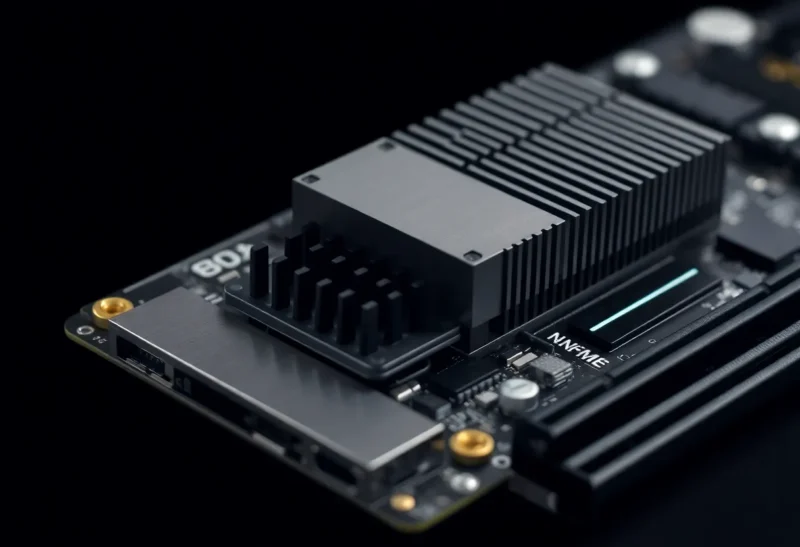
PCIe 5.0 NVMe SSDs are the fastest consumer storage ever made. Sequential read speeds exceeding 12,000 MB/s and sequential write speeds above 10,000 MB/s are standard for flagship PCIe 5.0 drives from Samsung, Crucial, WD, Seagate, and others. These speeds are roughly double what PCIe 4.0 drives deliver. The trade-off that doesn’t always get adequate attention in benchmark reviews: PCIe 5.0 SSDs generate substantially more heat than their predecessors, enough heat to require careful consideration during a build and, in some cases, active cooling.
Understanding why PCIe 5.0 SSDs run hot, what the thermal consequences are, and how to manage them makes the difference between a build where your fast storage stays fast and one where thermal throttling quietly undermines the speed premium you paid for.
Why PCIe 5.0 SSDs Generate More Heat
The heat increase is a direct consequence of the higher bandwidth. PCIe 5.0 doubles the per-lane bandwidth over PCIe 4.0 by running at 32 GT/s versus 16 GT/s. Achieving this requires faster signal processing in the controller chip, faster NAND flash, and more power delivery — all of which produce more heat. The SSD controller is the primary heat source; on PCIe 5.0 drives, controllers from Phison (E26), Silicon Motion (SM2508), and InnoGress run at temperatures that would have been unusual for PCIe 4.0 controllers even under sustained workloads.
Measured temperatures on PCIe 5.0 drives under sustained sequential writes reflect this: controller temperatures of 85–100°C under sustained workloads are commonly reported in reviews. Most PCIe 5.0 drives begin throttling (reducing performance to manage temperature) above approximately 70°C controller temperature; sustained operation at 90°C+ on a drive without a heatsink will result in significant performance reduction from throttling.
The NAND flash chips on PCIe 5.0 drives also run warmer than PCIe 4.0 NAND, though the controller is the primary heat concern. Drives using stacked NAND (which puts multiple layers of flash in a compact stack) are somewhat more thermally challenged than designs that spread NAND across more surface area.
What Thermal Throttling Actually Does to Performance
Thermal throttling on NVMe SSDs reduces controller clock speed and potentially NAND access speed to bring temperatures down. The performance impact depends on the severity of throttling and the workload.
For typical gaming and desktop workloads — loading game levels, transferring files, installing applications — throttling has minimal practical impact because these workloads are intermittent rather than sustained. The drive operates at full speed for bursts, cools slightly between operations, and rarely sustains the kind of continuous high-throughput write or read that pushes temperatures into throttling territory.
For workloads that involve sustained sequential access — video production, large file transfers, backup operations, 3D rendering asset loading — throttling matters substantially. A PCIe 5.0 SSD that’s advertised at 12,000 MB/s sequential read may sustain 6,000–8,000 MB/s over a multi-minute sustained transfer if it’s throttling due to heat. The peak speed is real; it’s the sustained speed under thermal load that degrades without adequate cooling.
Content creators and anyone doing sustained large-file operations should plan for heatsinks on PCIe 5.0 drives as a baseline requirement rather than an optional accessory.
Heatsinks and Cooling Options
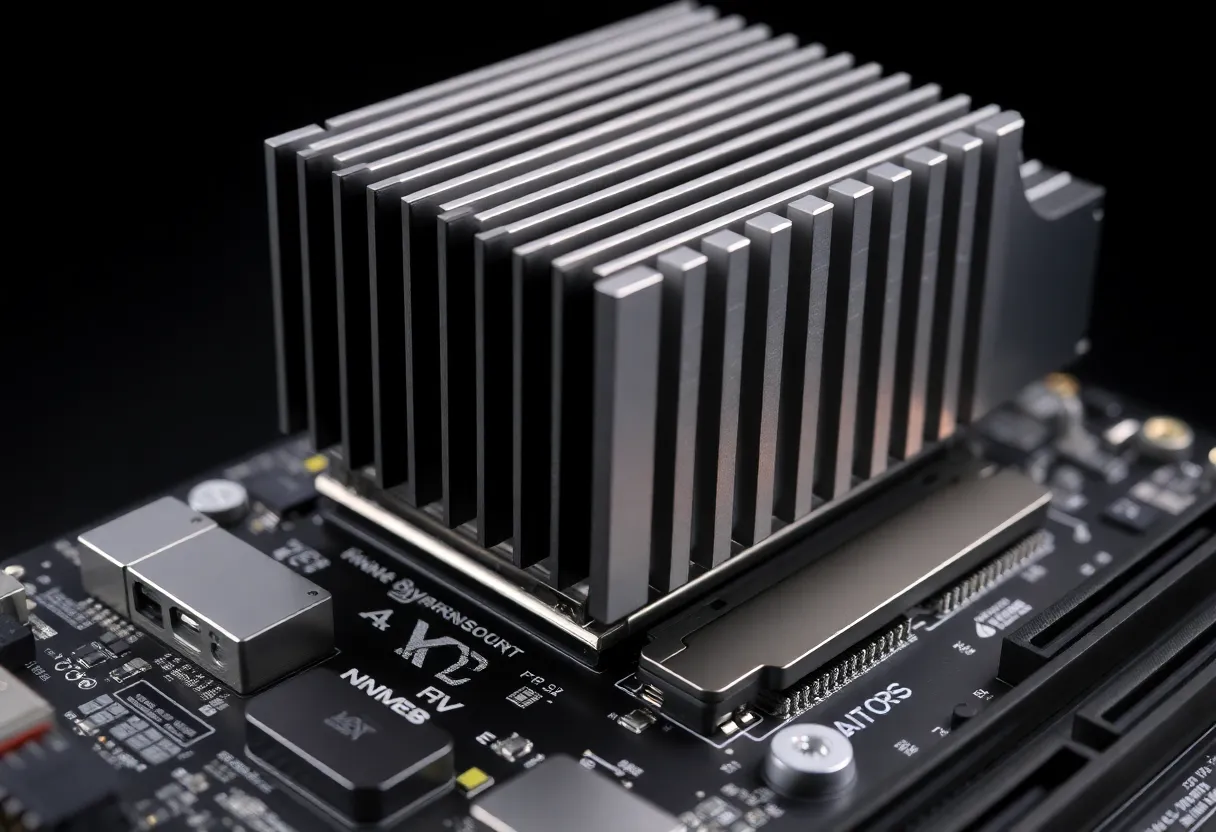
The M.2 heatsink situation for PCIe 5.0 drives is more involved than for previous generations. Most modern motherboards include M.2 heatsinks that were designed for PCIe 4.0 drives; these are often adequate for light use but insufficient for sustained PCIe 5.0 workloads. Some high-end motherboards (particularly Z790 and X670E boards targeting enthusiast builds) include more substantial M.2 heatsinks that perform better, but thermal results vary significantly by board.
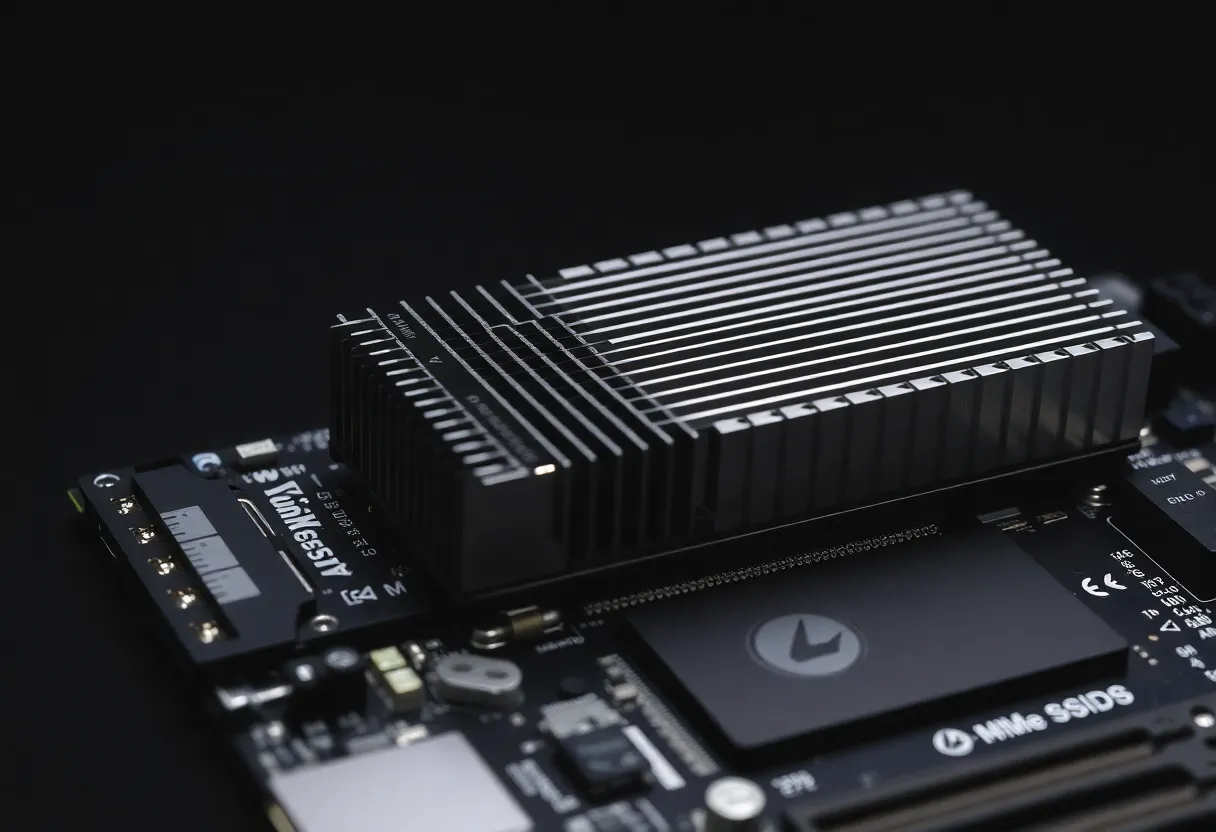
Third-party M.2 heatsinks with larger fin arrays and better thermal interface materials provide meaningful improvement over most bundled heatsinks. Active cooling options — small fans mounted above the M.2 slot or M.2 heatsinks with built-in fans — are available and effective for the most demanding workloads. These are unusual in typical gaming builds but appropriate for workstations doing sustained video editing or large data operations.
Case airflow affects M.2 drive temperatures more than many builders expect. A drive installed in an enclosed M.2 slot on a motherboard in a case with poor airflow can run 15–20°C hotter under load than the same drive in a well-ventilated case. Bottom-mounted M.2 slots on some motherboards are shielded from case airflow and run hotter than top-mounted slots. Knowing where your M.2 slot sits relative to case airflow helps predict whether you’ll need supplemental cooling.
Is PCIe 5.0 Worth It?
The honest answer for most buyers in 2026 is that PCIe 5.0 SSDs are impressive but not necessary. The speed ceiling PCIe 4.0 SSDs provided (6,000–7,000 MB/s sequential reads) is not a bottleneck for any current gaming workload. Games load from fast PCIe 4.0 drives as quickly as from PCIe 5.0 drives because the game loading speed is bottlenecked by asset decompression, CPU processing, and GPU asset upload — not raw sequential storage read speed. The games and applications that can saturate a PCIe 4.0 SSD at full speed don’t exist in mainstream consumer use in 2026.
Where PCIe 5.0 speeds are genuinely useful: video editing with large uncompressed or high-bitrate footage, virtualization workloads with heavy disk I/O, and any workflow that involves moving very large files frequently. For these users, the PCIe 5.0 speed premium is real and pays off in actual time saved. For gaming builds and general desktop use, PCIe 4.0 drives remain the value choice — you get 90% of the real-world performance at lower cost, less heat, and without the thermal management complexity.
If you do buy PCIe 5.0, budget for a good heatsink (or verify your motherboard’s included heatsink is adequate), pay attention to case airflow, and monitor drive temperatures after initial setup using CrystalDiskInfo or HWiNFO64 during a sustained workload. A drive maintaining under 70°C controller temperature during a long sequential write is performing well. A drive hitting 95°C and dropping to 4,000 MB/s sustained is telling you it needs better cooling — information that’s worth having before you deploy it in a production creative workstation.