Why Building Your Own Keyboard Is Worth the Time—And When It Isn’t

Jamie Torres
July 7, 2026
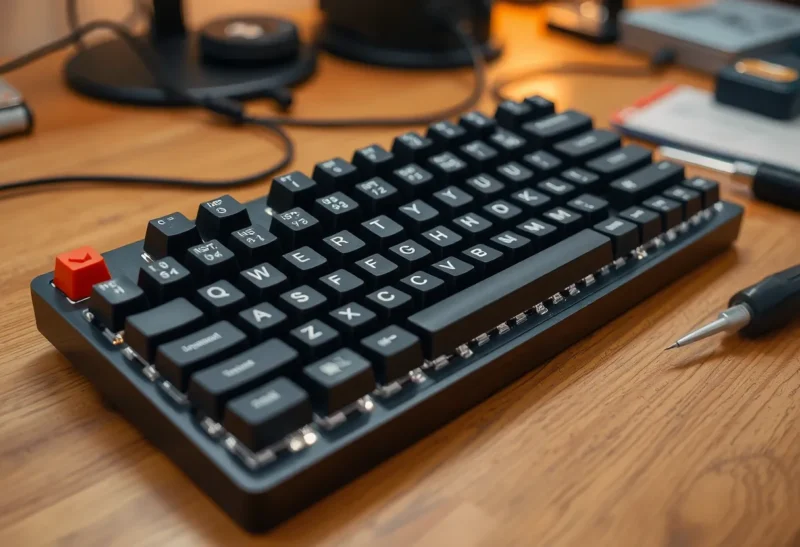
The mechanical keyboard hobby exists in a strange position in the broader gadget ecosystem. It’s simultaneously one of the most practical possible customisations for someone who types for a living—the interface you use for thousands of keystrokes every day is worth optimising—and a hobby that can spend thousands of dollars on components that produce marginal gains over a $150 prebuilt. Whether building your own keyboard is worth doing depends on what problem you’re actually trying to solve, and the answer varies considerably by person.
Here’s an honest breakdown of what the building process involves, what the genuine benefits are, where the enthusiast premium diverges from practical value, and the situations where buying a good prebuilt is clearly the better decision.
What a Custom Build Actually Involves
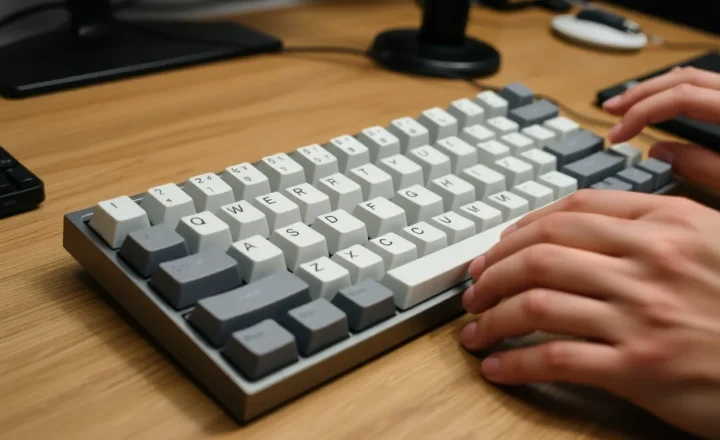
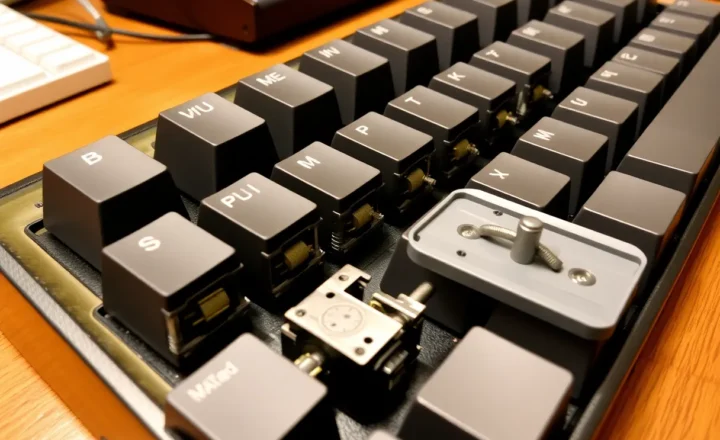
A custom mechanical keyboard build has four main components: the case (the housing structure), the PCB (the circuit board that connects the switches), the switches (the mechanical mechanisms under each keycap), and the keycaps. Supporting materials—foam for acoustic dampening, switch films, lubricant, stabiliser mods—are also part of most serious builds.
The build process at the simplest level:
- Purchase components (case, PCB, switches, keycaps, stabilisers)
- Lube stabilisers and install them on the PCB
- Test all switches before installation (with a switch tester or by hand-testing)
- Lube switches (optional but widely practised)
- Install switches into the PCB—either soldering or hot-swap (no soldering required)
- Install the PCB/switch assembly into the case
- Install keycaps
- Flash firmware to the PCB for key mapping
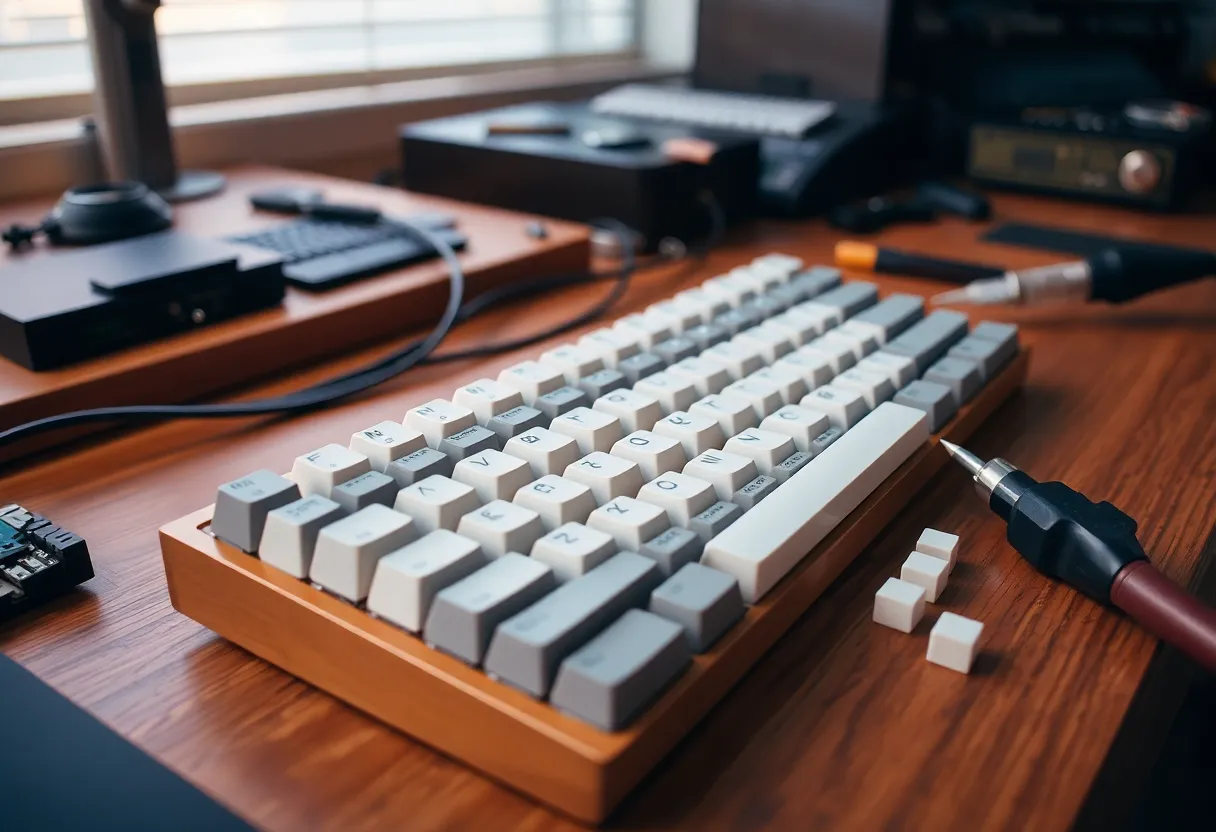
The soldering versus hot-swap distinction matters practically. Hot-swap PCBs use socket connectors that allow switches to be installed and removed without soldering—plug in, press down, done. These are significantly more beginner-friendly and allow switch swapping without desoldering. Soldered PCBs require soldering each switch pin to the board—80–100+ solder joints for a full-size keyboard—which requires some skill and patience but produces a more stable connection and opens up a wider range of PCB options.
A basic competency hot-swap build takes 2–4 hours for a first-timer. A soldered build with proper switch lubing takes 4–8 hours. Enthusiast builds with full gasket-mount cases, foam stacking, tape modding, and detailed switch preparation can take a full weekend.
The Genuine Benefits
The reasons to build that hold up to practical scrutiny:
Switch feel and sound. This is the core value proposition and it’s real. The tactile feel, actuation force, travel distance, sound profile, and overall typing experience of a custom-built keyboard with carefully selected and lubed switches is meaningfully better than any prebuilt in the same price range. The subjective experience of typing on a well-built keyboard with Topre domes, premium linear switches, or quality tactiles is genuinely different from typing on a standard prebuilt, and for people who type many hours a day, this difference compounds.
Layout customisation. If you want a specific layout—75%, 65%, ortholinear, split, Alice layout—that isn’t available in prebuilt form from a mainstream manufacturer, custom building is often the only option. Many ergonomic and space-saving layouts exist only as DIY kit options. If your ideal layout is 40%, columnar stagger, with a rotary encoder and a specific keycap profile, building is the only way to get it.
Firmware flexibility. QMK and Via-compatible PCBs (the dominant open-source keyboard firmware) allow complete remapping of every key, the creation of multiple layers (like a laptop’s function layer but customisable), macros, tap-hold configurations, combos, and a long list of features that proprietary keyboard software doesn’t approach. For workflows that benefit from custom key mapping—programming with many shortcuts, video editing, CAD work—the firmware flexibility has practical productivity value.
Repairability and longevity. A custom keyboard built on standard components can be repaired indefinitely. A switch fails? Replace it, or the whole switch plate. The PCB develops a cold solder joint? Reflow it. The keycap legends wear off? Buy new keycaps—the switches and case are still good. Contrast with proprietary prebuilts where a failed rubber dome, broken keycap, or discontinued part can retire a functioning keyboard.
The build process itself. For people who enjoy making things, the build is part of the value. Soldering, modding, and tuning a keyboard to a specific feel and sound profile is an engaging engineering and tactile problem. This is a legitimate reason that shouldn’t be undersold—the hobby value has value.
Where the Enthusiast Premium Loses the Plot
The custom keyboard hobby contains significant price escalation that delivers diminishing returns quickly:
Premium cases. The custom keyboard market includes aluminium cases costing $200–$600+ for the housing alone. The acoustic and typing feel difference between a quality aluminium case ($100–$150 range) and a premium CNC aluminium case ($400+) is real but subtle, and captures approximately zero additional practical benefit for most users. The premium is for the feel-in-hand, the aesthetic, and—honestly—the exclusivity and community status of having a recognised expensive board.
Group buy economics. The traditional way to acquire custom keyboard components was through group buys—community pre-orders that fund small production runs of cases, keycap sets, and PCBs. Group buys require paying upfront with delivery 6–18+ months later, no cancellation, and no guarantee of quality until the product arrives. The economics are improving with more in-stock options appearing, but the group buy model is still prevalent and genuinely consumer-unfriendly compared to normal retail.
Switch obsession. The difference between a well-lubed $0.50 switch and a well-lubed $1.50 switch is audible in isolation and essentially inaudible in a completed keyboard during actual typing. The diminishing returns on switch spend hit hard above the ~$0.80/switch range for most people’s use cases. This does not stop the hobby from sustaining enthusiast linear switches at $3–5 per switch that offer genuinely marginal improvements for the premium.
Keycap pricing. Keycap sets range from $25 to $200+ for the same ABS or PBT material with different legends and colorways. The tactile difference between a $30 keycap set and a $150 keycap set is nil for function—the premium is entirely aesthetic, and the aesthetics are subjective.
When a Prebuilt Is Clearly Better
The cases where buying a good prebuilt is the clearly correct decision:
You want a better keyboard but not a hobby. If you want to upgrade from a membrane keyboard and don’t want to spend time researching components, building, or firmware flashing, a quality prebuilt in the $80–$200 range (Keychron, NuPhy, Logitech MX, Ducky) delivers excellent typing experience with zero build time. The gap between a good prebuilt and a custom build at similar price points has narrowed significantly as prebuilt quality has improved.
You need a specific, guaranteed layout. If you need a standard full-size layout with a numpad, a specific row stagger, and reliable switch availability, the prebuilt market serves this better than the custom market, which skews toward compact and non-standard layouts.
Corporate or institutional deployment. Multi-unit purchasing for teams, hot desk environments, or institutional settings makes custom builds impractical. Prebuilts with manufacturer warranty, standardised components, and volume pricing are the obvious choice.
Budget under $100. Below roughly $100, custom building produces a worse result than buying a Keychron or similar prebuilt. The components available at low budget don’t justify the time investment, and the prebuilt market at this price point has excellent options.
A Realistic Entry Build
For someone who wants to try custom building without overcommitting, a realistic entry point in 2026:
- Case/PCB kit: Keychron Q series (hot-swap, via-compatible, gasket mounted, available in-stock) — $80–$130 depending on size
- Switches: Gateron G Pro 2.0 linears or Gazzew U4 tactiles, pre-lubed — $25–$35 for 90 switches
- Keycaps: KBDfans 9009 or any PBT doubleshot set — $30–$50
- Stabilisers: Durock V2 stabilisers, already included in most Keychron Q kits
Total: $135–$215 for a hot-swap build that punches well above its price bracket and requires no soldering. The Keychron Q series in particular is a reasonable place to start because it includes a quality gasket-mounted case, a pre-assembled PCB with hot-swap sockets, and pre-installed stabilisers—you’re primarily choosing and installing switches and keycaps.
If you build this and want to go deeper, you now have direct experience of what each component contributes to the overall feel, which makes subsequent decisions more informed. If you build it and feel indifferent to the hobby aspect, you have a good keyboard that will last years with no regrets.
The Honest Summary
Building your own keyboard is worth the time if: you type extensively and care about the tactile and acoustic experience, you want a non-standard layout or deep firmware customisation, or you enjoy the build process as a hobby in its own right. The result—a well-tuned keyboard with specifically chosen components—is genuinely superior to anything in the same price range from a mainstream manufacturer.
It’s not worth the time if: you want a better typing experience but not a project, your budget is under $100, you need a standard layout that prebuilts cover well, or the research and component sourcing process sounds like friction rather than fun. The hobby’s best attribute—deep customisability—is also its main cost. Matching it to your actual priorities before buying anything prevents the expensive path of purchasing components for a project you don’t actually want to finish.