When to Use a Microcontroller vs a Single-Board Computer for Your Next Project

Jade Wu
July 7, 2026
One of the most common questions in maker and DIY electronics communities is whether to use a microcontroller like an Arduino or ESP32, or a single-board computer like a Raspberry Pi, for a given project. The question comes up because both are small, affordable, programmable, and capable of interacting with physical hardware. But they’re fundamentally different types of devices designed for different types of tasks, and choosing the wrong one creates frustration that could have been avoided.
The answer isn’t always obvious, especially for newer makers who’ve only worked with one or the other. Understanding the architectural differences — and what those differences mean for specific project requirements — makes the decision straightforward in most cases.
What a Microcontroller Actually Is
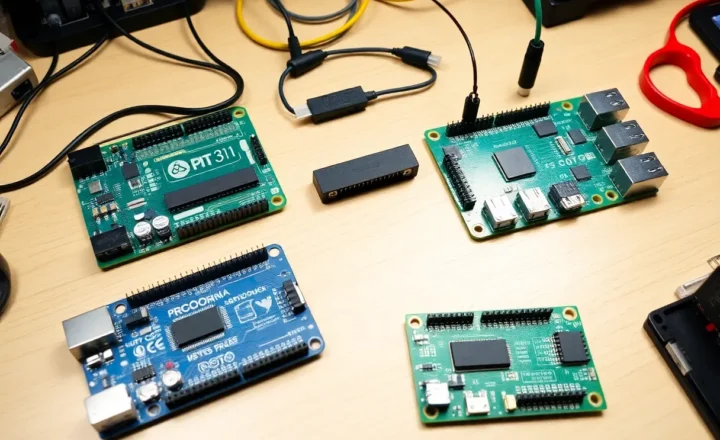
A microcontroller (MCU) is a single integrated circuit that contains a processor, memory (both flash for program storage and SRAM for runtime data), and peripherals (GPIO pins, ADCs, timers, communication interfaces like I2C, SPI, and UART) all on one chip. An Arduino Uno is built around the ATmega328P microcontroller. An ESP32 is both the microcontroller chip and a module with Wi-Fi and Bluetooth radios included. The RP2040 at the heart of the Raspberry Pi Pico is a microcontroller chip designed by Raspberry Pi specifically for embedded applications.
The key characteristics of microcontrollers for maker use:
Real-time behavior. A microcontroller runs your code directly on the hardware without an operating system managing process scheduling. When your code says “read this sensor every 10 milliseconds,” it reads that sensor every 10 milliseconds — deterministically, without OS-level interference. This predictability is essential for applications that need precise timing: servo control, stepper motor positioning, reading encoders, generating precise waveforms, or any application where a missed deadline causes a real problem.
Low power consumption. Microcontrollers can run from a small battery for months or years with appropriate sleep modes and efficient code. An ATtiny85 can run for years on two AA batteries when sleeping most of the time and waking briefly to read a sensor. An ESP32 in deep sleep uses microamps. For battery-powered projects — wireless sensors, portable gadgets, remote data loggers — a microcontroller is usually the right choice.
Instant boot. A microcontroller executes your code from the moment power is applied, typically within milliseconds. There’s no boot sequence, no OS loading, no filesystem to check. For applications where the device needs to be operational immediately when powered on — a car alarm sensor, a power monitor that needs to be running the moment you flip a switch — this matters.
Limited capability. The tradeoffs are real. MCUs have kilobytes to megabytes of memory, not gigabytes. They run code, not programs and processes. Connecting to the internet on an Arduino requires specific networking hardware; even on an ESP32 with built-in Wi-Fi, the programming model is fundamentally different from web programming. Running a camera, processing images, playing audio, or doing anything computationally intensive is possible on MCUs but often requires careful optimization and runs at limited quality.
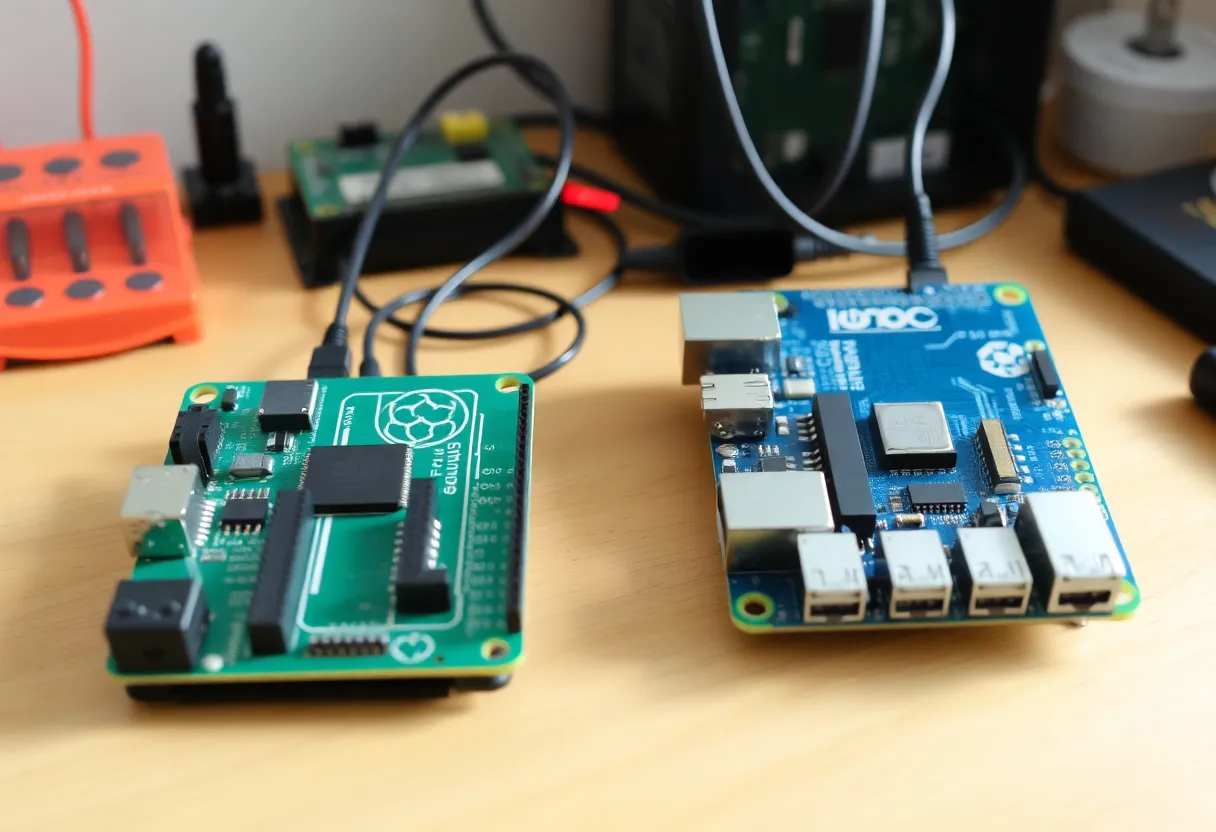
What a Single-Board Computer Actually Is
A single-board computer (SBC) is a complete computer on a single circuit board: it has a processor, RAM, storage (typically via microSD card), USB ports, and on modern boards like the Raspberry Pi, HDMI video output and a camera interface. It runs a full operating system — typically a Linux distribution, though Windows and other OS options exist for some boards.
The Raspberry Pi is the dominant SBC in the maker market. The Pi 5 has a 2.4GHz quad-core ARM Cortex-A76 processor, up to 8GB of RAM, USB 3.0 ports, dual-camera connectors, PCIe, and runs full Raspberry Pi OS (Debian-based). It’s a real computer that happens to be the size of a credit card.
SBCs shine in applications that benefit from full OS capabilities:
Network services and servers. Running a web server, an MQTT broker, Home Assistant, a media server, a VPN endpoint, or any software that you’d normally run on a computer is natural on a Pi. You install packages with apt, configure services with systemctl, and the software ecosystem available is enormous.
Computer vision and ML inference. Processing camera input, running lightweight ML models, doing object detection — these require real processor power and memory. A Pi 5 can run TensorFlow Lite or OpenCV with practical performance. An MCU cannot. Projects involving facial recognition, barcode scanning, or visual monitoring need an SBC.
Display and GUI applications. If your project needs a real screen with a graphical interface — a kiosk, a media player, a touchscreen dashboard — the SBC’s ability to drive HDMI output and run X11 or Wayland applications is the right tool. MCUs can drive small displays with custom code, but it’s laborious and limited.
File and database storage. Logging large amounts of data to a database, serving files, maintaining persistent state across reboots in complex ways — all of this is natural on a Linux system with a filesystem and SQLite or PostgreSQL available.
The tradeoffs are the inverse of microcontrollers: SBCs consume significantly more power (Pi 5 draws several watts idle, more under load), take 20–30 seconds to boot, run an OS that introduces scheduling latency for real-time GPIO tasks, and cost more than MCUs. Running a battery-powered sensor on a Pi 4 would drain a standard lithium cell in hours rather than months.
The Decision Framework
For most projects, the right choice becomes clear when you ask a few specific questions.
Does the project need to run continuously on battery power? If yes, microcontroller. If power is from USB or wall adapter and runtime isn’t constrained, either works.
Does the project need precise real-time timing — controlling motors, generating signals, reading fast sensors with microsecond precision? If yes, microcontroller (or an MCU coprocessor alongside an SBC if you need both real-time control and high-level processing).
Does the project need to run a web server, interface with a database, process camera input, run machine learning inference, or do anything that requires substantial computational power or a full OS? If yes, SBC.
Does the project need to interface with sensors and actuators in a simple loop — read sensor, make decision, actuate output, repeat? If yes, microcontroller is simpler and more appropriate. Adding an SBC for a task this simple introduces unnecessary complexity and cost.
Does the project need to be online, with remote monitoring, a web dashboard, or API connectivity? An ESP32 handles simple HTTP and MQTT over Wi-Fi well. More complex web services, HTTPS with certificate management, and complex API integrations are easier on a Pi running Python or Node.js.
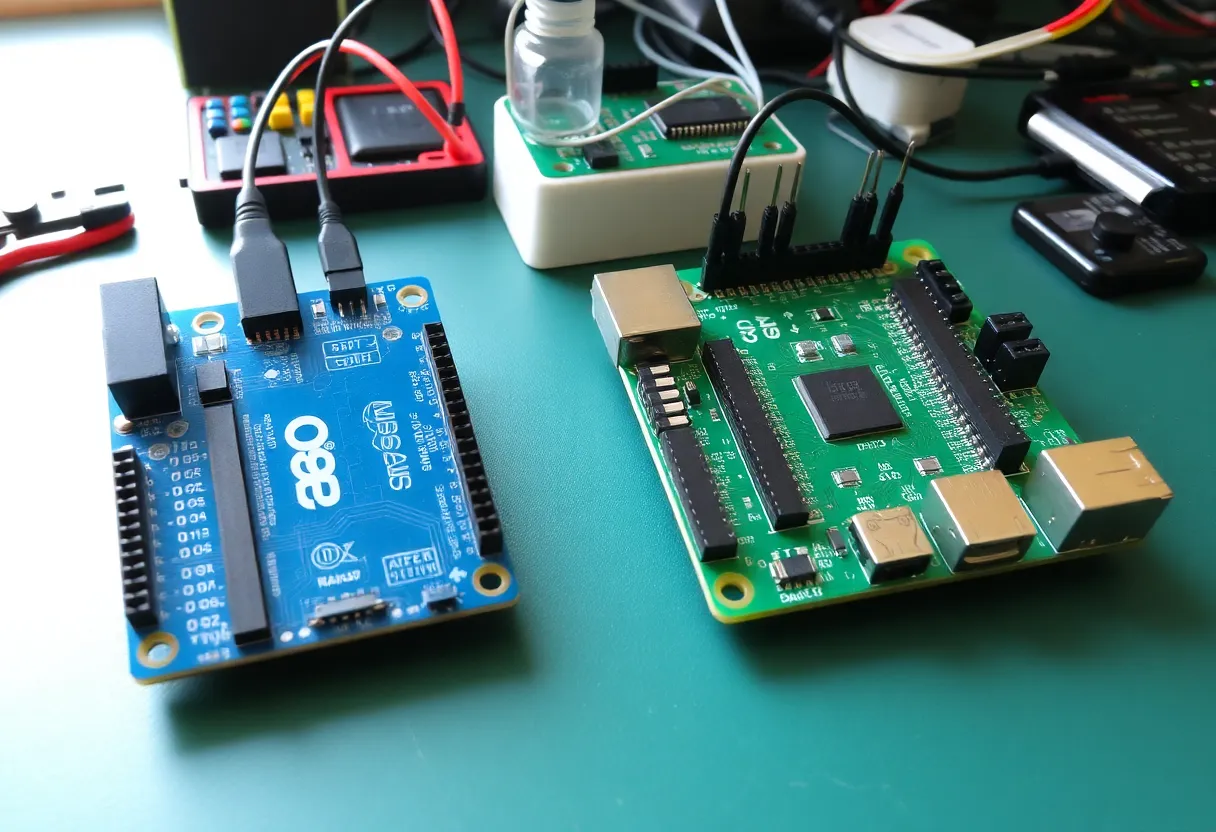
The Hybrid Architecture
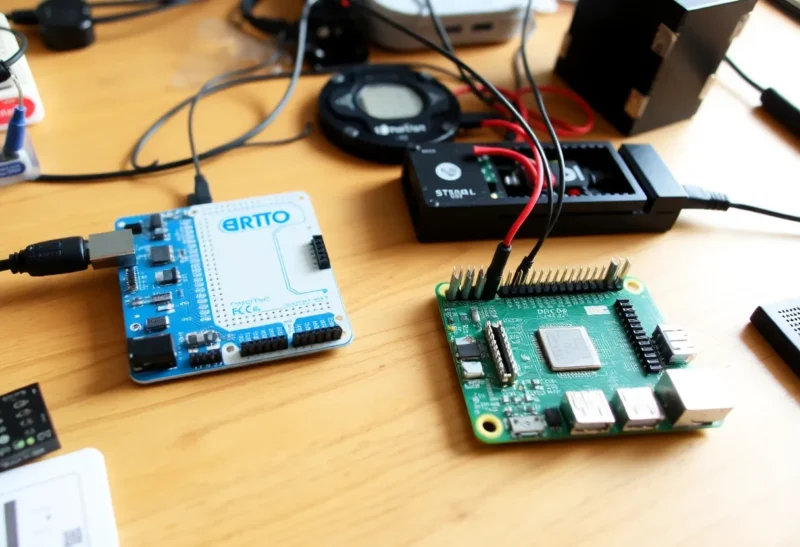
Many interesting projects benefit from both. A common pattern is an SBC handling high-level logic, networking, and user interface, while one or more microcontrollers handle real-time sensor reading and actuator control. The SBC and MCU communicate over USB, I2C, SPI, or UART. This gives you the best of both worlds: precise real-time hardware control from the MCU, and the flexibility and connectivity of a full OS from the SBC.
Home automation setups often use this pattern: a Raspberry Pi running Home Assistant as the hub, with an ESP32 or Arduino handling local sensor reading and relay control for specific room zones. The Pi handles the web interface, automations, and integrations; the microcontrollers handle the precise timing of sensor reads and the safety-critical relay switching.
The MicroPython and CircuitPython ecosystems have blurred the line somewhat — you can now run Python directly on many microcontrollers, which makes the transition between MCU and SBC development less jarring for Python programmers. But the fundamental constraints (memory, processing power, operating system) don’t change; you’re still writing code for a device with kilobytes of RAM and no OS scheduler, even if the language looks familiar.
The general rule is: if your project is primarily about interacting with physical hardware in simple, real-time ways, start with a microcontroller. If it’s primarily about running software that happens to interact with some hardware, start with an SBC. When in doubt about which you need — a $4 ESP32 Devkit is inexpensive enough that prototyping on a microcontroller first and adding an SBC later if needed is a perfectly reasonable approach.