How to Choose a GPU Cooling Solution: Air, Liquid, and What the Benchmarks Hide

Marcus Webb
July 7, 2026
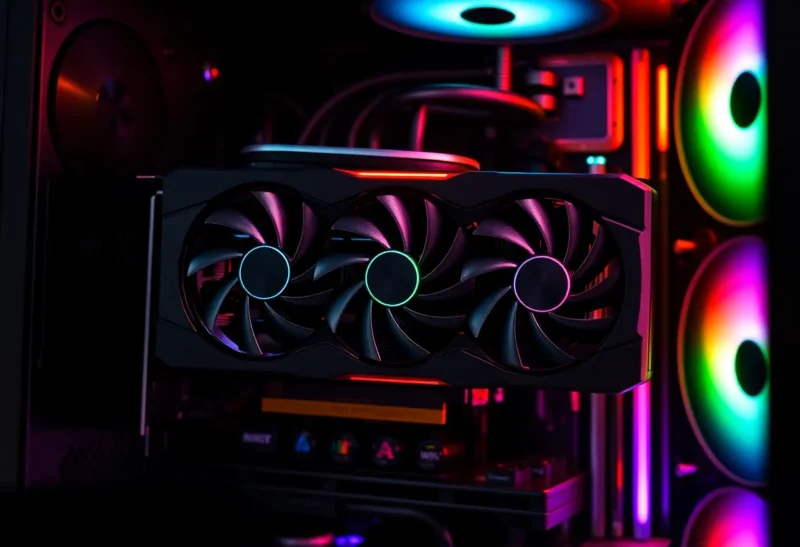
GPU cooling benchmarks in hardware reviews tend to focus on two numbers: maximum temperature under load, and peak fan noise in decibels. Both matter, but neither tells you the full story about how a cooler will actually behave in your specific build, under your specific workload, over the years you’ll own the card. Understanding what those numbers don’t capture makes the difference between a cooler that serves you well and one that creates persistent annoyances you’ll wish you’d anticipated.
The market for GPU cooling has expanded beyond the stock coolers manufacturers ship with their cards. You can replace the stock cooler on most modern GPUs with aftermarket options, add a hybrid cooling solution that combines the existing heatsink with a liquid cooling block on the GPU die itself, or replace the cooler entirely with a custom water block for all-in-one or custom loop liquid cooling. Each approach has real trade-offs that the review benchmarks mostly don’t address, because reviewers test single configurations rather than comparing them across the variables that matter for different use cases.
Understanding What Air Cooling Actually Is
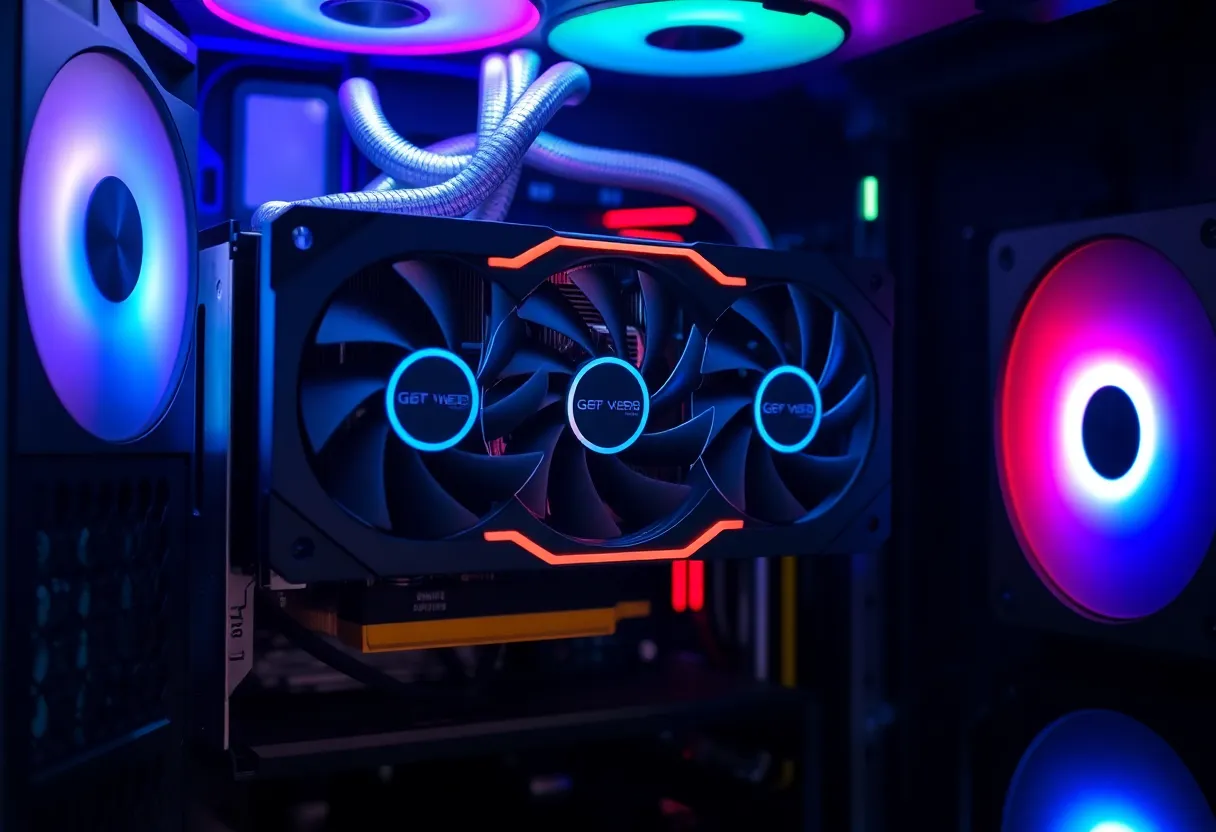
Most GPUs ship with an air cooler — a heatsink and fan assembly that pulls heat from the GPU die via a metal heatsink with heatpipes, then dissipates it into the case air through fans. The quality of these stock coolers varies enormously by manufacturer tier. Reference (Founders Edition on Nvidia, reference design on AMD) cards use the manufacturer’s own cooler design. Partner card coolers — ASUS ROG Strix, MSI Gaming X Trio, Sapphire Nitro+, Gigabyte Gaming OC — use designs by those manufacturers and often differ significantly in thermal performance and noise from reference cards even for the exact same GPU.
The best triple-fan partner card coolers on high-power GPUs are genuinely effective. An ASUS ROG Strix RTX 4090 or a Sapphire Nitro+ RX 7900 XTX can keep a 450W GPU at reasonable temperatures with acceptable fan noise because they have large, high-quality heatsinks, multiple heatpipes, and well-designed fan curves. These coolers are factory-optimized for their specific GPU’s heat output and physical dimensions, and they work well in most mid-tower and larger cases with reasonable airflow.
Where air coolers run into limits is in specific circumstances. High ambient temperatures reduce the cooling delta available to the heatsink. Small form factor cases with limited airflow dramatically reduce efficiency because the fans are recirculating warm air rather than drawing in fresh cool air. Cards with very high sustained power draw (especially factory-overclocked variants of already-hot GPUs) can push air coolers into sustained high-RPM operation that is audible and sometimes thermally limited. And air coolers make no contribution to cooling the rest of your case — they exhaust heat into the case interior, which then depends on your case fans to remove it.
Hybrid and AIO Liquid Cooling for GPUs
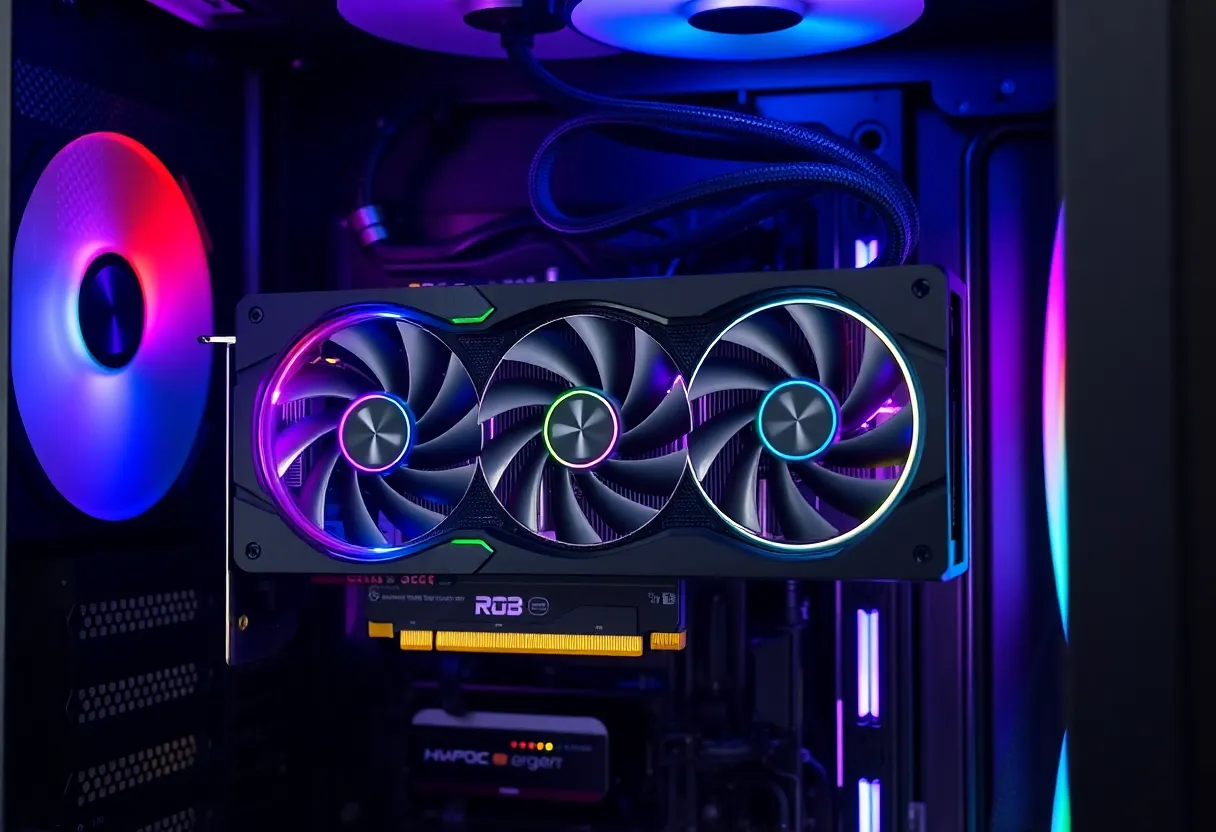
Hybrid GPU cooling — sometimes called “Hybrid” by Nvidia for their hybrid-cooled FE cards or implemented through aftermarket kits — mounts a 120mm or 240mm all-in-one liquid cooler on the GPU die while keeping a smaller heatsink for VRMs and VRAM, which air-cooled components still need. The AIO handles the GPU die’s heat, which is the dominant heat source, and the radiator exhausts that heat out of the case rather than into it.
The results in benchmarks are dramatic: hybrid-cooled GPUs run cooler and quieter than equivalent air-cooled cards under sustained load. The GPU die temperature drops significantly (often 20–30°C compared to a stock air cooler), the fans run slower, and the cooler operates more quietly because the pump noise of a well-made AIO is lower than the combined fan noise of a triple-fan air cooler at high RPM.
What the benchmarks don’t show: installation complexity, radiator mounting requirements, maintenance, and the impact on system-level temperatures. Installing a hybrid kit requires removing the stock cooler, mounting a pump/cold plate assembly to the GPU PCB, routing tubes to a radiator, and mounting that radiator somewhere in the case. This typically means either occupying a case fan slot (a 120mm AIO fits where a 120mm fan goes) or dedicating a front-mounted radiator position. The plumbing adds to the build’s complexity and is a long-term maintenance consideration that air-cooled builds don’t have.
Hybrid cooling also doesn’t help VRMs and VRAM, which on high-power GPUs generate significant heat of their own. An air cooler with a large heatsink covering the full PCB keeps those components cool passively or with a separate fan section; a hybrid kit addresses only the die unless you supplement with additional cooling for the remaining components. On some GPU models, this is a real concern under sustained workloads; on others it’s minimal. Reviews of hybrid kits rarely address this systematically.
Full Water Blocks for Custom Loops
A custom water block replaces the entire stock cooler with a machined metal block that circulates liquid directly over the GPU die, VRMs, and VRAM. This is the most effective GPU cooling solution available — temperatures drop substantially, everything on the PCB is cooled simultaneously, and the system is quiet because pump flow rates are lower and cooler temperatures mean fan curves stay relaxed. The thermal headroom enables overclocking that air or hybrid cooling can’t sustain.
The cost and complexity is substantial. A quality GPU water block (EK, Alphacool, Bykski) costs $100–180 depending on GPU model. You need a full custom loop or an open-loop AIO system capable of handling GPU thermals — which means a radiator large enough, a pump, a reservoir, fittings, and tubing. Total cost for adding GPU water cooling to an existing custom loop is $150–300+; building a complete custom loop from scratch with CPU and GPU cooling is $400–700+ depending on radiator size and components.
Custom loops require maintenance: coolant changes every 12–18 months to prevent biological growth and corrosion, leak testing on assembly and after component changes, and periodic inspection of fittings and tubing. A leak in a custom loop damages everything it touches — GPU, motherboard, CPU, PSU, RAM. The risk is real and requires careful assembly practice and quality components, but experienced builders manage it without incident over multi-year periods.
For most users, the cost/benefit calculation for full custom loop GPU cooling doesn’t favor it unless: you’re heavily overclocking and need the thermal headroom, you’re building a quiet workstation where noise is the primary concern, or you already have a custom loop for your CPU and adding the GPU is an incremental cost. For a gaming PC that will be replaced in three to four years, the return on $400+ of water cooling equipment is low relative to simply buying a higher-tier GPU for the same money.
What Actually Matters for Most Builders
For the vast majority of PC builders, the right answer is to choose a good air-cooled partner card and ensure adequate case airflow rather than adding cooling complexity. The thermal performance differences between a well-cooled partner card and a hybrid or custom loop solution are real but often matter less than marketed.
GPU temperature affects performance through thermal throttling — the mechanism that reduces clock speed when the chip gets too hot. A GPU throttling at 90°C performs below its rated speed. Most well-designed partner cards don’t throttle under normal gaming loads even in average cases with average airflow; they may run their fans faster and louder, but they perform at rated speeds. Hybrid or custom cooling primarily buys quieter operation and the ability to run faster sustained clocks for extended workloads, not necessarily better gaming frame rates under non-throttling conditions.
Case airflow is where most air-cooled GPU thermal performance gains actually live. A GPU running 5°C hotter than it should because the case has poor front-to-back airflow benefits more from adding intake fans to the front of the case than from any GPU cooler modification. Before investing in cooler modifications, check your case’s airflow: are there intake fans pulling cool air to the GPU, and are there exhaust fans removing warm air? If not, $20–40 in Noctua or Arctic case fans often buys more thermal improvement than $200 in cooler hardware.
The one scenario where GPU cooler choice matters most and reviewers address least: small form factor builds. In a case where the GPU is confined to a tight space with limited airflow, air coolers that exhaust heat into the case create significant thermal challenges. Hybrid cooling with a radiator that exhausts outside the case can be genuinely important here — the airspace constraints that make SFF building thermally challenging are exactly what hybrid or liquid cooling helps most with, by removing heat from the case rather than recirculating it.