Why Hot-Plug NVMe Is Finally Worth Caring About for Homelab Users

Marcus Holt
July 7, 2026
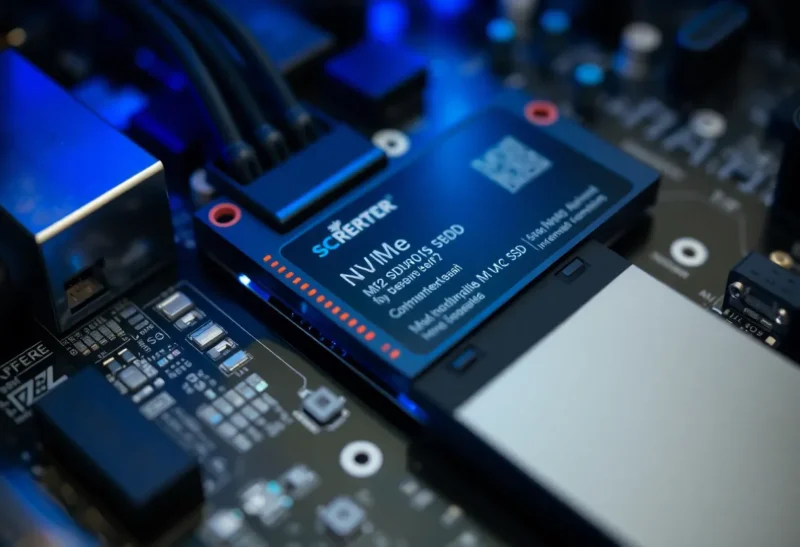
Hot-swap storage has been a standard expectation in enterprise environments for decades. SATA hot-plug, SAS hot-swap—the ability to pull a failed drive and replace it without shutting the system down is foundational to data centre operations. For homelab users, though, it’s been essentially irrelevant for the last several years, because NVMe—the storage interface that replaced SATA for serious performance work—wasn’t designed with hot-plug as a priority.
That’s been changing. And in 2026, hot-plug NVMe is genuinely interesting for homelab users in a way it wasn’t even two years ago. Not because every homelab setup needs it, but because the hardware, software, and use cases have converged enough that it’s worth understanding and, in some configurations, worth building for.
Here’s where things actually stand.
Why NVMe Hot-Plug Lagged Behind SATA
Hot-plugging a drive isn’t just about physical connectors. It requires the interface to support surprise insertion and removal, the controller to manage power sequencing properly, and the operating system to enumerate and de-enumerate devices safely without corrupting data or crashing.
SATA was designed with hot-plug support from early in its specification. The electrical design accommodates the power-before-signal sequencing required for safe insertion, and both Linux and Windows have had mature SATA hot-plug support for well over a decade.
NVMe was designed for PCIe, a bus architecture that was originally conceived for permanently installed expansion cards—GPUs, NICs, capture cards. PCIe was not designed with hot-plug in mind, and while the specification added hot-plug support, it’s significantly more complex than SATA hot-plug, requires specific controller silicon to implement correctly, and was not a priority for consumer or desktop-class hardware where drives are not typically removed while the system is running.
Enterprise PCIe and U.2/U.3 NVMe has had hot-plug support for years—it’s common in server platforms designed around it. What’s been missing is the same capability trickling down to more accessible hardware that homelab users actually buy.
What’s Changed in the Last Two Years
A few hardware developments have made this more relevant:
U.2 and U.3 adapters at reasonable prices. U.2 (the 2.5-inch form factor NVMe interface used in enterprise storage) supports hot-plug natively in hardware that implements it correctly. Previously, U.2 hardware was firmly in the enterprise price bracket. U.2 backplane adapters and enclosures have come down in price enough that they appear in homelab builds now, particularly in builds using platforms like the Intel S1200 series or AMD EPYC servers acquired through the secondhand market.
PCIe hot-plug via ACPI improvements in Linux. The Linux kernel has improved its PCIe hot-plug handling significantly over recent versions. While it still requires proper ACPI firmware support in the motherboard to work reliably, more platforms are shipping with firmware that correctly implements the necessary signalling. Linux kernel 6.x has meaningfully improved the reliability of PCIe hot-plug on platforms that support it, and tools like nvme-cli have better support for managing drives that are added and removed at runtime.
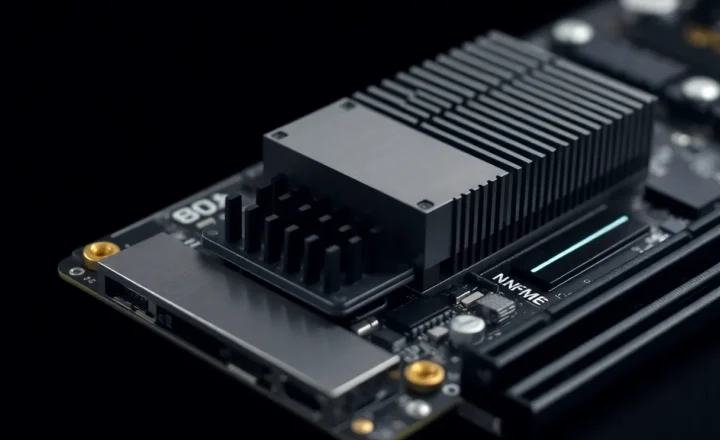
NVMe hot-plug enclosures. Products like the various PCIe M.2 hot-plug enclosures that use PLX or ASMedia bridge chips to present M.2 NVMe drives through a hot-plug capable PCIe interface have proliferated. These vary considerably in quality and compatibility, but the category exists and works acceptably on appropriate platforms.
Who Actually Needs This
Before going further, it’s worth being honest about who the hot-plug NVMe conversation is relevant for. Most homelab users don’t need it.
If your homelab is a couple of machines running Proxmox or TrueNAS, and you’re comfortable with a maintenance window when you need to swap storage, SATA or conventional NVMe with scheduled downtime is perfectly fine. The operational overhead of building around hot-plug NVMe doesn’t pay off for a single-person homelab where downtime is a minor inconvenience.
The cases where hot-plug NVMe starts to matter:
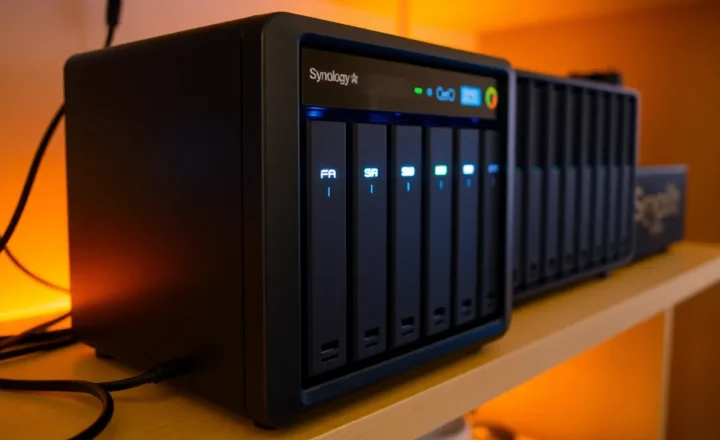
Storage arrays with redundancy. If you’re running a NAS or storage server with RAID or ZFS redundancy and you want to replace failed or failing drives without scheduling downtime for dependent services, hot-plug becomes genuinely useful. The pattern of “pull failed drive, insert replacement, rebuild array without shutting down” is standard in enterprise environments for good reason—it keeps services available and reduces the operational window where you’re running on degraded redundancy.
Shared storage in a homelab cluster. If your homelab runs something like Proxmox with Ceph, or any shared storage layer that other VMs and services depend on, bringing down the storage node for a drive swap is disruptive in proportion to how many things are depending on it. Hot-plug NVMe in the storage nodes reduces that impact.
High-availability services you take seriously. Some homelab users are running actual services at home that they care about being up consistently—a Plex server that household members actively use, a home automation system, a monitoring setup that has real notification pipelines. For these users, the tolerance for unplanned downtime is lower, and hot-plug storage becomes more relevant.
Practical Implementation in 2026
If you want to build around hot-plug NVMe, here’s what the practical path looks like today.
Option 1: U.2/U.3 on a supported server platform. This is the cleanest option if you’re building or buying around it. Used Dell PowerEdge R640/R650 or similar servers typically include U.2 backplanes that support NVMe hot-plug natively. These platforms have mature firmware that implements PCIe hot-plug correctly, and Linux support for them is solid. The trade-off is power consumption and noise—these are rack servers, not quiet desktop boxes.
Option 2: Hot-plug M.2 enclosures on desktop or mini-ITX platforms. Products using bridge chips that present M.2 drives through a PCIe slot with hot-plug capability. Compatibility is motherboard-dependent and you should verify it for your specific platform before building around it. ASUS, Gigabyte, and ASRock server/workstation motherboards tend to have better PCIe hot-plug firmware support than consumer gaming boards. The Linux experience is workable but less uniform than Option 1.
Option 3: SATA hot-plug for most of the array, NVMe for performance tiers. A pragmatic hybrid. Use SATA hot-plug for your bulk storage (where you’re more likely to need drive swaps) and conventional NVMe for performance-sensitive workloads where uptime is less critical or the data can be recovered quickly. This avoids the compatibility complexity of hot-plug NVMe while still providing hot-swap capability where it matters most.
Linux and the Software Side
The software environment matters as much as the hardware. Here’s the current state:
Linux with kernel 6.4+ has the best NVMe hot-plug support available, with improvements to PCIe port driver handling and better ACPI parsing for hot-plug events. Commands like echo 1 > /sys/bus/pci/slots/X/power can manage slot power in kernels that expose the right sysfs interface. nvme-cli supports listing, monitoring, and removing NVMe devices cleanly.
ZFS on Linux handles drive removal and replacement well through the standard zpool replace workflow, which works correctly when the hot-plug event is properly handled by the kernel. TrueNAS SCALE (based on Linux) has improved its NVMe hot-plug handling with recent updates, though it still expects you to understand what you’re doing rather than hand-holding through the process.
Windows hot-plug NVMe support is less mature for homelab use cases. Windows has PCIe hot-plug support in principle, but drive management on hot-plug events in Windows Server is less predictable than Linux for storage server workloads. If you’re building a hot-plug NVMe homelab, Linux is the more reliable choice.
What This Means for Homelab Builds
The honest answer is that hot-plug NVMe matters on a spectrum. At one end, there are homelab users running genuinely mission-critical services at home who need storage HA—for them, investing in a proper hot-plug NVMe setup, whether through used enterprise hardware or a carefully chosen desktop platform with good firmware, is worthwhile. At the other end, there are hobbyists who just enjoy the technical challenge—for them, it’s a fun build target regardless of operational need.
For everyone in between, the calculus is: how much does unplanned downtime for storage maintenance actually cost you? If the answer is “a few hours of inconvenience,” SATA hot-swap for spinning disks and scheduled maintenance windows for NVMe is perfectly adequate. If the answer is “real service degradation for household users or myself,” then building toward hot-plug NVMe is a reasonable investment.
What’s different in 2026 compared to three or four years ago is that the hardware accessible to homelab users has caught up to the point where building this is possible without buying full enterprise gear. That’s the change worth noting—not that you necessarily should, but that you finally reasonably can.