Your home network isn’t just your laptop and phone anymore. It’s smart speakers, cameras, thermostats, guest devices, and whatever your visitors connect when they ask for the Wi‑Fi password. Putting everything on one flat network was never ideal; in 2026 it’s a liability. Isolating guests is the easy half; isolating bulbs and plugs is an IoT VLAN versus a flat LAN with Pi-hole, and that one breaks Home Assistant in ways a guest SSID does not. A guest VLAN—a separate network segment for visitors and untrusted devices—keeps your main LAN isolated from devices you don’t control. It’s one of the highest-impact changes you can make to your home network without replacing every device.
Why a Flat Network Is a Risk
When every device shares the same subnet, any compromised or malicious device can see and often reach the rest. A guest’s phone with a sketchy app, a smart plug with a known vulnerability, or a visitor’s laptop that’s been on dozens of other networks can become a pivot point. They don’t need to “hack” you—they just need to be on the same network. Once they’re on the same LAN as your work machine, your NAS, and your smart home gear, the blast radius of a single bad device grows. VLANs segment the network so that guest traffic stays in a separate broadcast domain. Guests get internet; they don’t get access to your internal devices, file shares, or other clients. Your smart home and personal devices stay on a separate segment that you control.
What a Guest VLAN Actually Does
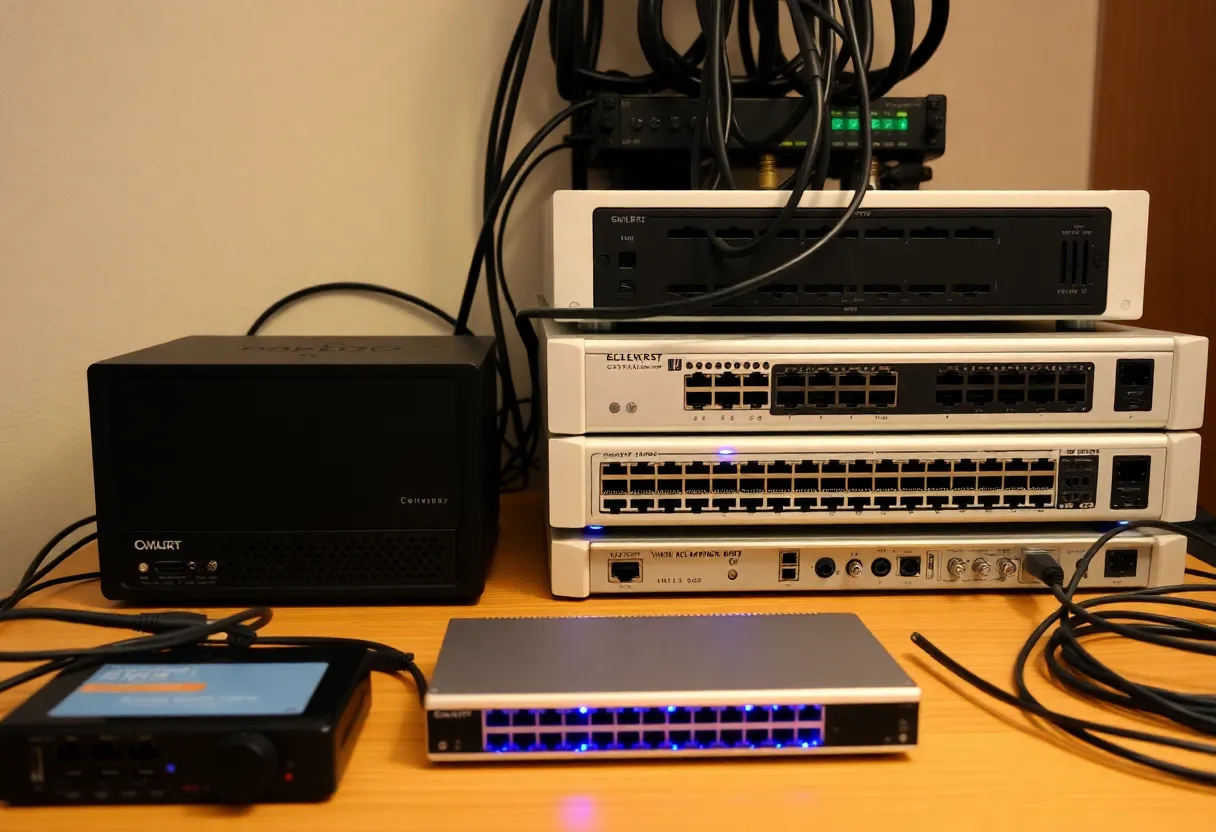
A guest VLAN is a separate logical network. Typically your router or switch assigns guest devices to a different VLAN ID and applies firewall rules so that traffic from the guest VLAN can reach the internet but not your main LAN. Guests get Wi‑Fi (and sometimes a wired port) that works for browsing and streaming; they can’t see or reach your computers, NAS, or smart home gear. Some setups also restrict guest-to-guest communication so that one guest device can’t probe another. The result is isolation: whatever happens on the guest network stays there. Malware, curious apps, or a compromised device can’t use your network to reach your stuff.
How Hard Is It to Set Up?
It depends on your gear. Many consumer routers now offer a “guest network” that is effectively a separate SSID with client isolation and sometimes its own subnet. That’s the minimum: guests on one SSID, you on another, with the router blocking access from guest to main. True VLANs—with separate subnets and firewall rules—are more common on prosumer and small-business gear: UniFi, Omada, pfSense, OpenWrt, and similar. If you’re already running a managed switch and a router that supports VLANs, adding a guest VLAN is usually a matter of creating a new VLAN, assigning an SSID or port to it, and adding a firewall rule that allows guest → WAN and blocks guest → LAN. If you’re on a basic ISP router, you might only have a simple guest SSID; that’s still better than nothing. Upgrading to hardware that supports proper VLANs gives you finer control and better isolation.
Smart Home and IoT on Their Own Segment
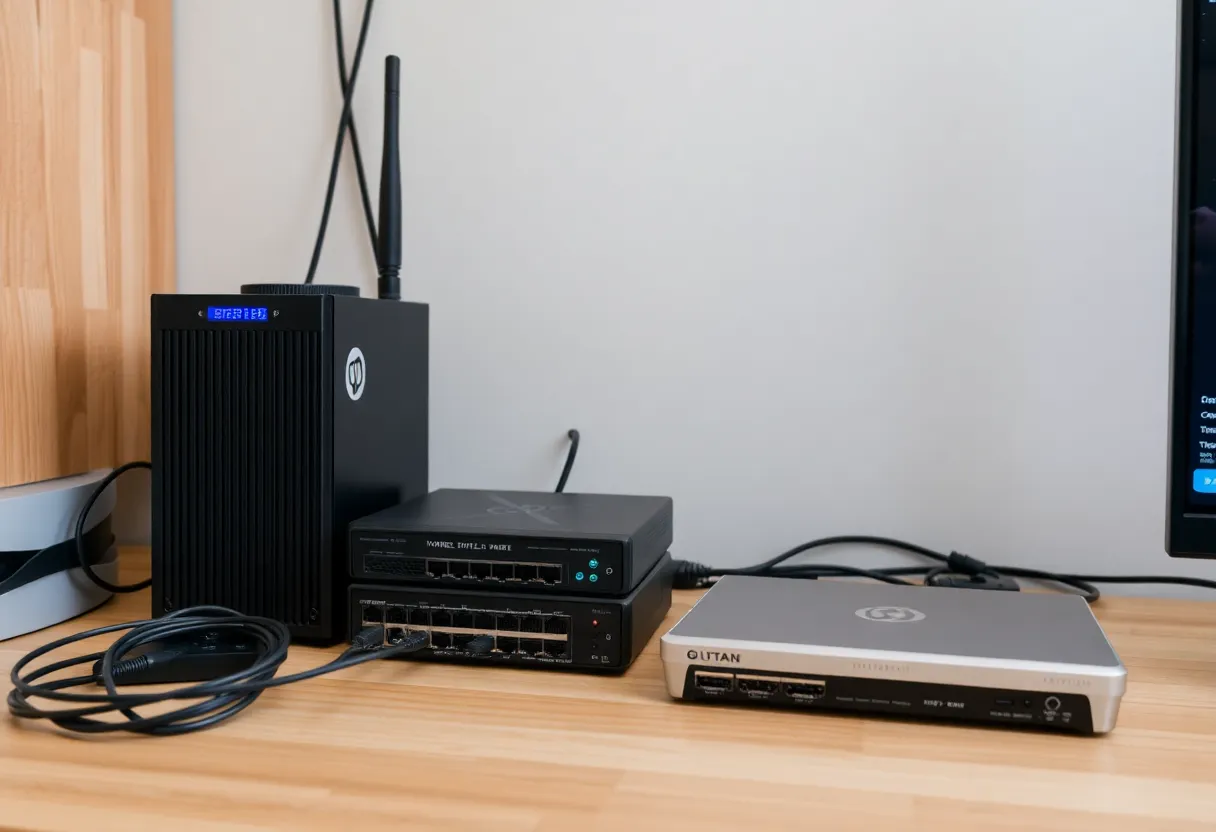
Once you’re comfortable with a guest VLAN, the next step is putting smart home and IoT devices on a dedicated segment too. Many security guides recommend an IoT VLAN that can reach the internet (for updates and cloud services) but cannot initiate connections to your main LAN. That way, if a smart bulb or camera is compromised, it can’t be used to attack your laptop or phone. You can still control devices from your main LAN by allowing initiated connections from LAN to IoT, or through a controller that sits in both segments. Not every home needs that level of segmentation, but if you’re adding a guest VLAN, the same principles apply: isolate what you don’t fully trust, and limit what it can talk to.
What to Buy If You’re Starting From Scratch
If your current router only has a single SSID and no guest option, look for a router or mesh system that explicitly supports a guest network with client isolation. Many consumer models do. If you want full VLAN support—guest plus optional IoT segmentation—you’ll need a router that can do VLANs (e.g. pfSense, OpenWrt, or a UniFi/Omada gateway) and, if you use wired guests, a managed switch that can tag ports. Wi‑Fi access points that support multiple SSIDs mapped to different VLANs give you the same isolation for wireless. It’s an upfront investment in time and sometimes hardware, but once it’s set up, you’re in a much better position to add more segments later and keep your main LAN clean.
The Bottom Line
Your home network needs a guest VLAN—or at least a proper guest network—in 2026 because the number of untrusted devices touching your Wi‑Fi is only going up. Giving visitors and random IoT gear the same network as your work and personal devices is unnecessary risk. Segment guests off, give them internet only, and keep your main LAN for the devices you control. It’s one of the most effective and manageable steps you can take to harden your home network.