Android’s openness is supposed to be its superpower. Don’t like the way your phone looks or behaves? Install a launcher. Change the icons, the grid, the gestures. In theory, custom launchers let you fix everything the manufacturer got wrong. In practice, they’re a patch—and they still can’t fix the parts of the experience that live deeper in the system. Launchers can reskin the home screen and the app drawer. They can’t fix notification chaos, update delays, or the way the OEM has tuned (or broken) the rest of the OS. So you get a home screen you control and a system underneath that you don’t. That gap is why custom launchers feel like a workaround, not a solution.
What Launchers Actually Control
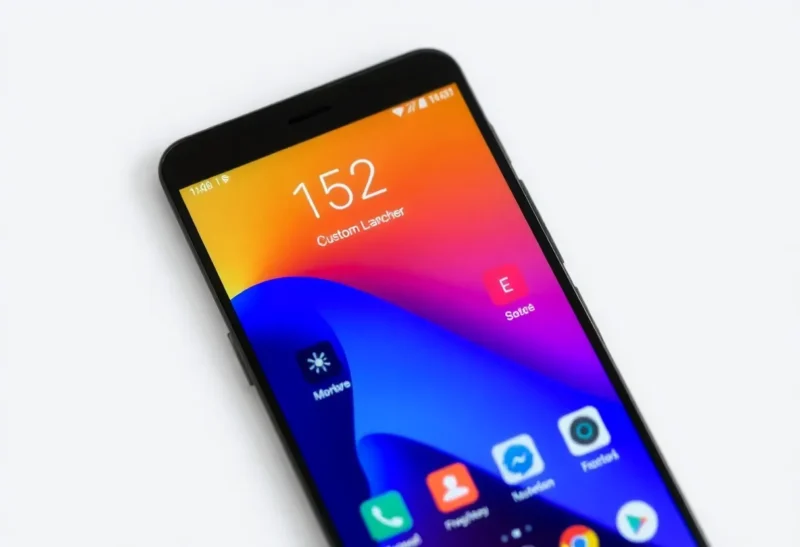
A launcher is the app that draws your home screen, app drawer, and sometimes the recent-apps view. It can change icons, layouts, gestures, and search. Some launchers add widgets, theming, or gesture navigation. That’s a lot of surface area—and for many people it’s enough to make the phone feel “theirs.” But the launcher doesn’t own the lock screen, the notification shade, the quick settings, the status bar behavior, or the way the system handles background apps and battery. On most Android phones, those are still controlled by the OEM skin (One UI, ColorOS, MIUI, etc.) or by the underlying Android version. So you can make the home screen minimal and clean while the rest of the phone is still cluttered, inconsistent, or slow to update. The launcher is a layer on top. It doesn’t replace the foundation.
Where the Default Experience Breaks
The “default experience” isn’t just the launcher. It’s the combination of the OEM’s skin, preloaded apps, update policy, and how the manufacturer has configured Android. Many phones ship with duplicate apps (two app stores, two browsers, two galleries), aggressive battery “optimization” that kills background tasks, and notification behavior that’s hard to tame. A custom launcher does nothing for those. You can hide some bloat in the app drawer, but you can’t remove it or stop it from running. You can’t fix slow security updates or a two-year support window with a different home screen. So the launcher improves one slice of the experience while the rest stays as the manufacturer designed it—for better or worse.
Why Power Users Keep Trying Anyway
Power users install launchers because the payoff is real where it applies. A clean grid, consistent icons, and sensible gestures make daily use more pleasant. Some launchers offer features the stock one doesn’t: better widget support, more flexible layouts, or a search experience that doesn’t push ads. So launchers aren’t pointless—they’re just limited. The frustration is that they’re the main lever Android gives you for “making the phone yours” without rooting or flashing. So we keep tweaking the launcher, hoping it’ll be enough, while the rest of the system stays out of reach. That’s not the launcher’s fault; it’s the way Android is structured. The home screen is one app. The system is another.
The Update and Fragmentation Problem
Launchers also can’t fix Android’s update problem. Your phone might be stuck on an old Android version or security patch while the launcher gets updates from the Play Store. So you can have a launcher that looks and behaves like 2026 while the underlying OS is from 2022. That affects not just features but security and app compatibility. A custom launcher can’t give you a newer Android version or longer support. It can only reskin what’s already there. For users on phones with short support windows, the launcher is a cosmetic fix. The real limitation—how long the manufacturer will update the system—remains. That’s another way the “default experience” is bigger than the home screen, and another way launchers hit a wall.
What Would Actually Fix the Default
Fixing the default experience would require either better defaults from OEMs (fewer preloaded apps, saner notification and battery defaults, longer update support) or more system-level control for users. The latter would mean things like user-accessible toggles for background restrictions, a standard way to replace or hide system components, or a guarantee that critical parts of the UI (notification shade, quick settings) can be themed or replaced without root. Android has moved slowly in that direction—theming, for example, has improved—but the core split remains: launchers give you the surface; the system stays locked down. Until that changes, custom launchers will keep doing a lot of work for the home screen and almost none for the rest. They’re the best workaround we have. They’re still just a workaround.
So if you’re installing a launcher to fix the default experience, you’re fixing the part that’s fixable. The rest—the update schedule, the bloat, the notification mess—stays in the hands of the manufacturer. Custom launchers still can’t fix that. Knowing the limit is the first step to deciding whether the fix is enough for you, or whether the real answer is a different phone or a different platform.