iCloud vs Alternatives: When It’s Worth Leaving the Garden

Grant Webb
February 26, 2026
iCloud is the default for Apple users: photos, documents, backups, and settings sync across your devices without much thought. But it’s not the only option. Third-party services like Google Drive, Dropbox, OneDrive, and others offer more storage for less money in many cases, or features iCloud doesn’t. When is it worth leaving the Apple garden?
What iCloud Does Well
iCloud is deeply integrated. Photos, Messages, Safari tabs, Keychain, and device backups all sync automatically. If you’re all-in on Apple—iPhone, Mac, iPad, maybe Apple Watch—you don’t have to configure much. Everything just works across devices. That’s the “garden”: one account, one ecosystem, minimal setup. For a lot of people, that’s enough. The convenience is real.
The downsides are cost and flexibility. iCloud storage tiers can get expensive as you add family members or need more space. And iCloud is Apple-first: fine on Windows and the web, but the best experience is on Apple hardware. If you use Android, Windows as your main machine, or need to share files easily with non-Apple users, iCloud can feel limiting. So “when it’s worth leaving” often comes down to: you need more space for less money, you need cross-platform sync, or you want features (e.g. better file versioning, sharing, or collaboration) that iCloud doesn’t offer.
Alternatives and Trade-offs
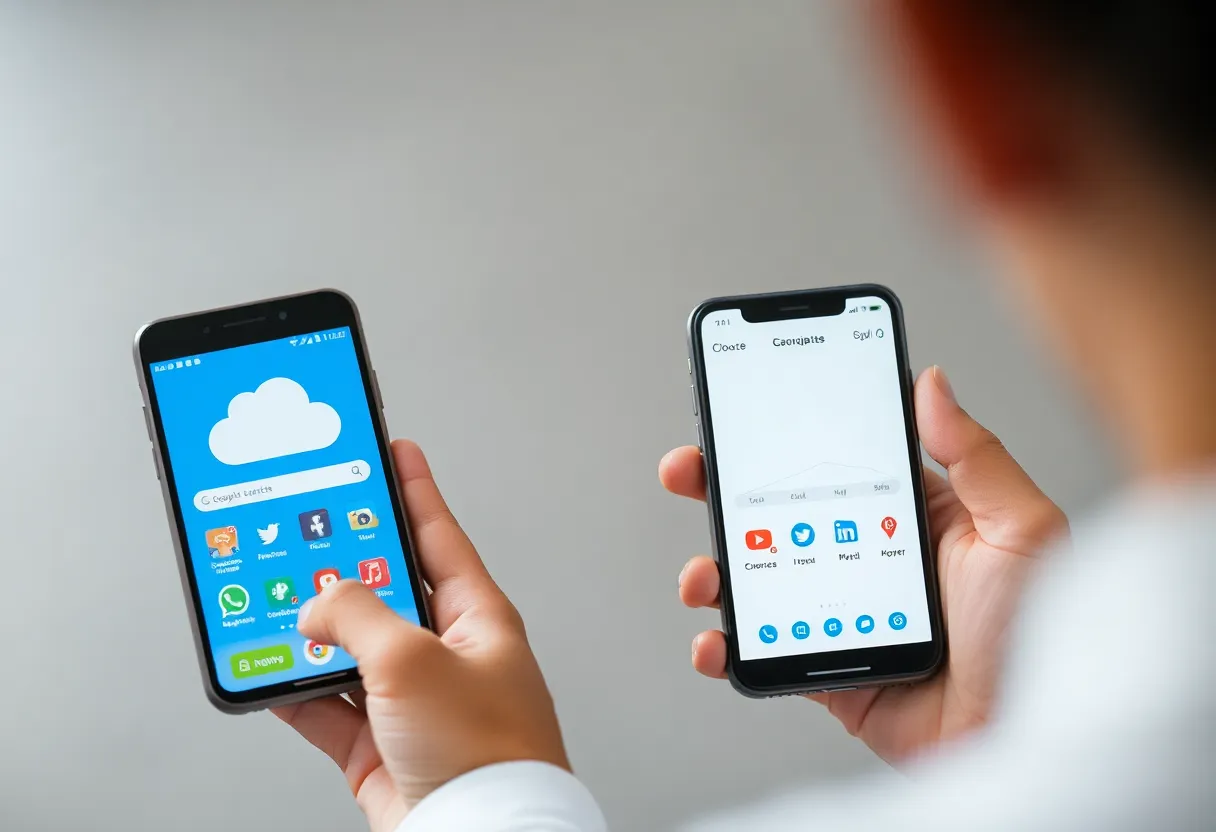
Google Drive, Dropbox, and OneDrive all work on Apple devices. You can use them for documents and general file storage while keeping iCloud for photos and backups if you want. The trade-off is fragmentation: some things in iCloud, some in another service. You may have to think about where to put files and how to back up your phone (iCloud or a computer) if you reduce reliance on iCloud. So “leaving the garden” doesn’t have to mean leaving entirely—it can mean using iCloud for what it’s best at (device sync, photos if you like the Photos app) and an alternative for bulk storage or cross-platform access.
If you do leave for photos too—e.g. Google Photos—you lose the tight integration with the Photos app and some of the “it just works” backup. You gain search, often better pricing, and access from any device. So the decision is: do you value integration and simplicity (stay in iCloud) or price, flexibility, and cross-platform (add or switch to an alternative)?
Migration and Lock-in
Leaving iCloud isn’t always trivial. Photos, documents, and backups may be tied to your Apple ID. Exporting everything can take time, and some data (e.g. app-specific backups) may not have a clean path to another service. So “when it’s worth leaving” also means “when you’re willing to do the migration.” If you’re only adding an alternative for extra storage or specific files, you can keep iCloud for the core Apple sync and use something else for the rest. If you’re leaving entirely, plan for a transition period and check what you can export. The garden is easy to enter; leaving takes a bit of work.
When It’s Worth It
It’s worth considering alternatives if: you’re paying a lot for iCloud and could get more elsewhere; you need to share or collaborate with people on non-Apple platforms; you want a single place for work and personal files that isn’t tied to Apple; or you’re thinking about leaving Apple someday and don’t want everything locked in. It’s worth staying with iCloud if: you’re happy with the integration, the cost is fine, and you don’t need features iCloud lacks. There’s no single right answer—it’s about fit. The garden is comfortable; leaving it can be worth it when the walls start to feel tight.