What the Internet’s Physical Infrastructure Actually Looks Like

Halima Okafor
February 26, 2026
The internet feels abstract—cloud, wireless, everywhere. But it runs on a physical layer: cables, data centers, and exchange points that move bits around the world. Here’s what that infrastructure actually looks like and why it matters when something breaks.
Data Centers: Where the Cloud Lives
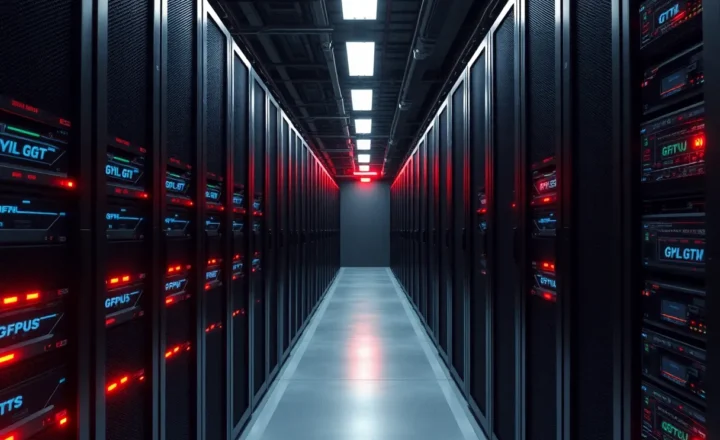
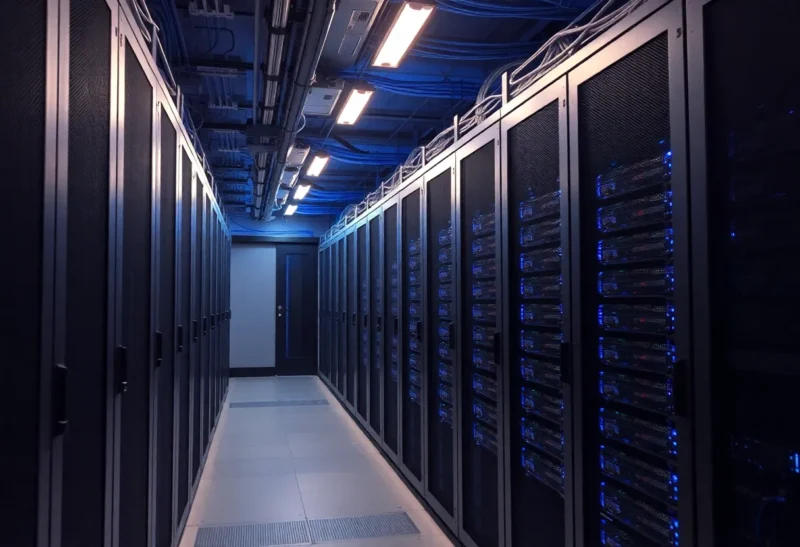
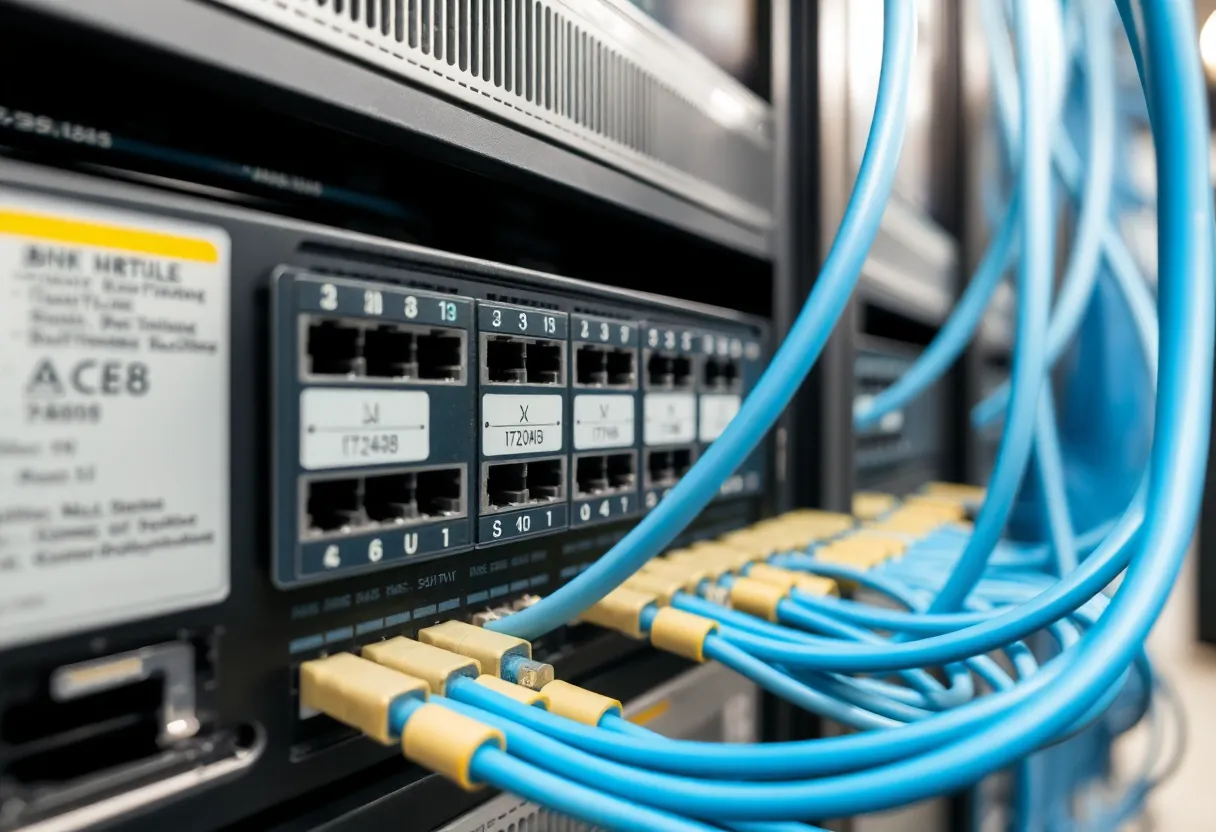
The “cloud” is someone else’s computers. Those computers live in data centers—buildings full of server racks, cooling systems, and redundant power. Rows of machines run the apps and store the data we access every day. Data centers are built for reliability: backup generators, multiple network links, and strict environmental control. They’re also energy-hungry; a large facility can use as much power as a small city. When you stream a video or load a page, the request often hits several data centers in sequence—origin servers, CDN edges, caches—before the response gets back to you. The internet’s speed and reach depend on where these buildings are and how they’re connected.
Undersea Cables: The Long Haul
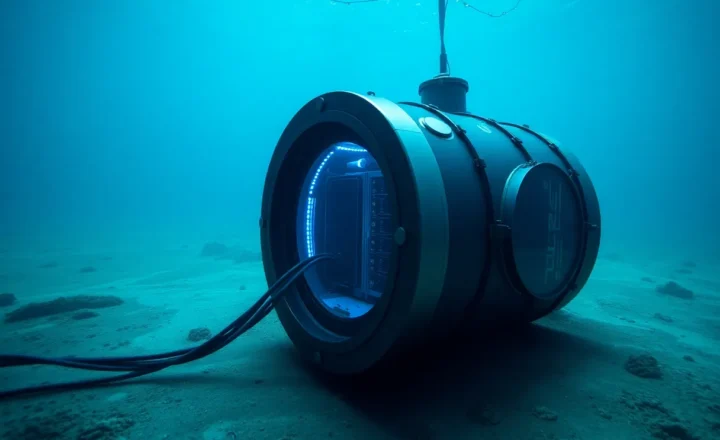
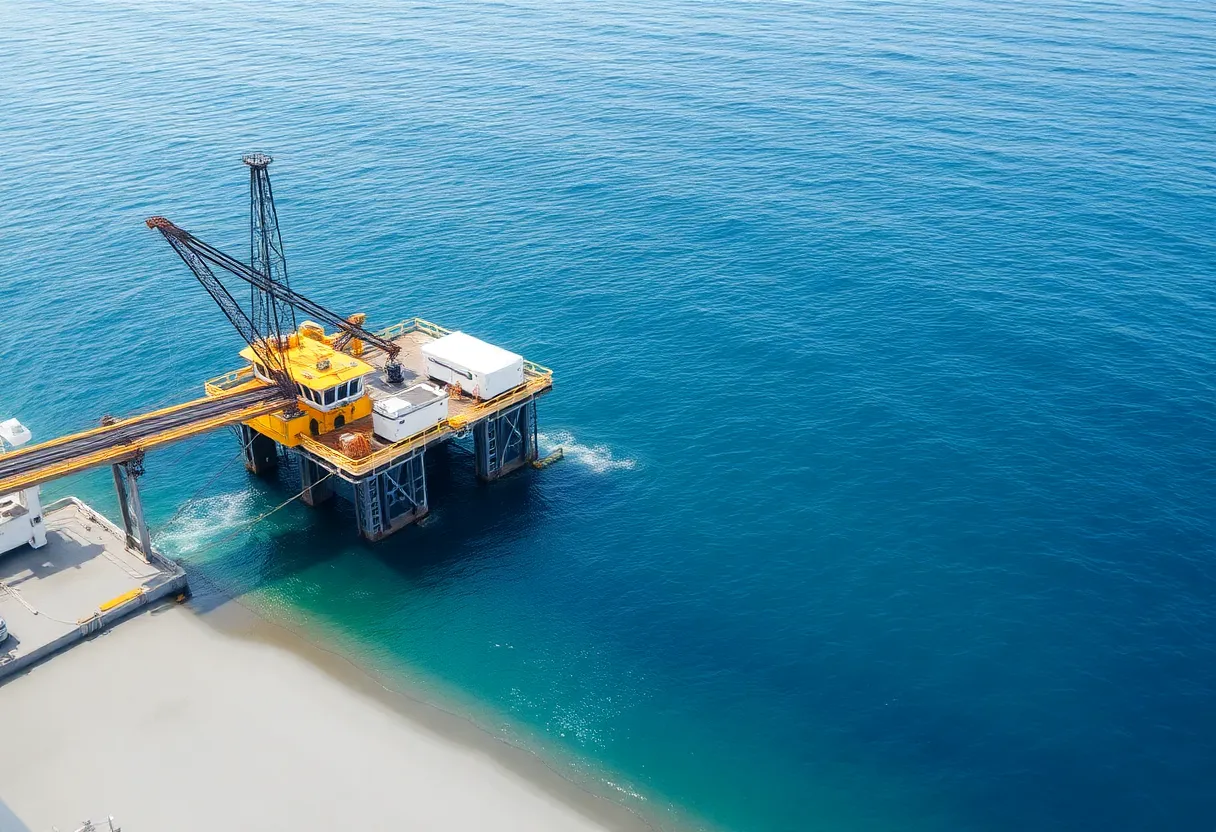
Most international traffic doesn’t go by satellite—it goes through undersea fiber-optic cables. Hundreds of these cables run between continents, lying on the ocean floor. They’re thick, armored bundles of fiber that can carry enormous amounts of data. When a cable is cut—by an anchor, a landslide, or sabotage—traffic has to route around the damage, and whole regions can see slowdowns or outages. Repairing a cable means sending a ship to the right spot, hauling up the cable, and splicing in a new section. That can take days or weeks. So the “internet” that feels instant and borderless is actually dependent on a finite set of physical links, and when one fails, the whole system feels it.
Exchange Points and the Last Mile
Internet exchange points (IXPs) are where networks meet to swap traffic. Instead of routing everything through long paths, providers connect at these hubs and exchange data locally. That keeps latency down and costs lower. From there, traffic flows to your ISP and then to your home or phone—the “last mile”—via fiber, cable, or wireless. That last segment is often the bottleneck: aging copper, oversubscribed nodes, or congested cell towers. When your connection is slow, the problem is usually in that last mile or at the edge of your ISP’s network, not in the core backbone.
Why This Matters When Things Break
Outages and slowdowns are usually physical: a cut cable, a failed router, a power outage in a data center, or a congested link. There’s no “cloud” without concrete, copper, and glass. Understanding that the internet is infrastructure—real places, real cables—helps make sense of why your connection can fail, why some regions are better served than others, and why repairing “the internet” often means sending people and ships to fix something in the physical world.
The Bottom Line
The internet is data centers, undersea cables, exchange points, and last-mile links. It’s physical, finite, and fragile in places. When you know what the infrastructure actually looks like, you understand why it sometimes doesn’t work—and why keeping it running is a constant, global effort.