Zigbee Network Healing: Why Smart Bulbs Drop Off After Power Blips

Drew Morrison
April 7, 2026
You flipped the wall switch to kill the dining room lights during a movie. Ten minutes later, two bulbs are “unavailable” in your hub, one switch reports fine but refuses scenes, and your automations act like the room does not exist. Nothing looks broken in the breaker panel. Welcome to Zigbee network healing—the slow, polite argument your mesh has with itself after power blips, brownouts, and the everyday violence of someone toggling smart hardware the old-fashioned way.
What “healing” means on a Zigbee mesh
Zigbee is a low-power mesh. Routers (many powered bulbs and plugs) repeat traffic for sleepy end devices (battery sensors, some switches). When a node vanishes—because power dropped, firmware hiccupped, or RF noise spiked—neighbors do not instantly agree on the new topology. They run discovery, update routing tables, and sometimes reassign parent links. That background bookkeeping is what vendors mean by healing. It is essential and, when stressed, it is maddeningly asynchronous.
Unlike Wi-Fi clients that mostly talk to one access point, Zigbee children can change parents as conditions shift. The flexibility is great for resilience and terrible for predictability when half your routers reboot within seconds of one another.
Consumer hubs hide most of this. You see symptoms: devices that ping-pong between online and offline, automations that recover after an hour without intervention, or ghost entities that disappear after a reboot. Under the hood, the coordinator is often still reconciling who can hear whom.
That lag is not negligence; it is the protocol trading a little slowness for battery life and cheap silicon.
Why power blips hit bulbs harder than hubs
Your USB coordinator or branded hub probably sits behind a UPS or at least a stable outlet. Bulbs live on lighting circuits—shared with dimmers, fans, and the occasional vacuum cleaner-induced sag. A micro-outage that never registers to humans can reset a bulb’s radio stack. When it returns, it may try to rejoin using a different parent than before. If that parent is congested, on a noisy channel, or itself recovering, the bulb looks “stuck.”
Wall switches that cut power are especially rough on router-class bulbs marketed as repeaters. Cutting power is not a soft reboot; it is a cold start in a mesh that assumed continuity. Do that to several routers at once during a storm or a quick whole-house flip, and you have forced a partial topology rebuild during the worst possible moment.
The “unavailable” label is a lie of timing
App UIs mark devices offline quickly to keep users from assuming a command succeeded. The mesh might still be negotiating. A bulb that appears dead for twenty minutes may simply be scanning channels, attempting rejoins, or waiting for a coordinator permit window. Conversely, a device that shows online might be one hop away from functional—enough for a basic ping, not enough for reliable scene execution.
This mismatch explains the support paradox: “It fixed itself overnight.” Healing often completes when background traffic quiets down and routers stop flapping.
Common patterns after blips (and what to try first)
- Single bulb offline while neighbors work. Power-cycle the bulb once deliberately, then wait fifteen minutes without spamming re-pairing. Forced repairs should be a last resort; they fragment routing tables.
- Cluster failures on one circuit. Suspect simultaneous cold starts. Stagger restores—bring half the loads online, pause, then the rest—to reduce rejoin storms.
- Sensors fine, actuators flaky. End devices may have found new parents; actuators that need low-latency paths can suffer until tables settle. Check for weak repeaters (bulbs in metal cans, far corners).
- Everything recovers after hub reboot. The coordinator may have wedged a neighbor table. Scheduled reboots are a bandage, not a cure, but they confirm a software-side stale state.
Wi-Fi, USB3 noise, and the RF environment after a brownout
Healing is not only logical—it is physical. After neighborhood-wide voltage sags, cable modems reboot, mesh Wi-Fi nodes rearrange, and 2.4 GHz noise floors jump. Zigbee shares that crowded band. A bulb that could hear your coordinator yesterday may now sit behind a freshly loud access point channel overlap. The mesh will eventually route around it, but only after routers spend airtime probing alternatives. That can look like random dropouts even though “nothing changed” in your smart home app.
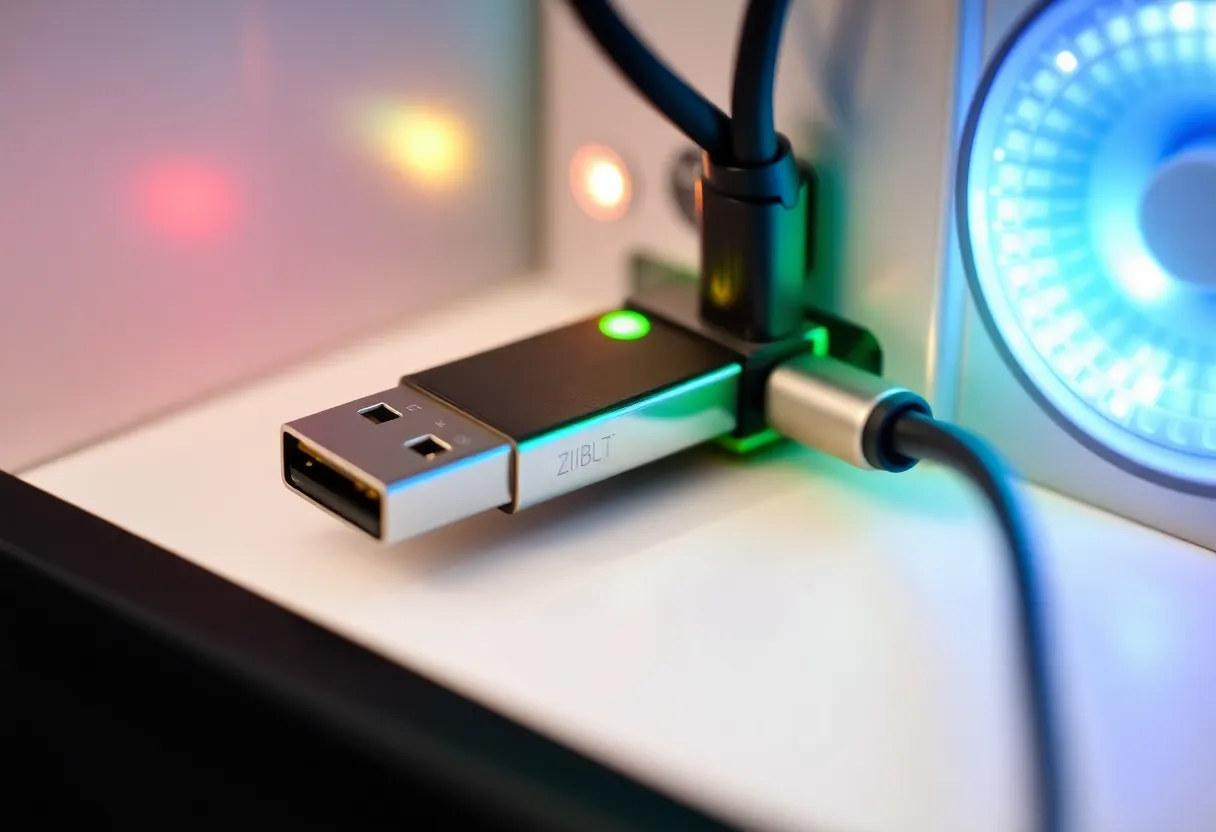
USB3 ports near coordinators are another sneaky culprit. External SSDs and cheap hubs can spray wideband noise that desenses Zigbee sticks. If your blip recovery always improves when you unplug a peripheral, you are not imagining it—you changed the interference landscape.
Permit joining, security policies, and the rejoin window
Many coordinators tighten security after initial pairing. When a device loses its slot during chaotic power events, it may need a controlled rejoin. That does not always mean “delete and re-add.” Sometimes toggling permit joining for a few minutes lets the bulb negotiate without wiping its endpoint IDs. Check your platform’s docs: aggressive factory resets can orphan automations and duplicate entities.
Child devices that sleep deeply (door sensors, leak detectors) sometimes miss narrow permit windows. If you heal during the day but only open joining briefly, you might falsely conclude the sensor died. Plan pairing windows when you can babysit the process, not during the first coffee rush.
Vendor stacks interpret “heal” differently
Closed ecosystems often expose a “repair network” button that triggers targeted route discovery. Open platforms may give you zigbee2mqtt logs full of route records and link quality numbers. Neither is magic; both nudge the mesh to stop guessing. Use vendor tools when flapping is widespread, not for a single stubborn bulb—global heals are disruptive in their own right.
Firmware matters. Router bulbs on older stacks may be overly loyal to a parent that no longer offers a stable link, while newer stacks bounce faster but cause visible churn in dashboards. When troubleshooting recurring post-blip issues, keep a note of device models and firmware versions; patterns usually cluster.
A calm-hour checklist after multi-device outages
- Confirm the coordinator is up and not thermal-throttling on a dusty shelf.
- Restore mains-powered routers in stages; watch for a fifteen-minute stabilization gap.
- Avoid mass renames or map edits while the mesh is reconverging—extra traffic competes with healing.
- Scan for new Wi-Fi channels your router auto-selected during the outage.
- Only then run a targeted repair or permit-join for devices still offline.
Design choices that reduce healing drama
Keep routers powered. If a bulb must participate in the mesh, avoid routine hard power cuts. Use smart-button scenes or always-hot wiring with smart modules that stay energized.
Add dedicated repeaters. Mains-powered plugs with strong antennas often outperform fancy bulbs trapped in glass housings or metal fixtures.
Channel plan once, then stop chasing ghosts. Frequent channel changes force network-wide reorganization. Pick a quiet channel when you build, address Wi-Fi overlap, and resist retuning after every minor glitch.
Segment large installs. Very large meshes can benefit from multiple coordinators or subnet-style separation (e.g., outbuildings) to prevent single-domain meltdowns.
When to intervene vs when to wait
Intervene if a security device fails closed, if energy-reporting misreads persist past an hour, or if automations corrupt state (garage doors, locks). Wait if only UI presence is wrong but local control still works—healing may be mid-flight.
Document your baseline map: which devices are routers, which are end devices, and which circuits share breakers. After outages, that sketch tells you whether you are seeing a local RF pocket or a systemic coordinator issue.
Talking to housemates and guests without sounding paranoid
Most healing storms are human-triggered. A guest flips a switch because wall controls are intuitive. A cleaner unplugs a repeater plug to free an outlet. The fix is part education, part hardware: label non-obvious switches, keep critical repeaters on outlets people will not borrow, and prefer scene controllers that do not starve routers of power. You are designing for how homes actually get used, not for the pristine lab in a product photo.
When to consider hardware replacement vs patience
Replace a device if it alone fails every blip while identical siblings recover, if link quality never climbs after multiple heals, or if it generates route errors in logs even under calm conditions. Patience is for mesh-wide convergence, not for a single router that refuses stable parents across weeks. Keeping a spare known-good repeater on hand turns a weekend outage into a quick A/B test instead of a theology debate on forums.
Bottom line
Power blips are not moral failures of Zigbee; they are abrupt topology shocks. Smart bulbs drop off because the mesh is democratic—every router gets a vote on routes, and votes take time. Build for always-on repeaters, minimize hard switching, and treat “unavailable” as a status hint, not a verdict. Patience plus deliberate power restoration beats endless re-pairing sprees that only teach your network new bad habits.
If you remember one thing: healing is the mesh doing its job loudly. Your job is to avoid unnecessary shocks, give routes time to settle, and intervene surgically when a device—not the whole house—has clearly lost the plot.