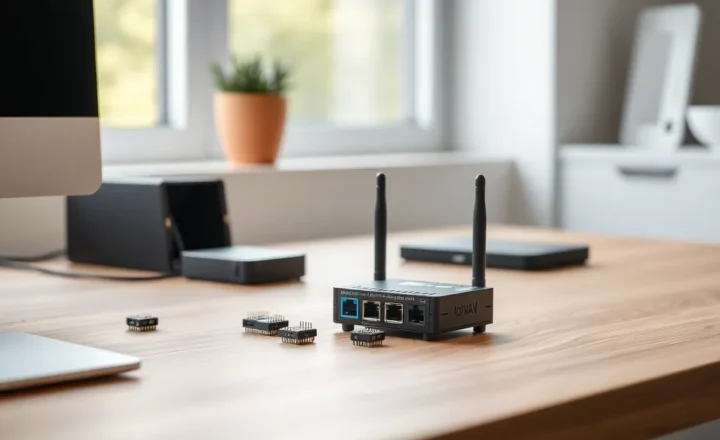
Zigbee Green Power: Why Energy-Harvesting Sensors Still Vanish From Your Mesh

Drew Morrison
April 7, 2026

Zigbee Green Power was supposed to be the cheat code for impossible installs: a light switch with no neutral, a door sensor with no battery drawer, a temperature puck that wakes up, whispers a packet, and goes back to sleep for months. The marketing story is compelling—harvest a little energy from a button press or a solar cell and skip disposable cells entirely. In real meshes, though, Green Power devices have a reputation. They are the ones that show up late to the party, fall off routing tables, or work flawlessly until you add one more router and the topology shifts. If you have watched a “self-powered” sensor disappear while mains-powered bulbs happily mesh along, you are not imagining it.
This article explains what Green Power is doing under the hood, why it interacts badly with some coordinators and repeaters, and how to set expectations so your smart home stays sane.
What Green Power actually changes in the stack
Classic Zigbee sleepy end devices conserve energy by waking rarely and expecting parents—usually routers—to buffer messages. Green Power endpoints go further: they operate with extremely constrained energy budgets, sometimes sending just a handful of frames after a kinetic or solar harvest event. The network must treat them as a different class of citizen, translating Green Power frames into “normal” Zigbee traffic that the rest of the mesh understands.
That translation is the job of a Green Power proxy (sometimes discussed in vendor docs as part of the sink/proxy infrastructure). If your mesh lacks a capable proxy in the right place, or firmware versions disagree about how strictly to interpret the spec, you get the classic symptom: the device pairs, works for a while, then ghosts.

Why “more routers” is not always a win for Green Power
Mesh lore says repeaters improve coverage. For always-on routers and most mains-powered devices, that is usually true. For Green Power, additional routers can change which proxy handles translation, alter link costs, or expose firmware quirks in devices that were never tested against every repeater brand on Amazon. A topology that looks healthier on a map can be less stable for a class of devices that depends on very specific forwarding behavior.
This is maddening because the fix that helps your Wi-Fi cameras—another plug-in repeater—can be the thing that destabilizes a finicky self-powered switch. It is not superstition; it is routing churn meeting microjoule budgets.
Coordinator firmware: the invisible gatekeeper
Your coordinator (USB stick, Ethernet hub, or appliance) is not a passive antenna. It implements policy: neighbor tables, source routing choices, and Green Power sink behavior. Two hubs with the same chip family can behave differently after an OTA update because stack vendors tighten compliance or patch edge cases.
That is why forum threads oscillate between “Green Power is flawless on Hub X” and “avoid Green Power on Hub Y at all costs” with equal sincerity. Both can be true for their respective firmware generations. If you are mixing ecosystems—Home Assistant with a multiprotocol stick, or a proprietary hub alongside MQTT bridges—expect more opportunities for mismatched assumptions.
Energy harvesting is honest physics, not magic
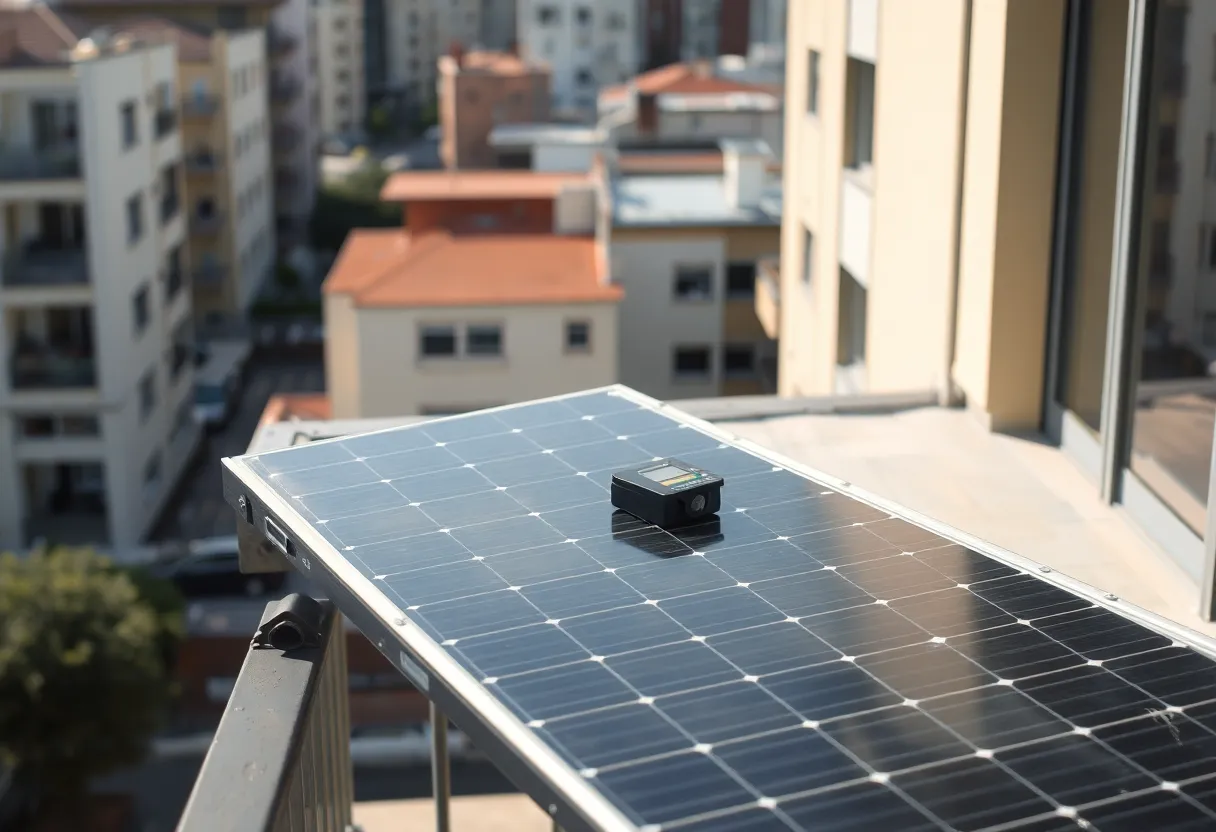
Kinetic switches can feel miraculous until you install them on a stiff wall box or behind a spacer that changes the mechanical click. Solar-powered sensors in north-facing hallways may not harvest enough in winter to maintain the reporting cadence you assumed. Cold weather increases battery impedance even in “battery-less” designs that still use a small buffer capacitor. The radio does not negotiate with your floor plan.
When a device drops, users blame Zigbee. Often the truth is simpler: the power budget failed first, and the radio never got a fair chance to retry through a stable proxy path.
Commissioning and maintenance: the boring human factors
Green Power devices sometimes need deliberate commissioning sequences: specific button presses, proximity to the coordinator, or joining through a designated router. Skipping a step can leave a device in a liminal state—visible to one tool, invisible to automations. Documentation quality varies; translated PDFs omit warnings that engineers assumed were obvious.
Maintenance is another trap. A device with “no battery” still has wear items: supercapacitors age, solar windows get grimy, and mechanical harvesters accumulate dust. The failure mode looks like radio flakiness because that is what you observe, not because the mesh gods are angry.
Practical playbook if you insist on Green Power
- Stay in one firmware lane when possible: coordinator, repeaters, and Green Power devices on stack versions known to interop.
- Plan proxy placement deliberately—often near the Green Power endpoints, not on the opposite side of the house behind three hops of questionable plugs.
- Validate with boring tests: trigger the device twenty times after each topology change; watch for delayed executions, not just first-pair success.
- Keep a escape hatch: a conventional battery sensor costs less than a Saturday debugging a wall switch your family relies on.
Security keys and the “it paired yesterday” problem
Green Power includes security modes that balance paranoia with the reality that some devices have almost no RAM. Pairing flows can involve key material that must be cached consistently across proxies. If a device rejoins after a coordinator backup restore, or you replace your stick without restoring the right dataset, you can see partial success: the UI lists an entity, but state updates never arrive. Before you rip out drywall, check whether the network thinks the device is secured while your automation layer is listening to the wrong cluster translation.
Matter, Thread, and the shadow of migration
Buyers in 2026 often ask whether Zigbee is “legacy.” Thread and Matter are real, but Zigbee deployments are not evaporating overnight—especially for people with dozens of mains-powered routers already amortized. Green Power sits in an awkward middle: it is a Zigbee specialty, not something you casually map to Matter’s commissioning story. If you are planning a wholesale migration, treat Green Power gadgets as the last mile, not the first. Prove your backbone on conventional routers, then decide whether the self-powered widgets are worth carrying forward.
A troubleshooting sequence that actually saves time
- Confirm harvest: for kinetic switches, verify the mechanical click feels crisp; for solar, clean the cell and test under a bright lamp.
- Reduce hops: temporarily place a known-good router one room closer; re-test before buying more gear.
- Isolate interference: 2.4 GHz Wi-Fi overlap still matters; a channel change on Wi-Fi or Zigbee can shift failure rates more than any Reddit tweak list.
- Read release notes on coordinator firmware the way you read release notes on GPU drivers—boring until it isn’t.
When to skip Green Power entirely
If you need guaranteed sub-second reporting for security-adjacent automations, or you are not willing to babysit firmware notes, choose mains-powered or quality battery devices with known router parents. Green Power shines when aesthetics or wiring constraints truly forbid alternatives—not when you just dislike changing a coin cell once a year.
Closing thought
Zigbee Green Power is a clever compromise between physics and convenience. Your mesh is not “broken” when those devices wander off—it is revealing that ultra-low-power endpoints and dynamic routing were never guaranteed to be effortless friends. Respect the power budget, respect the proxy layer, and treat repeaters as surgery rather than seasoning. The rest of your Zigbee life gets noticeably calmer.