Why Your Router’s Default DNS Is Letting You Down (And What to Use Instead)

Halima Okafor
March 7, 2026
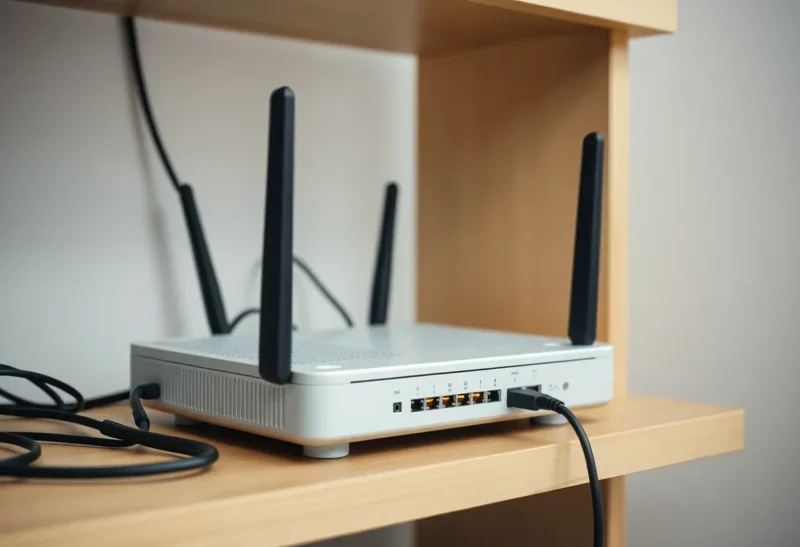
Your router hands out your ISP’s DNS servers by default. That means every lookup—every site you visit, every app that resolves a hostname—goes through your provider. For most people that’s invisible. But default DNS is often slower, less private, and sometimes used for filtering or logging. Switching to a third-party resolver can speed things up, improve privacy, and give you more control. Here’s why the default is usually the wrong choice and what to use instead.
Why Default DNS Is Usually Worse
ISP DNS servers are built for reliability and cost, not for speed or privacy. They’re often overloaded, and they’re always in a position to log every domain you look up. That metadata—which sites you’re resolving—is valuable and is sometimes retained or shared. In some regions, ISPs are required to filter or redirect certain queries; in others they do it for “security” or to inject ads. Even when none of that applies, ISP resolvers are rarely the fastest option. CDNs and anycast resolvers run by Cloudflare, Google, Quad9, or others are often geographically closer and more optimized for low latency. So you’re trading privacy and sometimes speed for the convenience of not changing a setting.
What You Gain by Switching
Third-party DNS can be faster because the providers run a global anycast network: your query goes to the nearest node, which is often closer than your ISP’s resolver. You can also get better privacy guarantees. Providers like Cloudflare (1.1.1.1), Google (8.8.8.8), and Quad9 publish privacy policies and don’t sell resolution data. Some offer DNS-over-HTTPS (DoH) or DNS-over-TLS (DoT) so your queries are encrypted and can’t be read or modified by your ISP or anyone on the path. That doesn’t make you anonymous—the resolver still sees your queries—but it stops your ISP from seeing them and can reduce logging and filtering.
Options Worth Considering
Cloudflare 1.1.1.1 is popular for speed and a strong privacy policy; it’s easy to set at the router or per device. Google 8.8.8.8 is fast and widely used, but Google’s privacy stance is less strict for some users. Quad9 (9.9.9.9) focuses on blocking malware and phishing at the DNS layer and doesn’t log. For families or simple content filtering, services like OpenDNS (Cisco) or AdGuard DNS offer configurable blocking. Choose based on what you care about: raw speed, privacy, or filtering. You can set DNS at the router (so every device uses it) or on individual devices if you want different policies for different machines.
How to Change It
On most home routers, you’ll find DNS settings under WAN, DHCP, or a “DNS” section. Replace the automatic/ISP DNS with the primary and secondary addresses of your chosen provider (e.g. 1.1.1.1 and 1.0.0.1 for Cloudflare). Save and reboot if needed. Some routers support DoH or DoT; if yours does, enabling it encrypts DNS even on the local network. On individual devices you can set DNS in the OS network settings or use a DNS app. Router-level change is usually best so every device benefits without extra configuration.
DNS-over-HTTPS and Encrypted DNS
Plain DNS is unencrypted: anyone on the path between you and the resolver can see which domains you’re looking up. DNS-over-HTTPS (DoH) and DNS-over-TLS (DoT) encrypt those queries so your ISP or network operator can’t read or tamper with them. More routers and operating systems support them now. If your router has a DoH or DoT option, turning it on is a good idea—you get the same resolver you chose, but with better privacy. On devices, browsers like Firefox can use DoH independently of the system DNS; that protects browser traffic even if the rest of the system still uses plain DNS. For full protection, set encrypted DNS at the router or on each device.
When Default Might Be Fine
If you’re in a country or on a network where alternative DNS is blocked or restricted, or if your ISP does something special (e.g. redirects failed lookups to a search page you actually use), staying on default can be pragmatic. For most everyone else, switching to a reputable third-party resolver is a small change that often improves speed and privacy. Your router’s default DNS is letting you down—and fixing it takes about two minutes.