Why Your Next Router Should Be Mesh—Or Skip It Entirely

David Shaw
February 26, 2026
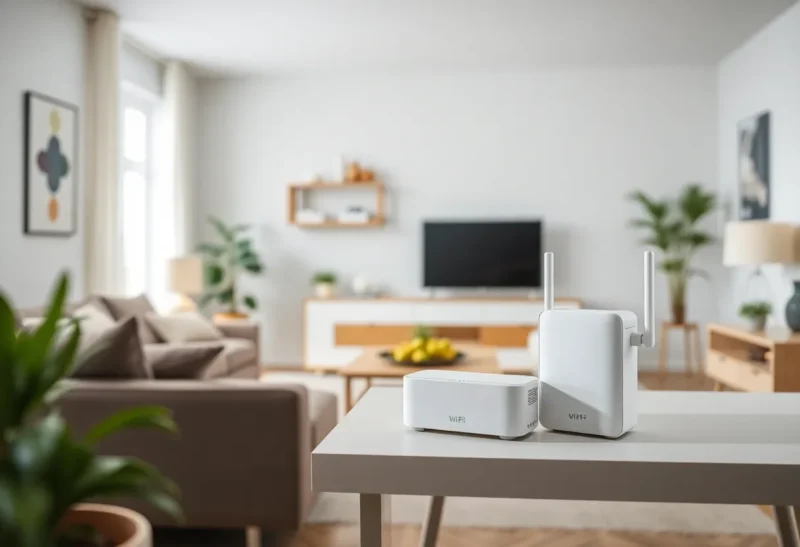
Mesh WiFi promises to fix dead zones and simplify coverage: multiple nodes, one network name, seamless roaming. For some homes it’s a game-changer. For others it’s overkill—or a waste of money. Here’s when mesh makes sense, when a single good router is enough, and how to decide without the marketing hype.
What Mesh Actually Does
A mesh system uses two or more nodes (often one main router plus satellites) that talk to each other wirelessly to blanket a space with one WiFi network. Your device connects to one SSID and can hop between nodes as you move; in theory you never notice the handoff. That’s different from a range extender, which usually creates a second network or a repeater that halves throughput. Mesh is designed for whole-home coverage without the hassle of multiple networks or manual switching. The tradeoff is cost: you’re buying multiple units, and the backhaul—the link between nodes—can use WiFi bandwidth that would otherwise go to your devices.
When Mesh Is Worth It
Mesh pays off in larger or awkwardly shaped homes where a single router can’t reach every room—multi-story houses, thick walls, or layouts where the modem has to live in a corner. If you’ve already tried a good standalone router and still have dead zones or weak spots, mesh is the next step. It’s also useful if you want one network name everywhere and don’t want to think about which AP to connect to. If you work from home and need reliable video calls from any room, or if you have smart home devices spread around, mesh can reduce dropouts and simplify management. The key is need: if you have coverage problems, mesh can fix them. If you don’t, it won’t make your already-good WiFi meaningfully better.
When to Skip Mesh
If you live in an apartment or a small home, a single well-placed router is usually enough. Adding mesh nodes in a space that one router can already cover just adds cost and complexity—and in some cases latency, if traffic has to hop between nodes. If your only complaint is speed and you’re still on an old or ISP-provided router, upgrading to a better single unit (with WiFi 6 or 6E if your devices support it) may be the smarter move. Mesh also isn’t magic: if the backhaul between nodes is weak (e.g., they’re too far apart or there’s interference), performance can suffer. And if you’re willing to run Ethernet to a second access point, a wired AP often outperforms wireless mesh for that extra location. So: skip mesh if one router already covers your space, or if you can solve the problem with a single upgrade or one wired AP.
The Middle Ground
Some people buy a two-pack mesh system and use only one node as the main router—effectively a fancy single router. That works, but you’re paying for hardware you’re not using. Others start with one good router and add a mesh node later if they move or add a room. If you’re unsure, start with the best single router that fits your budget and your ISP plan; if coverage is still a problem, then consider mesh. Don’t assume you need mesh before you’ve tried a proper standalone router in a good spot.
The Bottom Line
Mesh is worth it when you have real coverage gaps that a single router can’t fix—larger homes, difficult layouts, or multiple floors. It’s not worth it when one good router already covers your space or when a simple upgrade would do. Figure out your actual need before you buy; then either invest in mesh for whole-home coverage or invest in one solid router and skip the rest.