Why Your Home Workspace Needs Better Lighting (And How to Fix It)

Taylor Kim
February 26, 2026

Lighting is one of the most overlooked parts of a home office. You’ll spend hours optimizing your desk, your monitor, and your chair—and then work under a single overhead bulb or a dim corner of the room. Bad lighting doesn’t just look bad; it affects focus, eye strain, and how long you can work comfortably. Here’s why it matters and how to fix it without turning your desk into a film set.
Why Lighting Actually Matters
Your eyes are doing a lot of work when you’re on a screen. If the room is too dark, the contrast between the bright display and the surrounding space strains your eyes. If it’s too bright or uneven, you get glare and fatigue. The goal isn’t “as much light as possible”—it’s balanced, layered light that reduces contrast, minimizes glare, and lets you work for hours without feeling drained. Good lighting also helps with video calls: you look more natural and readable when your face is evenly lit instead of backlit or shadowed.
Research on workplace lighting backs this up: people report less eye strain and better concentration when ambient light is adequate and task lighting is available. At home, we often ignore that and default to whatever’s already there. A few deliberate changes can make a real difference.
Layer Your Light
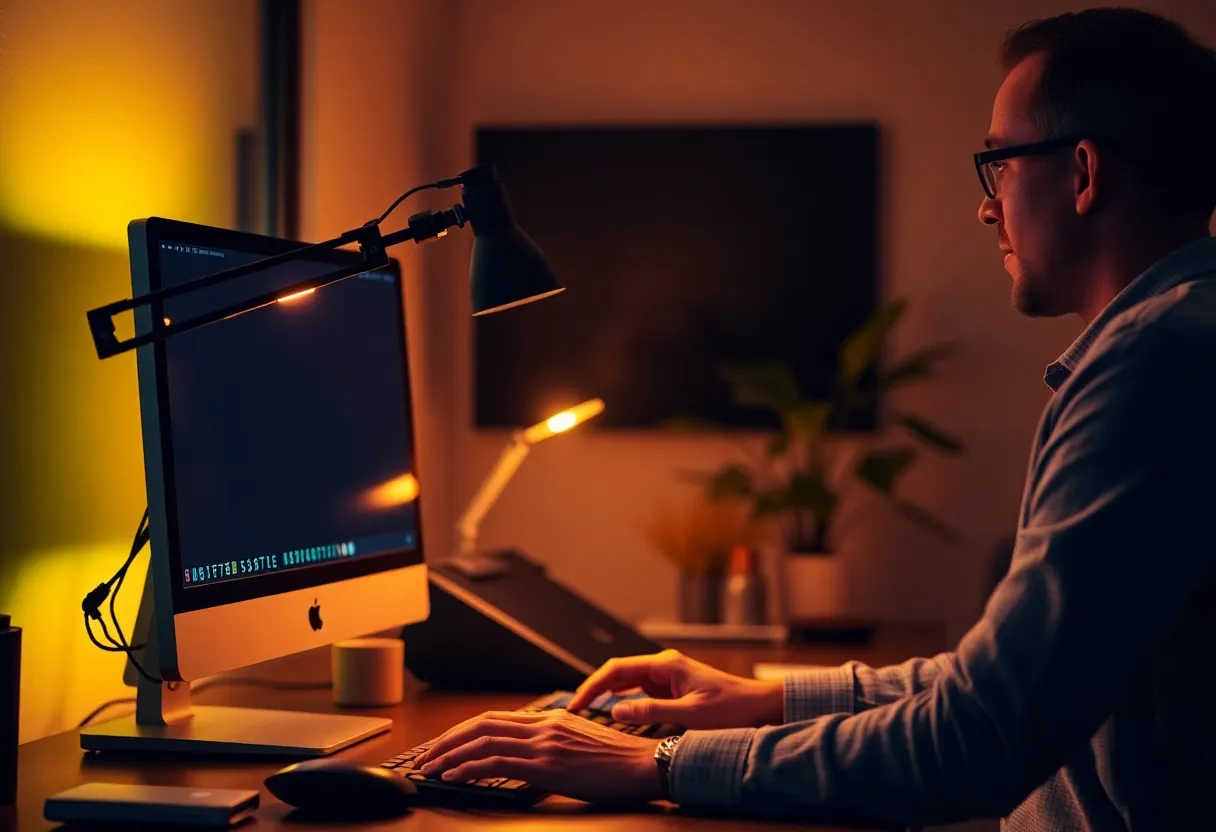
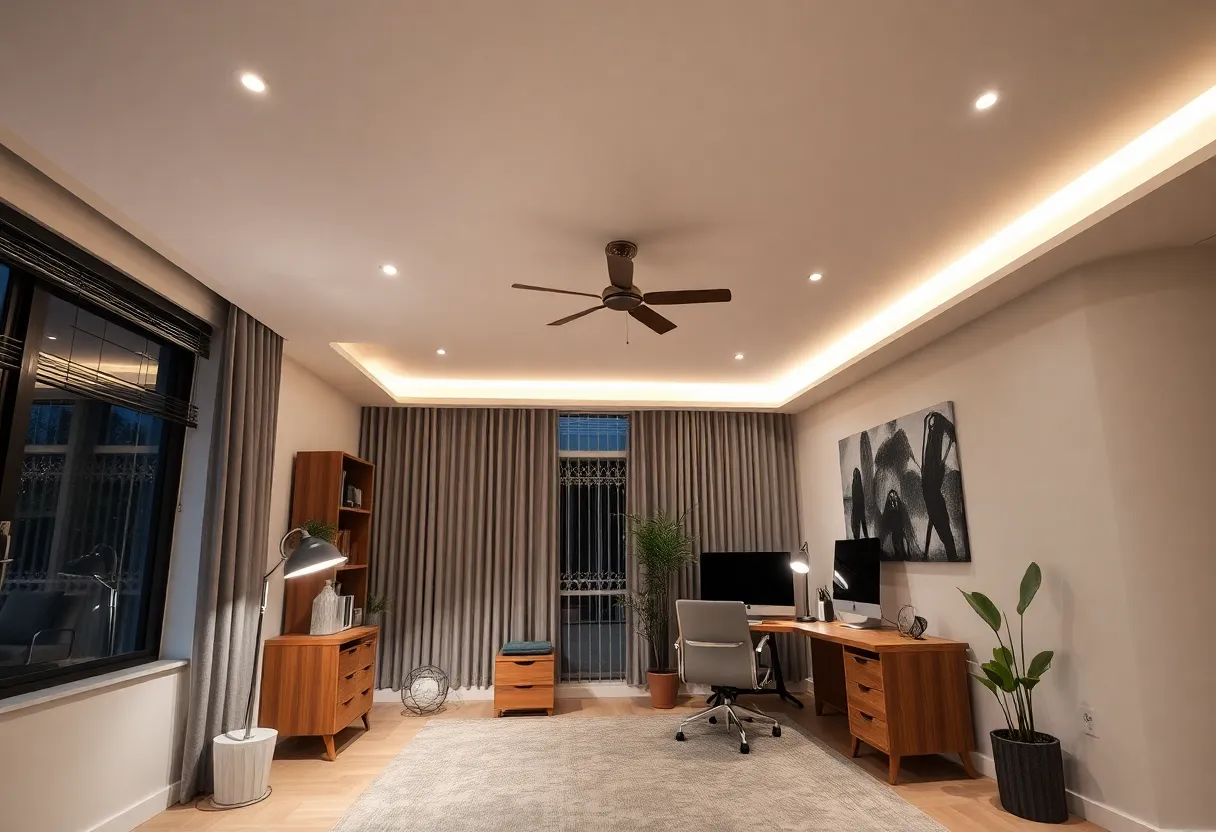
One overhead light or one window isn’t enough. You want at least two layers: ambient light that fills the room (so the space around your monitor isn’t a black hole) and task light for your desk. Ambient can be a ceiling fixture, a floor lamp, or indirect light from a window. Task light is what illuminates your keyboard, notes, and your face—a desk lamp or a monitor light bar works well. The idea is to avoid a single harsh source. Soft, diffuse light from a few directions cuts down glare and shadows and feels easier on the eyes.
If you’re on video calls often, add a dedicated light in front of you or to the side—a small ring light or a desk lamp aimed at your face. That way you’re not relying on the monitor’s glow or a window behind you, which makes you look dark and hard to read.
Position and Color
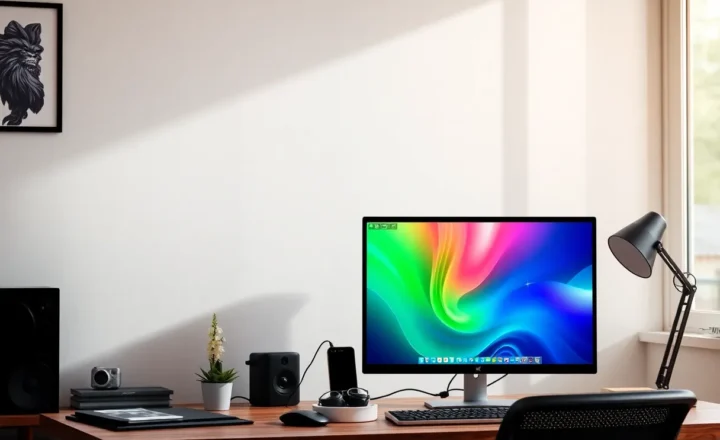
Place your main task light so it doesn’t reflect off the screen. Usually that means to the side or slightly behind you, aimed at the desk rather than straight at the monitor. If you have a window, try to have it to the side of your setup, not directly in front or behind you, to avoid glare and backlighting.
Color temperature matters for comfort. Cool white (5000K and up) can feel sharp and clinical; warm white (3000–4000K) is often easier for long sessions. Many people prefer something in the 4000K range for a home office—neutral but not sterile. Smart bulbs and adjustable desk lamps let you tune this without replacing fixtures.
Quick Wins
You don’t need to rewire the room. Start with a decent desk lamp—something adjustable with a shade that directs light down onto the desk instead of into your eyes or the screen. Add a second source if the room is dark: a floor lamp in a corner or a simple LED panel. If you’re on camera, a small key light or ring light in front of you will improve how you look on calls. Check your monitor’s brightness too; many people run it too high. Dial it down and compensate with better room light so the overall contrast is lower.
The Bottom Line
Your home workspace deserves better than whatever light happens to be there. Layer ambient and task light, avoid glare and single-point sources, and tune color temperature for comfort. Small changes—a good desk lamp, a second light source, and a bit of positioning—can reduce eye strain and make long work sessions more sustainable. It’s one of the highest-impact, lowest-effort upgrades you can make.