Why Your Home Network Is the Weak Link in Your Security

Drew Morrison
February 24, 2026
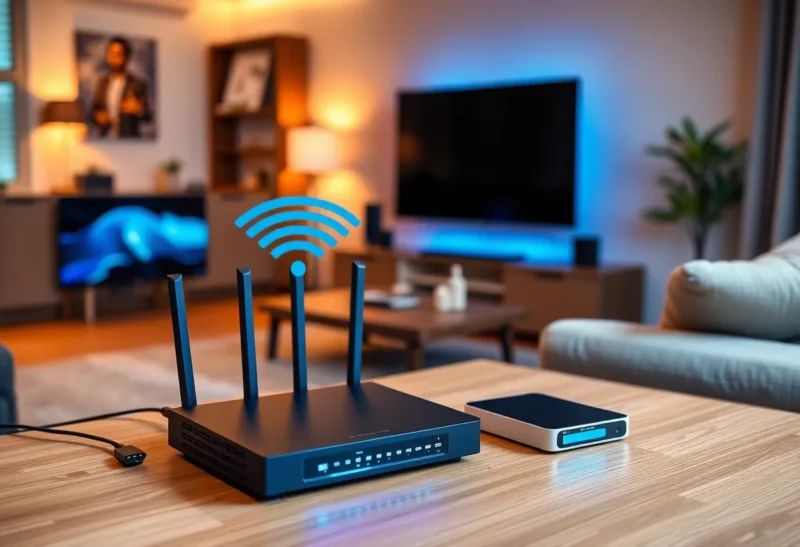
You lock your doors, use strong passwords, and maybe even a password manager. But the network that connects your laptop, phone, smart speaker, and thermostat is often the weakest link. Home networks are a perfect storm: lots of devices, minimal segmentation, and firmware that rarely gets updated. Attackers know it. Here’s why your home network is such a tempting target—and what to do about it.
The Problem
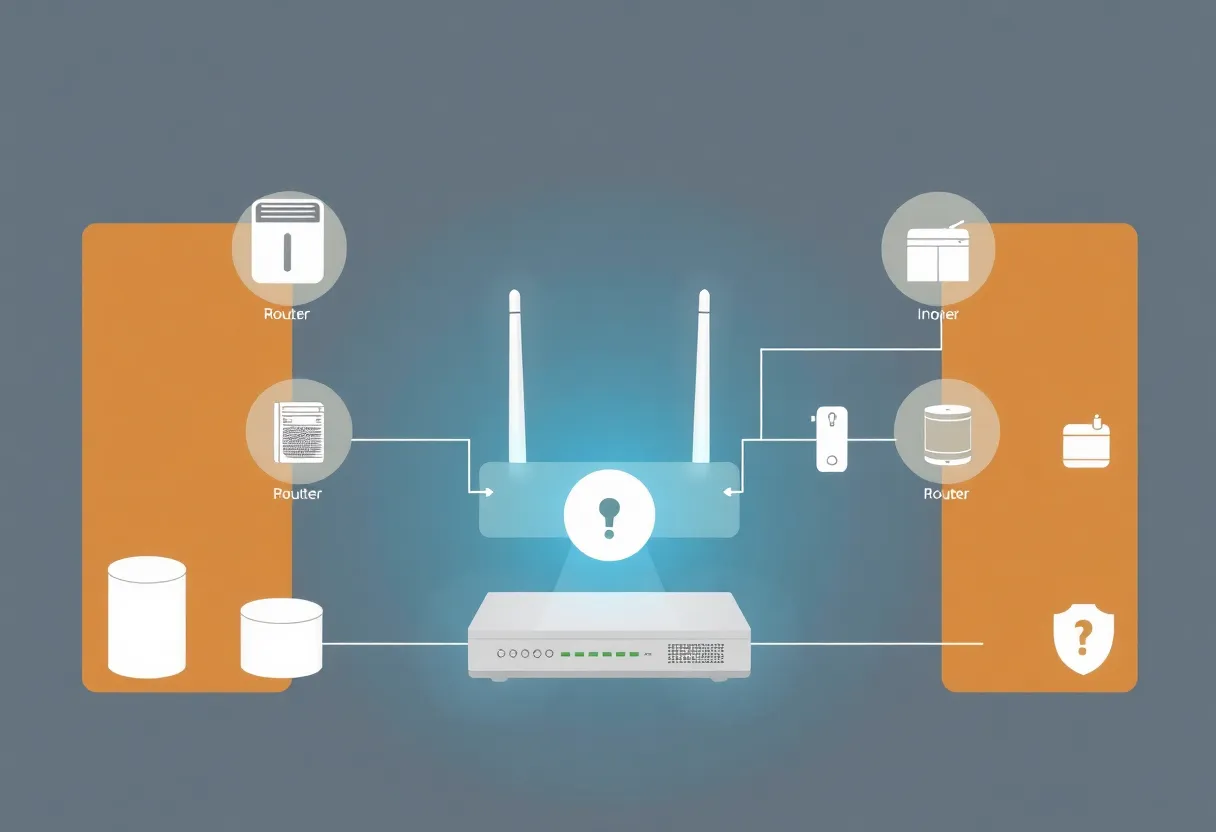
Your home network is a flat, trusted zone. Once something is on your Wi-Fi, it can often see and talk to everything else: your laptop, your NAS, your smart TV, your doorbell camera. That’s convenient. It’s also dangerous. A single compromised device—a cheap IoT gadget with a known vulnerability, a router with an old firmware bug—can become a pivot point. From there, an attacker can sniff traffic, try to reach other devices, or use your connection for something else entirely. You might not notice until something goes wrong.
Routers are a special case. They sit at the border between you and the internet. If the router is weak—default credentials, unpatched software, or a backdoor from the factory—everything behind it is at risk. Yet many people never change the default admin password or check for firmware updates. The router is “set it and forget it” until it breaks.
Why It’s the Weak Link
Too many devices, too little oversight. Smart home devices multiply: lights, thermostats, cameras, speakers, plugs. Many run Linux with minimal security, long-forgotten default credentials, and no automatic updates. They’re on your network with the same trust as your laptop. One weak device can undermine the rest.
No segmentation. In an office, sensitive systems are often on a different VLAN or network than guest devices and IoT. At home, everything usually shares one LAN. There’s no “guest” for the smart fridge—it’s right next to your work machine.
Router neglect. Router firmware is full of bugs. Vendors are slow to patch, and users rarely update. A vulnerable router can be abused for DNS hijacking, botnet enrollment, or as a stepping stone into your devices.
Supply chain and defaults. Some devices ship with hardcoded credentials or backdoors. Others are never designed for a hostile network. The bar for “good enough to sell” is lower than “good enough to defend.”
What to Do
Harden the router. Change the default admin password. Turn off remote management if you don’t need it. Enable automatic firmware updates if available, and check manually every few months. Replace kit that’s no longer supported.
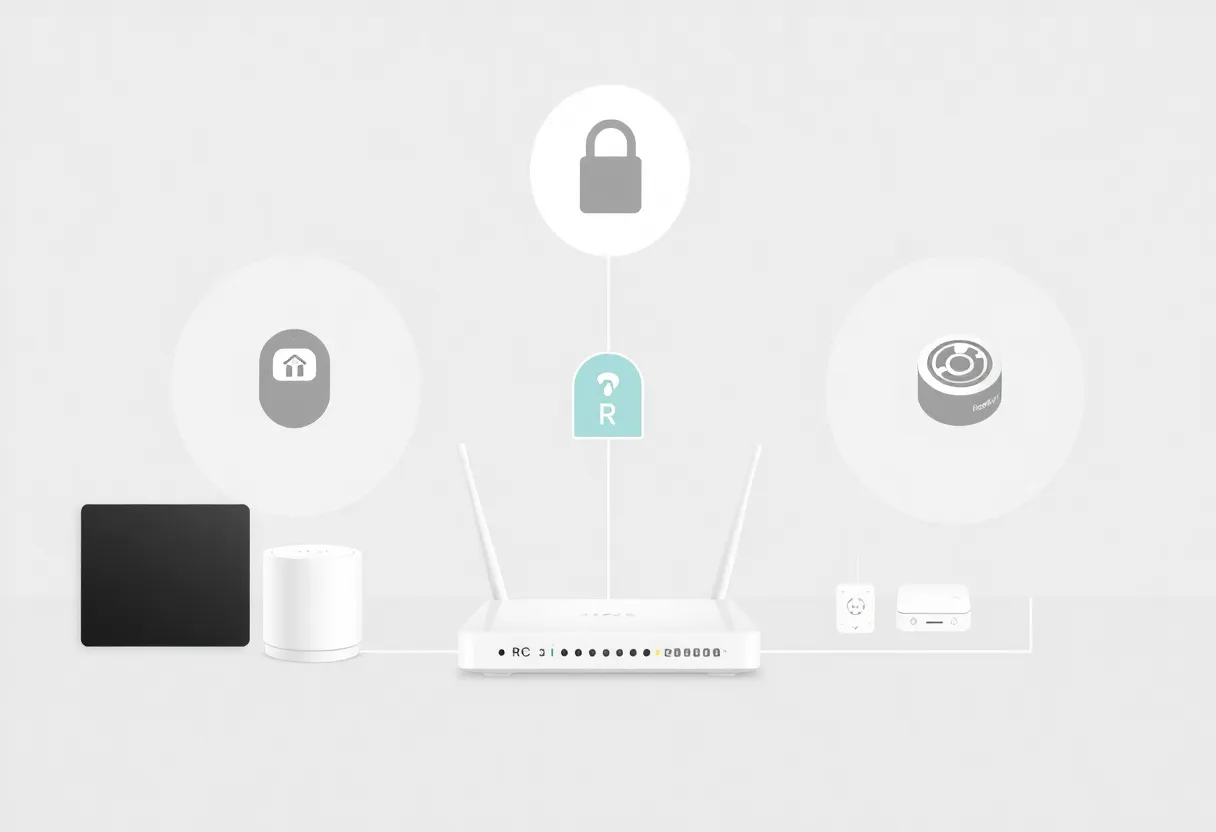
Segment when you can. Use a guest network for visitors and, if your router supports it, put IoT devices on a separate SSID or VLAN so they can’t easily talk to your laptops and phones. Not every router can do this, but newer and prosumer gear often can.
Audit and prune. Turn off or disconnect devices you don’t use. Change default passwords on smart devices. Prefer brands that commit to security updates and have a track record of patching.
Monitor and isolate. If you’re technical, consider a firewall or network monitor that can alert on suspicious traffic. At minimum, know what’s on your network and what each device is for.
The Bottom Line
Your home network is the weak link because it’s where convenience meets neglect: lots of devices, little segmentation, and firmware that lags behind. Fixing it isn’t glamorous—update the router, segment what you can, lock down defaults—but it closes a door that too many attackers are happy to walk through. Treat your home network like part of your security perimeter. Because it is.