Why Your DNS Resolver Choice Actually Matters for Privacy and Speed

Halima Okafor
March 7, 2026
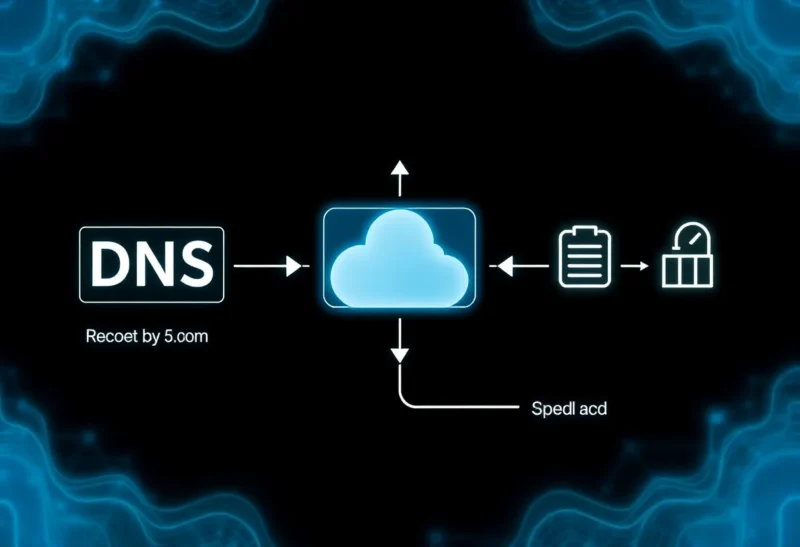
Your DNS resolver is the traffic cop of the internet. Every time you type a URL or load an app, your device asks a DNS server: “What’s the IP address for this domain?” That request—and the answer—passes through a resolver. Most people use their ISP’s default. It’s easy. It’s also slow, logged, and often blocked from seeing certain sites. Your resolver choice affects both privacy and performance. Here’s why it matters.
The uncomfortable truth: your ISP’s DNS sees every domain you look up. So does Google’s (8.8.8.8) if you use it. That data can be logged, sold, or subpoenaed. Encrypted DNS—DoH (DNS over HTTPS) or DoT (DNS over TLS)—hides queries from eavesdroppers on your network. But you’re still trusting whoever runs the resolver. Picking the right one is a real decision.
Speed: The Obvious Benefit
ISP resolvers are often slow. They’re optimized for cost, not latency. Requests can take 50–100 milliseconds or more. Switch to a fast public resolver—Cloudflare’s 1.1.1.1, Quad9, or Google’s 8.8.8.8—and you can cut that to 10–20 ms. For browsing, that’s noticeable. Pages load faster. Apps feel snappier. The difference compounds across hundreds of lookups per day.
Resolver placement matters. Cloudflare and Google have global anycast networks; you’ll typically hit a nearby node. Quad9 is similar. Your ISP’s resolver might be across the country. The closer the resolver, the lower the latency. For many users, switching DNS is the single biggest free performance win available.
Privacy: The Less Obvious One
DNS requests are sent in plaintext by default. Anyone on your network—your ISP, your employer, a coffee shop—can see every domain you look up. That’s a privacy leak. Encrypted DNS (DoH or DoT) wraps queries in TLS. Eavesdroppers see encrypted traffic, not domain names. Your resolver still sees the queries, but your ISP and others on the path don’t.
The trade-off: you’re choosing whom to trust. Cloudflare, Quad9, and others claim minimal logging. Google’s 8.8.8.8 has a privacy policy but a different incentive structure. Your ISP has a direct relationship with you and may log by default. For many, a third-party resolver with a strong privacy policy is better than the ISP. But it’s a choice—and worth making consciously.
Filtering and Censorship
Some resolvers filter malicious or adult content. Quad9 blocks known malware domains. Family-friendly resolvers block adult sites. That can be a feature or a bug—depending on your values and who’s setting the rules. Other resolvers—1.1.1.1, 8.8.8.8—don’t filter. You get raw DNS. Choose based on what you want.
In restrictive regimes, DNS can be used for censorship. Governments order ISPs to block domains at the resolver level. Switching to an external resolver can bypass that—until the government blocks the resolver’s IP. It’s a cat-and-mouse game. For users in freer jurisdictions, the main consideration is whether you want any filtering at all.
How to Change Your Resolver
On most devices, you can set a custom DNS in network settings. For 1.1.1.1: use 1.1.1.1 (and 1.0.0.1 as secondary). For Quad9: 9.9.9.9. For Google: 8.8.8.8. Modern browsers also support DNS over HTTPS in settings—Chrome, Firefox, and Edge all have options. That gives you encrypted DNS even if your system resolver isn’t configured.
Routers can be set to use a custom resolver for the whole network. That way, every device gets the benefit without individual configuration. Check your router’s admin panel for DNS settings.
The Bottom Line
Your DNS resolver choice affects speed and privacy. Defaulting to your ISP is rarely optimal. Pick a fast, privacy-respecting resolver—1.1.1.1, Quad9, or another you’ve vetted—and configure your devices. It takes a few minutes. The payoff is real.