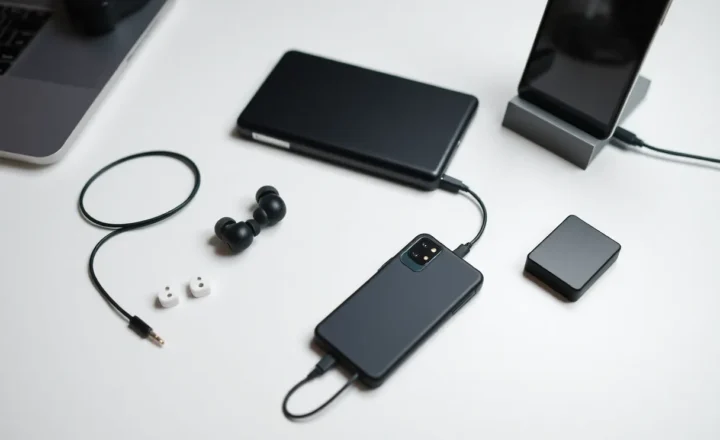
USB-C was supposed to fix everything. One port, one cable, one standard—charging, data, video, and audio all through a single reversible connector. By 2026, that promise has curdled into a familiar mess: a drawer full of dongles, adapters that only work in one direction, and the sinking feeling that “universal” was never meant for real life.
If you’ve ever stood in an airport wondering which of your three USB-C hubs will actually drive your external monitor, or discovered that your new laptop charges with one cable but not another for no obvious reason, you’re not alone. The dongle life isn’t a failure of the standard itself—it’s what happens when a good idea meets corporate convenience, optional specs, and a decade of legacy hardware that refuses to die quietly.
The Promise vs. the Reality
When USB-C and the USB 3.1/4 specifications landed, the pitch was simple. One connector would replace USB-A, HDMI, DisplayPort, and power barrels. Laptops would get thinner; desks would get cleaner. In practice, the “USB-C” label on a port or cable tells you almost nothing about what it can do. That port might be USB 2.0 (480 Mbps) or USB4 (40 Gbps). It might support DisplayPort Alt Mode or not. It might charge at 15 W or 240 W. It might support Thunderbolt or be data-only. The only way to know is to read the fine print—or plug it in and see what breaks.
That ambiguity is a feature for manufacturers, not users. Selling a laptop with a single USB-C port that does “enough” keeps costs down. Selling another with four Thunderbolt 4 ports keeps the premium tier desirable. The same physical shape means very different capabilities, and the market has leaned into that confusion instead of resolving it.
Walk into any electronics store and you’ll see USB-C on everything from budget Android phones to premium notebooks. The connector is universal; the capabilities are not. Two devices can both have “USB-C” and be unable to do the same things with the same cable. That’s not a bug—it’s the result of a spec that made almost everything optional. Want Power Delivery? Optional. DisplayPort Alt Mode? Optional. USB 3.2 speeds? Optional. So we get ports that look identical and behave completely differently, and the only way to know what you have is to dig into spec sheets or run diagnostic tools.
Why Dongles Multiply
So you buy a dongle. Maybe it’s a simple USB-C to HDMI adapter for a presentation. It works on your work laptop. You try it on your personal machine—nothing. Same brand, same year. The difference is that one device outputs DisplayPort over USB-C and the other doesn’t, or one negotiates at 4K@60 and the other tops out at 4K@30. The dongle doesn’t lie; the ports do.
Then there’s power. USB Power Delivery (PD) has multiple profiles. Your phone might charge at 27 W from one brick and 18 W from another. Your laptop might need 65 W minimum to run under load but will “charge” from a 30 W adapter—slowly, and only when idle. Cable quality matters too. A cable that can do 100 W and 40 Gbps data costs more than one that does 60 W and USB 2.0. If you’ve ever had a cable that “only charges” or “only does data,” you’ve met this split. Keeping a single cable that does everything, for every device, is still the exception.
Audio is another minefield. The 3.5 mm jack is disappearing on phones and thin laptops. USB-C can carry analog audio, digital audio, or both—depending on the device and the adapter. Some dongles work with one phone and not another. Some headphones have a built-in DAC in the cable; others rely on the phone. Again, same connector, incompatible behaviors.
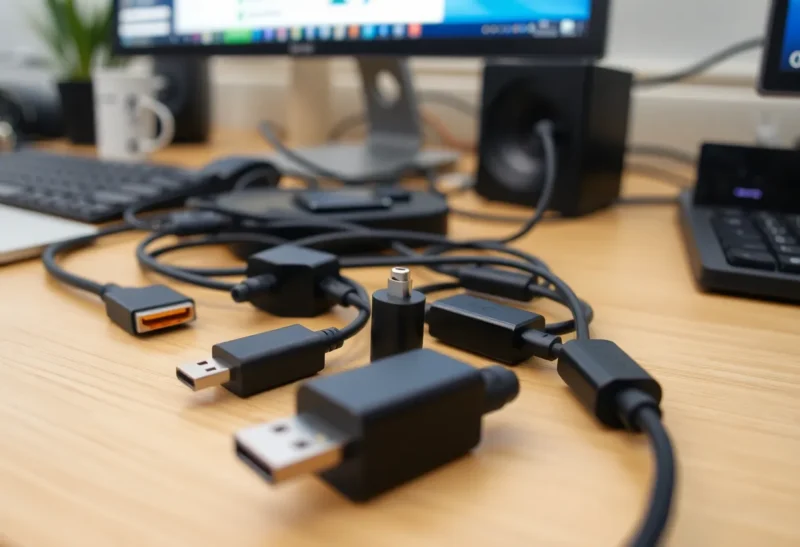
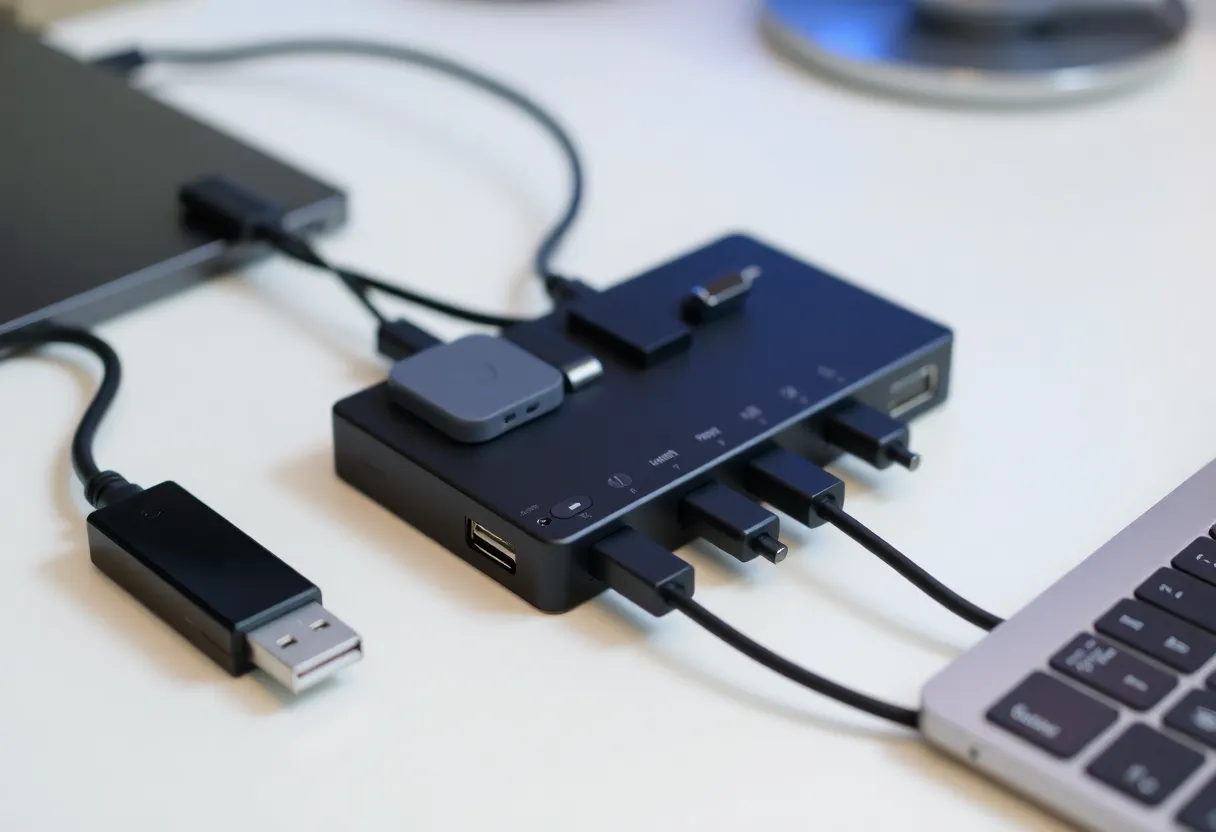
The result is predictable: you end up with a collection. A multi-port hub for the desk. A compact HDMI dongle for travel. A USB-C to USB-A adapter for legacy flash drives and peripherals. Maybe a dedicated charge-only cable so you don’t wear out the expensive data-capable one. Each purchase is rational; the aggregate is chaos. And when you switch devices—new laptop, new phone—the compatibility matrix shifts again. Yesterday’s “works with everything” hub might not support your new machine’s display output or power requirements. The dongle drawer is not a sign of consumer excess. It’s the equilibrium state of a fragmented standard.
Thunderbolt, USB4, and the Naming Trap
Thunderbolt 3 and 4 use the USB-C connector but add PCIe and DisplayPort tunneling, higher power budgets, and strict certification. USB4 adopted much of that and tried to unify the landscape. In theory, USB4 is the great unifier. In practice, we have USB4 20 Gbps, USB4 40 Gbps, Thunderbolt 4 (which is a superset of USB4), and a sea of “USB 3.2 Gen 2” and “USB 3.2 Gen 2×2” that still show up on new hardware. Naming has not gotten simpler; it has gotten worse.
For everyday users, the takeaway is brutal: if a product says “USB-C,” assume the minimum. It might be more, but you can’t count on it. That’s why the dongle drawer grows. You need one adapter for HDMI at 4K@60, another for VGA (because conference rooms), a hub that can charge and do data at the same time, and maybe a second hub for when the first one doesn’t handshake with a particular monitor. None of this is irrational. It’s the logical response to a standard that never actually standardized.
Certification programs were supposed to help. USB-IF has its logos; Thunderbolt has its lightning bolt. But logos are easy to fake or imply, and many cables and hubs ship with vague “USB 3.1” or “USB-C” branding that doesn’t specify Gen 1 vs Gen 2, or whether Alt Mode is supported. So even the “standards” that exist are underused. Buyers can’t easily compare products, and manufacturers have little incentive to clarify when ambiguity lets them sell a cheaper SKU that “has USB-C” without the full feature set.

What Would Actually Fix It
Real improvement would require a few things the industry has so far avoided. First, mandatory labeling: every port and every cable should state maximum data rate, power, and video capability in plain language. Second, a clear tiering system—e.g. “USB-C Basic,” “USB-C Data + Video,” “USB-C Full”—so that “USB-C” alone isn’t a useless badge. Third, fewer optional features in the spec. When DisplayPort Alt Mode or PD is optional, manufacturers will skip them to save a few dollars, and users pay in dongles and confusion.
Regulation could force the issue—the EU’s push for a common charger has already pushed Apple and others toward USB-C on phones. But that only addresses the physical connector. It doesn’t fix the capability jungle. Until buyers demand clarity, or regulators require it, the market will keep selling “USB-C” as a shape, not a promise.
None of that is on the horizon. The USB Implementers Forum moves slowly; device makers have no incentive to simplify when differentiation sells. So we’re left with the same advice we had five years ago: read the specs, buy known-good cables and hubs, and keep that drawer of dongles. USB-C is better than the mess of ports it replaced. But “better” isn’t “simple,” and in 2026, dongle life is still a mess.
The Bottom Line
USB-C succeeded at one thing: it gave us one physical connector. Everything else—speed, power, video, audio—remains a lottery. Until vendors and standards bodies commit to real interoperability and honest labeling, the universal port will stay anything but. In the meantime, the best we can do is know what our devices actually support, choose adapters and cables that match, and accept that the drawer of dongles is the price of progress.