Why Open-Source Firmware for Your Printer Is Worth the Hassle

Jamie Torres
March 7, 2026

Most printers ship with firmware you can’t modify, update, or even inspect. The manufacturer controls the software; you’re stuck with whatever they shipped. That’s annoying for reliability, worse for security, and frustrating if you want features the vendor never added. Open-source firmware changes that—and it’s more accessible than you might think.
Projects like OctoPrint for 3D printers, or custom firmware for supported inkjet and laser printers, give you control over the software that runs your hardware. The process can be fiddly, and not every printer is supported, but for many models the payoff is real: better reliability, new features, and escape from vendor lock-in.
What Open-Source Firmware Actually Gives You
Control. You can fix bugs, add features, and update on your own schedule. If the manufacturer abandons the printer—no more driver updates, no security patches—you’re not stranded. You can keep it running with community-maintained firmware.
Transparency. You can read the code, audit it, and know what it’s doing. No hidden telemetry, no surprise “improvements” that break compatibility. For printers that handle sensitive documents, that matters.
Features. Community firmware often adds capabilities the vendor never shipped: better network control, support for third-party ink or filament, custom calibration, and integrations with home automation. If the hardware can do it, open firmware can expose it.
The Catch: Compatibility
Not every printer supports open-source firmware. You need a model with a chipset and bootloader that the community has reverse-engineered or that the manufacturer has documented. Popular 3D printers—Creality, Prusa, Bambu Lab—often have strong community support. Many inkjet and laser printers do not.
Before you buy, check whether your printer (or one you’re considering) has open firmware options. For 3D printing, OctoPrint, Klipper, and Marlin are common. For traditional printers, support is spottier—some HP and Brother models have community projects, but coverage is incomplete.
The Installation Process
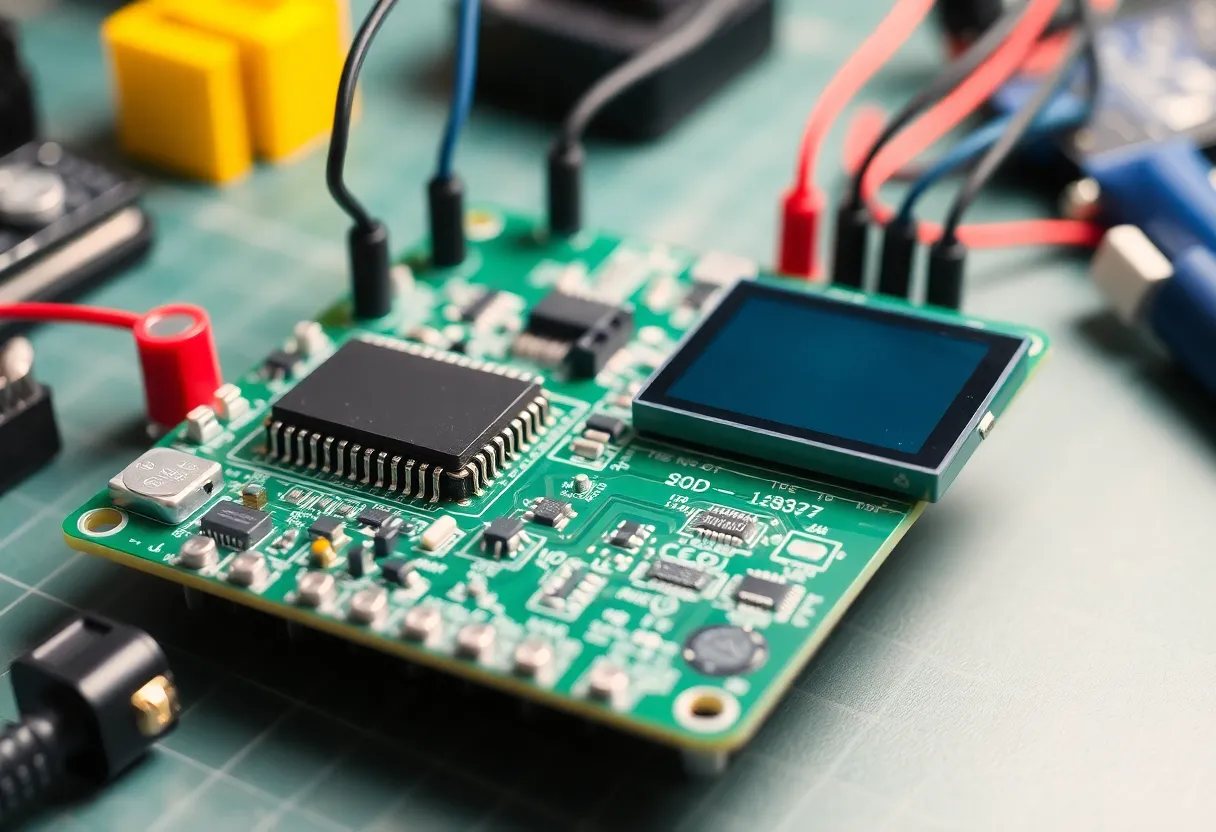
Installing open firmware usually means flashing new software to the printer’s controller. That can involve opening the case, connecting a programmer, or using a vendor-provided update path if the manufacturer allows it. The process varies by model.
For 3D printers, flashing is often straightforward: SD card or USB, depending on the board. For inkjets and lasers, it can be more involved—some require hardware modification, others have undocumented procedures. Community wikis and forums are the best source for step-by-step guides.
The risk: bricking. If the flash fails or you use the wrong firmware, the printer may not boot. Many boards can be recovered with a programmer, but it’s not guaranteed. Read the docs, follow the steps exactly, and don’t flash during a thunderstorm.
Right-to-Repair and Longevity
Open-source firmware fits into the broader right-to-repair movement. When manufacturers stop supporting a product, community firmware can keep it useful. That extends the life of hardware and reduces e-waste. For printers that cost hundreds of dollars, keeping them running instead of replacing them is both economic and environmental sense.
Some vendors actively resist open firmware—locking bootloaders, using proprietary protocols, or threatening legal action. Others quietly allow it or even collaborate with the community. Before you buy, a quick search for your model and “open firmware” or “community firmware” will tell you what to expect.
When It’s Worth the Hassle
Open-source firmware makes sense if: you rely on the printer and want control over its future; you’re comfortable with basic electronics and software; the community support for your model is active; and you’re willing to troubleshoot when things go wrong.
It doesn’t make sense if: you need plug-and-play reliability with zero tinkering; your printer has no community support; or the vendor firmware does everything you need. There’s no shame in sticking with stock. The point is choice.
OctoPrint and 3D Printers
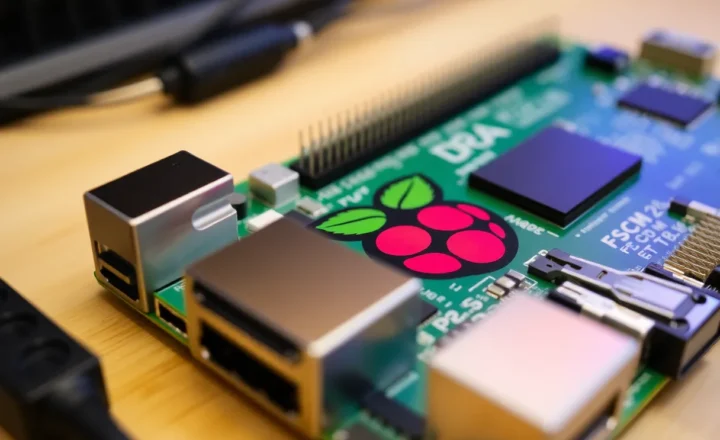
For 3D printers, OctoPrint is the gateway drug. It runs on a Raspberry Pi or similar, connects to your printer, and gives you a web interface for monitoring and control. You don’t have to flash the printer itself—OctoPrint sits between your computer and the printer. But once you’re comfortable with that, Klipper or Marlin firmware on the printer itself unlocks more: faster printing, better calibration, and direct hardware control.
The 3D printing community has embraced open firmware; most popular printers have strong support. For inkjets and lasers, the landscape is thinner. If you’re buying a printer specifically for open firmware, 3D printers are the safer bet.
Bottom Line
Open-source firmware for printers is a niche pursuit, but for supported models it’s often worth the hassle. You gain control, transparency, and escape from vendor lock-in. The installation can be fiddly, and bricking is a real (though usually recoverable) risk. If your printer has community support and you value owning your hardware, it’s worth a look.