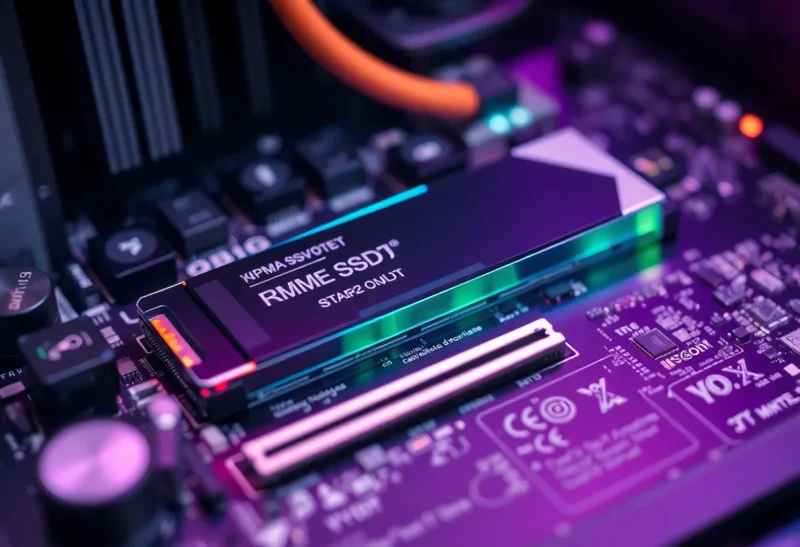
NVMe Gen 5 drives are here: double the theoretical bandwidth of Gen 4, big numbers on the box, and a premium price. For most people building or upgrading a PC, they’re still not worth the extra cost. Here’s why.
What Gen 5 Actually Delivers
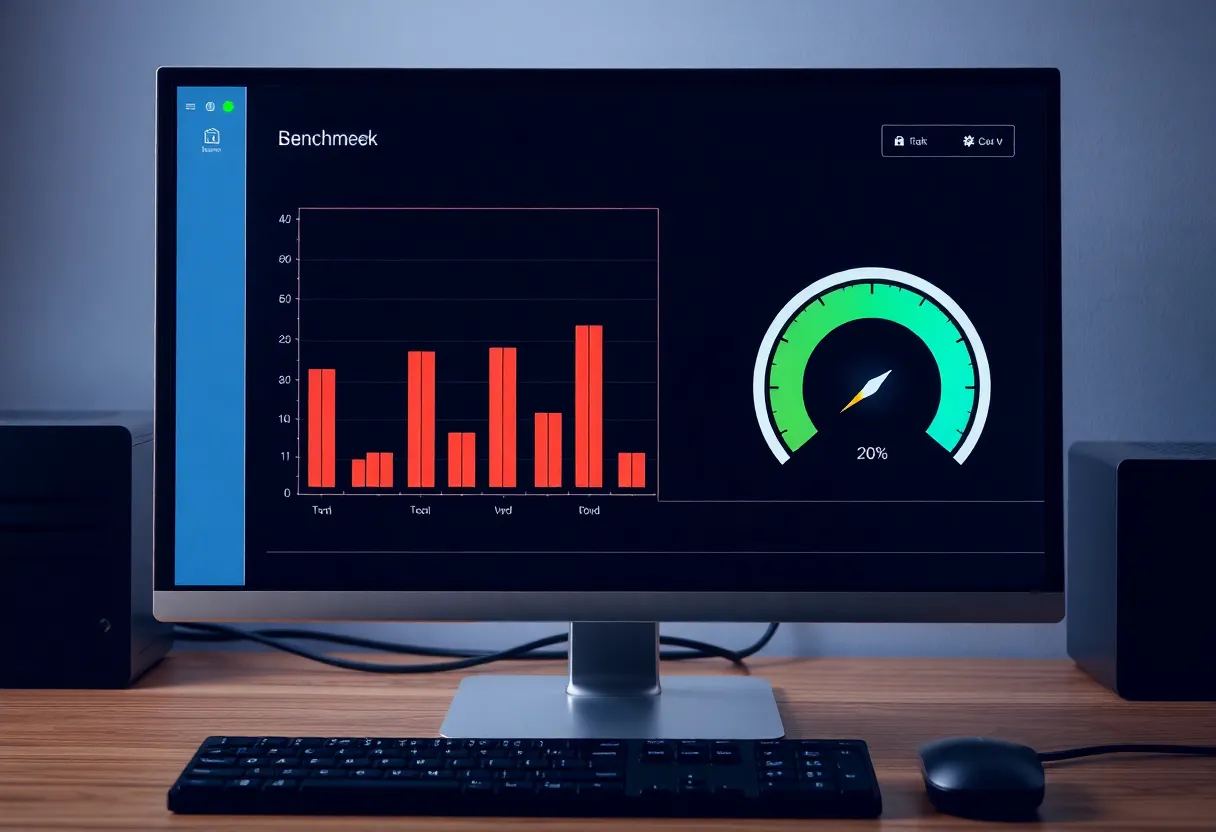
PCIe 5.0 NVMe doubles the interface bandwidth compared to Gen 4—up to roughly 14 GB/s sequential read in theory, versus about 7 GB/s for top Gen 4 drives. In practice, Gen 5 drives can hit 10–12 GB/s in benchmarks. That sounds impressive. The problem is that almost nothing you do on a desktop or laptop can use that much sustained throughput. Booting, loading games, opening apps, and moving files are either short bursts or limited by other parts of the system. So the headline number is mostly a benchmark trophy, not a real-world differentiator.
Gen 5 also comes with downsides. The drives run hot. Many ship with or require hefty heatsinks, and under sustained load they can throttle. That’s a consequence of pushing more data through the same physical package. So you’re paying more for speed you can’t fully use, and you have to manage thermals that Gen 4 drives mostly avoid. For a typical gaming or general-use build, that’s a bad trade.
Where Storage Speed Actually Matters
There are workloads that can benefit from very fast storage: large 4K video editing, moving huge datasets in scientific or creative pipelines, or running VMs and containers that do a lot of disk I/O. If you’re in one of those niches, Gen 5 (or even high-end Gen 4) can make a measurable difference. For gaming, browsing, and everyday use, the jump from SATA SSD to NVMe was huge; the jump from Gen 4 to Gen 5 is barely noticeable. Load times and snappiness are already dominated by other factors—CPU, RAM, and how the software is written—not by whether your drive can do 7 or 12 GB/s.
Gen 4 Is the Sweet Spot
Good Gen 4 NVMe drives are fast, cool, and relatively affordable. You can get a 2 TB Gen 4 drive that hits 5–7 GB/s for a fraction of the cost of a comparable Gen 5 drive. For almost every desktop and laptop use case, that’s more than enough. The money you save can go toward a better GPU, more RAM, or a faster CPU—all of which will have a bigger impact on how the system feels and performs. Chasing Gen 5 for a typical build is optimizing the wrong thing.
Platform and Compatibility
Gen 5 NVMe also requires a Gen 5-capable slot on your motherboard. Many current boards offer one Gen 5 M.2 slot (often sharing lanes with the GPU) and the rest Gen 4. So even if you buy a Gen 5 drive, you need to make sure you’re plugging it into the right slot and that your CPU and chipset actually support PCIe 5.0. Older platforms don’t—so if you’re on AM4 or an older Intel platform, Gen 5 isn’t an option anyway. For new builds, you might have the slot, but that doesn’t mean you need to fill it with a Gen 5 drive. A fast Gen 4 drive in the same slot will perform identically for almost everything you do, and you’ll save money and avoid thermal headaches.
Synthetic vs. Real-World
Benchmarks like CrystalDiskMark and ATTO measure sequential read/write—sustained throughput in ideal conditions. Real-world usage is mostly random I/O and short bursts: loading a level, opening an app, reading config files. So a drive that does 12 GB/s sequential might only be a few percent faster than one that does 7 GB/s when it comes to actual load times or app responsiveness. The human eye and the OS scheduler can’t tell the difference in most cases. So when you see Gen 5 marketing, you’re seeing numbers that matter for benchmarks and for a narrow set of pro workloads, not for the way most people use their PCs.
When Gen 5 Might Make Sense
Gen 5 starts to make sense if you have a specific high-throughput workload—large file transfers, video editing with huge assets, or heavy database or VM use—and you’ve already maxed out other parts of the system. It also makes sense if you’re building a no-compromise, future-proof rig and the price premium doesn’t matter to you. For everyone else—gaming, productivity, light creative work—Gen 4 is the rational choice. The “next gen” label sells; your actual experience won’t reflect it. Save the cash, get a good Gen 4 drive, and put the difference toward something that does.
In a few years, Gen 5 drives will likely be cheaper and cooler, and the gap between Gen 4 and Gen 5 pricing will shrink. Then the calculus might change. For now, for most builds, Gen 5 doesn’t matter. Don’t let the spec sheet convince you otherwise.