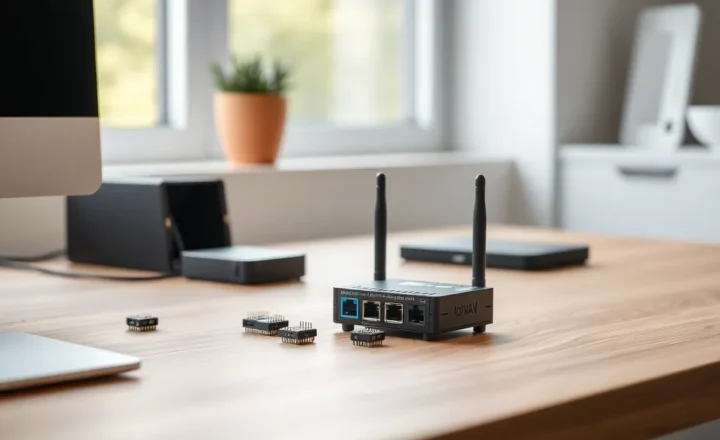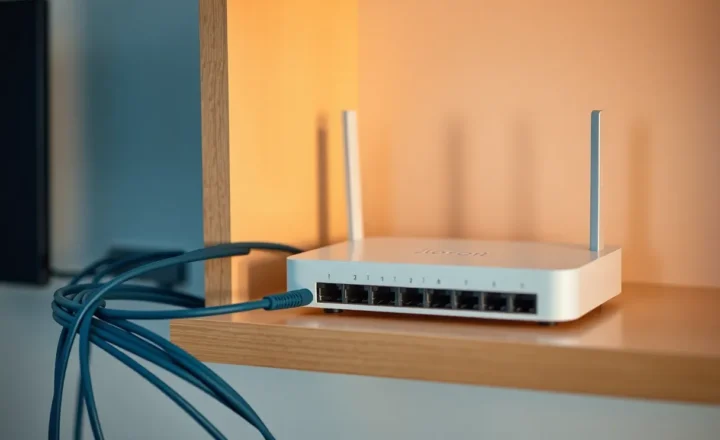
Matter promised fewer walled gardens. For many households, it delivered: one app adds a light, another app can see it, and the family stops asking which ecosystem “owns” the porch lamp. For power users — people running Home Assistant, VLANs, multiple border routers, and firmware betas — Matter bridges are where the fairy tale ends and the compatibility matrix begins. In 2026, bridges still feel beta not because the standard failed, but because translation layers are hard, vendors ship partial implementations, and your network is weirder than the certification lab’s.
This article explains what a Matter bridge actually does under the hood, why advanced setups hit edge cases casual users never see, and how to decide when a bridge is helping or just adding another moving part to your smart home.
Fair warning: if you want a single purchase to erase every ecosystem argument in your household, bridges are not that purchase. They are a pragmatic patch — sometimes excellent, sometimes merely acceptable — between the home you already built and the standard the industry is still finishing in public.
What bridges are translating
Many existing devices speak Zigbee, Z-Wave, or proprietary RF. Matter speaks IP — Wi-Fi, Ethernet, and Thread — with a common data model and commissioning flow. A Matter bridge is a bilingual device: it maintains legacy radio links on one side and presents a Matter fabric on the other. That presentation is not magic; it is mapping clusters, endpoints, and security domains between two worlds that evolved with different assumptions about sleep cycles, multicast, and who is allowed to reconfigure what.
When mapping is imperfect, symptoms look like “works in vendor app, weird in Apple Home,” or “attribute exists but automation cannot see it,” or “scene runs once, then desynchronizes.” Casual users might shrug; power users notice immediately because their automations depend on precise state.

Why 2026 still feels like early days for edge features
Certification validates a baseline: join a fabric, expose core clusters, behave safely on failure. It does not guarantee every manufacturer exposes every knob you relied on in legacy mode. Bridges often ship with conservative feature sets first — on/off, brightness, basic sensors — while advanced capabilities (color modes, complex button mapping, energy monitoring quirks) trail behind or never arrive.
Firmware updates help, but they also rearrange behavior. A bridge that “mostly worked” in January may change commissioning rules in March. Power users feel this as churn; mainstream users might not notice if porch lights still flip.
Thread, Wi-Fi, and the multicast elephant
Matter over Thread depends on border routers that forward IPv6 correctly across your LAN segments. The moment you introduce guest networks, IoT VLANs without mDNS reflectors, or aggressive multicast filtering, Thread devices and bridges can look “offline” while vendor clouds still work through alternate tunnels. That split confuses debugging: is Matter broken, or is your network topology exercising a path the standard assumes is flat?
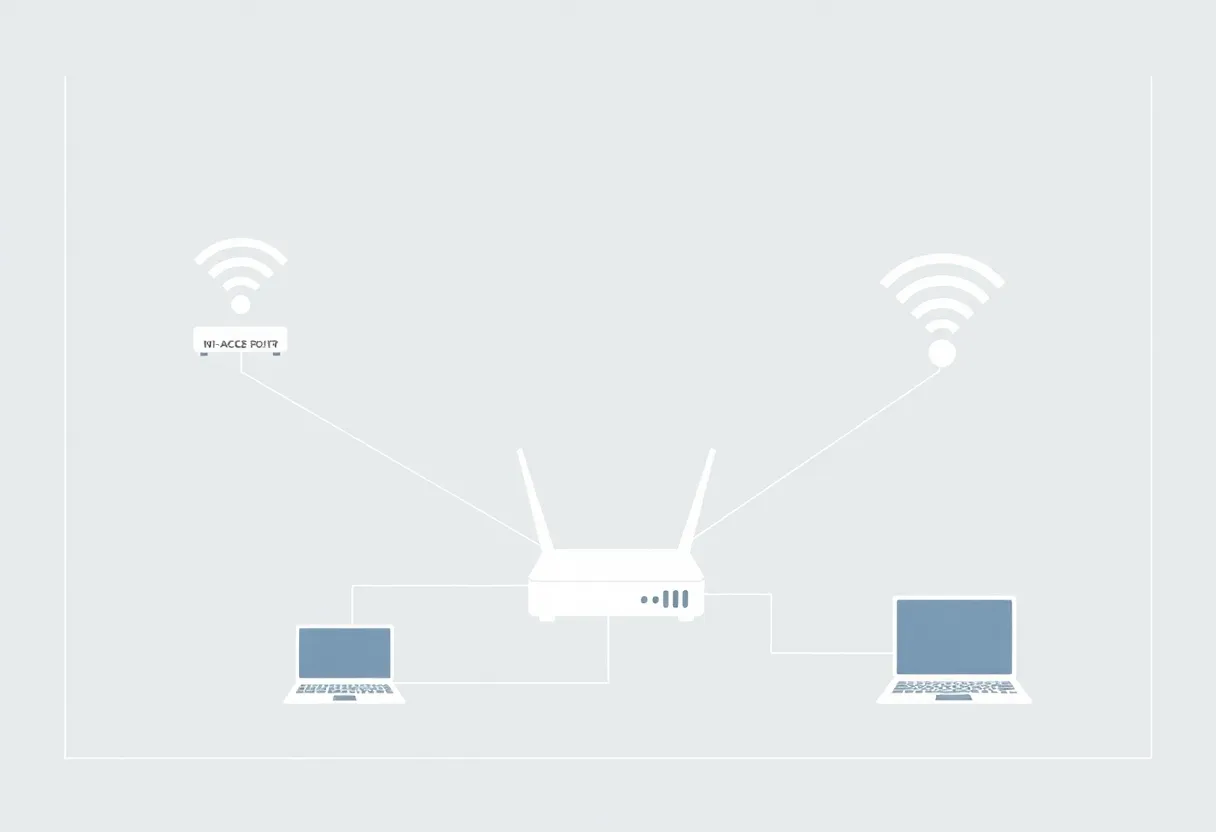
Power users love segmentation for security. Matter likes discoverability. Bridges sit on the fault line. You can engineer around this — dedicated VLAN helpers, controlled mDNS gateways, careful placement of border routers — but it is work the marketing brochure labels “it just works.”
Home Assistant and the expectations gap
Home Assistant adopters often want local control, rich entity models, and reproducible YAML. Matter bridges sometimes expose trimmed-down entities or require running the Matter stack in a configuration that conflicts with other add-ons. Integrations improve constantly, yet the feeling of beta persists because you are stacking experimental layers: bridge firmware, Matter SDK revisions, controller app updates, and HA releases.
That is not a reason to avoid Matter; it is a reason to treat bridges as infrastructure you test before you rebuild your house around them.
Commissioning drama: the step casual users click through
QR codes and pairing windows look friendly until you run four ecosystems. A bridge commissioned into Google Home may not automatically appear the way you expect in Apple Home without additional steps; moving devices between fabrics can be intentionally painful for security reasons. Power users rotate test phones, swap controllers, and rebuild networks — each action stresses commissioning state machines that assume a patient homeowner with one primary app.
When something fails, error strings are often generic. “Unable to add accessory” tells you nothing about whether the failure was crypto, timeout, duplicate fabric, or multicast loss. Logging on the bridge side — when exposed — becomes essential, and not all vendors expose it kindly.
Security models: why “local” still has attack surface
Matter’s local-first story is attractive, but bridges inherit legacy radio attack surfaces: weak legacy pairing on child devices, firmware that predates modern OTA discipline, and cloud tunnels vendors enable for convenience. A power user’s nightmare is bridging untrusted cheap sensors into a fabric that also holds door locks. Segmentation still matters: separate SSIDs, firewall rules, and considered placement of bridges that talk to both worlds.
Performance: latency you can feel in automations
Every translation hop adds milliseconds — sometimes tens to hundreds on busy meshes. For lights, humans adapt. For motion-triggered stairwell sequences or synchronized scenes, you notice. Benchmark if you care: toggle at the switch, observe end-to-end time in your controller logs. If a bridge doubles latency versus a native Zigbee path to your coordinator, decide whether the interoperability benefit is worth the lag.
Vendor incentives vs power-user desires
Manufacturers want fewer SKUs, fewer returns, and support lines that do not melt. Conservative bridge mappings reduce support costs. Power users want full fidelity — every scene channel, every diagnostic cluster, every hackable button event. Those goals conflict. Until the market matures, expect bridges to prioritize “safe default” over “exposes everything the silicon can do.”
Multi-admin fabrics: powerful, fiddly, easy to break
One of Matter’s headline features is multi-admin — the same accessory visible to multiple ecosystems. Bridges complicate the story because the legacy side may not understand when a permission changed on the Matter side. You might share a light to a guest’s phone for convenience and accidentally expose more than you intended if the bridge maps whole endpoint groups. Power users should treat multi-admin like firewall rules: explicit allow-lists, periodic audits, and a habit of removing stale commissioners.
OTA collisions: when everything updates at once
Bridges, Thread routers, Wi-Fi APs, and phone apps all ship OTA updates. A harmless Tuesday patch can reorder startup timing so a border router comes up before your DHCP helper, briefly breaking discovery. The failure often self-heals, which makes it maddening to diagnose. Keep a change log when you update anything touching IoT — even “routine” router firmware — and correlate with phantom Matter outages before you blame the bulb.
Documentation discipline for households that outlive the installer
Most smart homes are not maintained by the person who installed them. Bridges amplify that problem: an opaque black box with blinking LEDs and a vendor login. Write down fabric credentials storage, backup codes, and which account owns commissioning. Future-you — or the next homeowner — will not intuit your topology from memory.
Practical playbook: make bridges boring
Boring is a compliment in infrastructure. Your goal is not to impress visitors with LED choreography; it is to survive Tuesday night when the microwave, the baby monitor, and the firmware update share the same noisy slice of spectrum.
- Keep border routers near the center of IoT connectivity, not on the far side of a Wi-Fi extender chain from hell.
- Document your fabric — which controller commissioned which device, which bridge firmware version, which VLAN path.
- Test failover — power-cycle the bridge during an automation and see whether state recovers or ghosts.
- Prefer native Matter devices when buying new gear if you want fewer translation surprises; use bridges to protect sunk-cost legacy hardware, not to chase novelty.
- Recommission after major LAN changes — new router, new subnet, or new AP brand — even if vendors say you should not need to.
When to skip the bridge entirely
If your legacy ecosystem already integrates cleanly with your controller — Zigbee stick with ZHA, Z-Wave JS on a known-good stick — a Matter bridge might add latency and shrink features. Sometimes the best Matter strategy is “Matter for new devices, old stack for old devices,” running in parallel until the hardware naturally turns over.
Bottom line
Matter bridges are real progress for interoperability, but progress is not the same as finished. Power users feel the seams because they stress features, topologies, and update cadences that certification never promised to solve. Treat bridges as beta infrastructure with upside: use them where they reduce app sprawl, keep segmentation deliberate, and buy native Matter when you want the cleanest path. The standard is maturing; your network patience should mature with it.
Until bridges catch up to power-user expectations, the winning mindset is hybrid honesty: use Matter where it removes friction for the household, keep proven local stacks where they still deliver richer control, and refuse to let any single vendor slogan replace a packet capture when things get weird.