Why Cloud Backup Is Replacing Local Backups (And When to Resist)

Maria Torres
March 1, 2026

Cloud backup has won. Most people—and most businesses—now rely on cloud services for their backups. Backblaze, iDrive, CrashPlan, Carbonite, or the built-in options in Windows, macOS, and Google—the trend is clear. Local backups—external drives, NAS, tape—feel old-school. But cloud backup isn’t always the right choice. There are scenarios where local backups are better, or at least necessary as a complement. Here’s what’s driving the shift to cloud, when you should resist, and how to build a backup strategy that actually works.
Why Cloud Backup Won
First, convenience. Cloud backup runs in the background. It syncs automatically. You don’t have to remember to plug in a drive or swap tapes. Set it and forget it. For most users, that’s a huge win. Local backups require discipline—and most people don’t have it.
Second, offsite protection. A fire, flood, or theft destroys your computer and your external drive in the same event. Cloud backups live in a data center hundreds or thousands of miles away. They survive local disasters. That’s the core value proposition: geographic redundancy without thinking about it.
Third, pricing. Cloud storage is cheap. A few dollars a month gets you hundreds of gigabytes or more. External drives cost less per terabyte upfront, but they fail, they get lost, and they require manual management. For many users, the total cost of ownership favors cloud.
Fourth, integration. Operating systems and apps increasingly assume cloud. Photos sync to iCloud or Google. Documents live in Dropbox or OneDrive. The backup boundary has blurred—your “backup” might just be “another copy in the cloud.” That’s not always ideal, but it’s the default. Resistance requires effort.
When to Resist Cloud-Only Backup
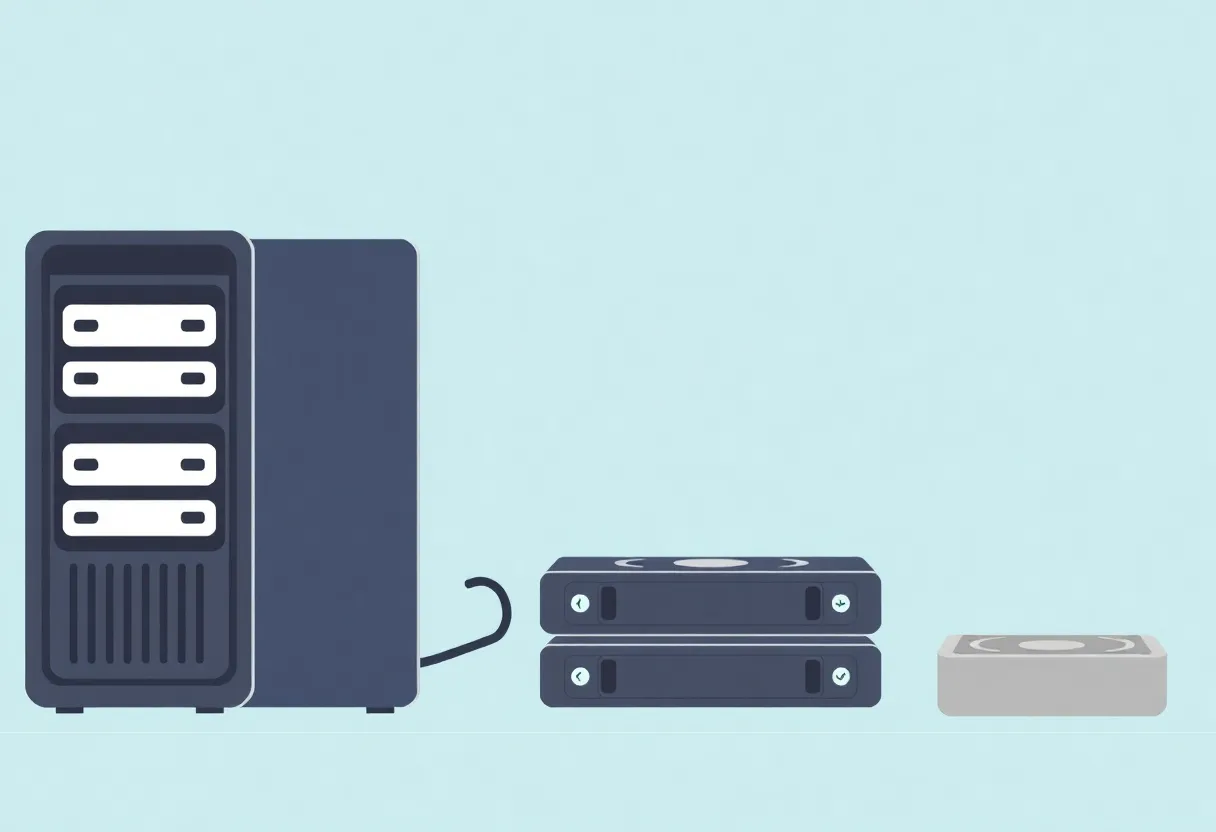
First, restore speed. Cloud restore can be slow. Downloading terabytes over a typical home connection takes days. If you need your data back in hours—after a ransomware attack, a failed upgrade, or a mistaken delete—local backup wins. A NAS or external drive lets you restore at disk speed. Hybrid strategies—local for speed, cloud for disaster recovery—make sense for anyone with more than a few hundred gigabytes.
Second, privacy and compliance. Cloud backup means your data lives on someone else’s servers. Encrypted at rest, yes—but the keys are often held by the provider. If you’re handling sensitive data—medical records, legal documents, proprietary work—local backup gives you control. Self-hosted or air-gapped backups may be required for compliance. Cloud isn’t always an option.
Third, cost at scale. A few hundred gigabytes in the cloud is cheap. Tens of terabytes is not. At scale, the math flips. A NAS with 20TB costs a few hundred dollars and runs for years. 20TB in the cloud costs hundreds of dollars per year, indefinitely. For heavy data users—creators, researchers, homelabbers—local backup is often cheaper long-term.
Fourth, availability. Cloud providers go down. Accounts get locked. APIs change. Relying entirely on a third party means accepting that your backup could be temporarily inaccessible when you need it most. Local backup is under your control. It doesn’t depend on the internet or a provider’s uptime.
Building a Hybrid Strategy
The 3-2-1 rule still applies: three copies of your data, on two different media, with one offsite. Cloud satisfies the offsite requirement easily. Local satisfies speed and control. The ideal setup combines both.
For most users: cloud backup for primary protection, plus a local copy for fast recovery. Backblaze or similar for offsite; Time Machine, Windows Backup, or a NAS for local. If you lose your computer, restore from local. If your house burns down, restore from cloud.
For power users: local NAS or external drive for primary backup, with cloud as an offsite copy of critical data. Not everything needs to go to the cloud—photos and documents, yes; raw video and large project files, maybe not. Encrypt before uploading if privacy matters.
For businesses: layered. Local backup for fast restore. Cloud or tape for offsite. Test restores regularly. The best backup is the one you’ve verified.
The Bottom Line
Cloud backup has won for convenience and offsite protection. But local backup isn’t obsolete—it’s essential for speed, privacy, cost at scale, and control. Resist cloud-only if you need fast restore, handle sensitive data, or have large volumes. Build a hybrid: cloud for disaster recovery, local for everything else. The goal isn’t to pick a side—it’s to have a strategy that actually works when things go wrong.