
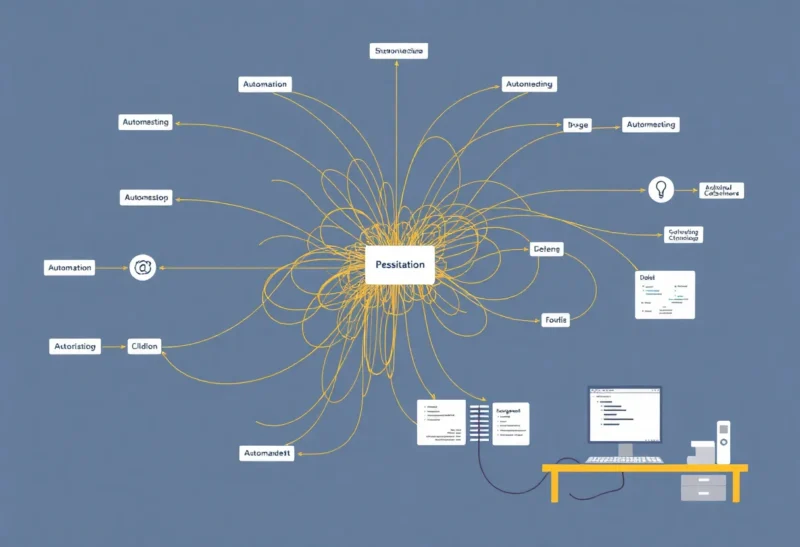
Automation is supposed to reduce work. You set up a workflow once, and it runs forever. In practice, automation doesn’t disappear—it accumulates. And like any code or system, it can turn into technical debt: something that was fast to build, is painful to change, and keeps demanding attention when you least want to give it. The difference is that we don’t always call it debt. We call it “our Zaps” or “that script we wrote.” Here’s when your automation becomes technical debt—and how to spot it before it owns you.
The Telltale Signs
You know automation has become debt when fixing it costs more than building it did. A Zap that was quick to set up now has 20 steps, five integrations, and no documentation. When it breaks—and it will—you spend an hour tracing which step failed and why. How those platforms actually handle failure is retries, silent misses, and when to leave the Zap. Or a script that “just works” runs on a cron job somewhere. Nobody remembers what it does or where the credentials live. When the API changes or the server gets retired, the script becomes an emergency. That’s debt: the cost of maintaining and understanding the system is higher than the cost of redoing it, but redoing it feels too risky because “it works.”
Another sign: you’re afraid to touch it. The automation is critical—it moves data, sends emails, or keeps a process running—but no one wants to refactor it because the last time someone did, something broke in production. So you patch. You add another step, another condition, another workaround. The complexity grows, and the next person (or you in six months) has even less idea how it all fits together. That’s classic technical debt: the interest compounds.

Why Automation Debt Is Sneaky
With application code, we’re used to the idea of refactoring and paying down debt. With automation, we often treat it as “not real code.” It’s a no-code workflow or a small script—how bad can it be? But automation often sits at the boundary between systems. It touches APIs, credentials, and business logic. When it’s undocumented, brittle, or duplicated across three tools, the failure mode isn’t just “the script crashed.” It’s “orders didn’t sync,” “customers didn’t get the email,” or “the report was wrong.” The blast radius can be large even when the artifact looks small.
And because automation is “quick to build,” we build a lot of it. One Zap for this, one script for that. Over time you have a web of dependencies. One integration deprecates an endpoint; three workflows break. You didn’t design for that—you designed for “get it done.” So the debt isn’t in one place; it’s distributed across every workflow that nobody has time to document or simplify.
How to Pay It Down
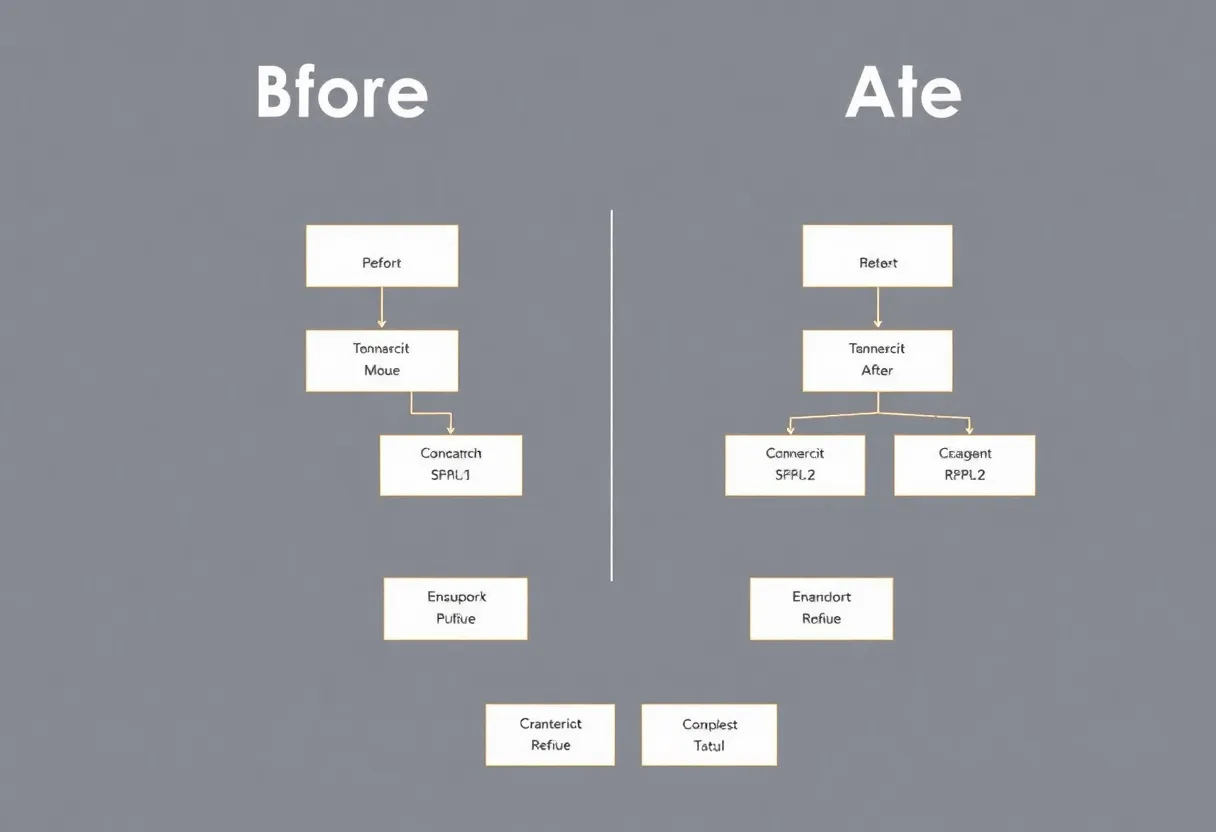
First: treat automation like code. Document what each workflow does, what it depends on, and who owns it. When something breaks, fix it properly—don’t just add a band-aid. Second: consolidate where you can. Three Zaps that do similar things are three things to maintain. One well-designed workflow with clear inputs and outputs is easier to reason about. Third: schedule time to audit. Every quarter or so, list the automations that are critical and ask: would we build this the same way today? If not, plan a migration. Fourth: kill what you don’t need. The best way to reduce debt is to delete it. If a workflow is obsolete or redundant, turn it off and remove it. Fewer systems, less debt.
The Bottom Line
Automation becomes technical debt when it’s hard to change, poorly understood, and expensive to fix—but too critical to throw away. The way to avoid that is to treat it like the infrastructure it is: document it, simplify it, and pay down the complexity before it pays you back in midnight debugging sessions. Your future self will thank you.