What iPad Health Features Actually Tell You That Your Phone Doesn’t

Maya Chen
February 25, 2026
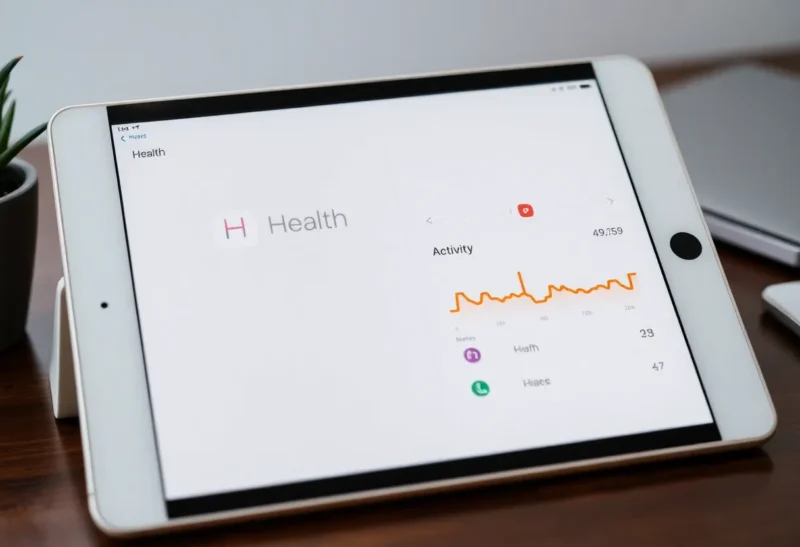
Your iPhone has the Health app. So does your iPad. But the bigger screen and different use case of the tablet surface health data in ways the phone doesn’t—and Apple has been quietly adding iPad-specific health features that make the larger device more than just a bigger mirror of your phone. Here’s what the iPad actually adds to your health and fitness picture.
More Room to See the Full Picture
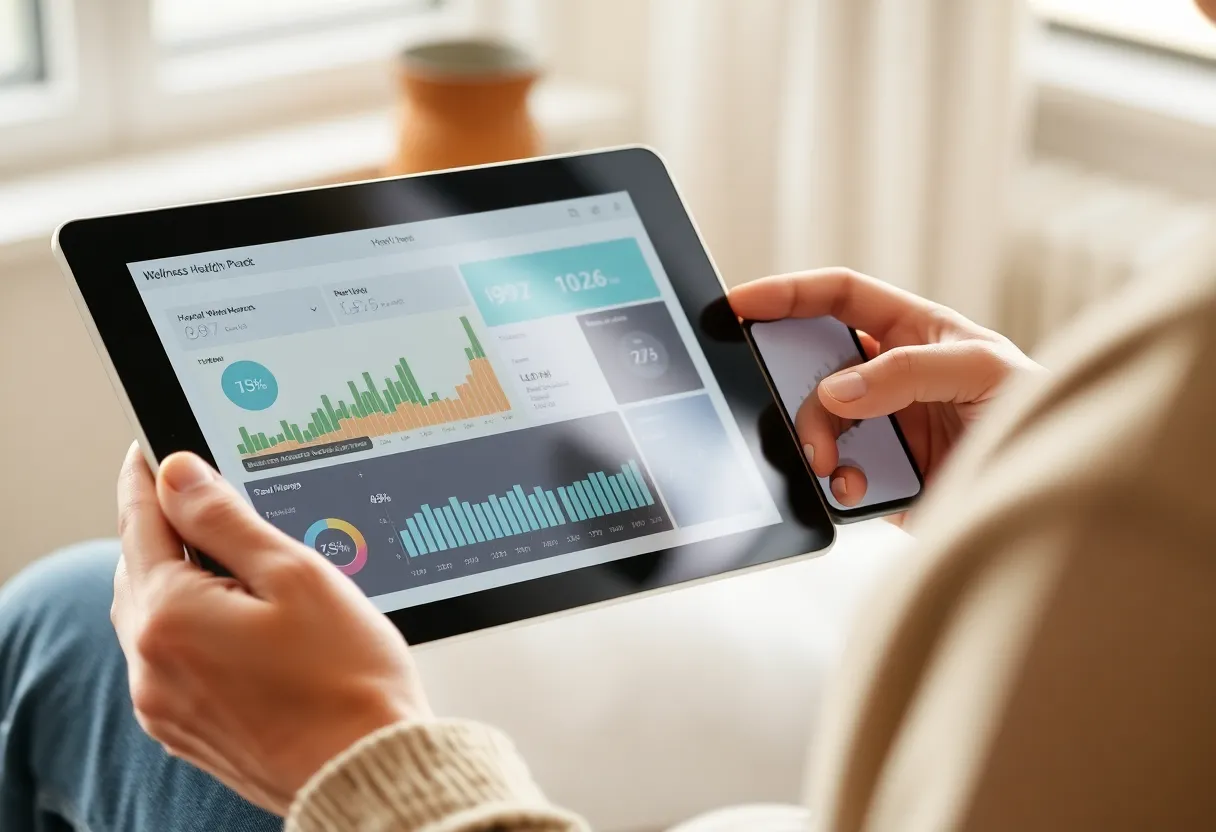
On a phone, the Health app is a dense list of metrics and trends. You tap in, check a number, and tap out. On an iPad, the same data gets a canvas. Trends over weeks or months can sit side by side. You can compare activity, sleep, and heart rate without squinting or switching tabs. For anyone who actually wants to understand patterns—when sleep dips, how exercise correlates with stress, or how medication timing affects rest—the extra space matters.
That’s not a trivial difference. Health data is useful when you can see it in context. A single number (“you slept 6 hours”) is less informative than a trend (“you’ve been under 7 hours for two weeks”). The iPad’s Health app doesn’t add new sensors—it gives you a better view of what your phone and watch are already collecting.
Sharing and Caregiver Context
Apple’s Health sharing features let you share selected data with family or caregivers. On the iPad, that shared view is designed for the person on the other end—a partner, a parent, or a care provider. The larger display makes it easier to review someone else’s trends, medication schedules, or activity without feeling like you’re peeking at a tiny screen.
If you’re the one sharing (e.g. with an aging parent or a spouse managing a condition), the iPad can be the hub where you check in. Notifications, summaries, and alerts are easier to act on when they’re not competing with everything else on your phone. For families managing health together, the iPad often becomes the “family health dashboard” in a way the phone rarely does.
Medication and Mindfulness at a Different Scale
Medication tracking in Health shows reminders and logs. On the iPad, you can see the week ahead, adjust schedules, and review adherence without the interface feeling cramped. Same for mindfulness and reflection: if you use the Health app to log mood or run breathing exercises, the tablet gives you a calmer, less interrupt-driven context. You’re not holding the device you get texts and emails on—you’re looking at a dedicated surface for that moment.
That separation is psychological, but it affects behavior. Checking health on the iPad can become a deliberate, low-stress ritual instead of a quick glance between notifications on the phone.
What the iPad Still Doesn’t Do
The iPad doesn’t have its own heart rate sensor, GPS for outdoor workouts, or the same always-on background collection that the Apple Watch provides. So the iPad isn’t replacing your phone or watch for capture—it’s a better viewer and manager. Your phone and watch feed the data; the iPad helps you make sense of it.
Also, not every Health feature has been fully ported to iPad. Some third-party app integrations and legacy data views still feel phone-first. But for the core experience—trends, sharing, medications, and mindfulness—the iPad version is more than a blown-up phone app. It’s a different way to use the same data.
The Bottom Line
If you already use the Health app on your iPhone, the iPad version doesn’t duplicate it—it expands it. You get a clearer view of trends, a more usable space for sharing and caregiving, and a better context for medication and mindfulness. The iPad won’t replace your phone or watch for collecting health data, but for understanding and acting on it, the bigger screen earns its place.