What E-Ink Tablets Are Finally Good Enough For in 2026

Owen Finch
February 26, 2026
E-ink tablets have spent years in a niche: great for reading, laggy for everything else. In 2026 the picture has changed. Faster refresh modes, better stylus support, and larger screens have made them viable for note-taking, light productivity, and reading in ways that used to require a laptop or an LCD tablet. Here’s what they’re finally good enough for—and where they still fall short.
Reading: Where E-Ink Always Won
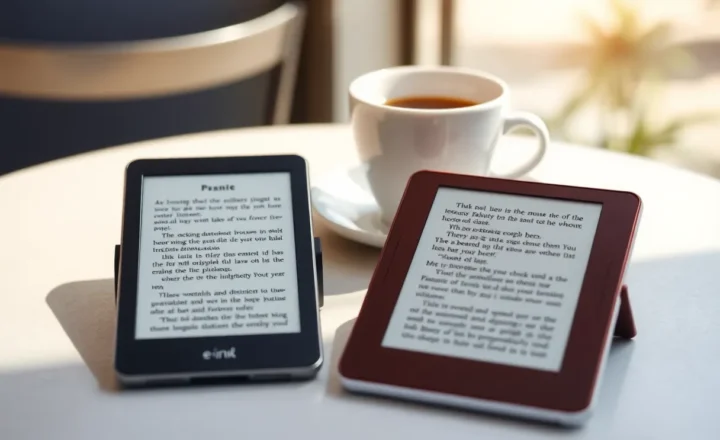
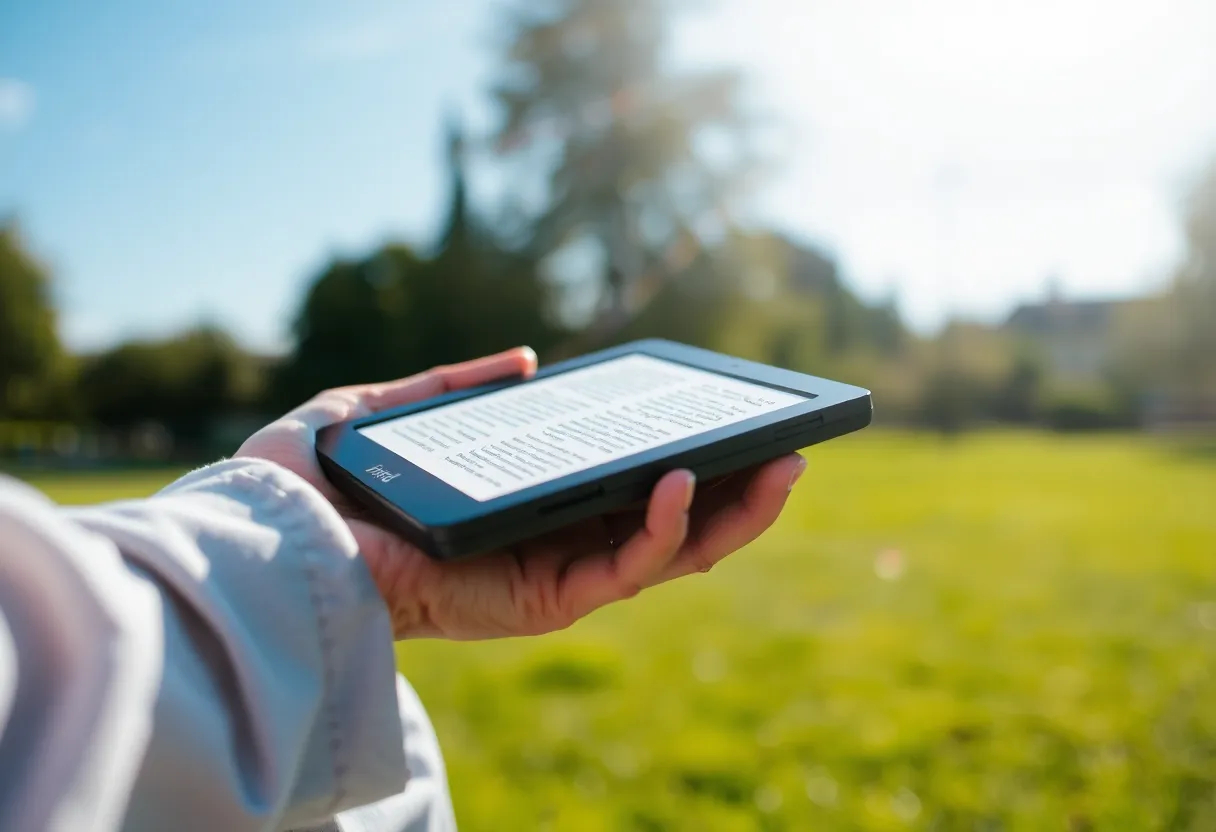
E-ink excels at long-form reading. No backlight glare, minimal eye strain, and battery life measured in weeks. That hasn’t changed. What has improved is the experience: faster page turns, better contrast, and color options on some devices that make illustrated books and comics more readable. If your main use is books and articles, an e-ink tablet in 2026 is better than ever—and still the wrong choice if you need rich color, video, or highly interactive content. The sweet spot remains text-first reading, especially outdoors or in bright light where LCDs wash out.
Note-Taking: Finally Practical
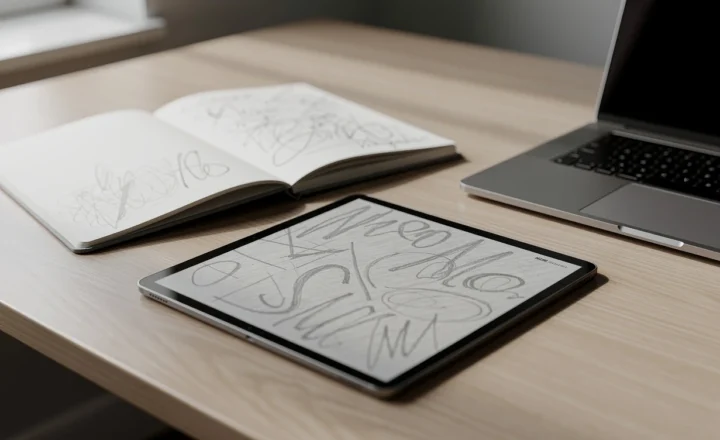
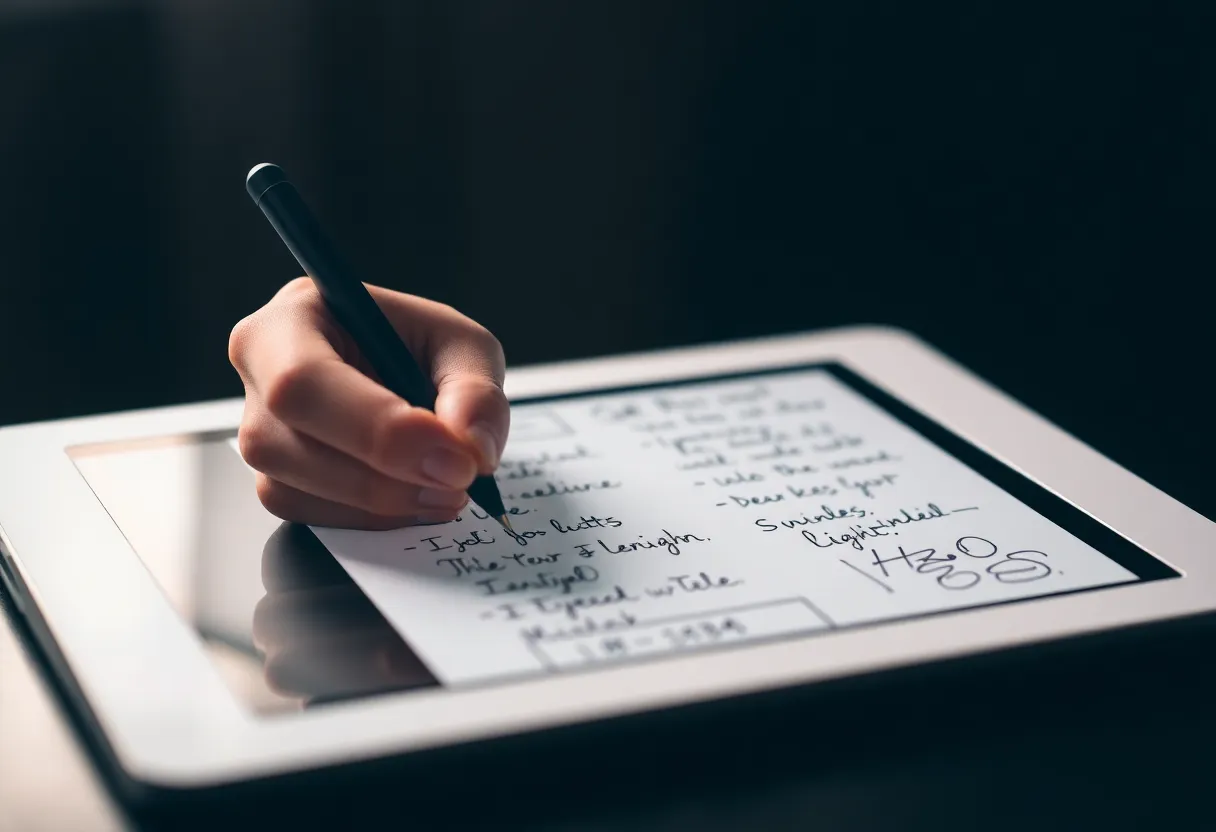
Where e-ink used to lag—literally—was writing. Slow refresh meant ghosting, delay under the stylus, and a feeling of fighting the device. Newer e-ink tablets offer dedicated fast-refresh modes for the writing area, so the latency is low enough to feel natural. Handwritten notes sync to the cloud, export to PDF or text (often with OCR), and can be organized in notebooks and folders. They’re still not as snappy as an iPad for doodling or rapid annotation, but for meeting notes, journaling, and structured note-taking they’re good enough that many people prefer them over LCD tablets—no notifications, no temptation to switch apps, and a paper-like feel. If you’ve avoided e-ink for notes before, 2026 hardware is worth another look.
Light Productivity: Email, Docs, and Browsing
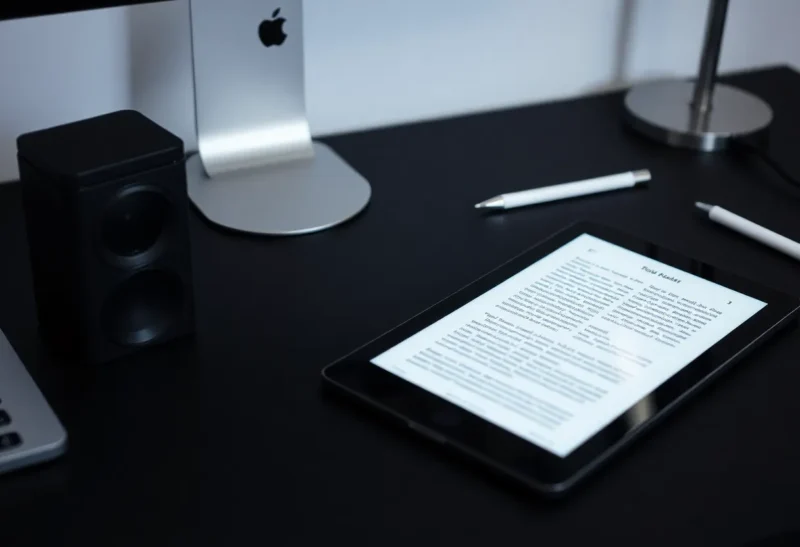
Some e-ink tablets run Android and can install apps: email, Kindle, PDF readers, and even light web browsing. The experience is acceptable for checking mail, reading long documents, and viewing static or simple web pages. It’s not good for video, complex web apps, or anything that expects smooth animation. Typing on an on-screen keyboard is possible but slow; Bluetooth keyboards help if you want to draft longer pieces. So e-ink tablets in 2026 can replace a chunk of “secondary device” use—catching up on reading and notes without pulling out a laptop—but they’re not full productivity machines. They’re complementary.
Where They Still Fall Short
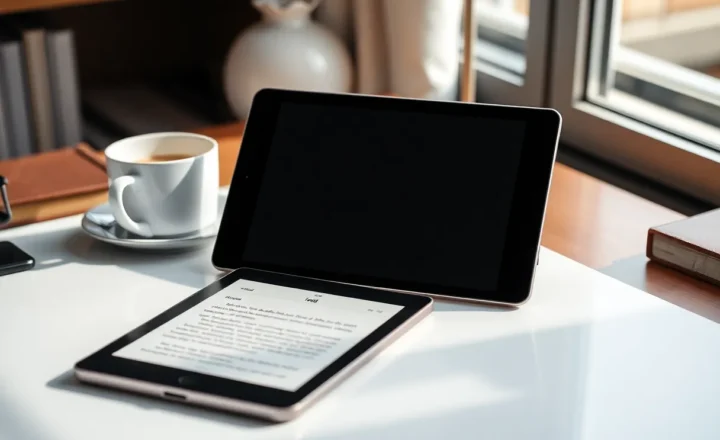
E-ink is still wrong for video, gaming, video calls, and anything that needs fast, full-color refresh. Even the fastest e-ink modes can’t match LCD for responsiveness. Multitasking and app switching feel slower. If you need one device for everything, an e-ink tablet won’t be it. They’re also a premium niche: good e-ink tablets with stylus support cost as much as or more than basic LCD tablets. You’re paying for the screen technology and the focus it enables—not for raw specs. So the question isn’t “is e-ink as good as LCD?” It’s “do I want a device that does reading and notes really well and nothing else?” For many people in 2026, the answer is yes.
The Bottom Line
E-ink tablets in 2026 are finally good enough for serious note-taking, comfortable long-form reading, and light productivity like email and docs. They’re still not all-purpose devices—they excel where focus and eye comfort matter and fall short where speed and color do. If that trade-off fits your workflow, they’re worth considering. If you need one device for everything, look elsewhere.