Vaultwarden vs Bitwarden Cloud: What You Actually Lose When the Box Goes Dark

Marisol Vega
August 25, 2026
The sales pitch for Vaultwarden is a screenshot of a tiny container and a line about Bitwarden-compatible clients without a subscription. The outage pitch is quieter. The mini PC loses power. The reverse proxy’s certificate expires. You are in another city. A relative’s phone just finished a factory reset. The vault they need is on a disk that is dark, and the official apps are not a USB stick. They are clients of a server you decided to be.
Vaultwarden versus Bitwarden Cloud is not “free versus paid.” It is whose availability story you are buying. Bitwarden sells you theirs. Vaultwarden sells you yours. Yours includes the weekend you are away, the UPS you did not buy, and the backup you never restored.
What still works when the server is gone
Bitwarden-family clients cache an encrypted vault after a successful sync. If the phone was unlocked recently and the cache is warm, airplane mode still shows logins. That fact is why people say self-hosting is fine. It is also why they underestimate a dark box. The cache is not a plan. It is a leftover.
A factory-reset phone has no cache. A new laptop has no cache. A browser you never logged into has no cache. Those clients need a live API to download the blob. Vaultwarden down means enroll down. Bitwarden Cloud down means the same thing, except their down is on a status page and yours is a fuse in a garage.
Push notifications, sync of a password you changed this morning, and Sends all die with the server. TOTP codes already in the cached vault still generate. The new seed you saved at the bank this afternoon does not exist on the travel laptop until you sync. That gap is how people get locked out of a second factor they thought they had “in Bitwarden.”
Admin functions are gone. Invites, emergency access approvals, SMTP, the admin token UI. If your household’s only path to a new device is “I will add you when I get home,” you have built a password manager with business hours.
What Bitwarden Cloud is actually selling
You are not paying for encryption. The model is zero-knowledge either way if you do not sabotage it. You are paying for a control plane that is not your UPS, for official support, for org features that land on a roadmap you do not implement, and for a compatibility promise between official server and official clients.
That last one matters. Vaultwarden tracks the Bitwarden API. It is excellent at it. It is still a volunteer-shaped project following a product. A client update can assume a server behavior that your container does not have yet. The usual fix is “pin the app” or “wait for Vaultwarden.” Pinning a phone app is a wish. Waiting is an outage if the client refuses to sync.
Cloud also sells emergency access and org collections that someone who is not you can operate from a hotel. Self-hosting can copy some of that. Copying it is work. If you never tested emergency access against a dark primary and a restored replica, you have a feature name, not a feature.
The bill is real. Families notice it. That is a valid reason to leave. It is not a valid reason to skip the restore drill. You did not remove a subscription. You became the vendor.
What you lose the hour the box goes dark
I write this list for people who already have the container running and feel finished.
New devices. The reset phone. The work laptop they handed you. The iPad that “just needs the vault.” No server, no download.
Fresh secrets. Anything saved after the last sync on each device is local to the device that saved it. The travel laptop is stale. Stale is how you type an old Wi-Fi password into a router you are trying to recover.
2FA for the vault itself. If you required a TOTP or a hardware key to unlock, and the client insists on talking to the server to complete a flow, you can be more stuck than a cloud user. Test unlock while the server is intentionally stopped. Do it on iOS and desktop. They do not behave the same every release.
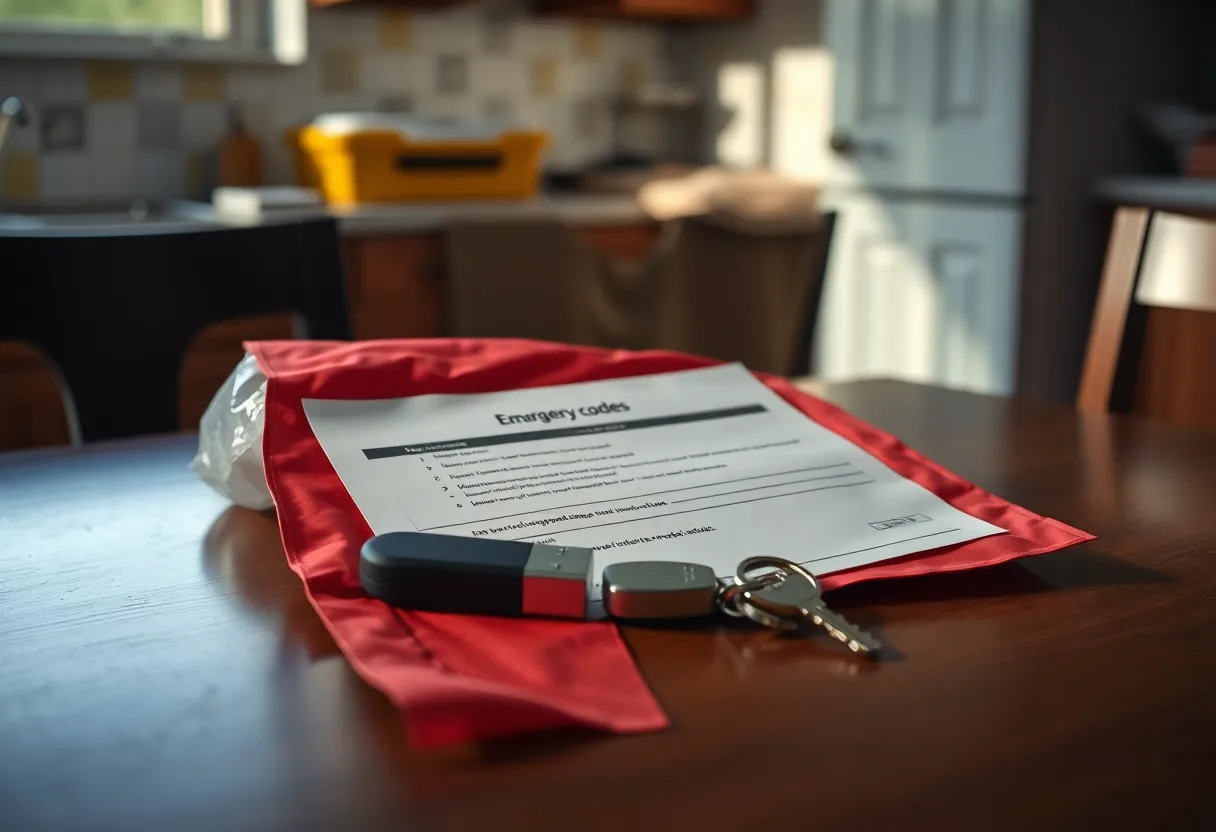
Recovery from you being unavailable. Bitwarden’s org admin can sit in another country. Your admin token is on a notes file next to the host that is down. Print the emergency kit. Put the data backup and the admin token in two different buildings. If both are on the NAS, the NAS is still a single story.
Trust theater. Relatives will forgive Bitwarden Inc. for an hour of sync problems. They will not forgive you for “the password app is broken” during a bank login. Self-hosting moves the social SLA onto you. That is not in the Docker docs.
The outages that are not a power cut
Certificate expiry on the reverse proxy is the classic. Clients throw angry TLS errors. You think the vault is “down.” The container is happy on port 80 behind a dead name. Monitor the cert. Calendar it. This outage looks like a Bitwarden bug and is a Let’s Encrypt bug you own.
Disk full on the Docker host. Vaultwarden cannot write. Syncs fail in ways that look like auth. The dashboard in Portainer is still green because the process is up.
A “helpful” update. You pulled :latest and the web vault or the API shifted. Pin the image. Read the release before you pull on a Friday.
DNS. You put Vaultwarden on a home name and you travel. Split DNS that only works on the LAN means the phone on LTE cannot find the box unless you also have Tailscale or a public name. If the public name is the plan, you now have an exposure story. If Tailscale is the plan, Vaultwarden’s availability is Tailscale plus the box. Stack those outages honestly.
SMTP. Invites and emergency access mail never send. You do not notice until you need a second human. Configure mail and send a test to an account you do not use daily.
When Vaultwarden is still the right call
You are the only user, or the other users can tolerate you as vendor. You already have monitoring, off-box backups, and a restore you have done onto a second machine. You can reach the host via a mesh if the house IP changes. You accept pinning clients when the API races.
You want the data on a disk you can hold. That desire is legitimate. Satisfy it with a backup that unlocks on a laptop, not only with a container that feels private because it is in a closet.
You do not need Bitwarden’s enterprise corners. If you do, pay them. Reimplementing SCIM on a Saturday is how vaults go dark for a different reason.
When you should stay on Bitwarden Cloud
Anyone who will factory-reset a phone without you in the room. Anyone whose job depends on a login at 9 a.m. while you are on a plane. Anyone who will not install Tailscale so they can reach your LAN name.
If the vault is the household’s only copy of bank TOTP, the server is a life-safety adjacent system. Treat it like one or do not host it. Cloud is allowed to be the boring choice. Boring is how relatives keep their tax logins.
A hybrid exists: you in Vaultwarden, relatives on Bitwarden Cloud, no shared org. That is two vendors and no shared emergency access. It is still better than one Vaultwarden nobody else can resurrect.
A dark-box drill that fits an evening
Stop the container. On a phone that already had the vault, confirm unlock and TOTP. On a browser profile that does not, confirm you cannot enroll. Start a second Vaultwarden from last night’s backup on another port or another host. Change a client to that URL or that Tailscale name. Confirm sync. Write down how long it took and which secret you needed. If the backup needed the live host to decrypt, you do not have a backup.
Then pull power on the primary host, not only compose stop. USB disks, DHCP, and the proxy in front will surprise you. Restore from the USB in the drawer. If the drawer USB is older than a week, the drill already failed.
Keep an export you understand. An encrypted Bitwarden export in two places is a worse UX and a better last resort than a SQLite file you have never opened. Know the passphrase. Do not store that passphrase only in the vault it unlocks.
The close
When the box goes dark you lose enroll, fresh sync, and any flow that needs the API. You keep whatever cache each device happened to have. Bitwarden Cloud loses those things only when they do. Vaultwarden loses them when you do.
If you can restore onto a second machine with a printed kit, and the household can wait or reach that machine, self-host. If the next factory reset happens without you, pay Bitwarden and spend your homelab energy on a service that is allowed to be down.
The container is easy. The hour the container is gone is the product. Run that hour on purpose before a relative has to run it for you.