USB4 vs Thunderbolt 4 for Laptop Docking: Clearing the Label Soup for 2026 Buyers

Marcus Feldmann
April 8, 2026
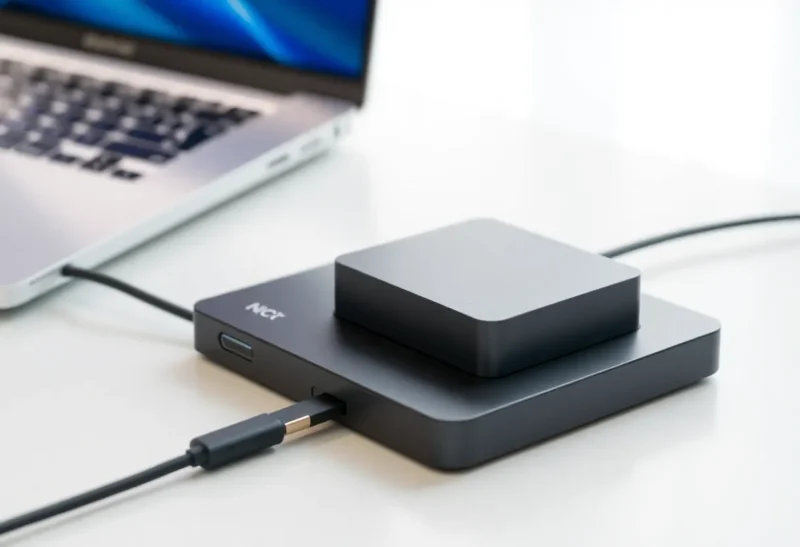
Walk into a laptop listing and you will see ports described as USB-C, USB4, Thunderbolt 3, Thunderbolt 4, and sometimes “40Gbps” without saying what actually happens when you plug in a dock. The connector shape is the same; the capabilities are not. This guide untangles USB4 versus Thunderbolt 4 for the specific job most buyers care about: one-cable docking with displays, Ethernet, and storage—without surprises when you get back to the hotel desk.
Start with the connector, not the sticker
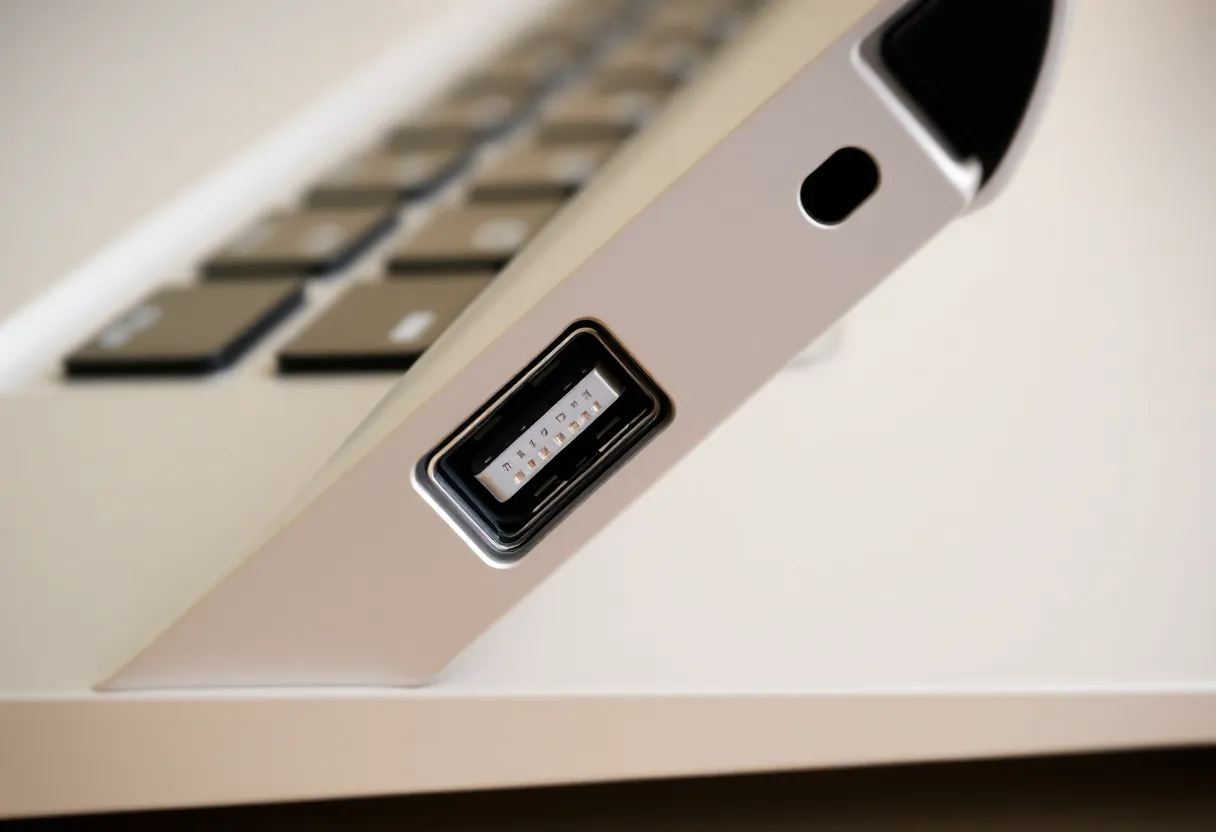
USB Type-C is only a plug. It carries USB data, optionally DisplayPort alternate mode, optionally Thunderbolt, and USB Power Delivery for charging—if the laptop, cable, and dock all agree. A port that looks identical to another on the same machine might be full-featured on the left and charging-only on the right. Read the manual; embarrassment is cheaper than buying the wrong dock twice.
What USB4 guarantees (mostly)
USB4 (generations now span 20Gbps and 40Gbps flavors in marketing) standardizes tunneling of USB3, DisplayPort, and PCIe over a common fabric. That sounds like Thunderbolt—and Intel contributed the protocol roots—so overlap is real. Where USB4 can frustrate buyers is optional features: not every USB4 port implements the same display topology or charging wattage. You must verify the exact laptop SKU, not the family name.
What Thunderbolt 4 adds on top
Thunderbolt 4 is a stricter certification box around USB-C: minimum PCIe lanes to docks, dual 4K display expectations on many setups, wake-from-sleep behaviors, and cable length rules that reduce mystery shopping. If your workflow depends on reliable eGPU-class throughput or picky multi-monitor timing, Thunderbolt-branded laptops and docks historically produced fewer “works except Thursdays” support tickets—your mileage still varies with firmware.
Docking reality: bandwidth is not your only bottleneck
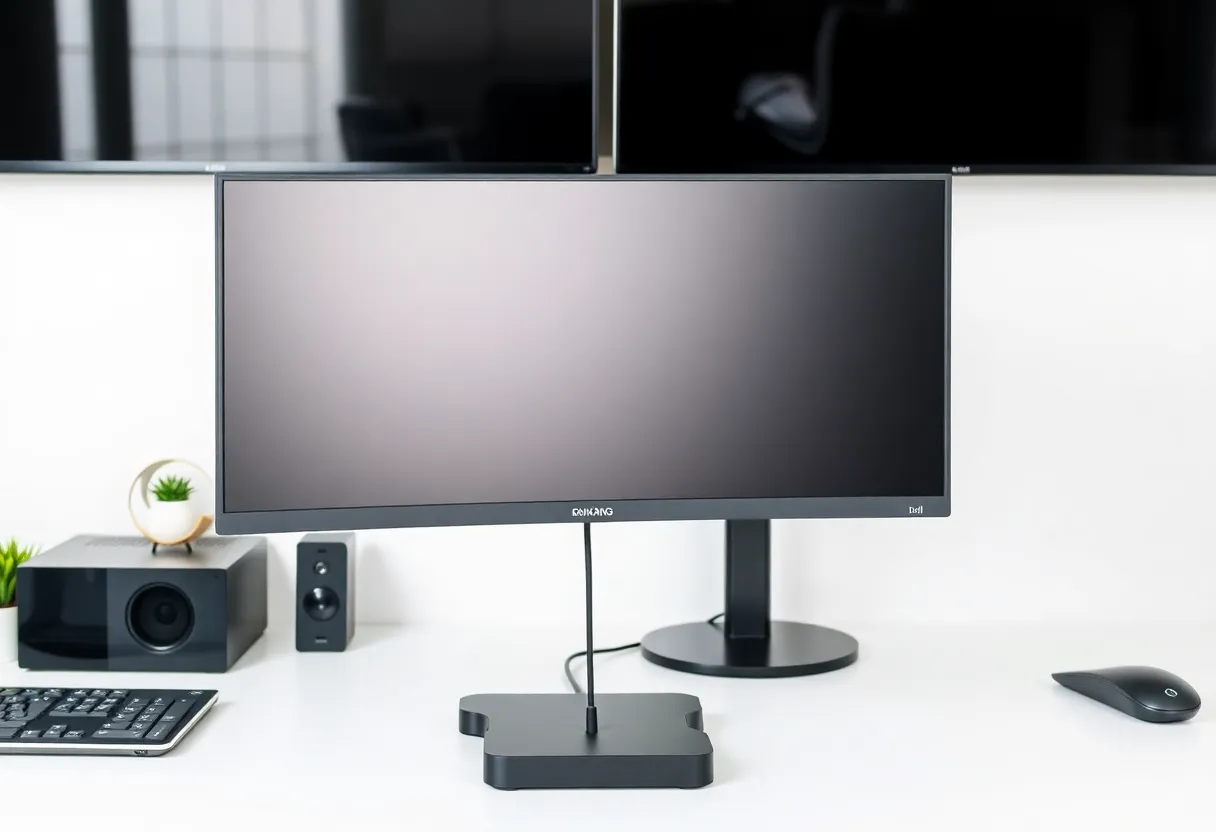
Even with 40Gbps on paper, shared links mean a RAID array and two 4K streams can contend. Look for docks that document how display paths are muxed. Some setups route video via DisplayPort alt mode separately from USB traffic; others tunnel everything and feel tighter under load. Thunderbolt docks often publish clearer diagrams—USB4-only docks are catching up but read reviews with multi-monitor torture tests.
Cables matter more than people budget for
A passive USB-C cable that handled a phone might choke a 40Gbps link. Active cables cost more but save hours of “is my GPU broken?” angst. Label the good cables at both ends; family members love borrowing the one certified cord and leaving you with a drawer of impostors.
Power delivery: watts and negotiation
Docking is not only data—it is how your laptop charges. Check the dock’s upstream PD contract and whether your laptop wants 100W, 140W, or something quirky. Underpowered chargers can work until you spin fans and external drives simultaneously, then brown out in the least convenient meeting.
Practical buying heuristics for 2026
- If you want the least drama on docks and eGPUs, Thunderbolt-branded laptops with Intel-certified accessories remain a conservative bet.
- If you chase AMD or Apple Silicon machines with USB4 ports, verify dock compatibility lists—especially for dual 4K at high refresh.
- If you only need one external screen and a handful of USB devices, a simpler USB4 hub may save money without sacrificing happiness.
Apple Silicon and AMD: read the fine print twice
MacBooks popularized single-cable life, but not every M-series machine exposes identical external display limits. Windows laptops with AMD Ryzen sometimes ship USB4 controllers that need firmware updates before certain docks stabilize. Treat forum anecdotes as hypotheses; vendor QVL lists are duller and more reliable.
Future-proofing without crystal balls
USB4 Version 2 (80Gbps class messaging) and continued Thunderbolt evolution will keep shelves messy. Buy for the displays and drives you own today plus one tier of headroom—future abstract “maybe” specs are how closets fill with unused cables.
The label soup is not snobbery; it is engineering branching. Narrow your question from “USB-C good?” to “Does this port, cable, and dock combination handle my monitors and my charge profile?” Answer that with receipts, not vibes, and docking stops being a lottery.