USB 3.0 and Zigbee: The Interference Pattern That Breaks Cheap Coordinators

Drew Morrison
April 7, 2026
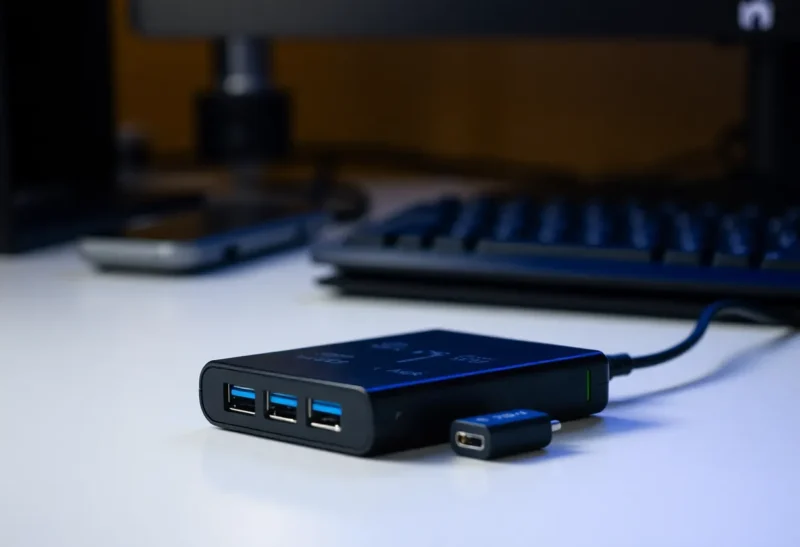
If your Zigbee mesh “mostly works” except when your PC is busy, or your cheap USB coordinator drops offline the moment you plug in a fast external SSD, you are not imagining a curse from the smart-home gods. You are probably bumping into a boring, physical interaction: USB 3.x signaling is noisy in the 2.4 GHz band, and Zigbee lives there too.
This is not a story about Zigbee being “bad.” It is a story about placement, shielding, and the way consumer hardware packs radios, clocks, and high-speed serial links into boxes the size of a sandwich. The good news is that the fixes are usually cheap. The bad news is that they are easy to skip because the marketing on the box never mentions RF physics.
Why Zigbee cares about 2.4 GHz
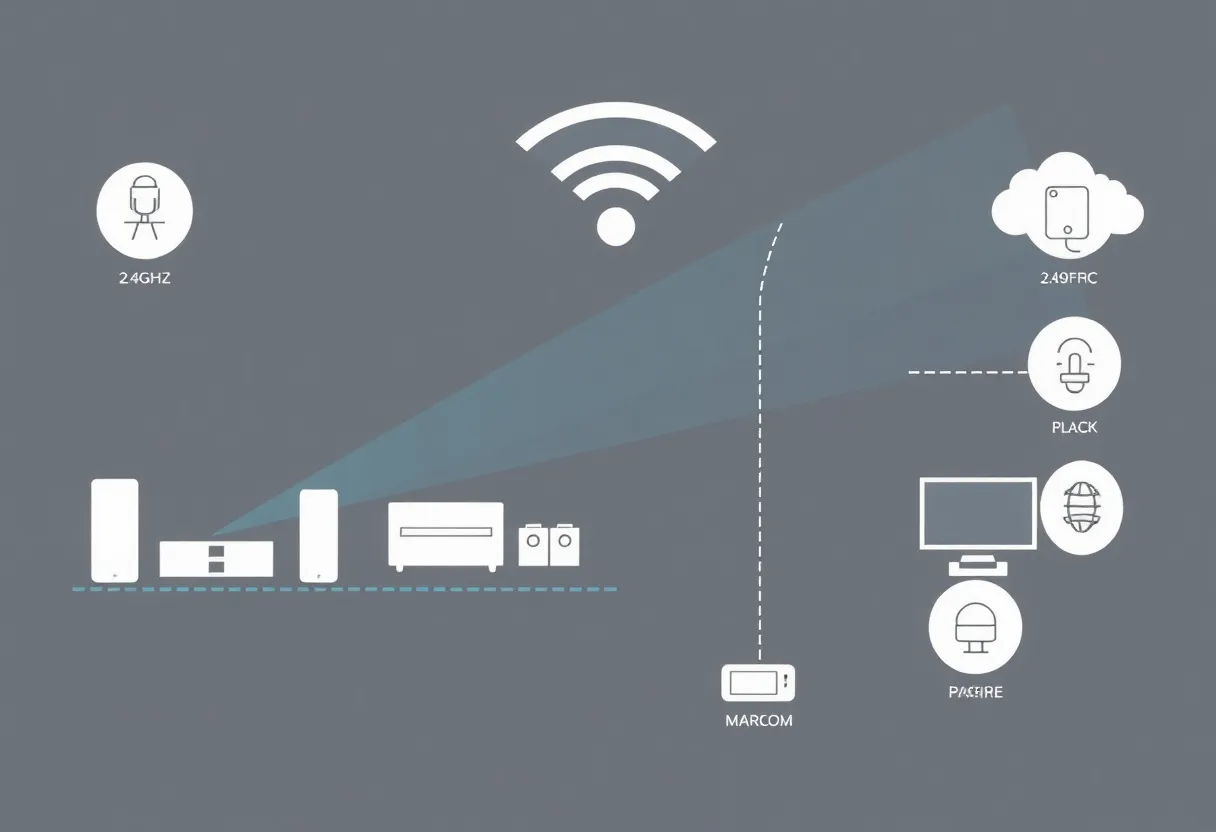
Zigbee (and Thread, and Bluetooth, and Wi-Fi in the 2.4 GHz flavor) all share the same crowded neighborhood of spectrum. Zigbee uses relatively low power and relies on mesh routing, which means individual links do not need huge signal strength—but they do need a noise floor that is not constantly being kicked by unrelated electronics.
When people say “Zigbee is unreliable,” what they often mean is “one weak link is poisoning routing decisions,” or “my coordinator can hear the mesh only on odd-numbered Tuesdays.” Interference is a classic reason the coordinator becomes that weak link.
What USB 3.0 has to do with any of this
USB 3.0 and later use dual-lane signaling at very high rates. The standard’s design includes mechanisms intended to reduce emissions, but in the real world, cables, connectors, and devices vary. Poorly shielded USB3 peripherals—and sometimes the ports themselves—can raise the noise floor in the 2.4 GHz range.
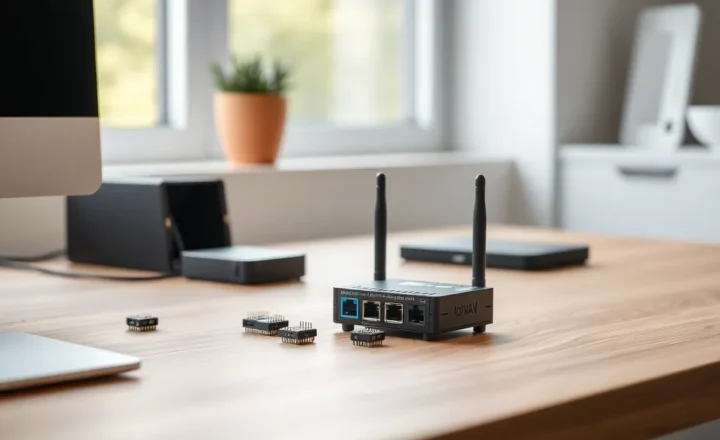
That matters because many home automation enthusiasts run a Zigbee coordinator on a tiny USB dongle plugged directly into the back of a PC, a Raspberry Pi, or a compact server. Sometimes it is millimeters away from a USB3 port that is actively moving gigabytes to an NVMe enclosure. The dongle’s antenna is not on a mast in a field. It is in the middle of a miniature thunderstorm of harmonics and digital noise.
You can think of it like trying to have a quiet conversation beside a freeway. Your voice (Zigbee) might still be intelligible, but you will work harder, repeat yourself, and occasionally give up—except in mesh networking, “giving up” looks like latency, dropped commands, and devices that route through a worse neighbor until the whole network feels sluggish.
Why “cheap coordinators” show the problem first
Not all USB sticks are equal. Some have modest antennas, minimal RF front-end design, and plastic housings that are convenient but not optimized for isolation. That is not a moral failure; it is price point. A budget dongle can be perfect in a clean RF environment and miserable behind a workstation loaded with USB3 storage, hubs, and monitors with their own internal switching power supplies.
Meanwhile, Ethernet-attached coordinators, well-placed hubs, or sticks on a long shielded extension often “mysteriously” fix networks without changing a single line of automation logic. Same software, same devices—different noise environment.
Symptoms that smell like USB3 adjacency rather than “bad bulbs”
Interference is not the only cause of Zigbee weirdness, but a few patterns are suspicious:
- Correlation with disk activity — Installs, backups, or large copies coincide with missed sensor events.
- Worse performance when a specific peripheral is plugged in — Especially unshielded USB3 enclosures and certain hubs.
- Coordinator works fine on a laptop on battery, then degrades when docked with a pile of peripherals.
- Improvement when the stick is moved away on an extension — Even a meter can matter.
If your issues are uniformly bad everywhere, you may be dealing with Wi-Fi channel overlap, too few routers, or device limits. If they track USB activity, you are reading the right article.
Fixes that actually work (in order of sanity)
1. Put distance between the coordinator and USB3 noise sources
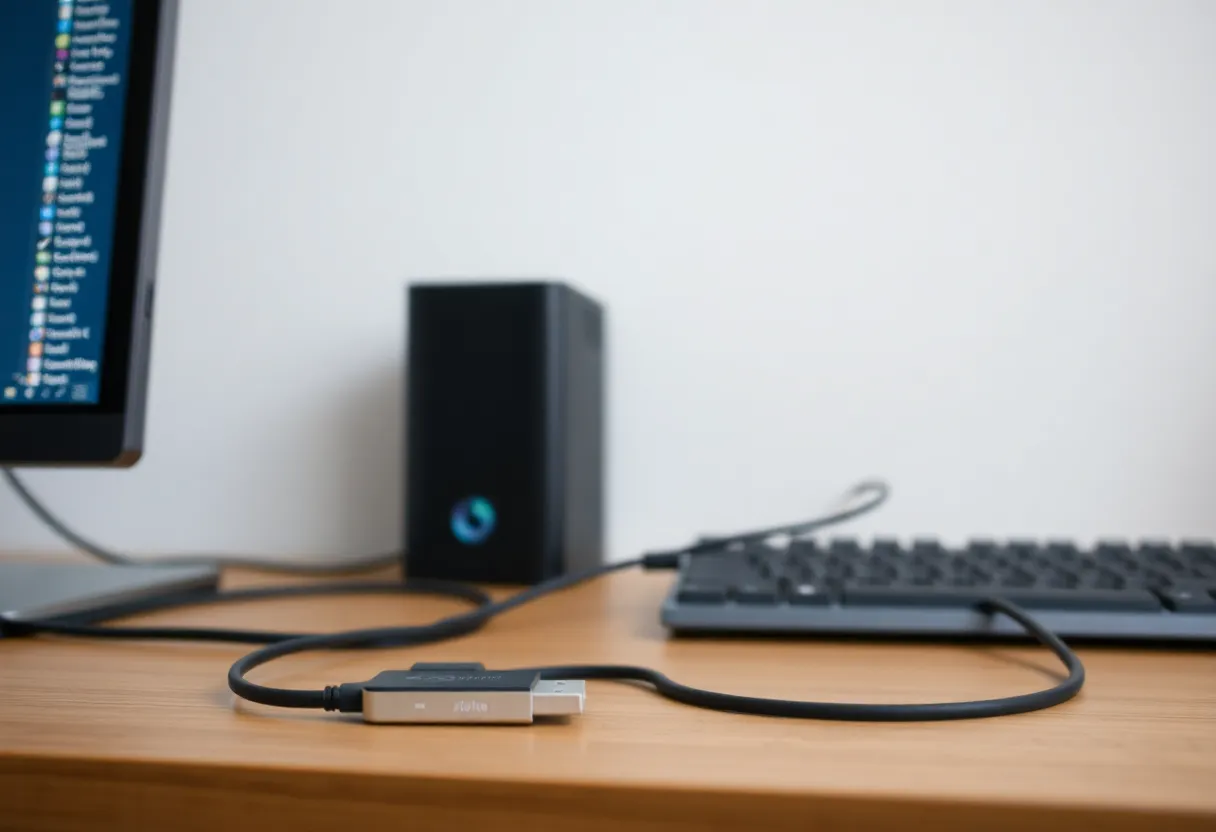
A quality USB 2.0 extension cable (yes, 2.0 is fine for a low-speed dongle) lets you move the radio away from the PC case and the cluster of ports. Distance is free RF shielding. Aim for a placement that is not pressed against metal, not coiled tightly on top of a power brick, and not sandwiched between Wi-Fi access points if you can help it.
2. Avoid the “dongle forest” on a hub
Stacking a Zigbee stick between a USB3 SSD and a high-speed card reader is a stress test. If you need a hub, separate heavy USB3 loads from the coordinator. Better yet, dedicate a port on the host controller if possible.
3. Improve the antenna situation
Some coordinators support external antennas; others do not. If you cannot upgrade hardware today, orientation and height still help. Vertical is often better than horizontal flush against a metal case—not because of magic, but because you are reducing the ways the antenna is shadowed by its own host.
4. Coordinate with Wi-Fi channel planning
USB noise is only one contributor. If your 2.4 GHz Wi-Fi is shouting on overlapping channels with Zigbee, you will fight a two-front war. Many guides exist for mapping Zigbee channels against Wi-Fi; the short version is: do not ignore 2.4 GHz Wi-Fi placement just because your phone shows “full bars.”
5. Upgrade the coordinator when the network outgrows the stick
Sometimes the right answer is a more capable coordinator with a better front end, external antenna, or PoE placement in the center of the home. That is not snobbery—it is acknowledging that a $15 radio has limits.
Raspberry Pi and mini PCs: small boards, big noise budgets
Home automation tutorials love sticking a Zigbee coordinator into a Raspberry Pi’s USB port. The Pi is a fantastic hub for Home Assistant—but it is also a dense board with switching regulators, HDMI, and multiple high-speed interfaces in a tight footprint. Users sometimes report “random” mesh issues that track with certain USB peripherals or with the Pi sitting inside a metal case with only a stubby dongle poking out.
The same extension-cable trick applies. Even better: mount the coordinator away from the case using a short mast or a shelf, and keep SSDs or USB3 hubs on a different physical path if you can. Mini PCs and Intel NUC-style boxes can be worse than towers because everything is crammed together with minimal air gap.
Shielding, cables, and the myth of “any USB cable”
Thin, unshielded USB cables are fine until they are not. For moving a coordinator, prefer a simple, well-made USB 2.0 extension with decent shielding. You do not need gold-plated marketing, but you do want a cable that is not acting like an antenna feeding noise straight into the stick’s ground reference.
If you try an extension and nothing changes, rotate the experiment: try a different port on the host, a different cable, and—if available—a powered hub placed farther from the NVMe enclosure. You are hunting variables, not performing a ritual.
Thunderbolt, docks, and the modern desk
Many “one-cable” docks are miracles of convenience and also concentrated sources of high-speed signaling. A laptop on a Thunderbolt dock may park a Zigbee stick within inches of a bundle of active links. If your network degrades only at the docked desk, compare against the same machine undocked with the stick on a long extension. If the pattern flips, you have learned something useful without opening a spectrum analyzer.
What not to blame
Zigbee’s application-layer concepts—binding, reporting, routing—can confuse newcomers, and it is tempting to blame the protocol. Many “Zigbee is flaky” threads mix together incompatible devices, weak repeaters, and RF issues. USB3 interference will not explain every dropout. It is simply a common, under-discussed contributor that costs nothing to rule out.
A quick mental model for troubleshooting
When the mesh misbehaves, ask three questions in order:
- Is the coordinator in a hostile RF pocket? Move it and retest.
- Is the mesh topology sane? Enough routers, sane paths, not everything end-device-only at the edge.
- Are the usual suspects configured? Channel choices, reporting intervals, firmware on routers.
Skipping straight to “buy new bulbs” often skips the step that matters most: getting the coordinator out of the noisy corner behind the tower case.
One more habit worth stealing from RF folks: change one variable at a time. Move the stick, wait long enough for routes to settle, then judge. Zigbee meshes can be slow to reconverge; a fifteen-minute test after each tweak beats declaring victory after sixty seconds and confusing routing churn with permanent improvement.
Conclusion
USB 3.0 did not set out to attack your lights. It is just fast parallel signaling in a world where 2.4 GHz is already a party nobody wants to leave. Cheap Zigbee coordinators are convenient—and they are also easy to place badly. If your smart home gets moody whenever your workstation wakes up, treat it like engineering, not superstition: separate the stick from the noise, clean up your Wi-Fi overlap, and give the mesh a coordinator that can actually hear its neighbors.