Why a Garage Lab?
Whether you’re into electronics, 3D printing, robotics, or just tinkering, a dedicated space at home changes how you work. A garage lab doesn’t need to be fancy—it needs to be safe, organized, and good enough that you actually use it. Here’s how to set one up without blowing the budget.
Pick the Space and Basics
You don’t need a full garage. A corner of a basement, a shed, or half of a one-car garage is enough. What matters: ventilation (for soldering and fumes), power (enough outlets and ideally a dedicated circuit for heavier tools), and lighting. LED shop lights are cheap and bright; add a desk lamp for close work. A solid workbench doesn’t have to be expensive—a used desk or a DIY bench from 2x4s and plywood works. Make it sturdy; you’ll be pressing and hammering on it.
Essential Tools Without the Bloat
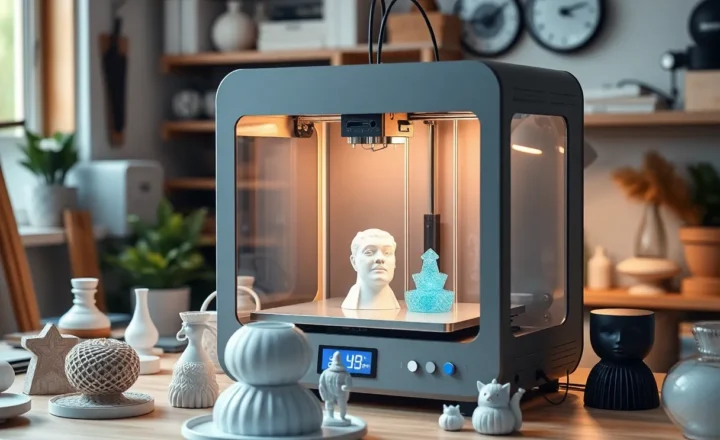
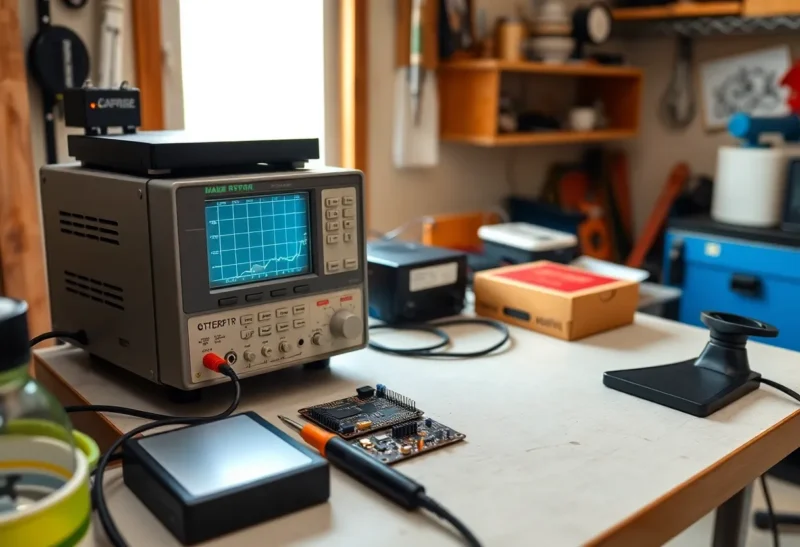
Start with the basics and add as you need. A good soldering station (temperature-controlled) is worth the extra over a $10 iron—you’ll get cleaner joints and fewer damaged boards. A multimeter is non-negotiable for electronics. A set of screwdrivers, pliers, wire cutters, and a breadboard with jumper wires cover a lot of projects. If you’re doing 3D printing, a budget printer (e.g. Ender-style) is enough to learn on; upgrade when you hit its limits. Skip the fancy oscilloscope until you’re debugging signals; a basic one or even a USB logic analyzer can wait until you have a real need.
Safety First
Wear safety glasses when soldering, cutting, or drilling. Keep a fire extinguisher nearby—lithium batteries and power supplies can fail. Ventilate when soldering; flux fumes aren’t something you want to breathe. If you’re working with line voltage, know what you’re doing or stick to low-voltage projects until you do. A first-aid kit and a clear path to the door are part of the lab too.
Organization and Storage
Parts and tools multiply. Use bins, drawers, or shelves for components—label them so you can find that resistor value in six months. Keep cables and adapters in one place. A pegboard or small parts cabinet saves time. The goal isn’t Instagram-perfect; it’s “I can find the thing and put it back.”
Power and Bench Supply
For electronics, a simple bench power supply (variable voltage and current limit) is hugely useful. You don’t need a lab-grade unit; a decent Chinese supply is fine for learning. It lets you test circuits without relying on batteries or USB. Add a breadboard power supply module later if you do a lot of 5 V / 3.3 V logic. If you’re doing anything with mains voltage, use an isolation transformer or stick to battery- and USB-powered projects until you’re confident.
Budget Reality Check
You can get a usable starter setup for a few hundred dollars: work surface, soldering station, multimeter, basic hand tools, and a breadboard with components. A 3D printer adds another couple hundred for an entry-level machine. Second-hand and surplus electronics (e.g. old PC power supplies, scrap boards) can teach you a lot for almost nothing. The trap is buying gear you don’t need yet. Start minimal, then add when a project forces your hand.
Sourcing Parts and Materials
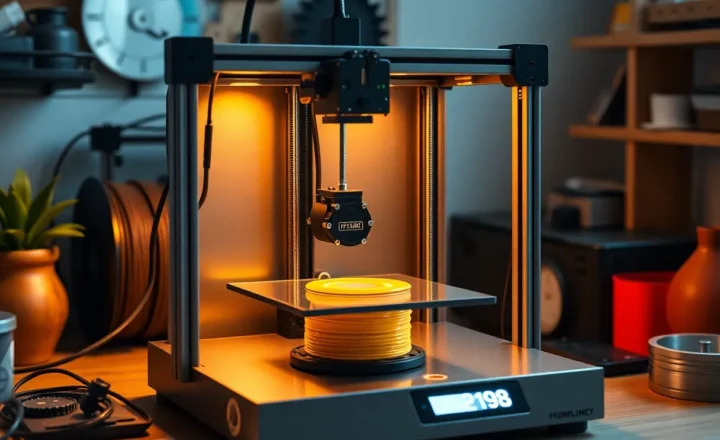
Online retailers (Digi-Key, Mouser, Adafruit, AliExpress for bulk basics) make it easy to get components. Keep a small stock of common resistors, capacitors, LEDs, and a few microcontrollers (Arduino, ESP32, or similar) so you can prototype without waiting on every order. For 3D printing, filament is cheap; buy a couple of colors and learn one material well before stacking rolls. Reusing parts from old gadgets is free and teaches reverse engineering—just be safe with anything that holds a charge or connects to mains.
First Projects That Teach
Start with something that lights up or moves. A simple LED circuit, a small motor driver, or a “blink” on a microcontroller gets you comfortable with the bench. Then try a sensor (temperature, light, motion) and log data or trigger an output. A small robot or an automated plant-watering setup ties together power, logic, and mechanical bits. Each project will reveal what you’re missing—that’s when you buy the next tool or part, not before.
When to Upgrade
Add tools when projects demand them: an oscilloscope when you’re debugging timing, a better 3D printer when the first one limits you, a proper vise when you’re filing metal. Don’t buy for the lab you might have—build for the projects you’re doing now. A garage lab on a budget is one that gets used, not one that looks ready for a YouTube tour.